Some people fall asleep to rain. Some need a box fan. Some want brown noise and a little thunder. Rest Easy lets you mix the sound you want for the night, then fades it out on a timer so it isn’t still playing at three in the morning.
It’s a free app for iPhone and iPad with ten sounds, a mixer for up to four at once, a gentle sleep timer and presets you can start with one tap. Every sound is made on your device as it plays.
Get Rest Easy free on the App Store The Rest Easy page
Who it’s for
Rest Easy is for anyone who goes to bed with sound: people who like a fan or white noise in the background, people who prefer rain or waves, and anyone who has woken up to a sound app still playing hours later.
It also suits the person who wants the same mix every night without fiddling. Save it once, then start it from the Home Screen widget, Siri or a bedtime shortcut.
Ten sounds, made as they play
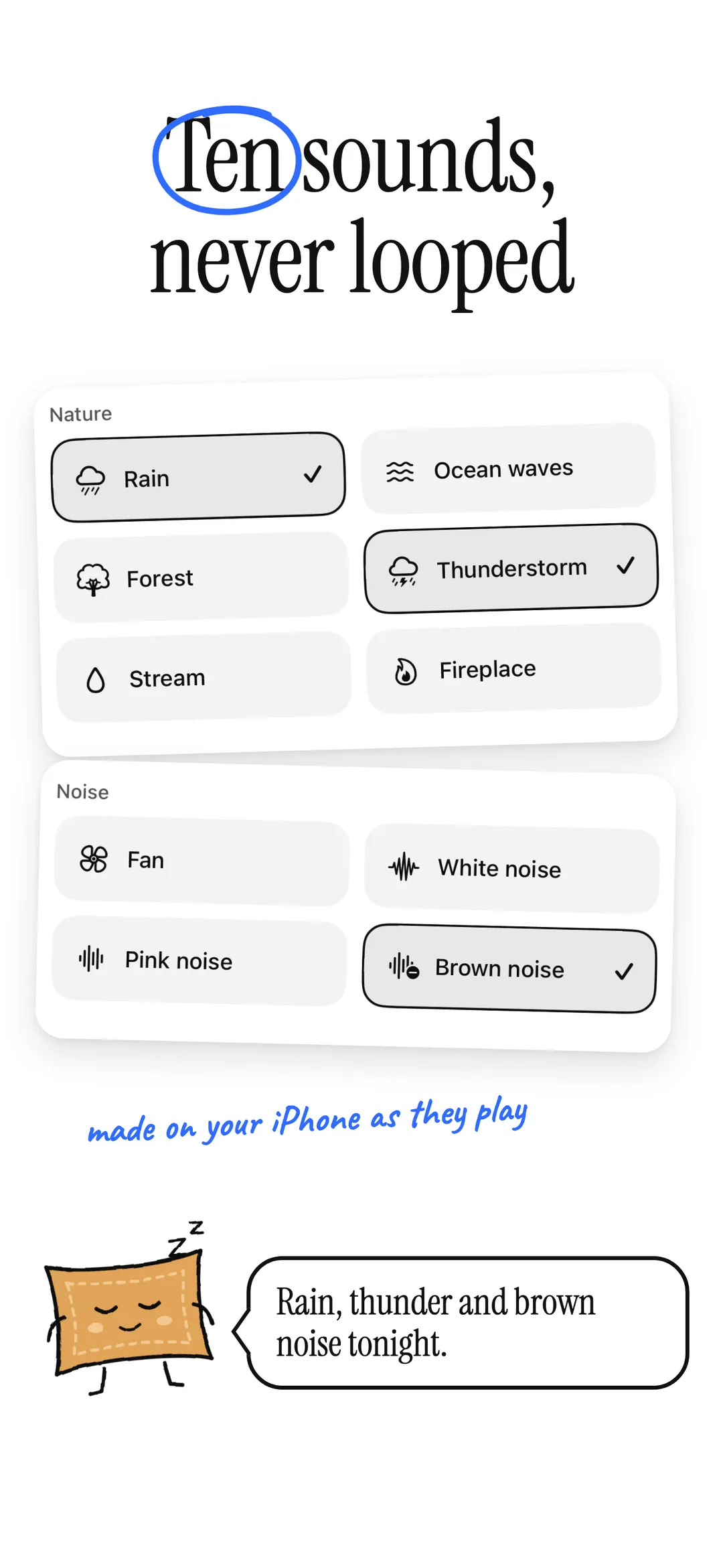
Rain, ocean waves, forest, thunderstorm, a running stream and a fireplace, plus a box fan and white, pink and brown noise. Each one is synthesized on your iPhone or iPad in stereo as it plays, so there are no loops, no gaps and nothing to download.
A mixer for your night
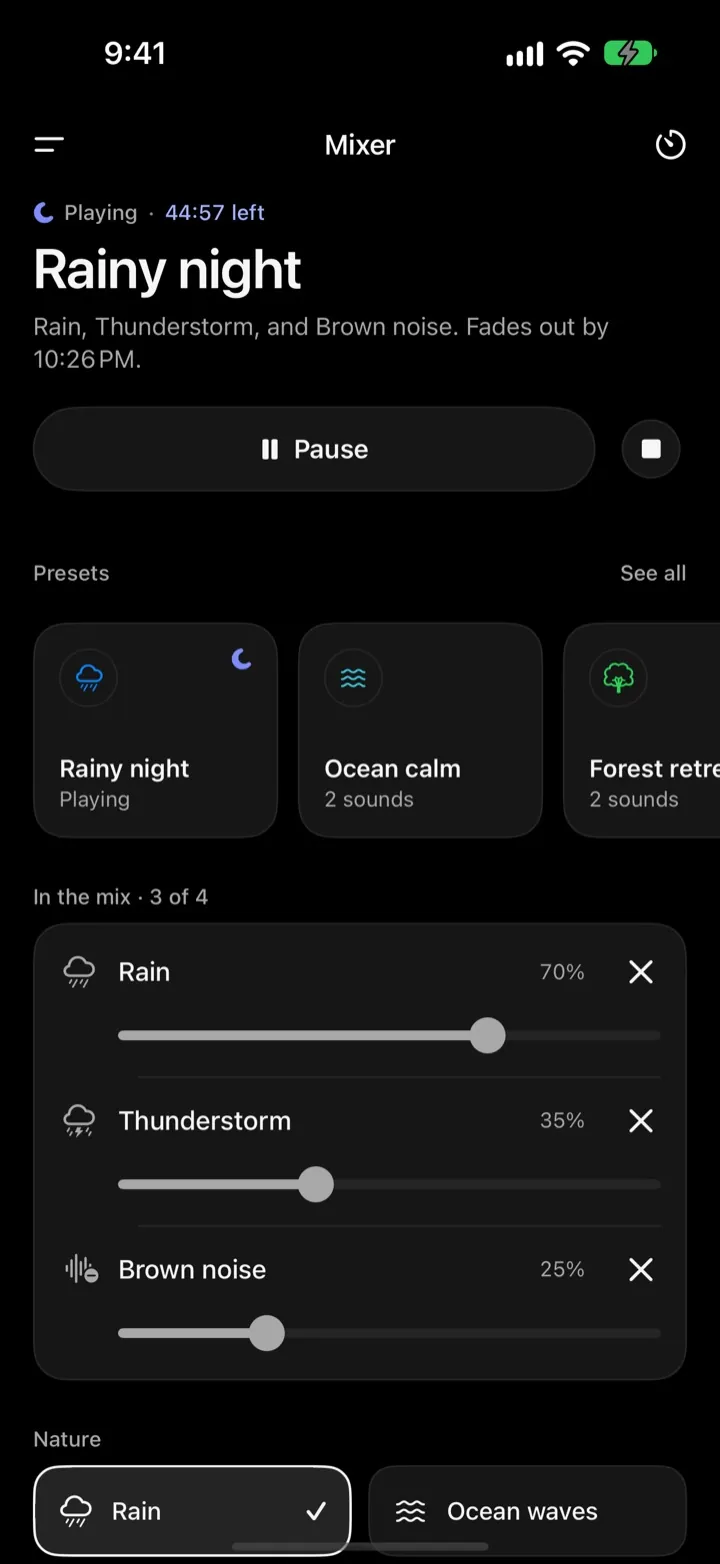
Layer up to four sounds and set each one’s volume. Tap a sound to add it, and tap it again to take it out. Sounds fade in and out instead of starting or stopping abruptly.
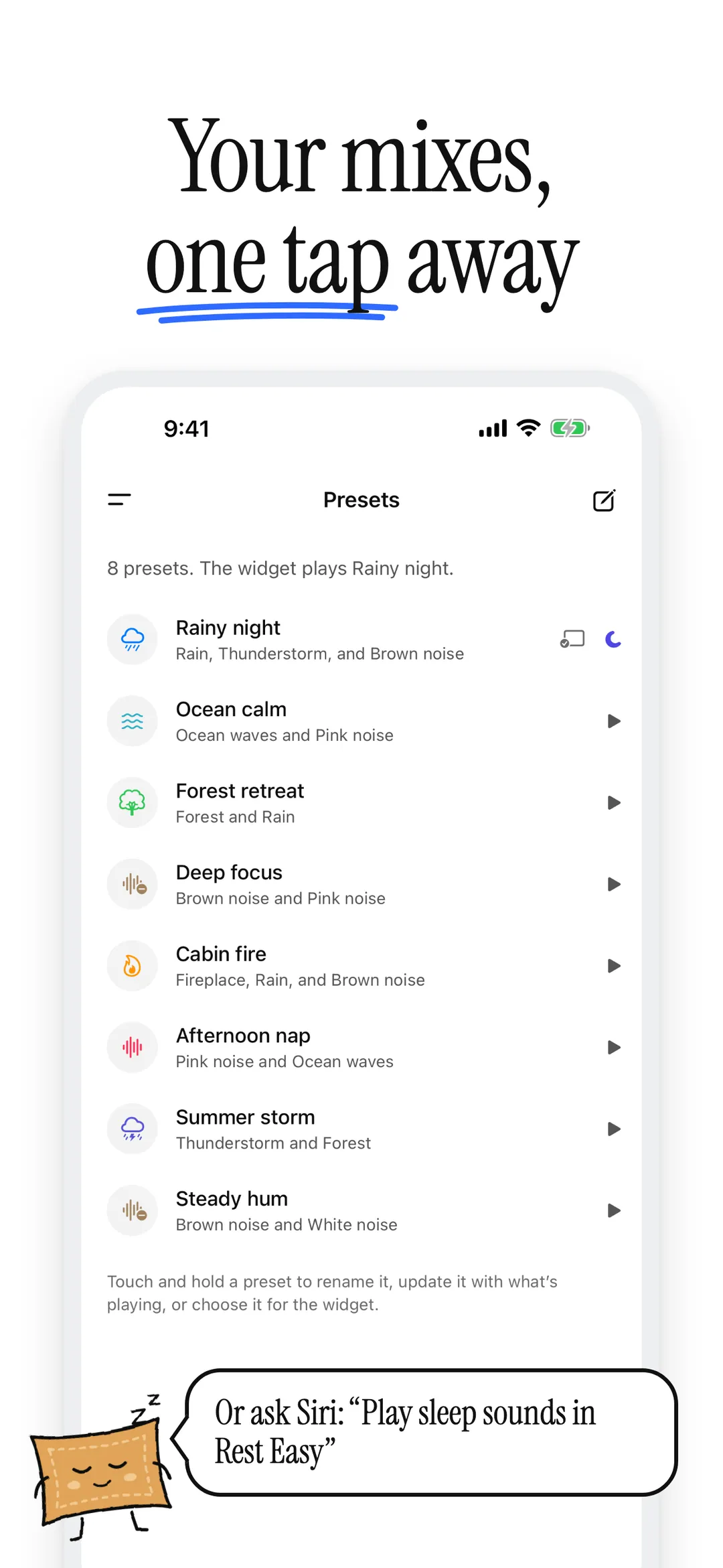
Save a mix as a preset and play it from the mixer, the menu or the Home Screen widget. Four starter presets help you begin. You can also say “Play sleep sounds in Rest Easy” or ask Siri for a preset by name, and in the Shortcuts app, play a preset with a sleep timer from a bedtime automation.
A sleep timer that fades gently
Choose how long the sounds play, from 15 minutes to 8 hours, and how long the fade at the end takes, from 30 seconds to 15 minutes. The sounds ease down, then pause, and your mix is ready again tomorrow night.
Without a timer, the sounds keep playing with the screen locked or while you use other apps, and you can pause and play from the Lock Screen.
A simple sleep log
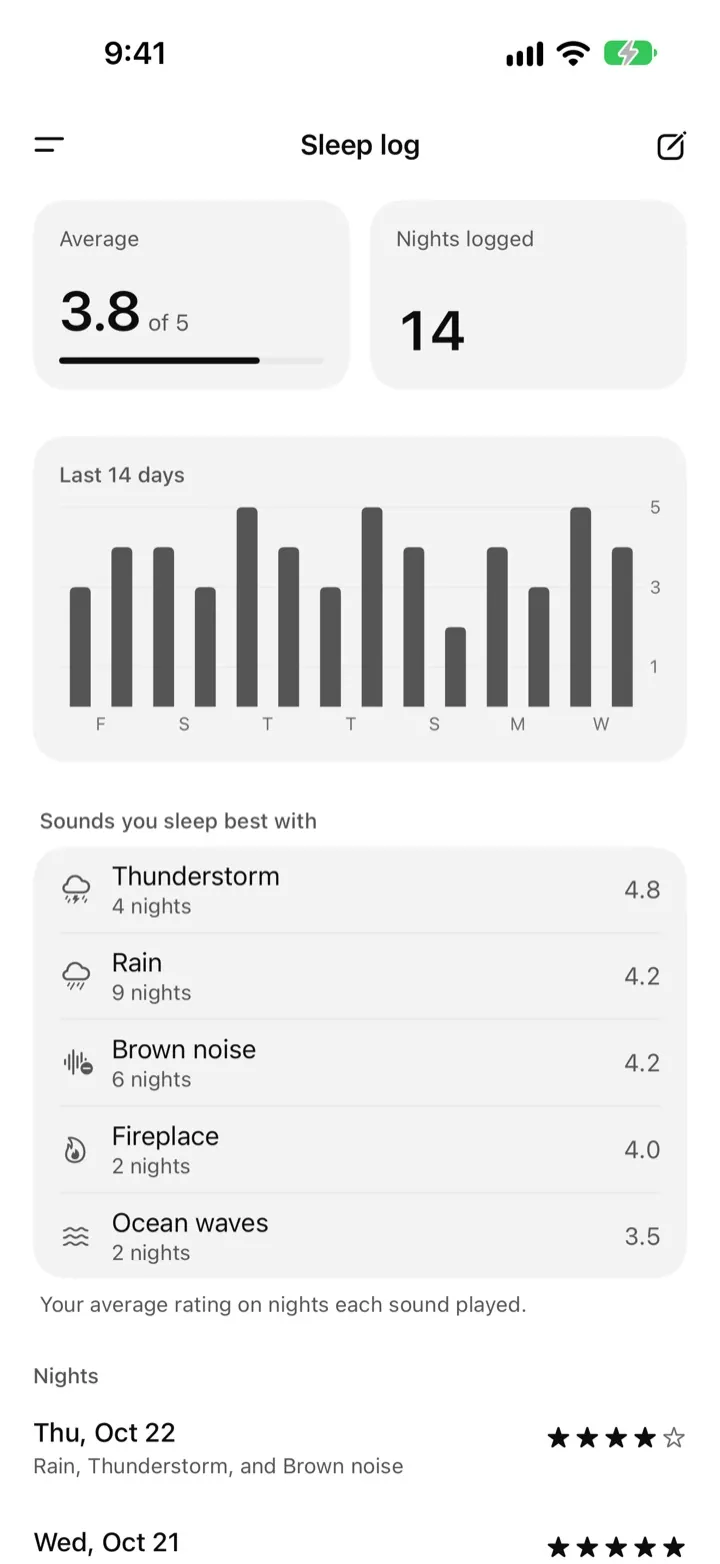
Each morning, rate the night. Rest Easy notes the sounds you played and lists your average rating on nights each sound played, so you can see which mixes you rate best.
Made for the dark
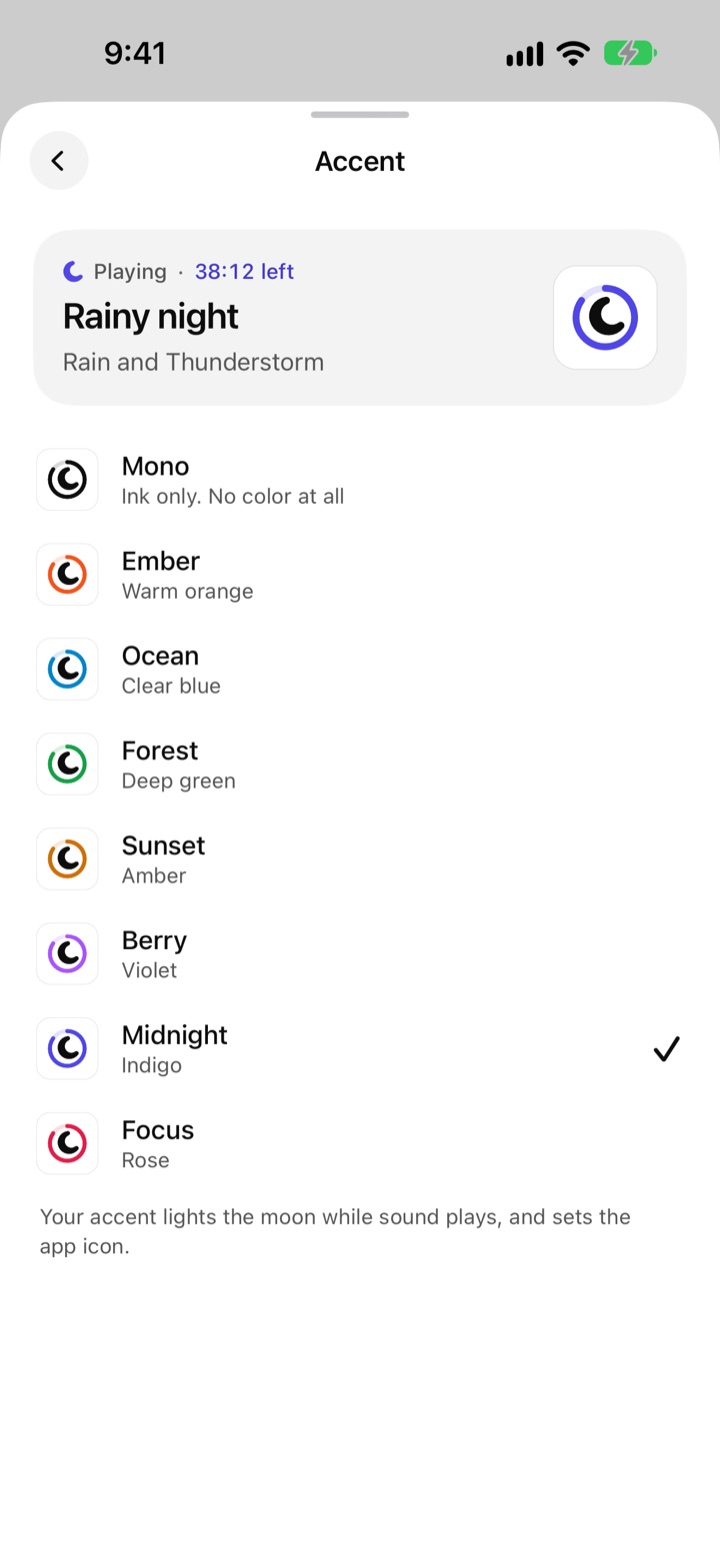
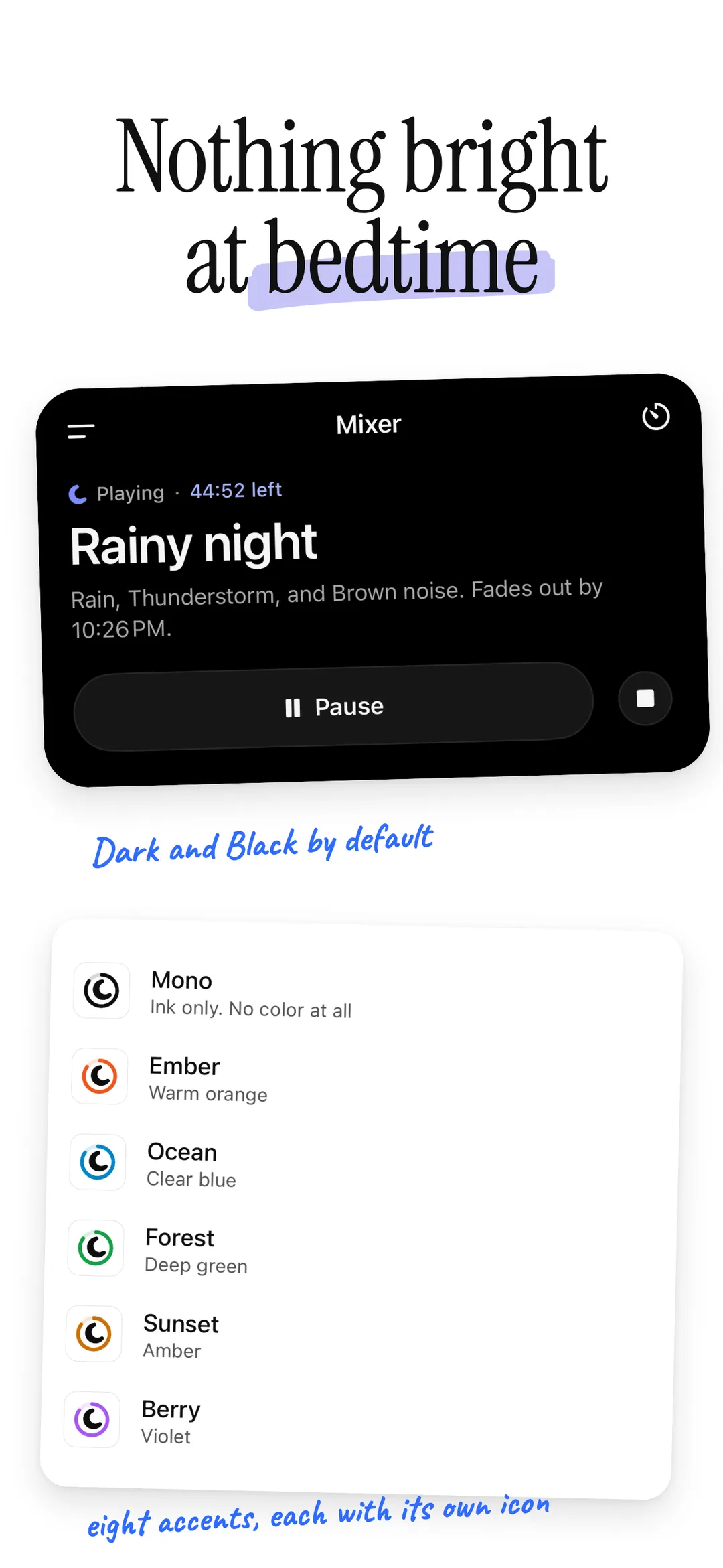
Dark and Black are the defaults, and nothing bright glows while sound plays. Pick from eight accents, each with a matching app icon. On iPad, your mix, the sleep timer and your presets sit beside every sound, so the whole night is on one screen by the bed.
Why we made Rest Easy
We wanted bedtime sound to be simple: the mix you like, at the volume you like, fading away on its own. No subscriptions to manage, no bright screens, and nothing to set up each night.
Rest Easy doesn’t want a login and never shows ads. Presets and the sleep log stay on the iPhone or iPad on your nightstand. Anonymous diagnostics help fix bugs, never your nights or presets, and you can turn them off in Settings. It’s free with nothing to unlock; if you like it, you can leave a one-time tip, and every sound stays free.
Get Rest Easy free on the App Store Screenshots, FAQ and privacy for Rest Easy