MEDICATION REMINDERS FOR IPHONE AND APPLE WATCH
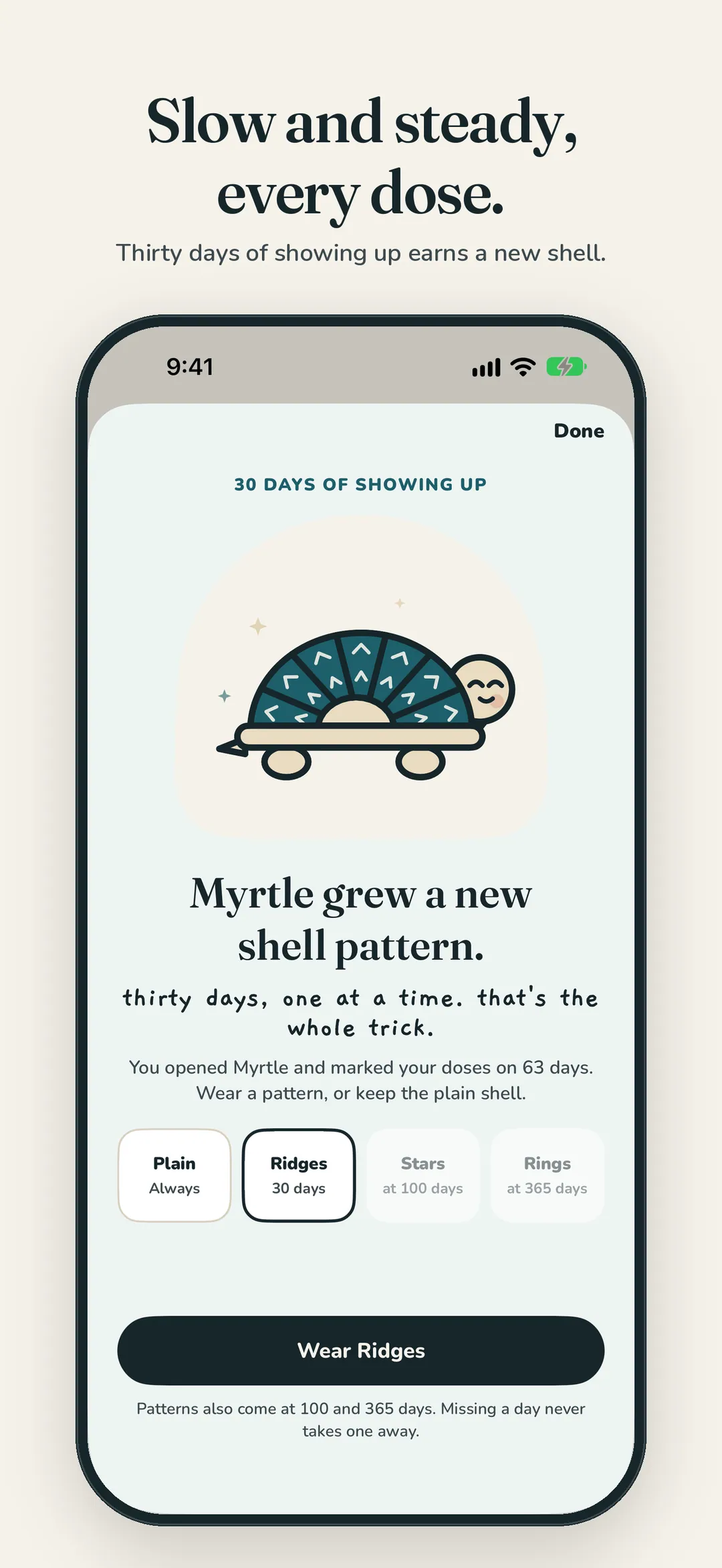
Slow and steady, every dose.
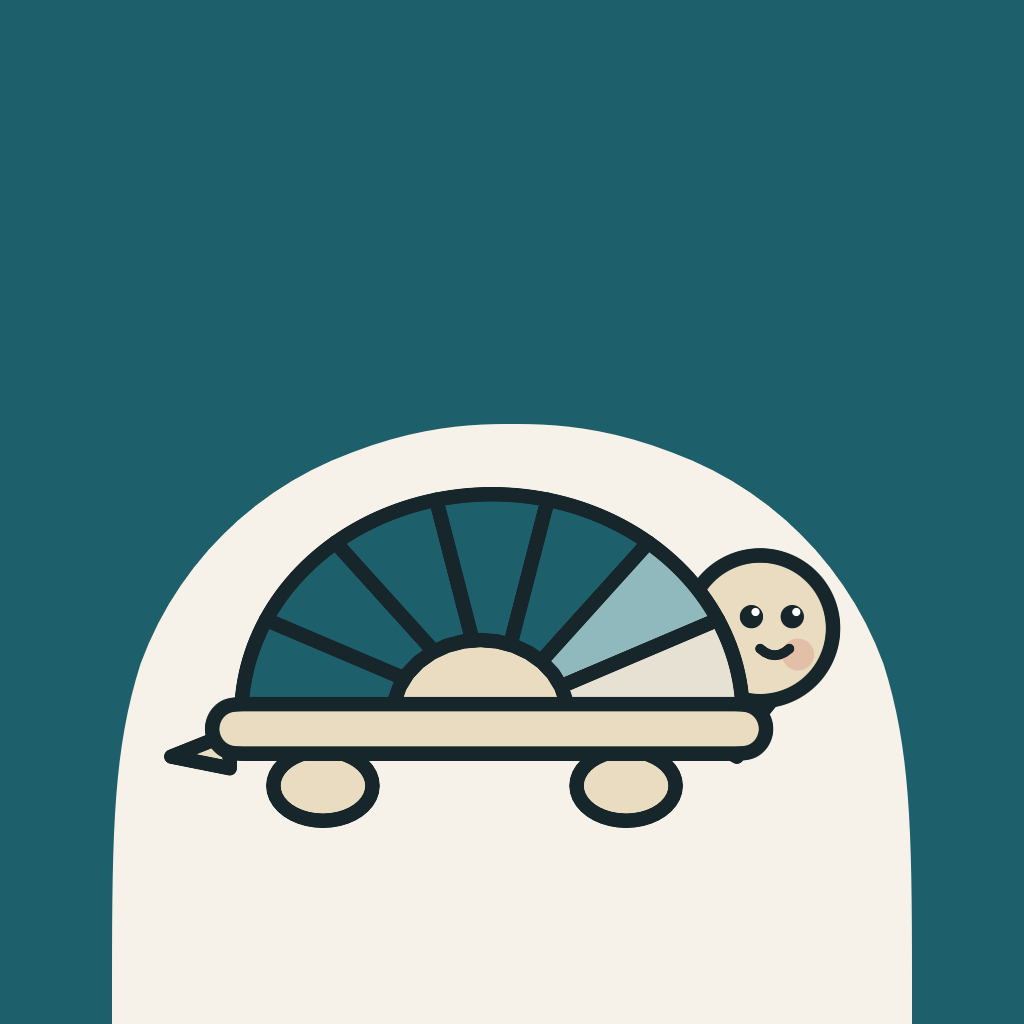
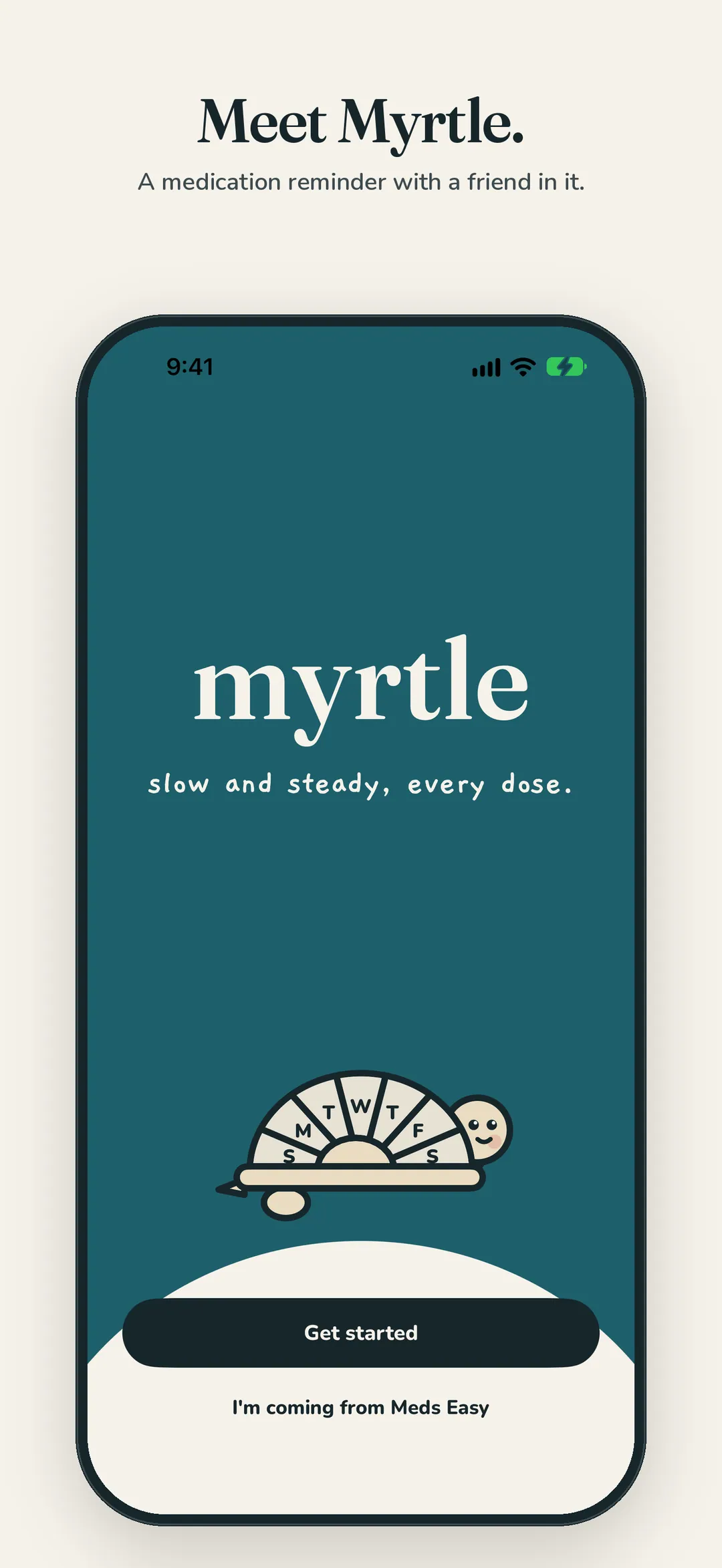
A medication reminder with a friend in it. Myrtle, a steady old turtle, carries your week on her shell like a pill organizer. Each day's segment fills in as you take that day's doses.
The dose is always the biggest thing.
-
01 — Hello -
02 — Today -
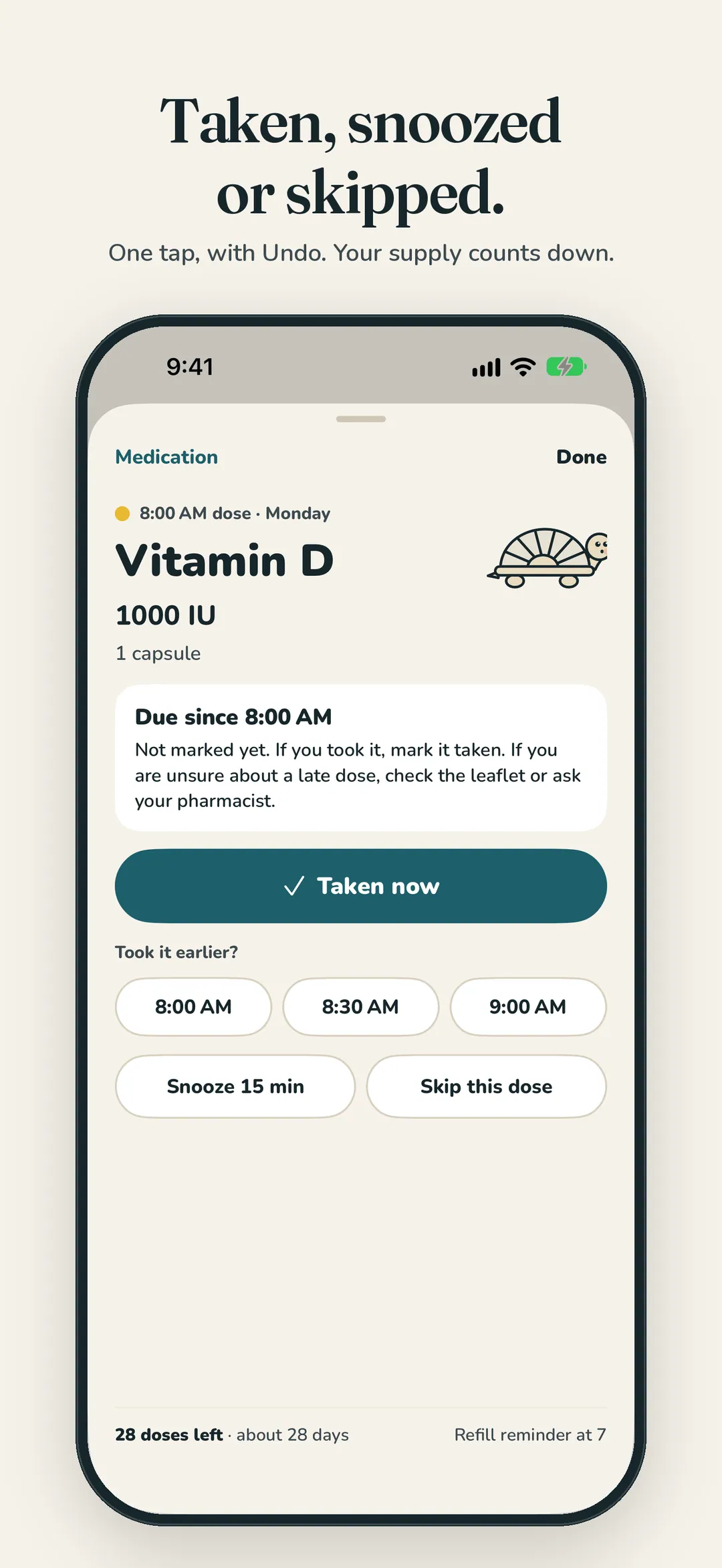
03 — A dose -
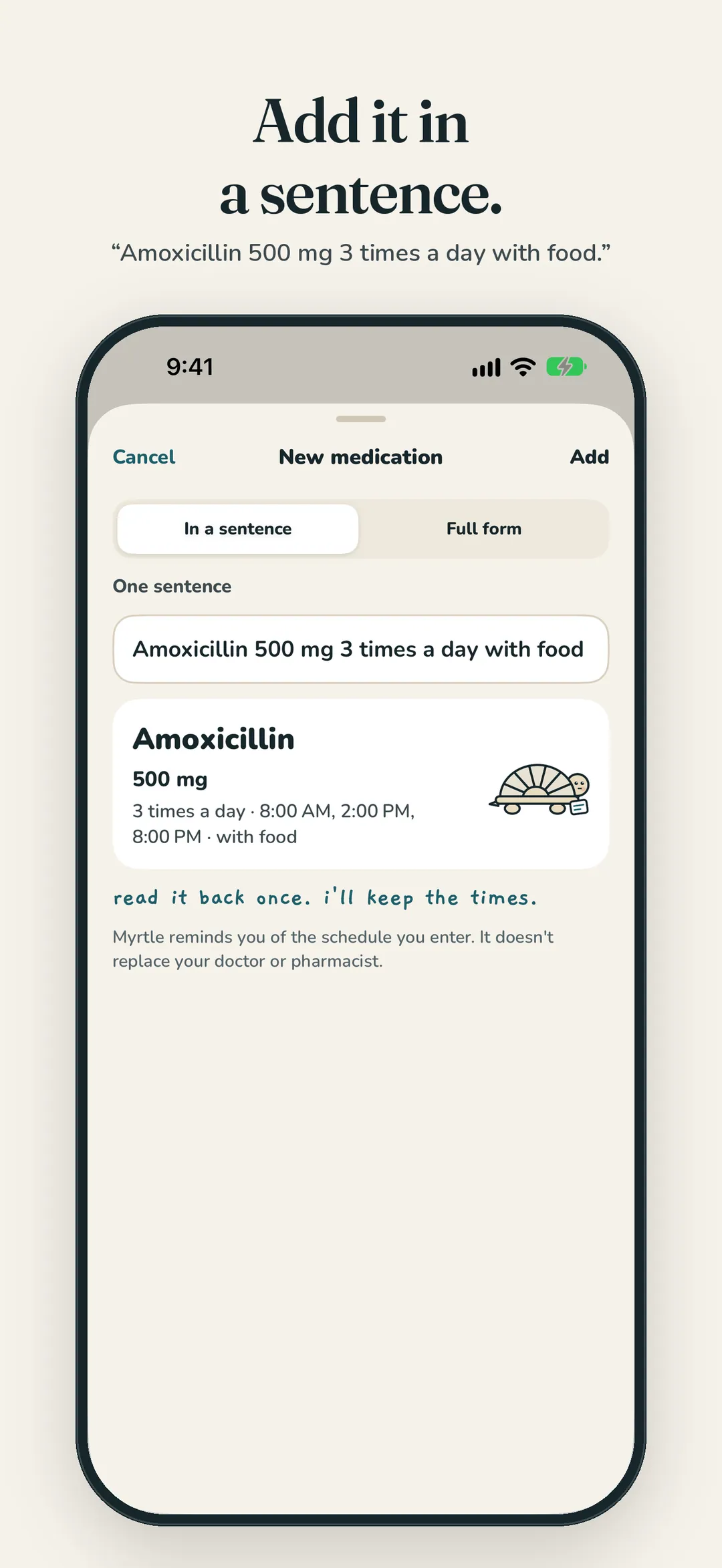
04 — Add -
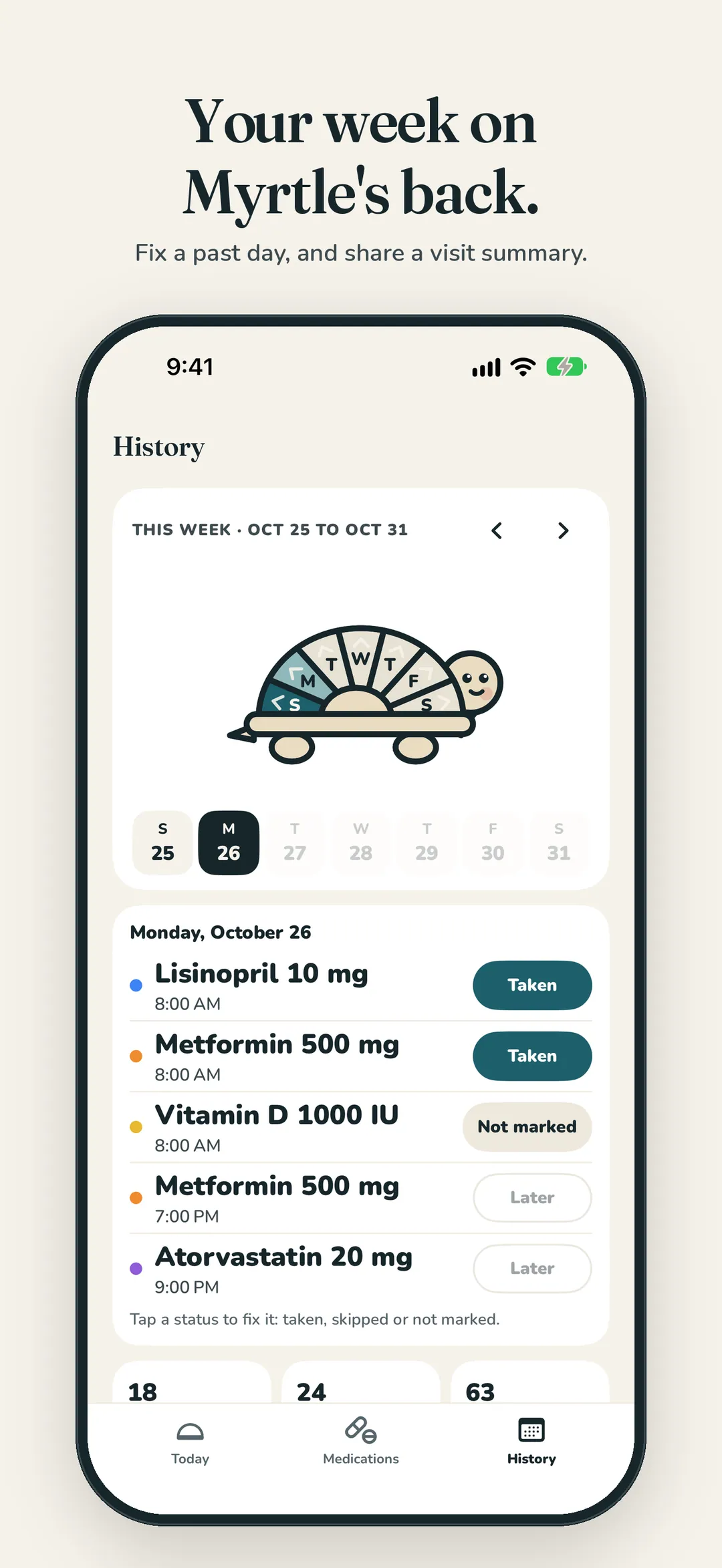
05 — History -
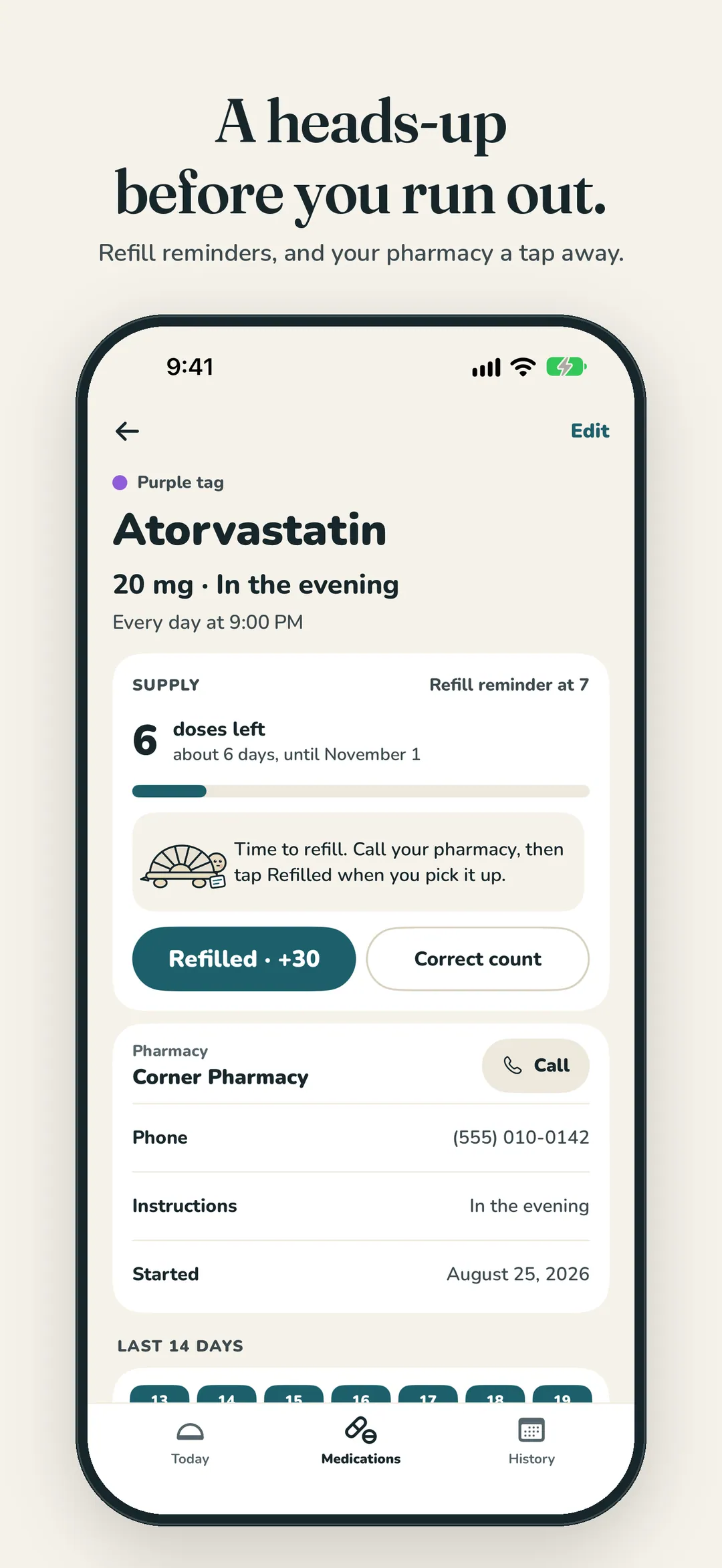
06 — Refills -
07 — New shell
Seven segments. Sunday to Saturday.
- 01
Nothing marked yet
A day starts empty, like the pill organizer on the kitchen counter.
- 02
Some taken
Some of the day's doses taken: the segment is half-filled.
- 03
Every dose settled
All taken or skipped: it's full. A dose that wasn't marked leaves it as it was, with no red and no sad face.
Everything to keep up, nothing to nag.
- 01
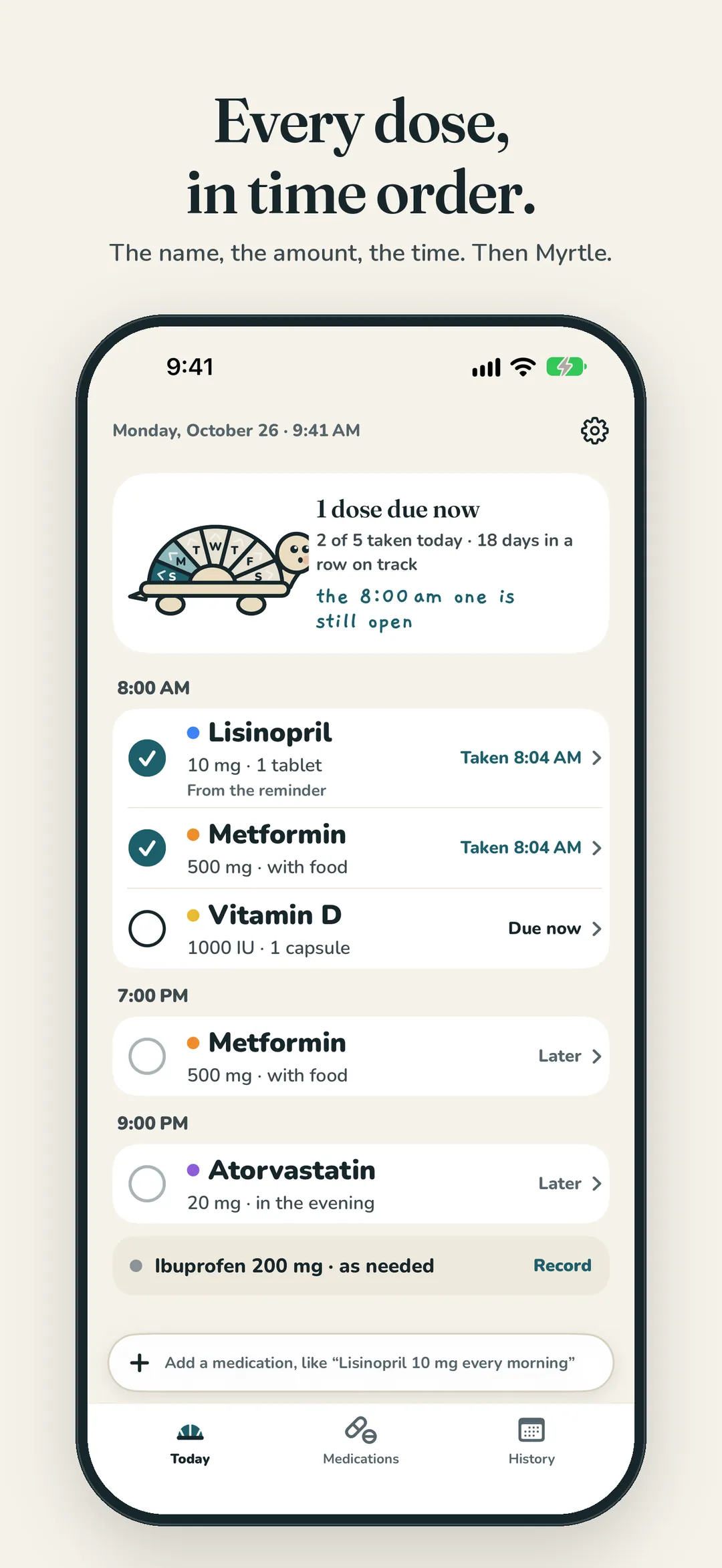
Today, in order
Every dose due today in time order, what is next and what is still open. Tap a dose when you take it.
- 02
Add it in a sentence
Type “Lisinopril 10 mg every morning” and the amount, schedule and times are filled in. Or use the full form.
- 03
Reminders you can trust
One at each dose time, planned two weeks ahead, with Taken, Snooze and Skip right on it. Times stay put when you travel.
- 04
One plain follow-up
Optional: if a dose is still open 30 or 60 minutes later, one more reminder. Then quiet.
- 05
Refills
Each dose counts one down. A refill reminder at the number you choose, with your pharmacy one tap away.
- 06
A missed dose, said plainly
The next morning, one line asks whether you took it, and points you to your leaflet or pharmacist. No red, no guilt.
- 07
The week shell
Seven segments on Myrtle’s back fill in as you go. History shows every week as a shell.
- 08
Visit summary
A one-page PDF of your medications and the last 30 or 90 days, to hand your doctor or pharmacist.
- 09
Widgets you can tap
Your next dose with a Taken button, today’s list and the week shell, on the Home Screen, Lock Screen and StandBy.
- 10
Apple Watch
Today’s doses on your wrist. Mark them taken or skipped, or record an as-needed dose in a tap.
- 11
Big text, full contrast
Names, amounts and times scale with Dynamic Type and never sit on a color they can’t be read on.
- 12
Coming from Meds Easy?
Bring over your Meds Easy history in one tap, read straight from Meds Easy on this iPhone. The old app keeps working.
Private by design.
No account. No analytics. No tracking. Your medications stay on your iPhone and Apple Watch. Free, with an optional tip jar that unlocks nothing.
Read the privacy policyMyrtle reminds. Your doctor advises.
Myrtle reminds you of the schedule you enter. It doesn't give medical advice, check interactions or replace your doctor or pharmacist. Always follow their directions.
Slow and steady, every dose.
Free, coming to the App Store soon. No account required.