STRENGTH TRAINING
Lift more, type less.
Set Easy is a strength training log that gets out of the way. Today's workout is ready when you are, with the weights you lifted last time already filled in. Check off each set, rest, and go again.

Screenshots
-
01 — Today -
02 — Workout -
03 — Exercise -
04 — History -
05 — Progress -
06 — Live Activity -
07 — Dark Mode
Made for the gym floor.
- 01
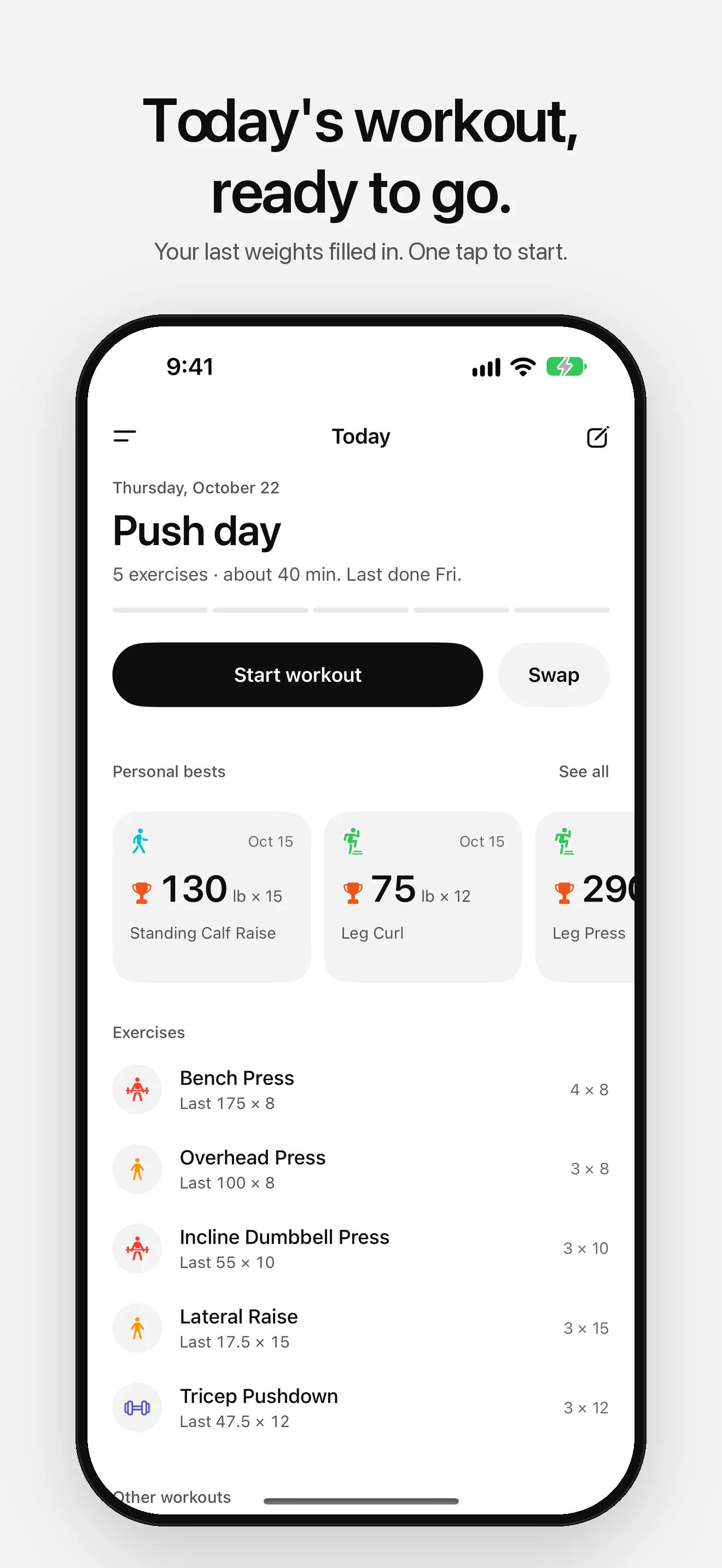
Today's workout
Your workouts take turns, so the one you did longest ago is up next and a push, pull and legs rotation stays in order. Pick another any time, or start an empty workout.
- 02
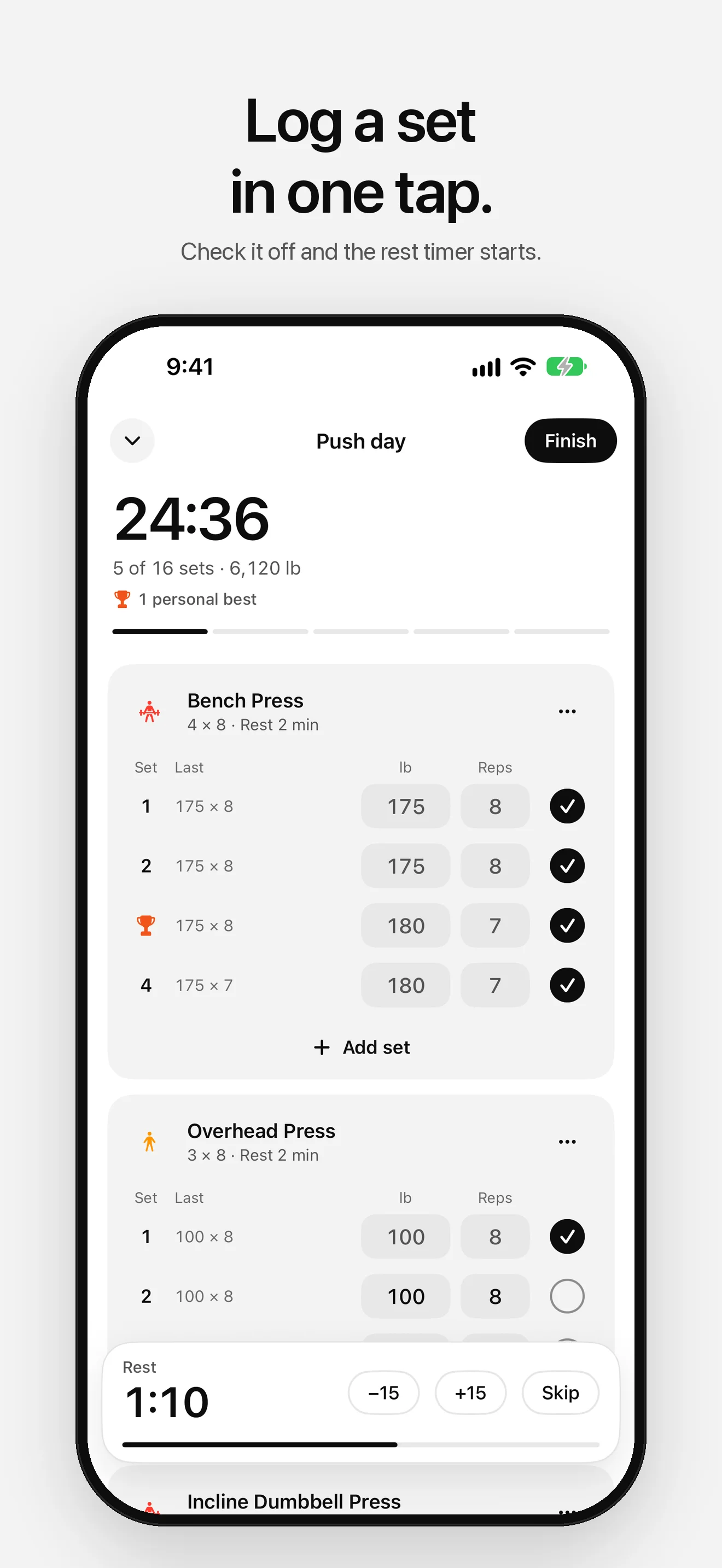
Log a set in one tap
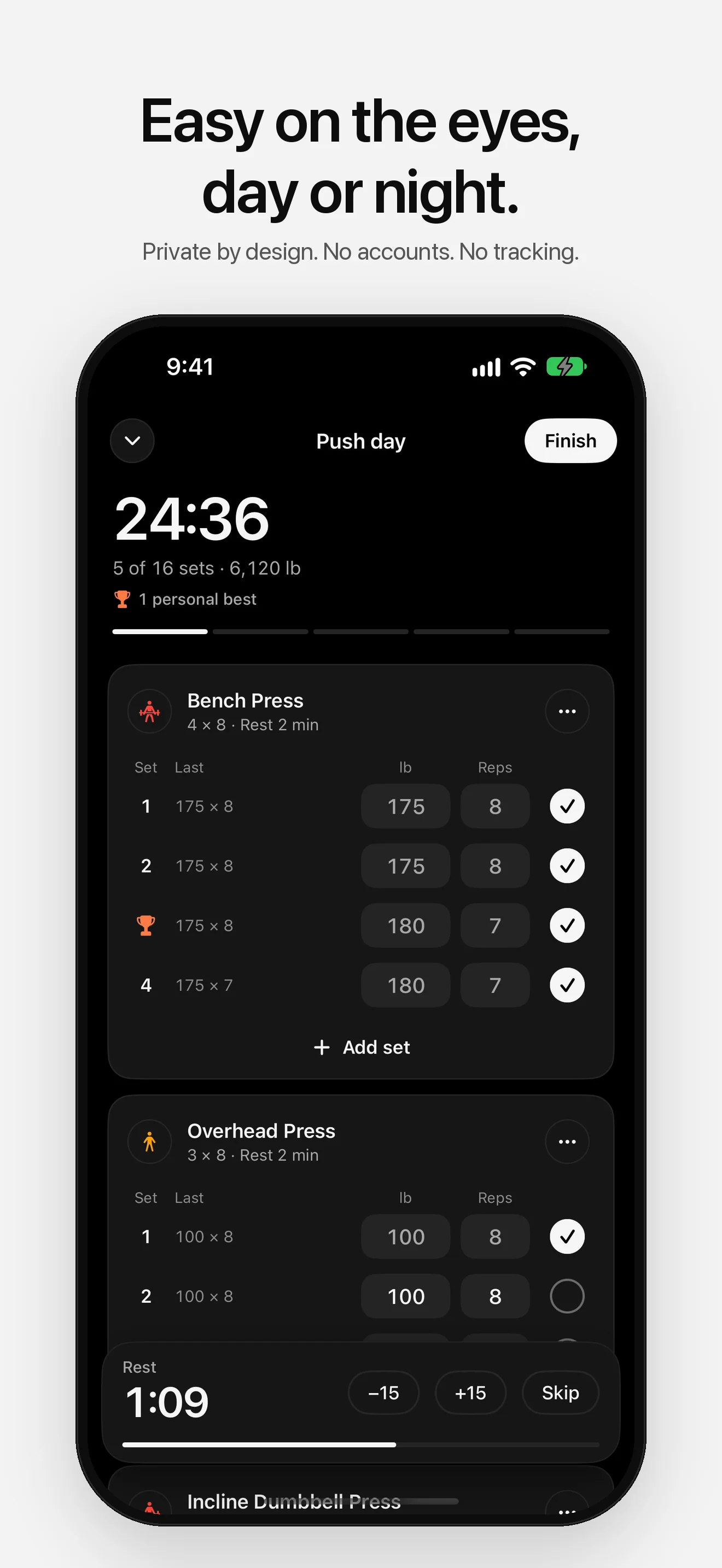
Every set shows what you did last time. Adjust the weight or reps if you need to, check it off, and the rest timer starts on its own.
- 03
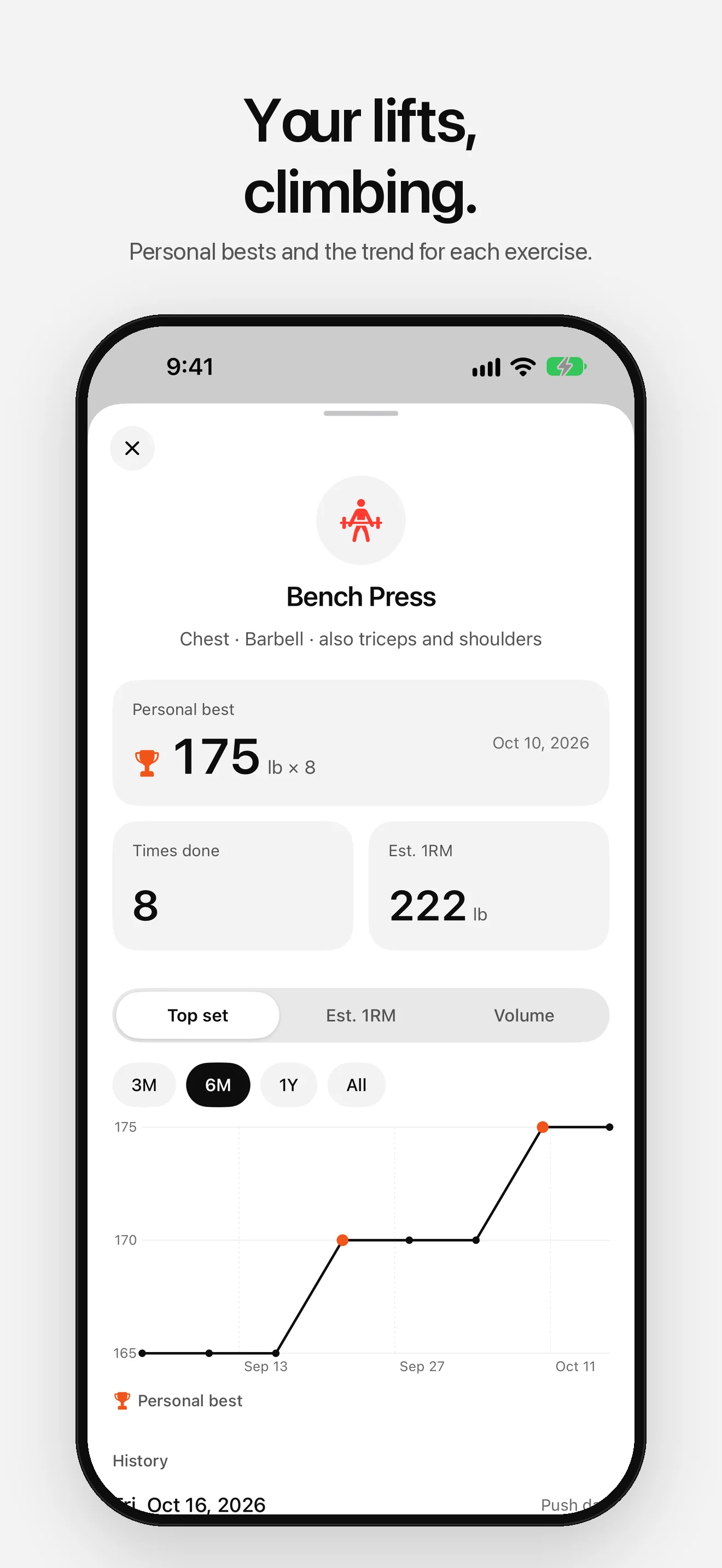
Personal bests
Lift more than ever before and Set Easy marks it with a trophy. Hit the same top weight twice and it suggests a little more next time.
- 04
Rest timer on the Lock Screen
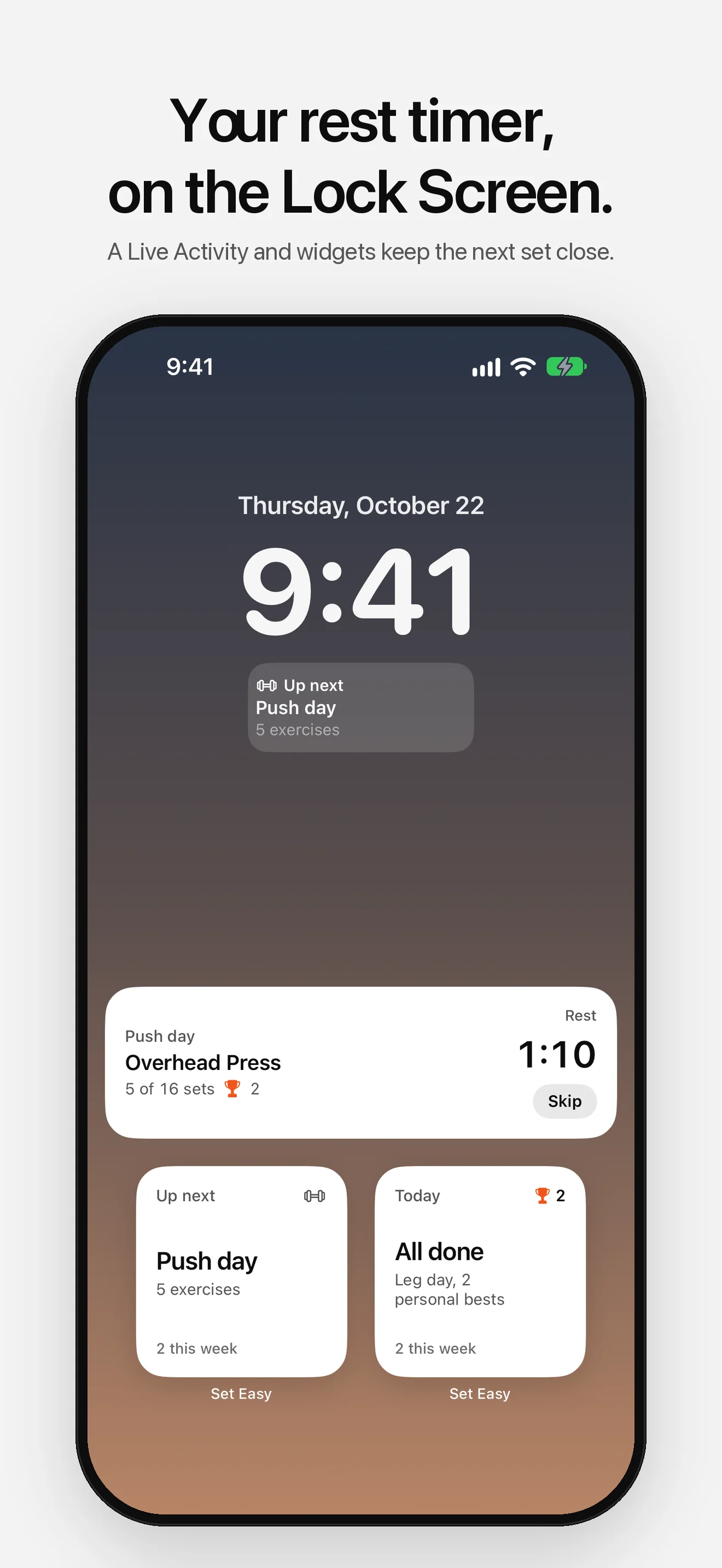
A Live Activity shows the countdown and what's next on your Lock Screen and in the Dynamic Island, with Skip a tap away.
- 05
Apple Watch
Log from your wrist with the Digital Crown, with last time's weights ready. Finished workouts go to History on your iPhone.
- 06
Apple Health
Turn it on in Settings to save finished workouts as strength training and see your average and highest heart rate for each one.
- 07
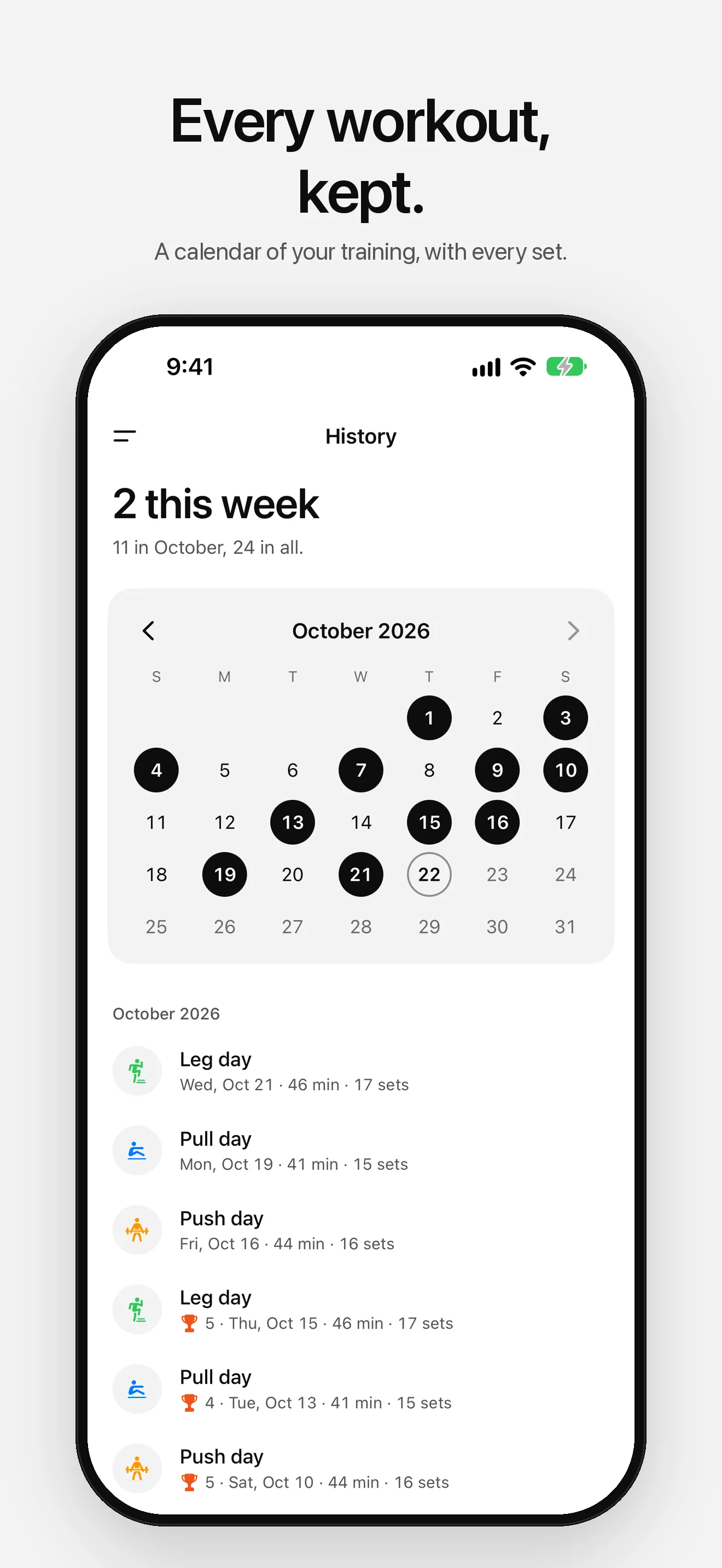
History and progress
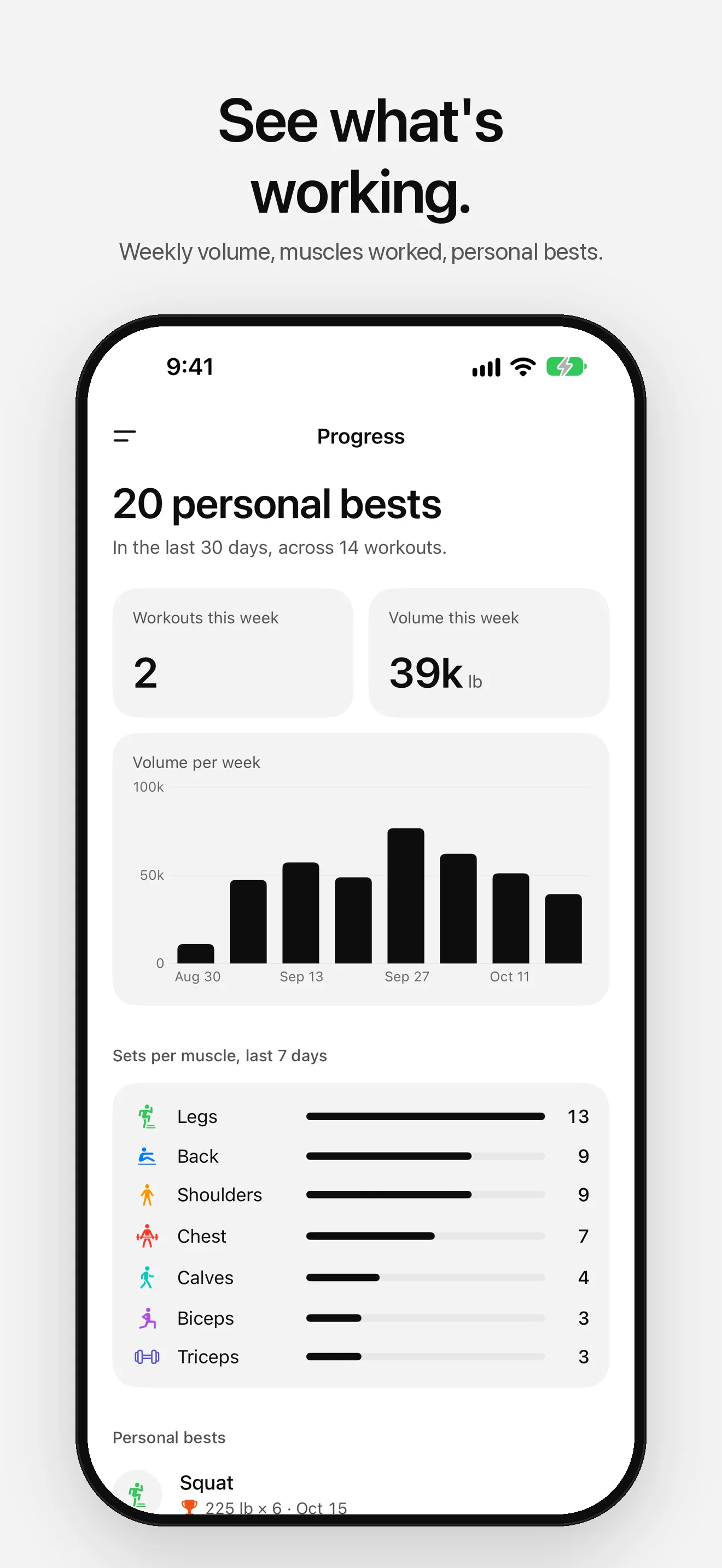
A calendar of every workout, charts for each exercise, weekly volume and the muscles you've worked this week.
- 08
Bring your history
Import from Strong or Hevy, export everything as a CSV file, and back up or restore all your data in one file.
Who it's for
- Lifters running push, pull and legs, upper and lower, or full body splits
- Anyone working on progressive overload
- People who want to log a set without typing
- Apple Watch wearers who leave their phone in the bag
Privacy
Set Easy has no accounts, no ads and no tracking. Your training history stays on your device. Workouts go to Apple Health only if you turn it on, and health data never leaves your iPhone and Apple Health. Anonymous diagnostics (crash reports and which screens you use, never your workouts or health data) help fix problems, and you can turn them off in Settings.
Read the full privacy policyReady to lift?
Free on the App Store. No account required.

More apps

Split a bill to the cent: tax, tip and fixed amounts, with shares that always add up.

A daily checklist for your supplements, with reminders, streaks and a widget.

Speak naturally and get clean, ready-to-send text. Transcribed and cleaned up on your iPhone, never sent anywhere.