MINIMALIST LAUNCHER
Fewer apps, one tap away.
A quiet launcher for iPhone. Pick the few apps you need, group them by part of your day, and give them a Home Screen page of their own. Ink on paper, with no badges calling for you.

See it in action.
-
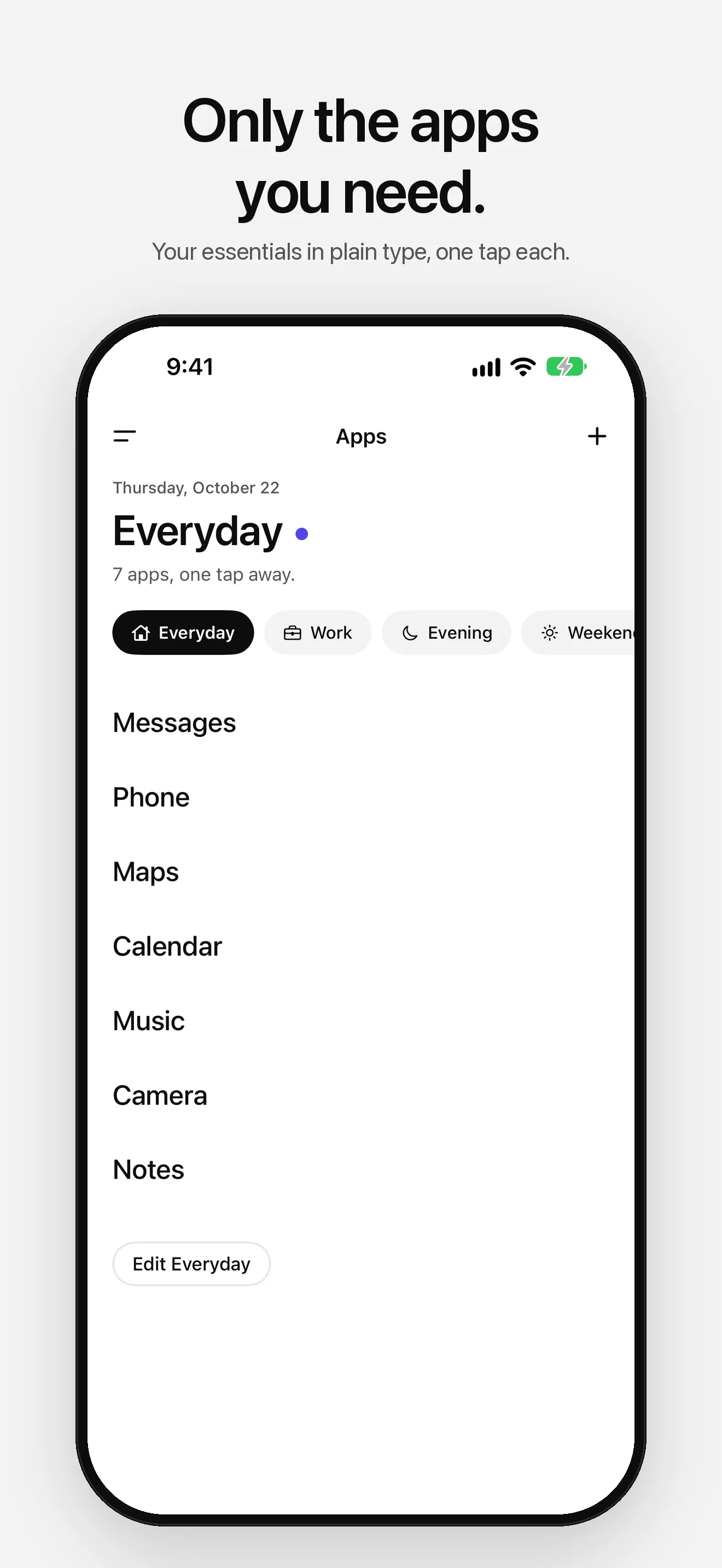
01 — Launcher -
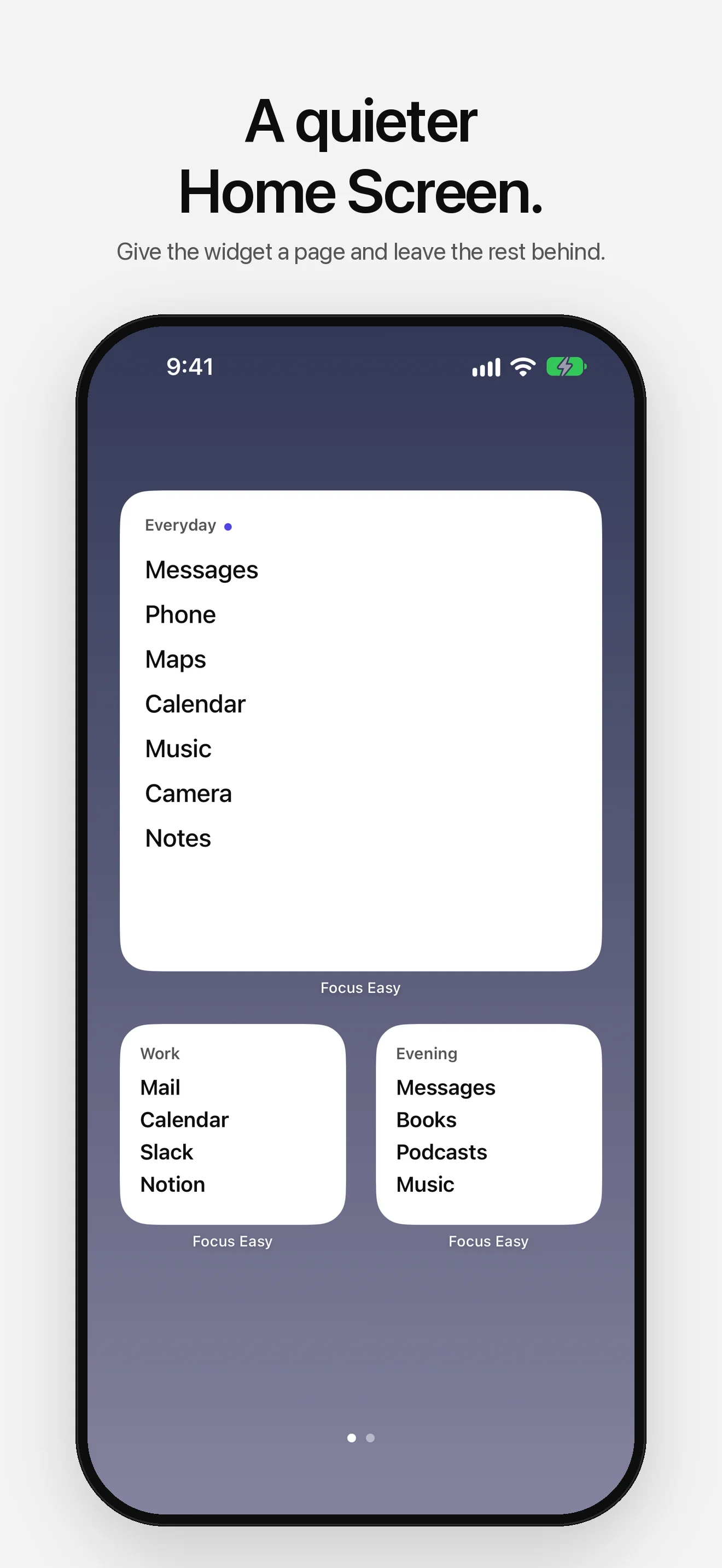
02 — Widgets -
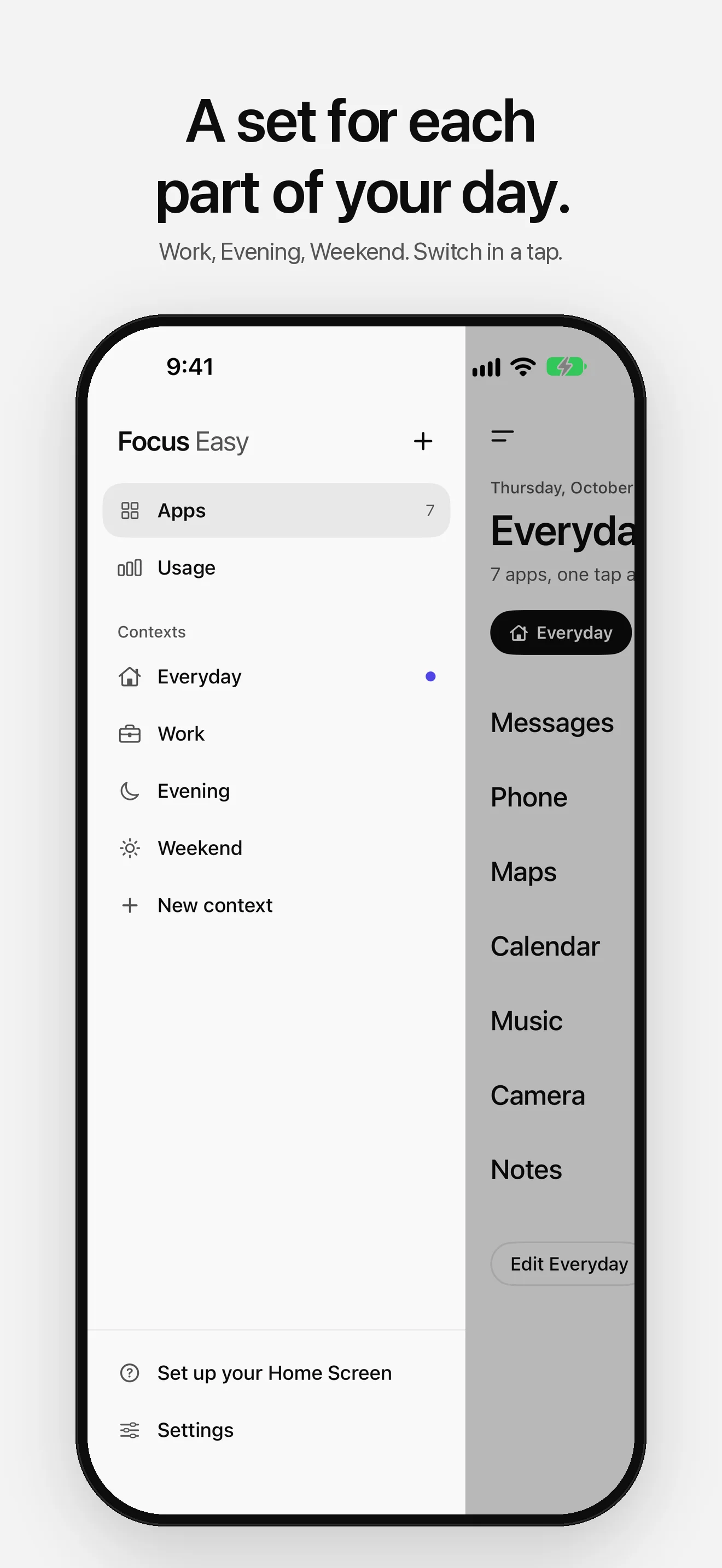
03 — Contexts -
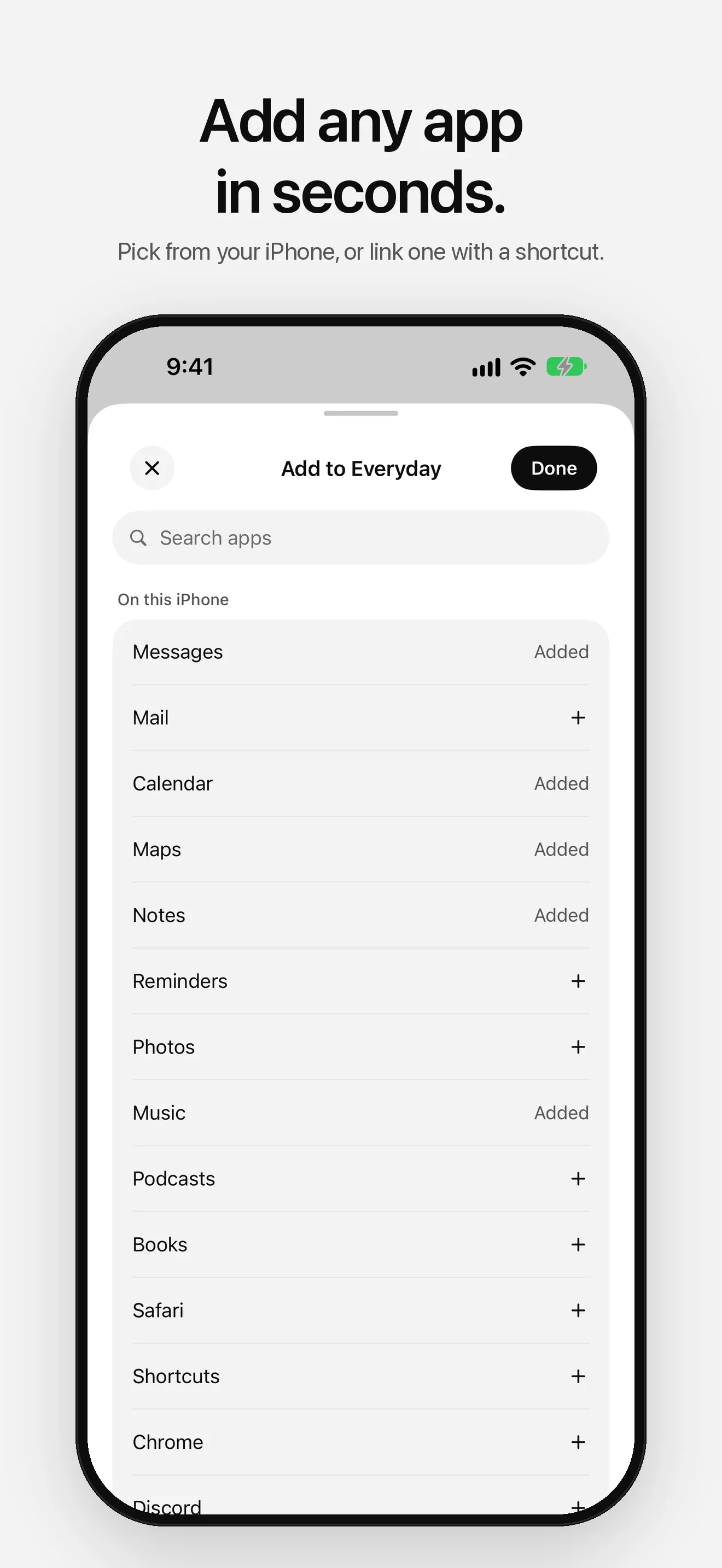
04 — Add Apps -
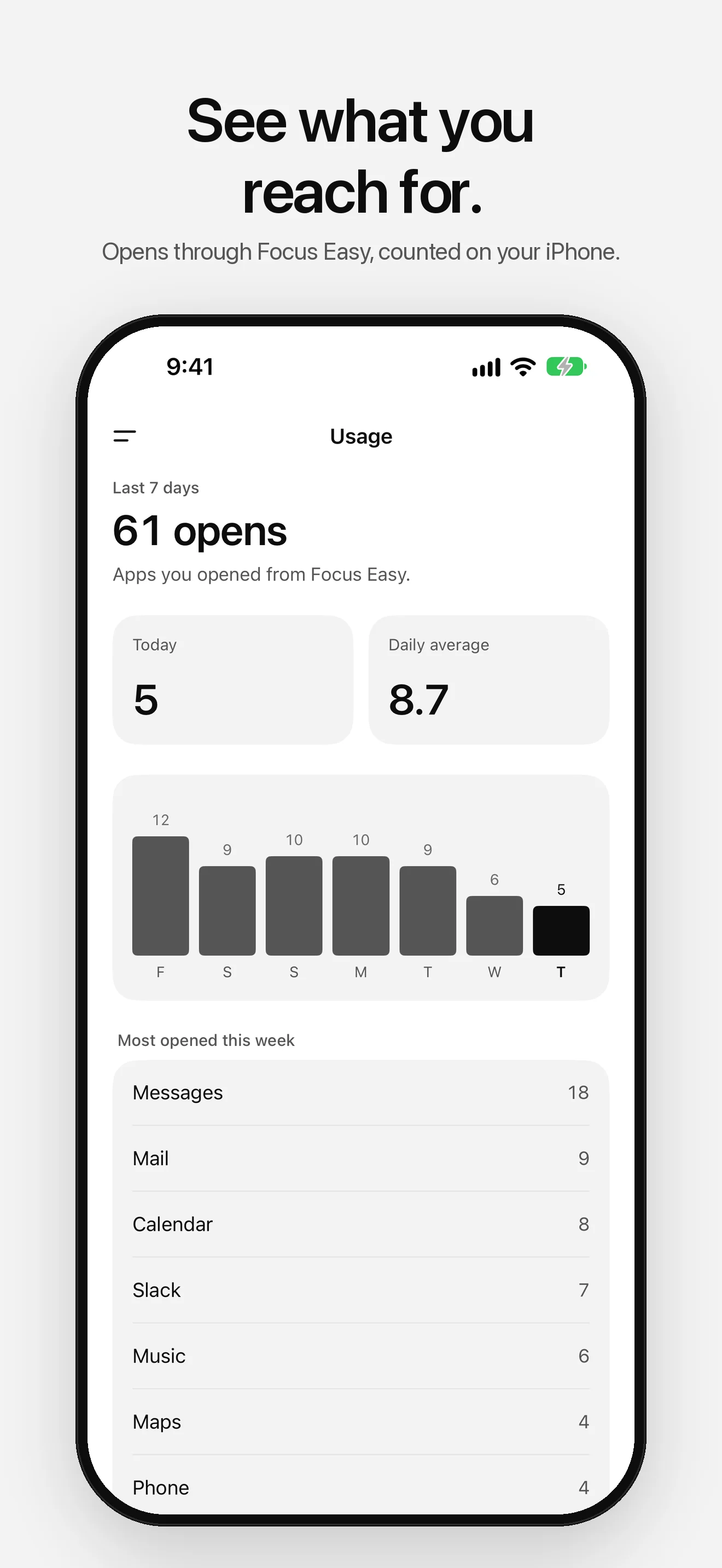
05 — Usage -
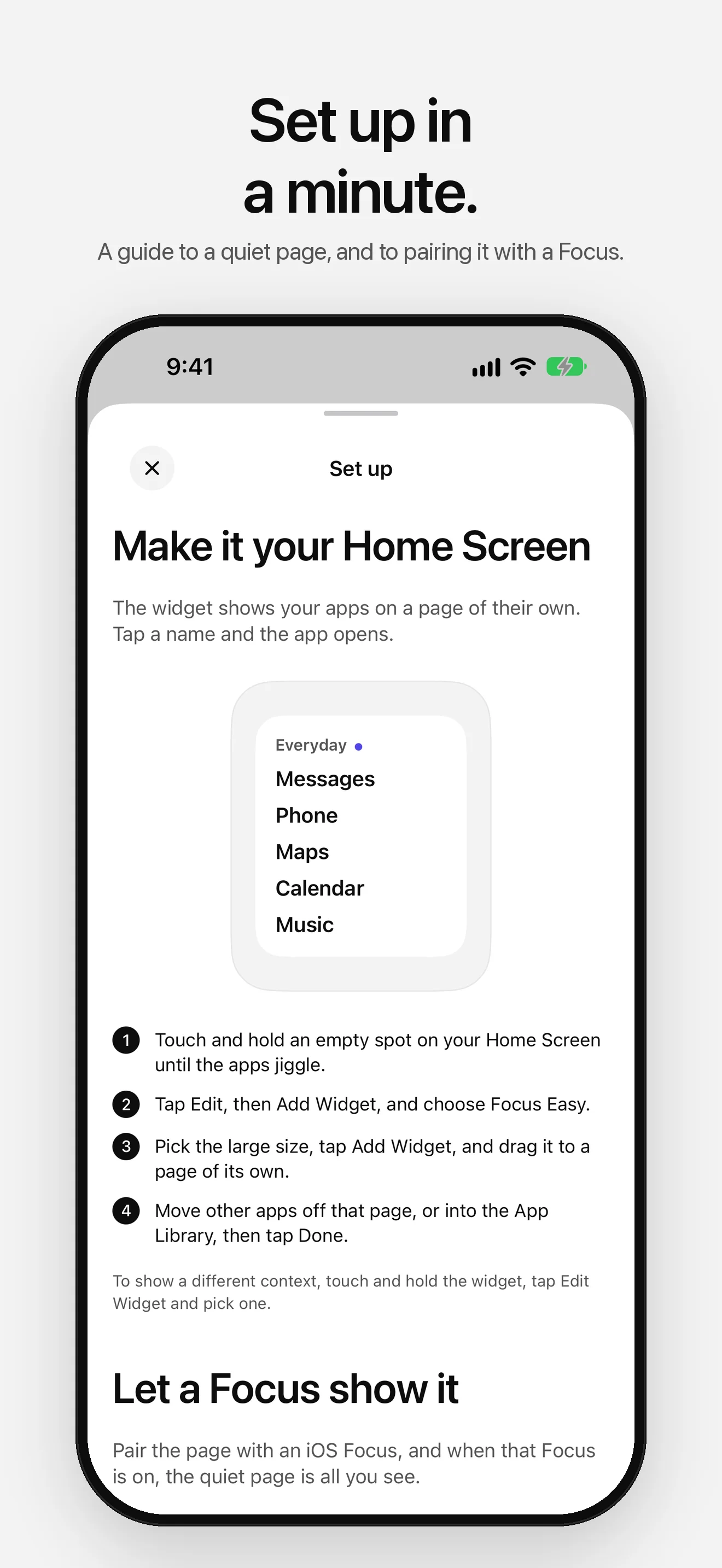
06 — Focus -
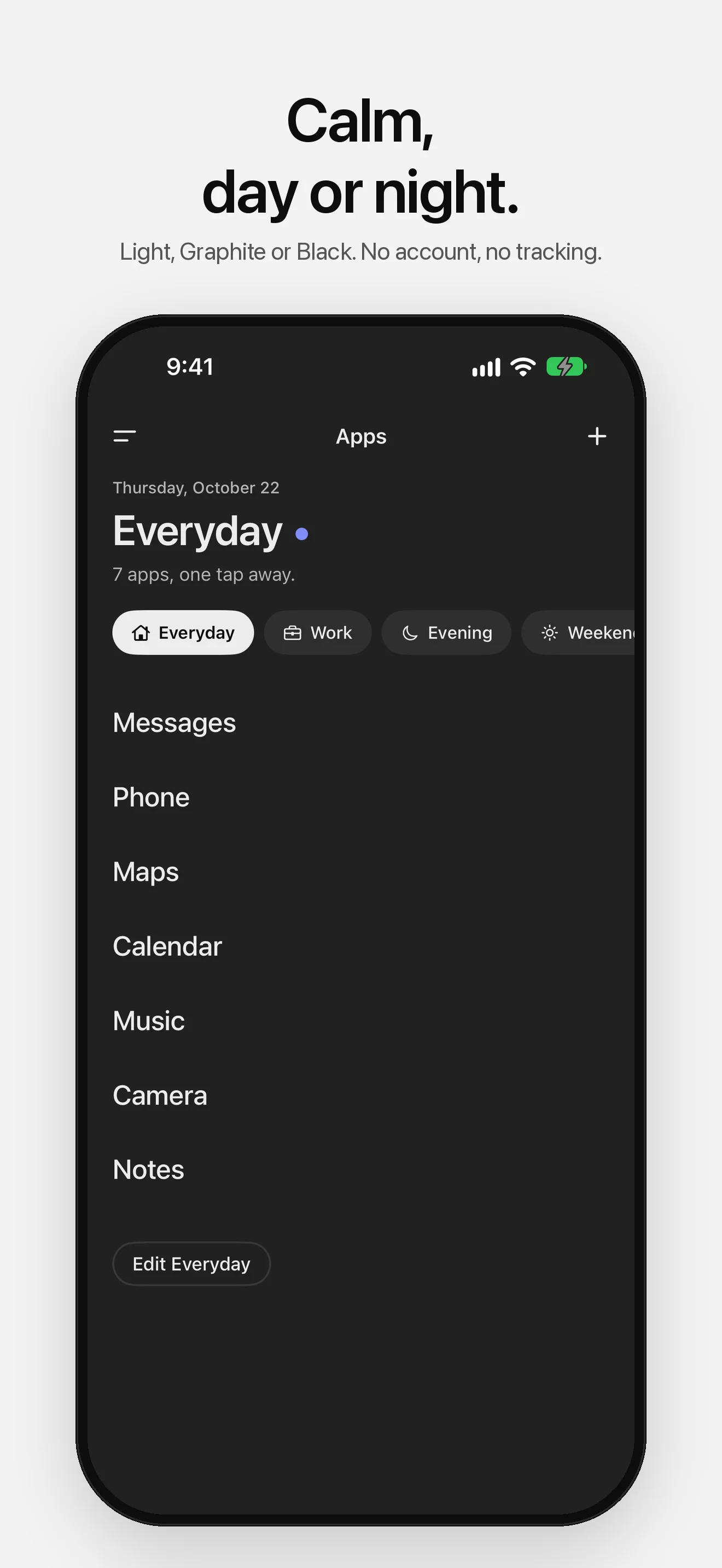
07 — Dark Mode
Designed for focus.
- 01
Your apps in plain type
The launcher shows your essential apps as big, plain names. Tap one and it opens. No icons, no badges, nothing else.
- 02
Contexts for your day
A set of apps for Everyday, Work, Evening or the weekend. Switch in a tap, from the launcher or the menu.
- 03
A widget with a page of its own
Small, medium or large. Each widget follows your current context or shows one you pick.
- 04
Works with Focus
Show only your quiet page while a Focus is on, and let a Focus filter switch Focus Easy to the right context.
- 05
Any app
Add the apps on your iPhone in a tap. Apps with no link, like Phone or Camera, open through a shortcut you make once.
- 06
See what you reach for
Usage counts the apps you open through Focus Easy this week. It doesn't read Screen Time, and it stays on your iPhone.
Your setup stays yours.
No ads. No tracking. No account. Your apps, contexts and counts stay on your iPhone. Anonymous diagnostics (crash reports and which screens you use, never your apps or counts) help fix problems, and you can turn them off in Settings.
Read the privacy policyLess is more.
Your Home Screen is visual noise: dozens of colorful icons competing for attention, badges asking to be cleared, apps you forgot you installed.
Focus Easy replaces that with a quiet page. Ink on paper, in Light, Graphite or Black. Just the apps you actually need, and one accent that marks the context you're in.
Inspired by the dumb phone movement and digital minimalism, Focus Easy helps you use your phone on purpose, not by habit.
Quiet your Home Screen.
Free on the App Store. No account required.