Leave in 4 min
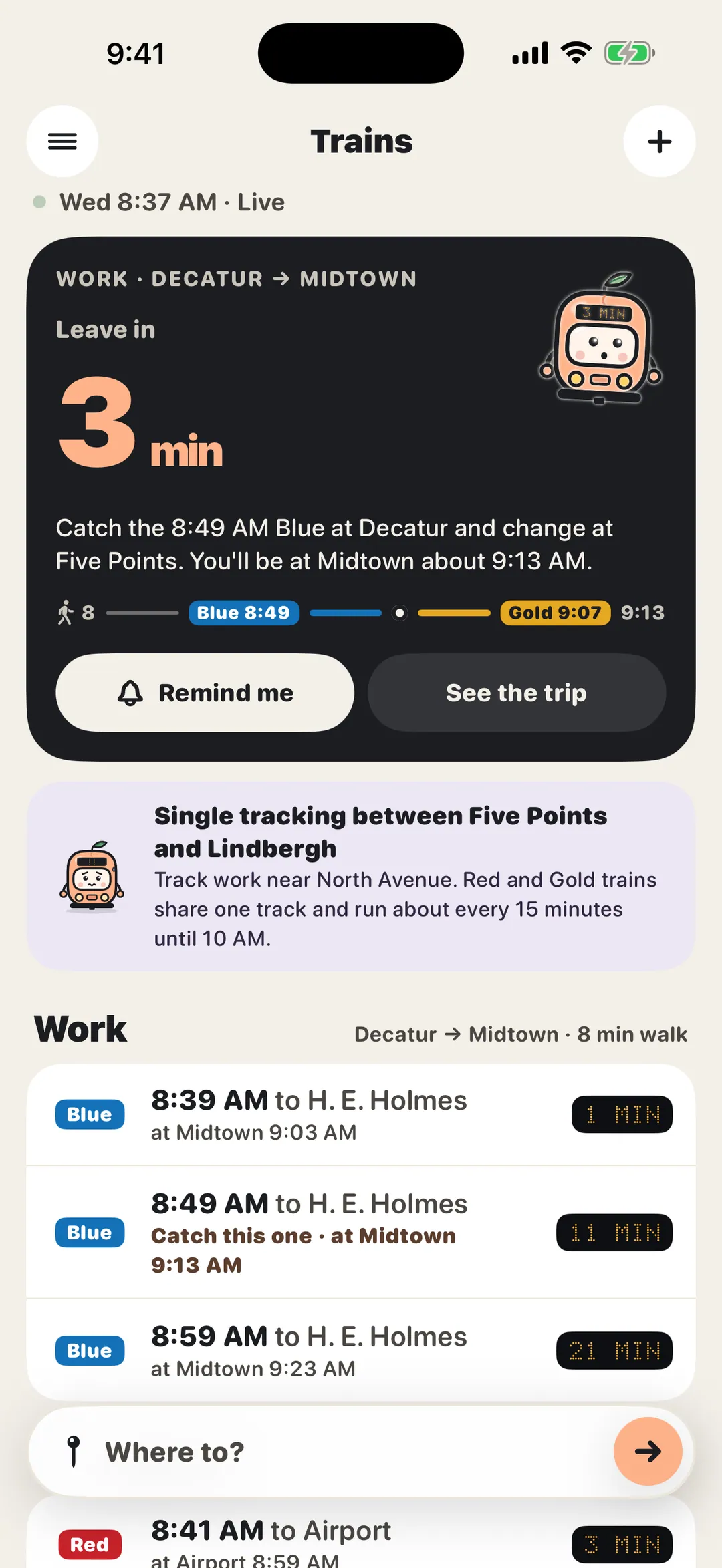
The home screen leads with one thing: when to leave for the train you can still make, and when you’ll get there.
Atlanta train times for iPhone and Apple Watch
Pip is a little peach of a train who waits on the platform with you. Save the rides you take, and Pip says the moment to leave for the next train you can still make, walk included, change and all.
Free · No account · No ads · Nothing collected
Decatur → Midtown · 8 min walk
Leave in
4 min
lid on the coffee, you’ve got time.
Catch the 8:49 Blue and change at Five Points. You’ll be at Midtown about 9:10.
Every line, every station
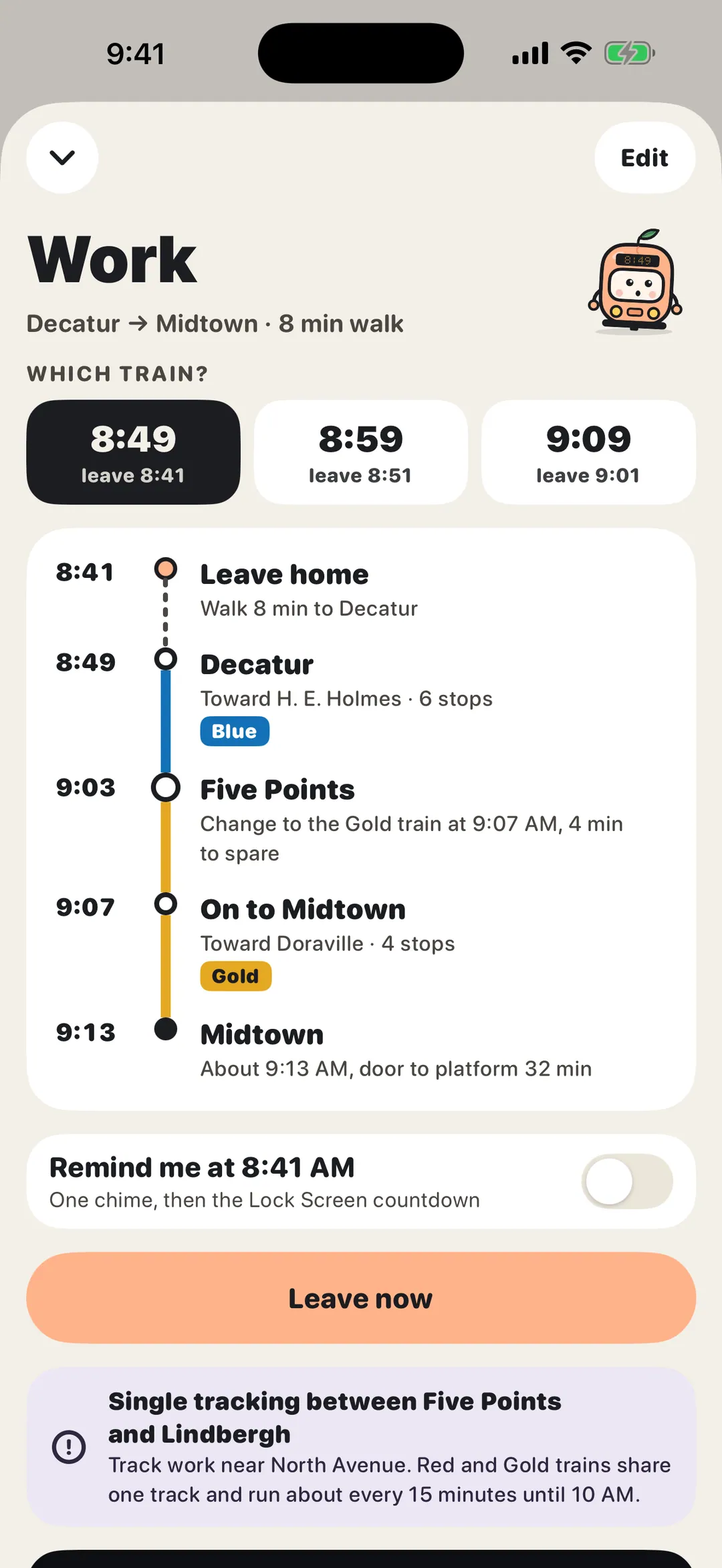
All four lines and all 38 stations. When a ride needs a change, Pip picks the pair of trains that gets you there first, and says where to change.
Screenshots
Features
The home screen leads with one thing: when to leave for the train you can still make, and when you’ll get there.
Each trip knows the walk from your door to the platform. Pick a pace, add a couple of spare minutes.
Which train, where to change, which platform, and how long you have. The pair that gets you there first.
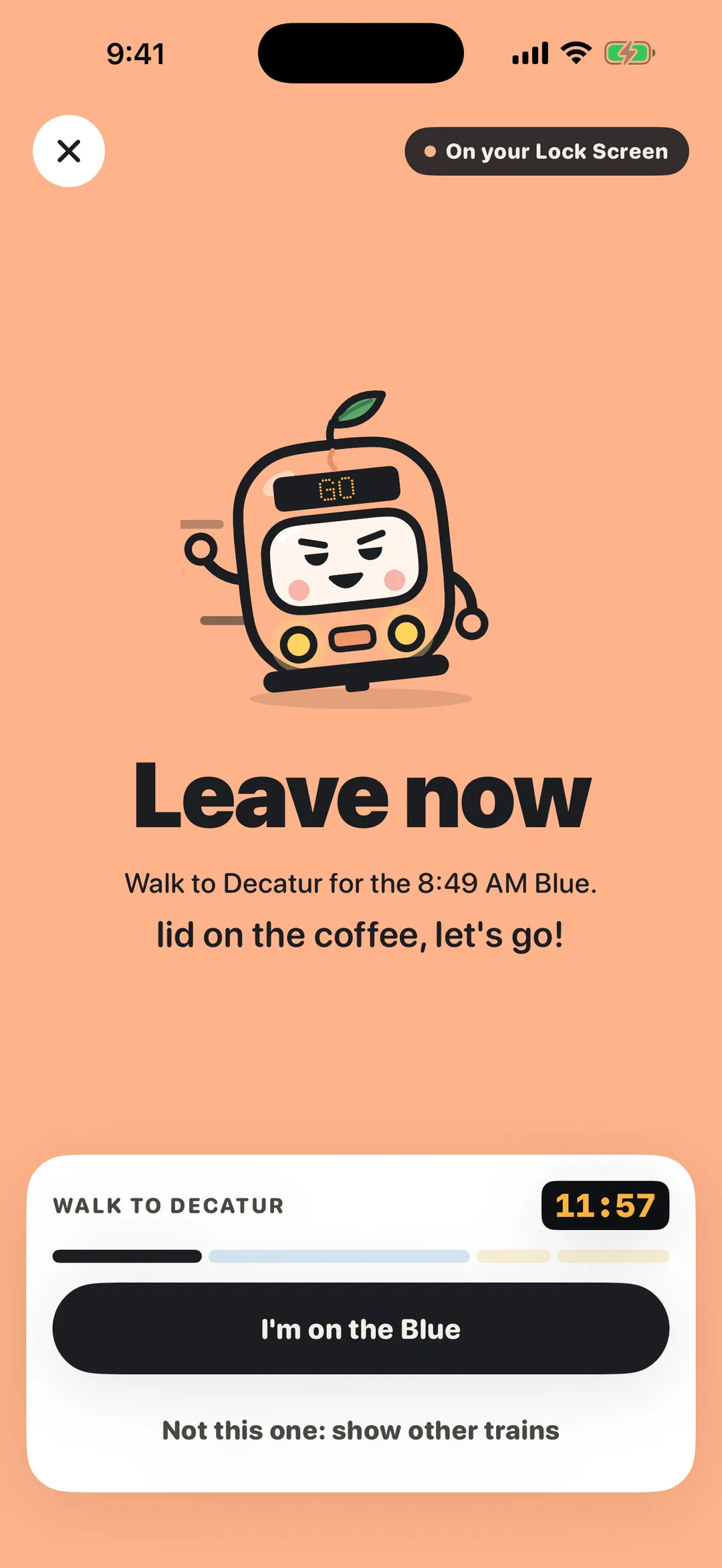
From the chime to your stop: walk, ride, change, arrive. Pip nudges you one stop before.
Live arrivals every 30 seconds. Offline, Pip uses the published timetable and says so.
Trains that turn back early, the last connection of the night, and when the first train runs.
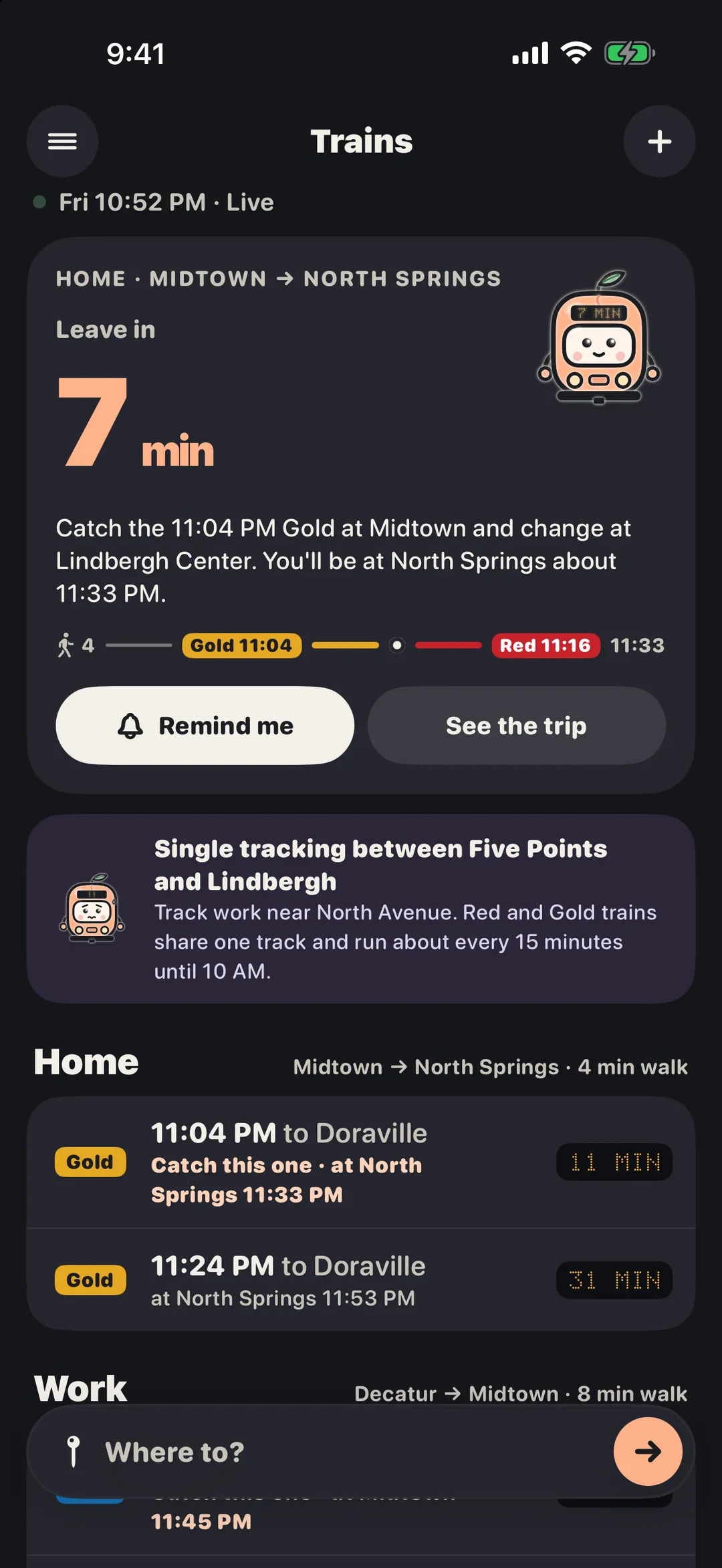
Single tracking, closed platforms and elevator outages, with the ones on your trips up front.
Type “to the airport, 8 min walk” or “to the stadium”. Pip shows the trip and its next train.
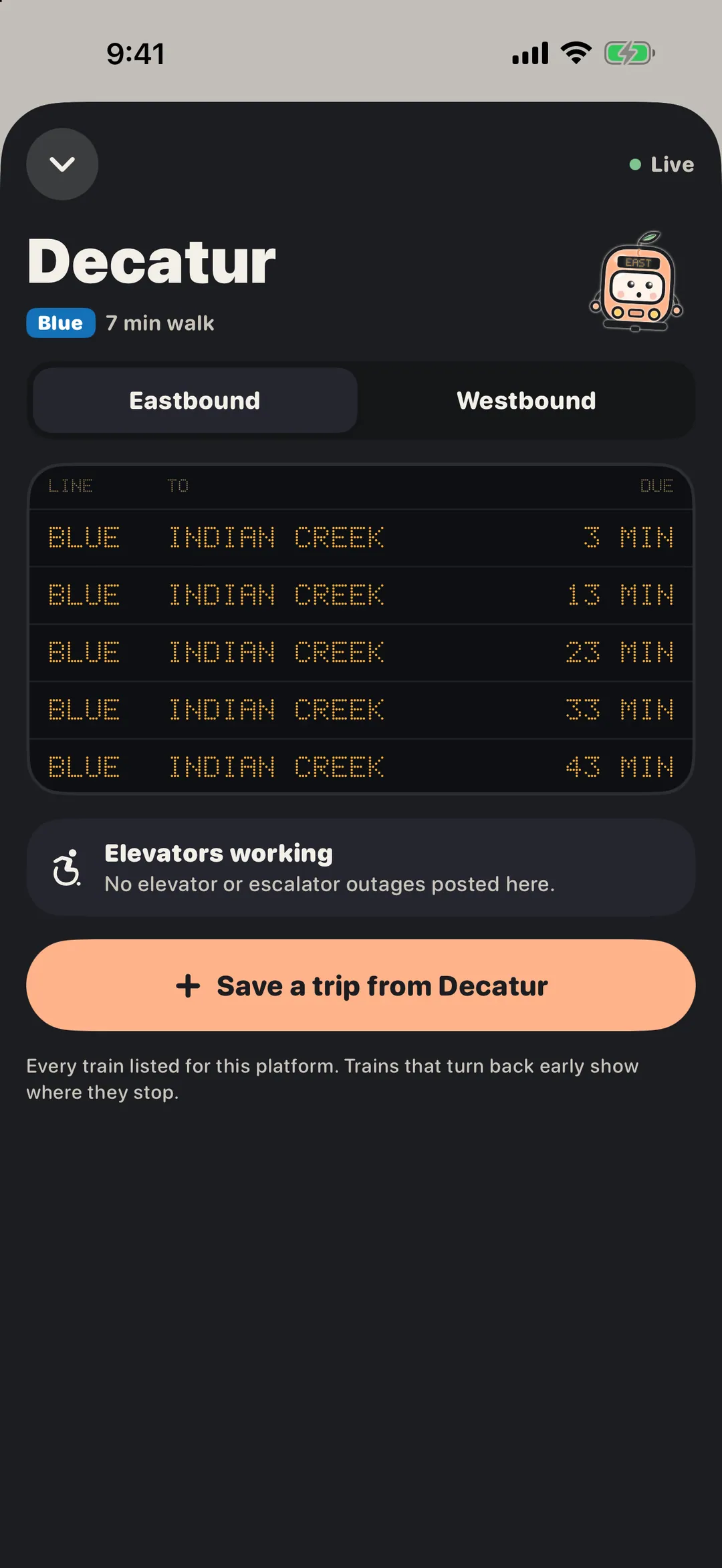
All 38 stations by line, nearest first, each with a live board by direction.
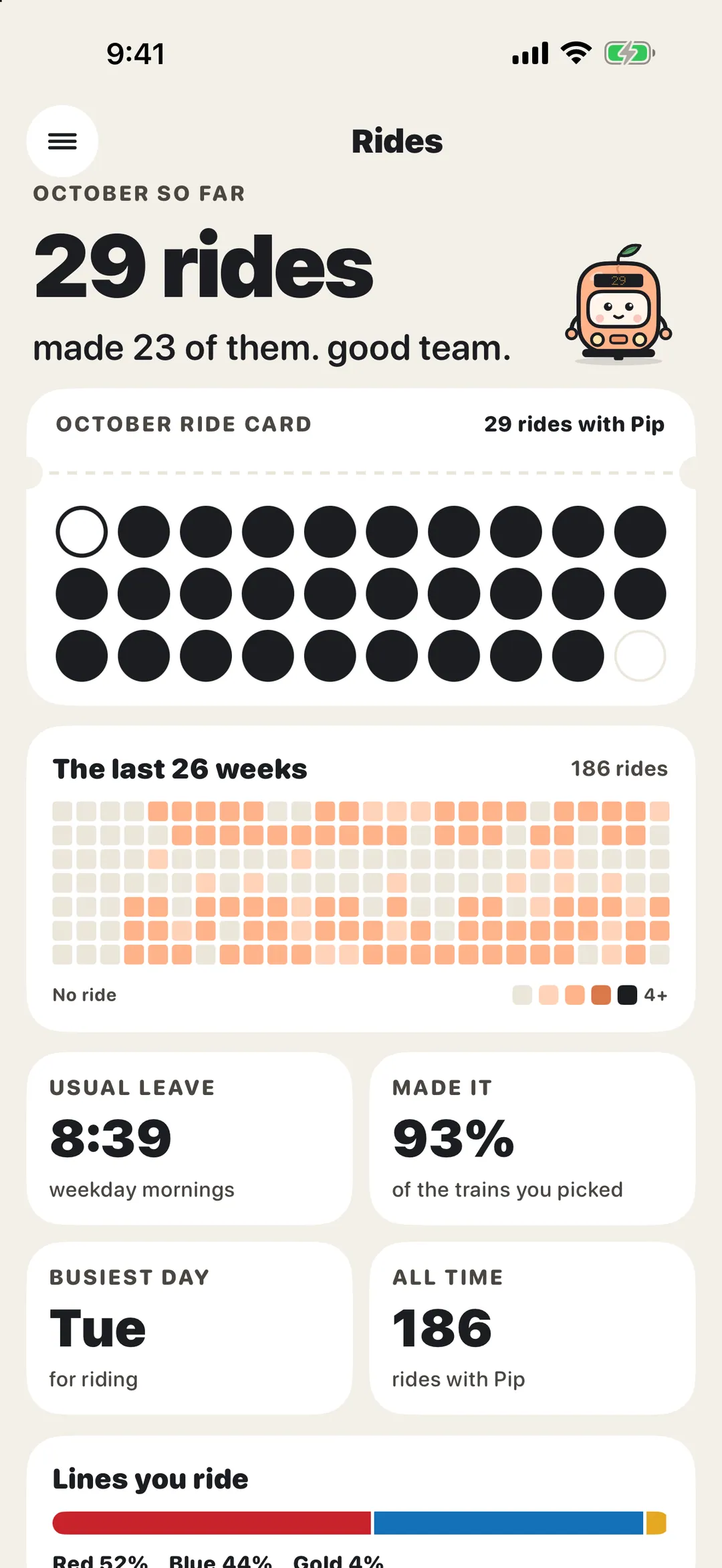
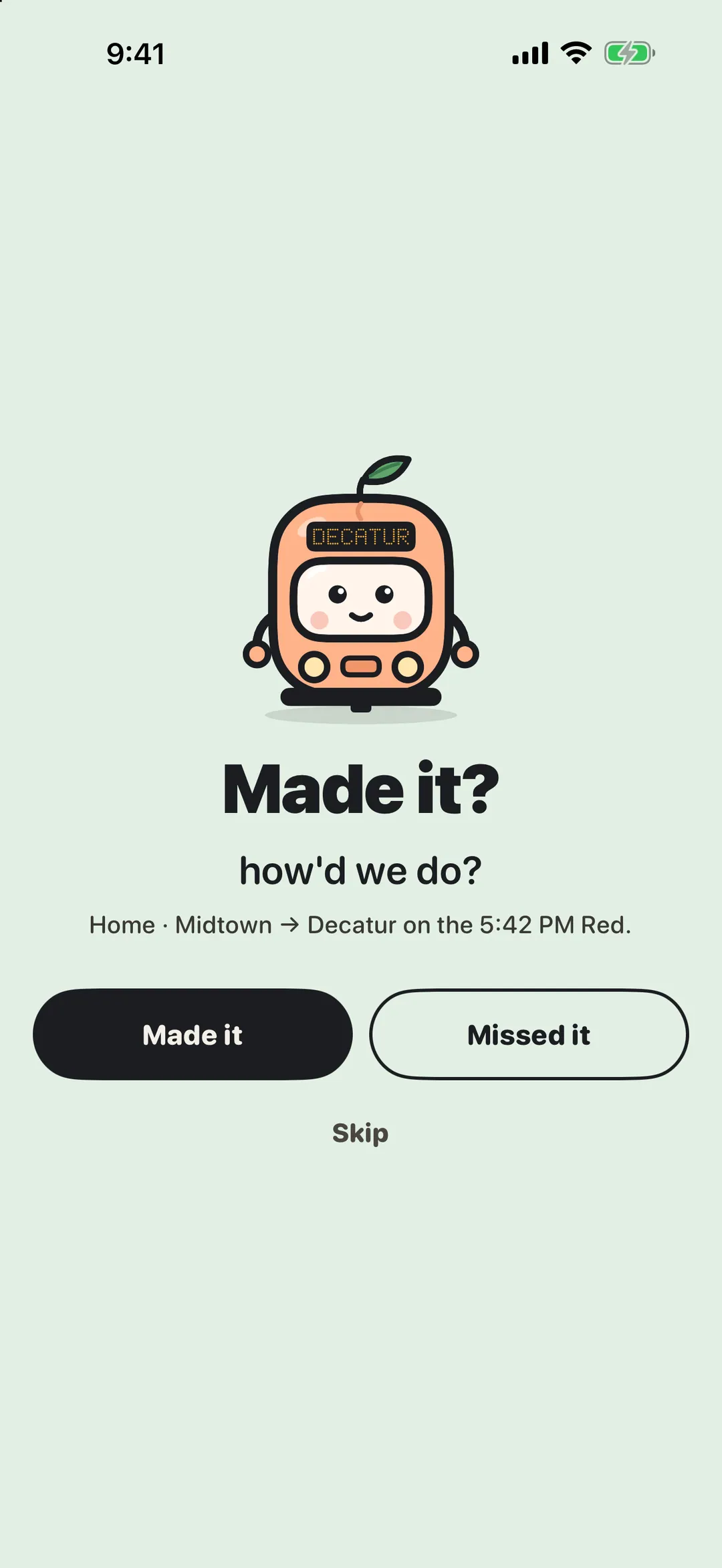
Answer “Made it?” after a ride and Pip punches your card. A golden ticket at 25, 100, 200 and 500.
A Live Activity from the chime to your stop, widgets, StandBy, Control Center, and taps on your wrist.
“When’s my next train in Pip?” From the Action button or a Shortcut, too.
No account. No analytics. No ads. No tracking. Your trips stay on your iPhone and Apple Watch. Pip asks only for train times and alerts, and sends nothing about you.
Read the privacy policyLight, Dark or Auto with a night platform after 9 PM, five app icons, your walking pace, and Pip on or off.
Everything is free. If Pip helps, Settings has four optional one-time tips. They unlock nothing.
Pip is an independent app and isn’t made, affiliated with or endorsed by Atlanta’s transit agency. Times come from the agency’s public feeds and can change; always check the signs on the platform. Rail only for now; buses aren’t included yet.
Free, coming to the App Store soon. No account required.
Coming soon to the App Store