GUITAR TUNER
A simple guitar tuner: in tune in seconds.
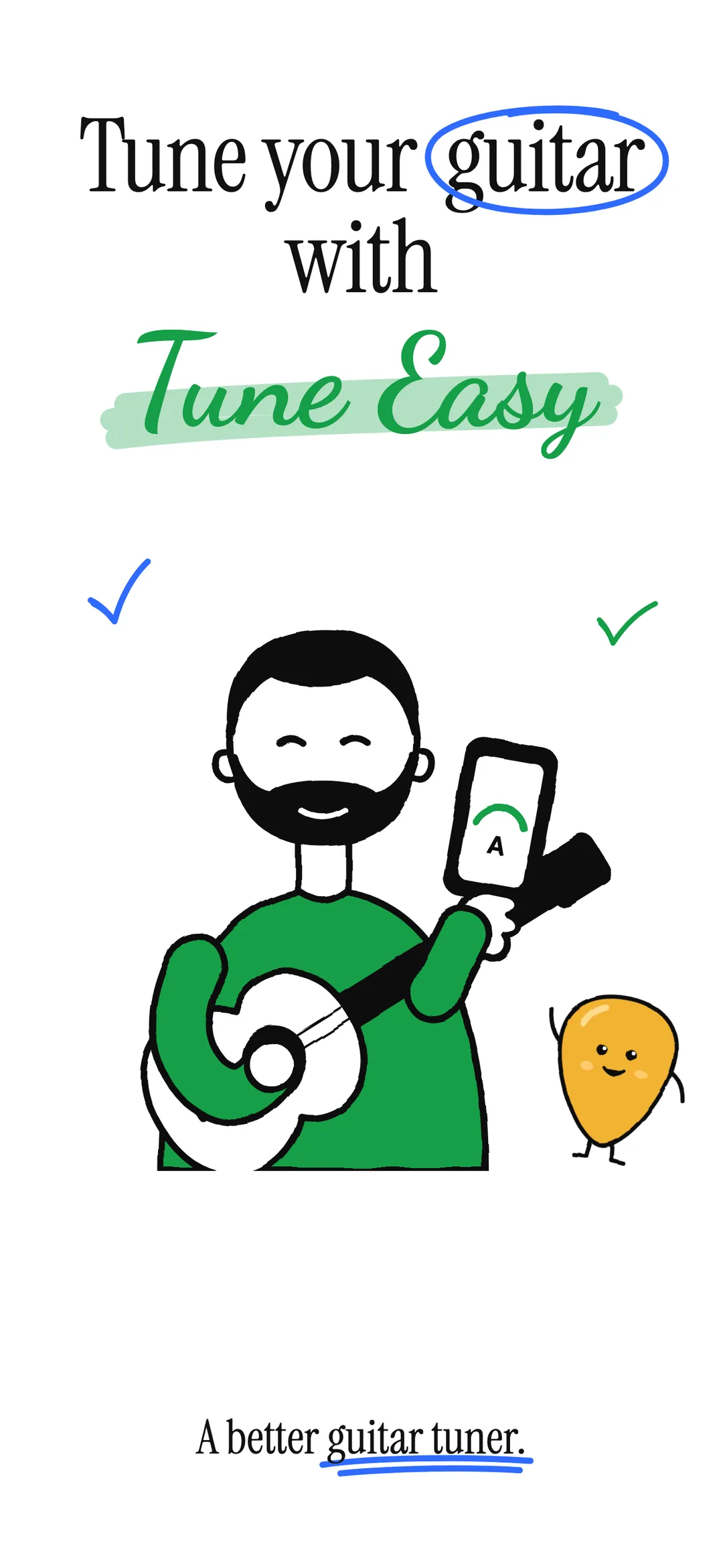
Tune Easy is a simple guitar tuner for iPhone. Play a string and it shows which way to turn the peg. When it's right, the ring lights up. Eleven tunings, a chromatic mode and a reference note for every string. No sign-up, no subscriptions, nothing recorded.

See it in action.
-
01 — Hero -
02 — Which way -
03 — In tune -
04 — All six -
05 — Tunings -
06 — Reference -
07 — Chromatic -
08 — Dark -
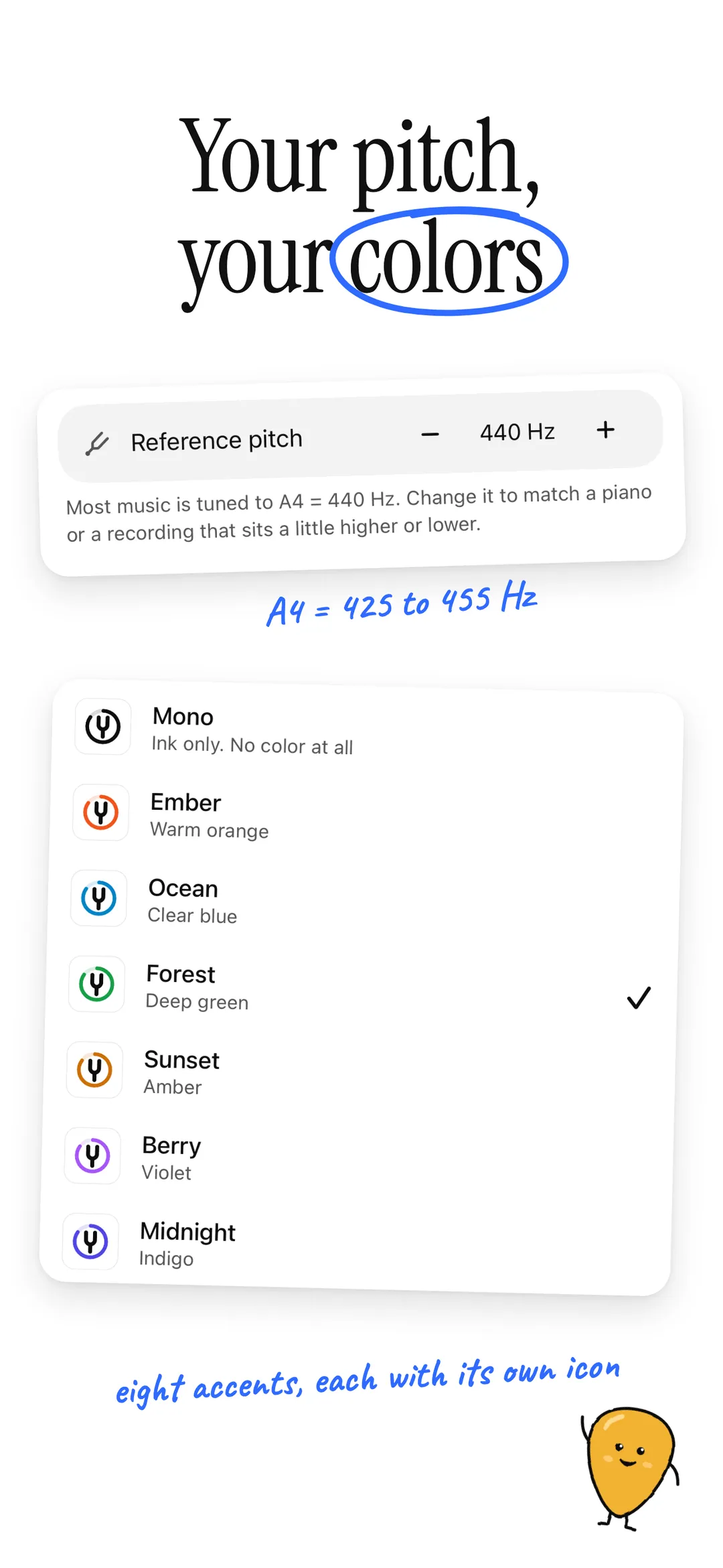
09 — Make it yours -
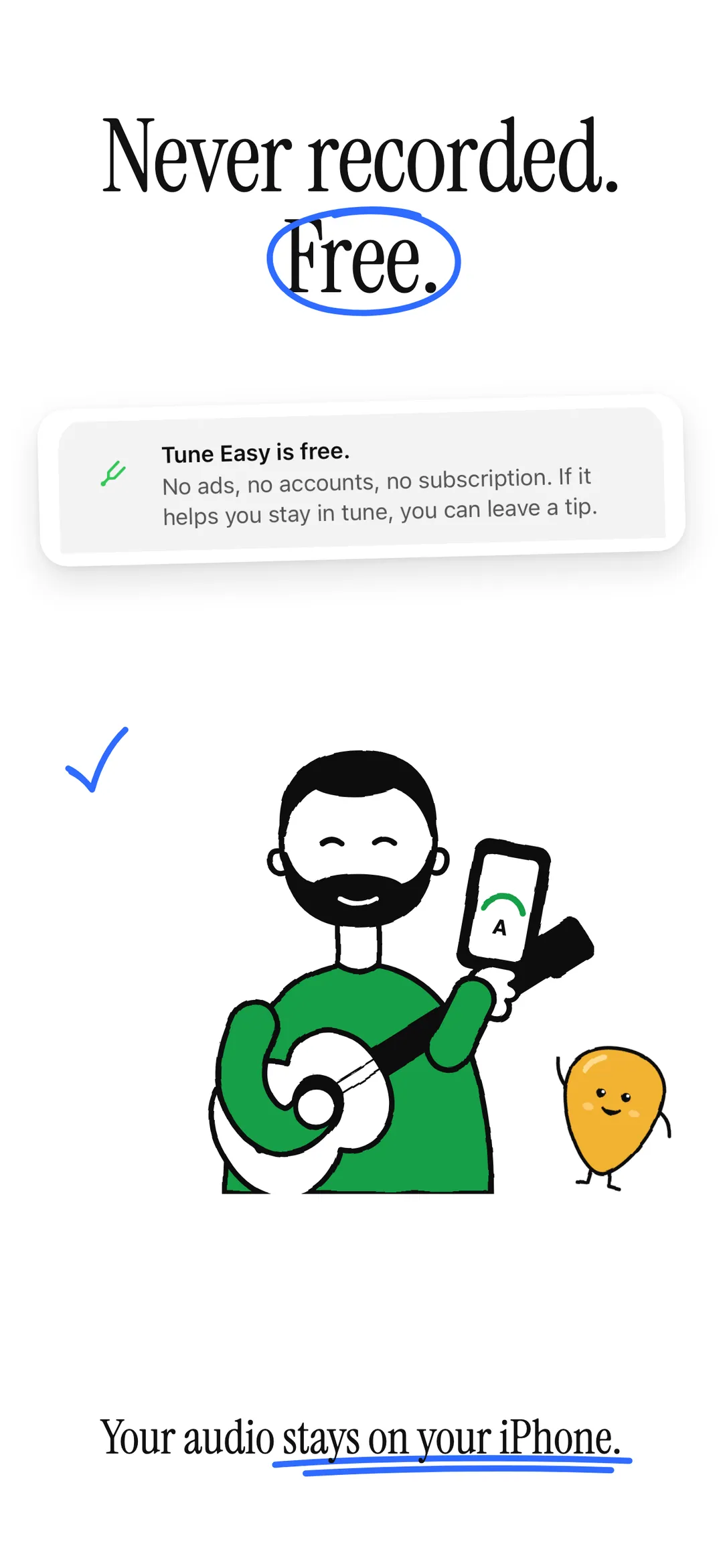
10 — Free private
-
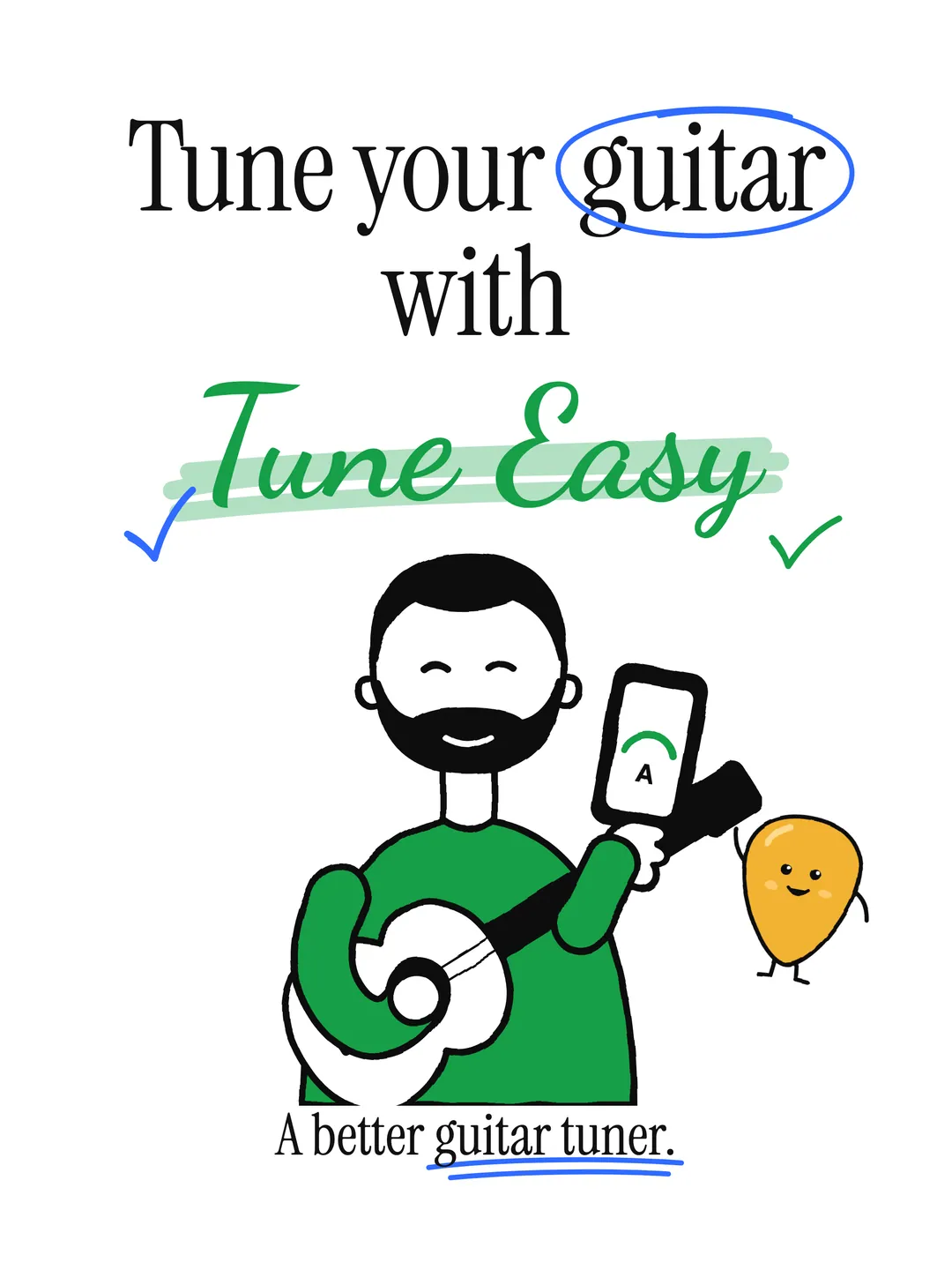
01 — Hero -
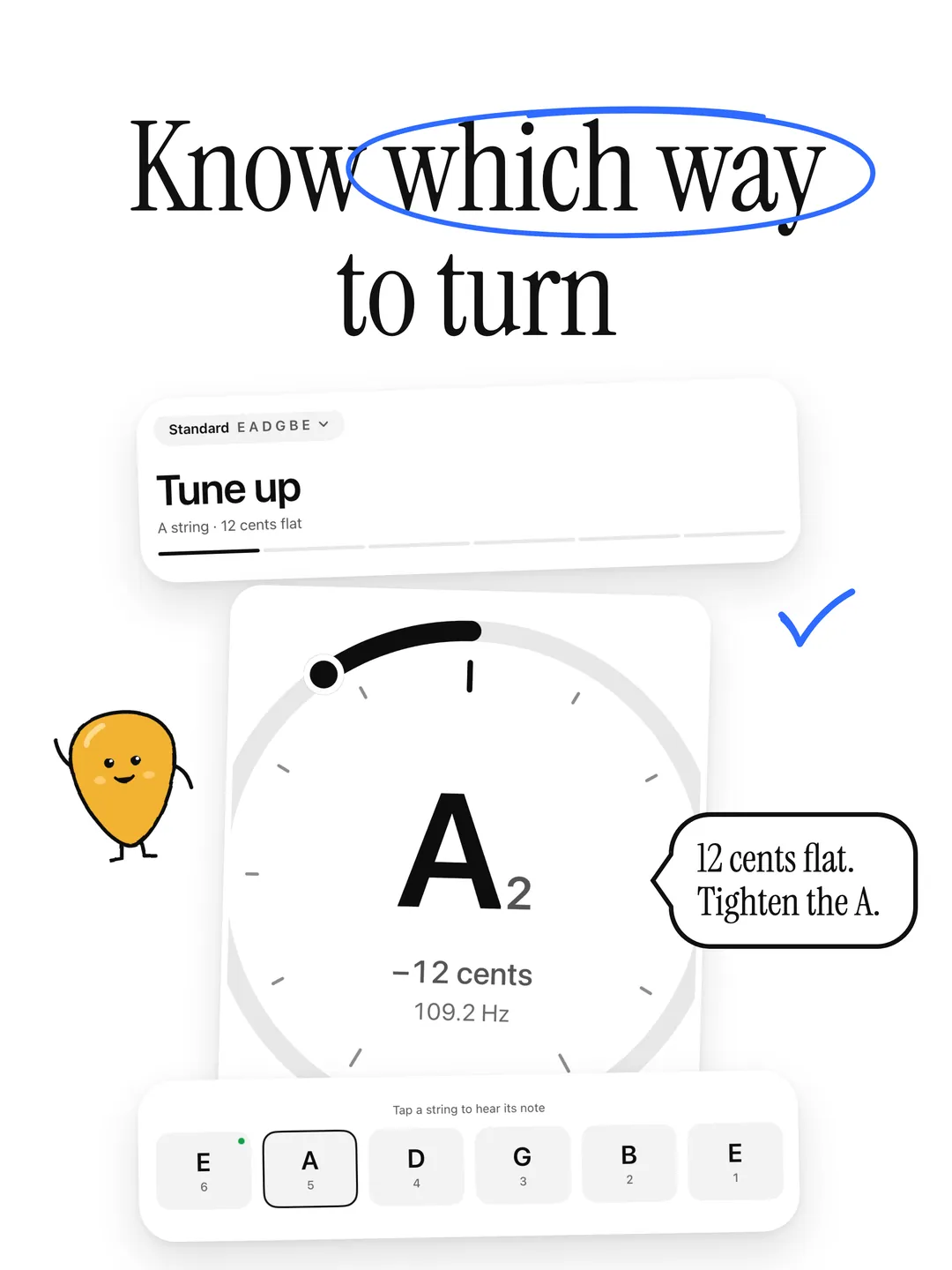
02 — Which way -
03 — Sideways -
04 — In tune -
05 — Tunings -
06 — Reference -
07 — Chromatic -
08 — Dark -
09 — Make it yours -
10 — Free private
A guitar tuner, simple by design.
- 01
Tune Up, Tune Down, In Tune
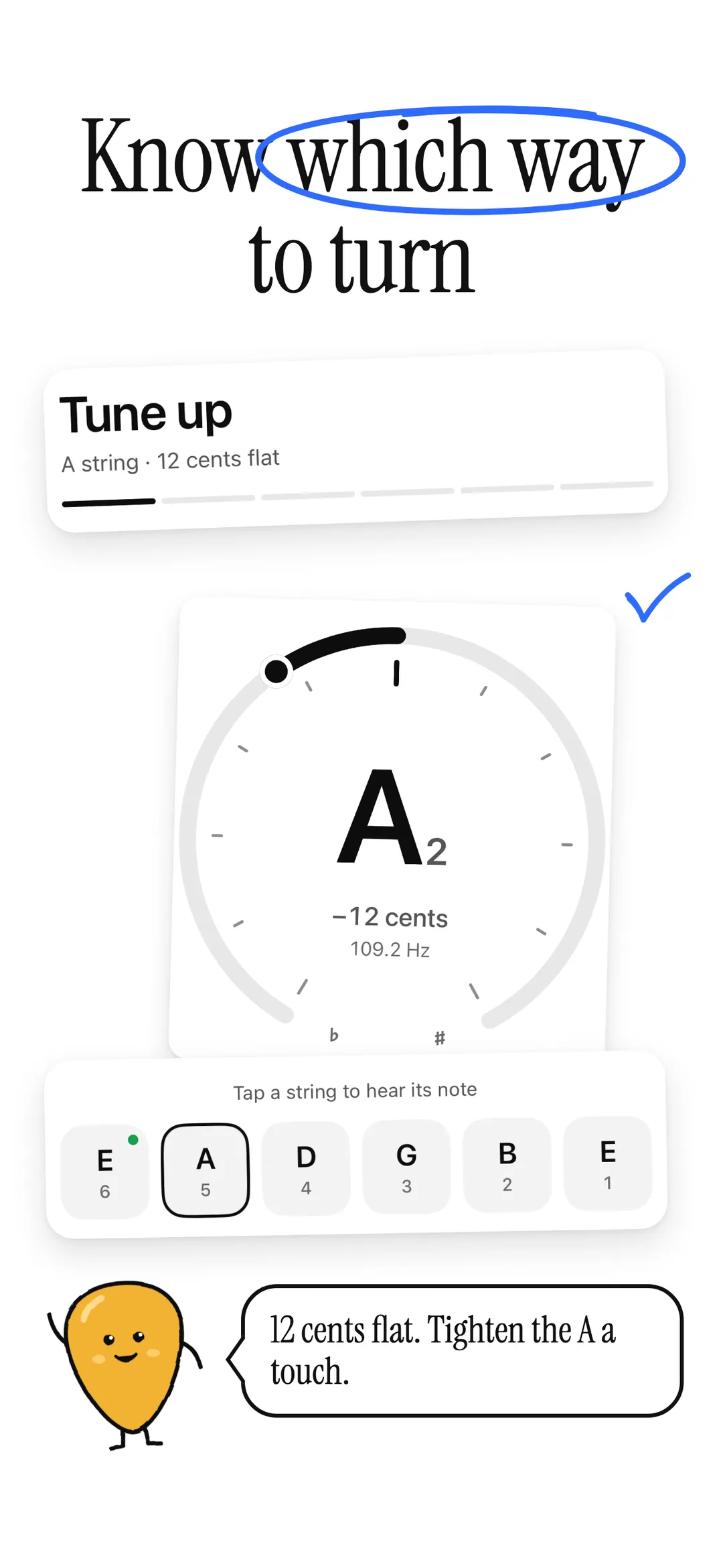
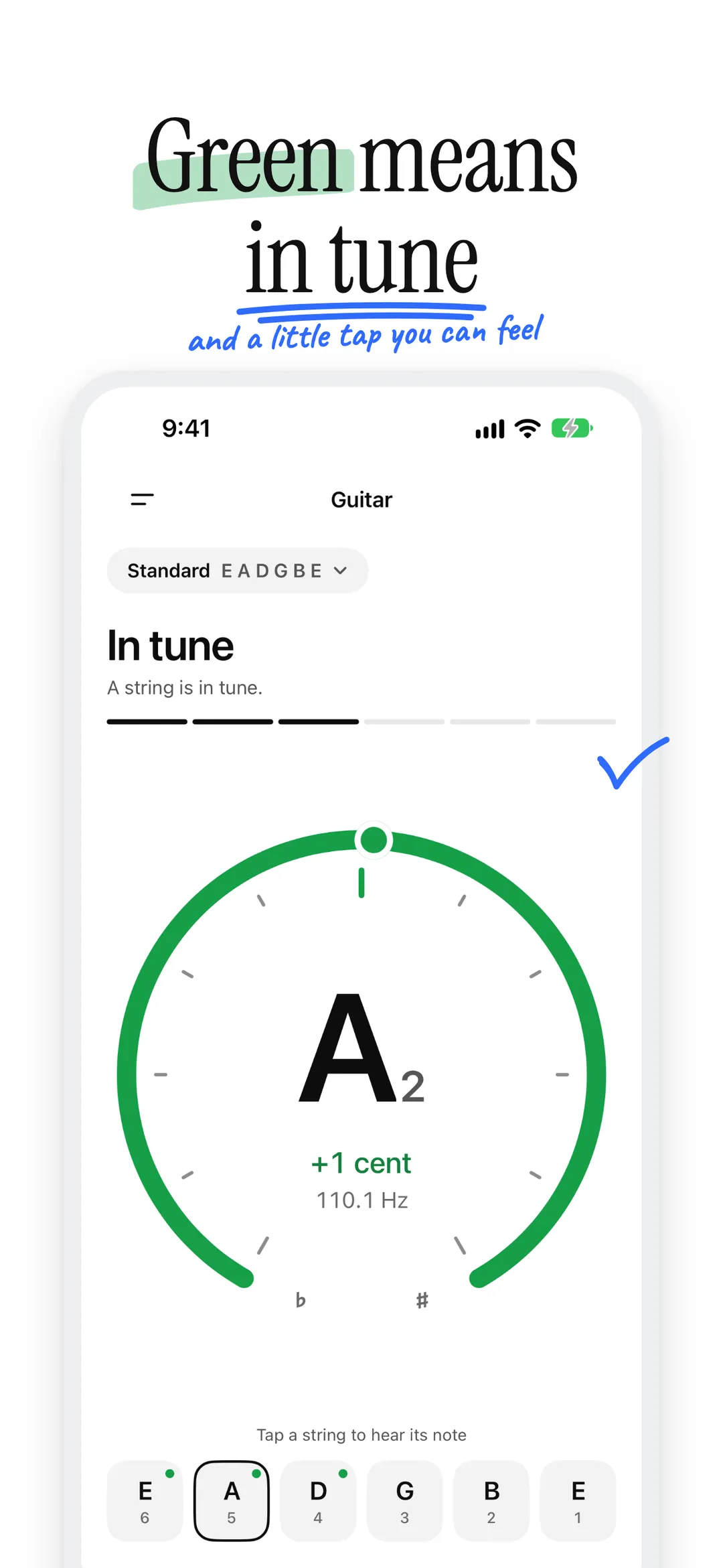
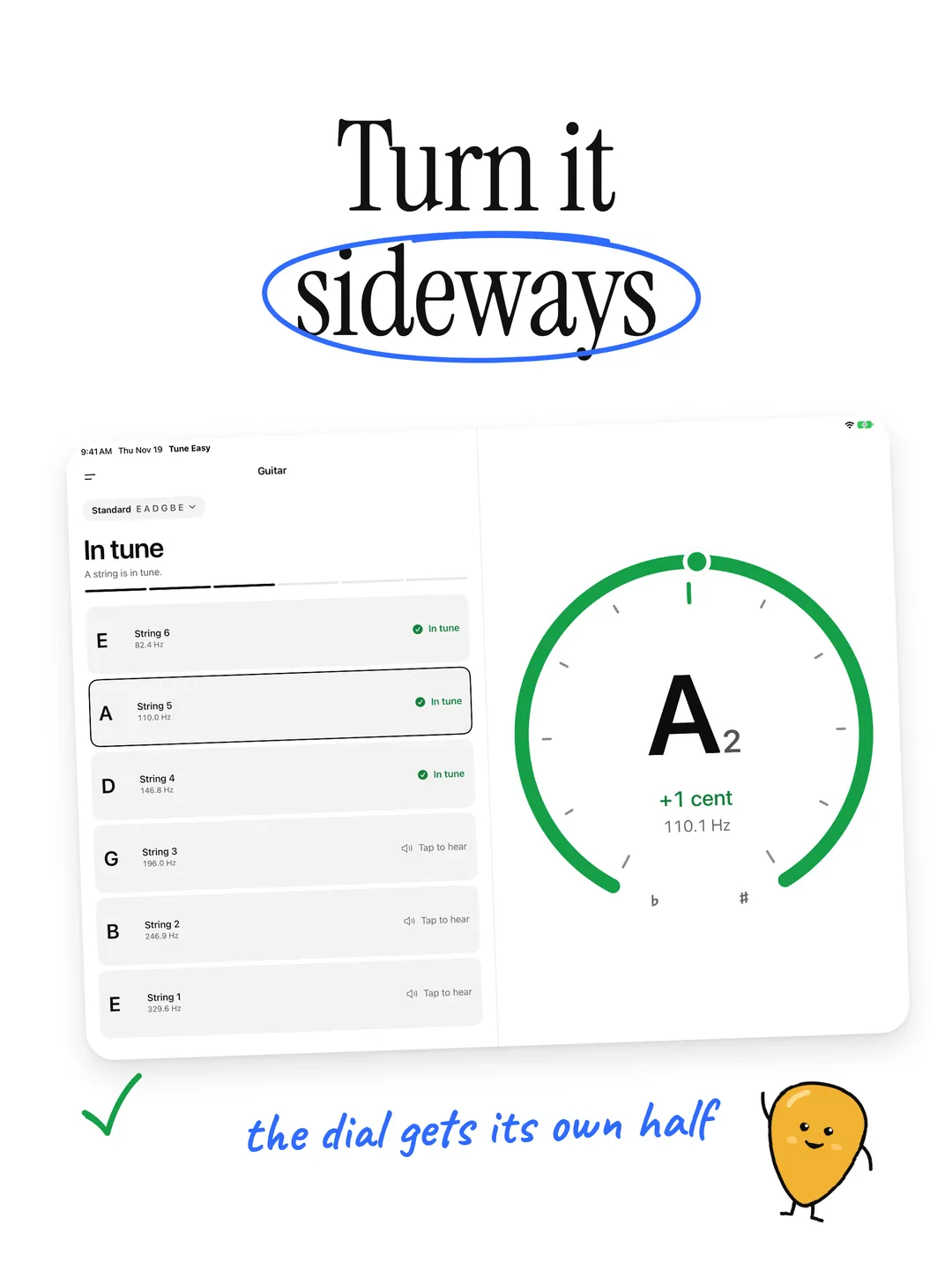
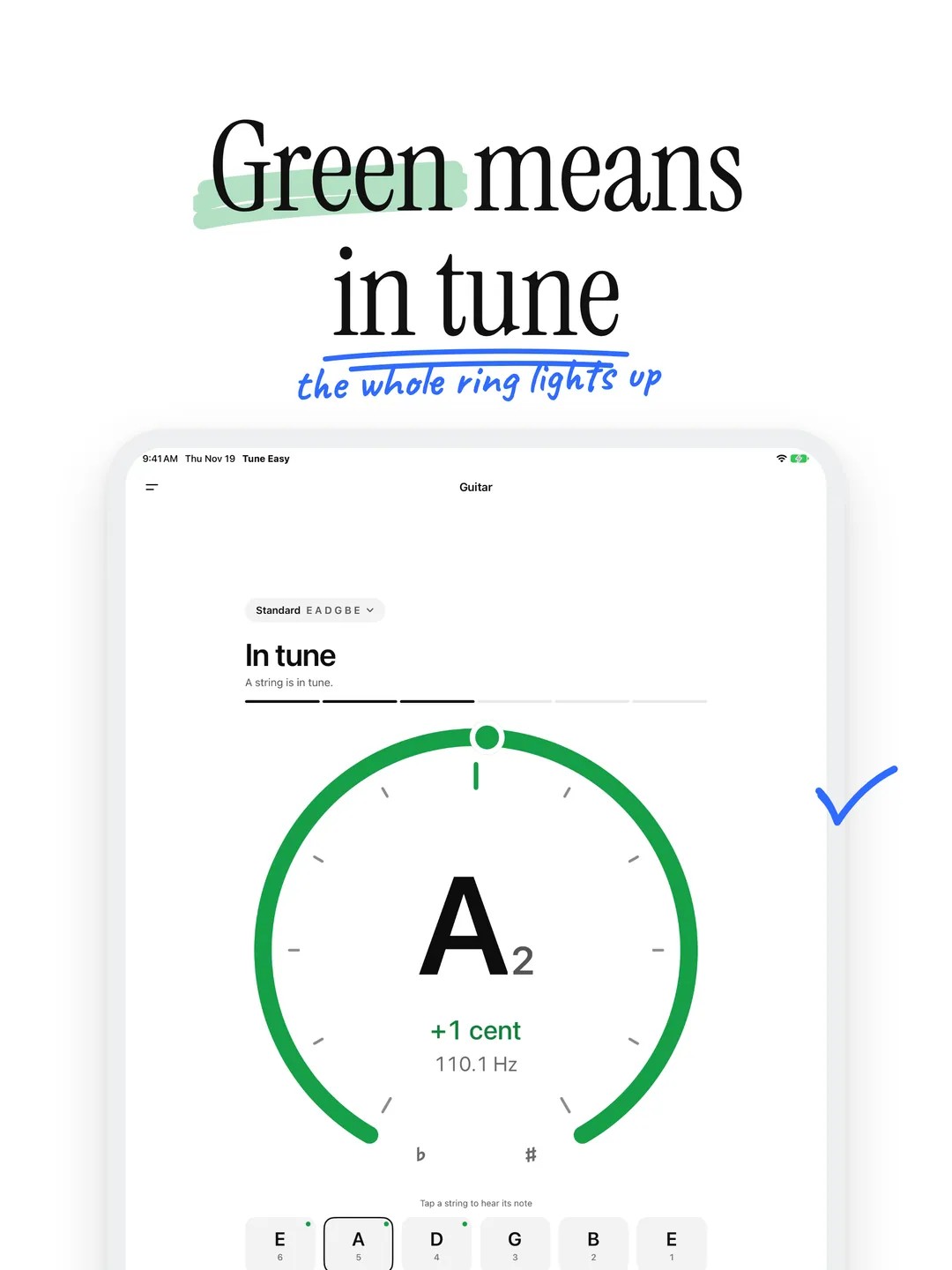
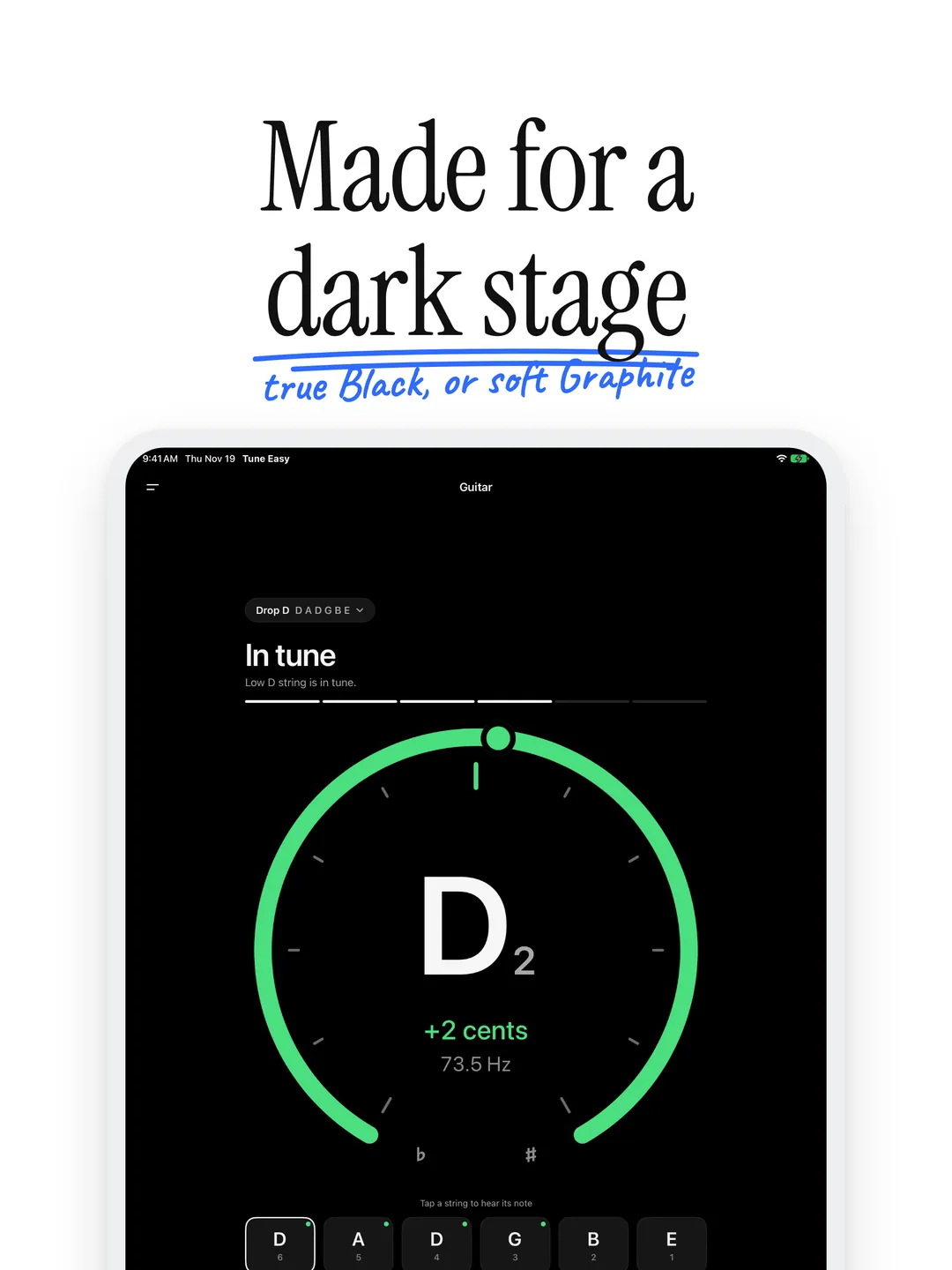
The dial shows how many cents flat or sharp a string is, and the headline says which way to turn. When the string is right, the ring lights up and you feel a tap.
- 02
Eleven Tunings
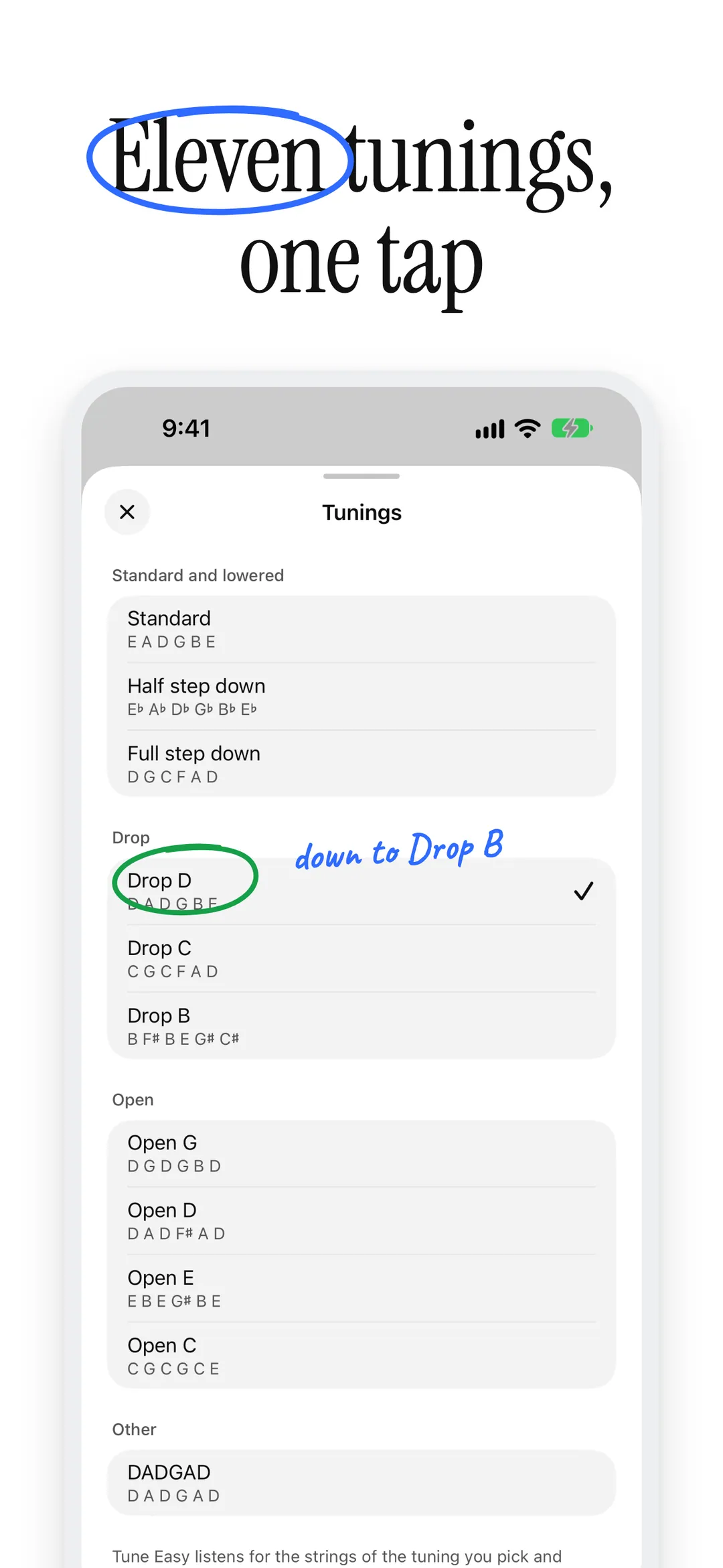
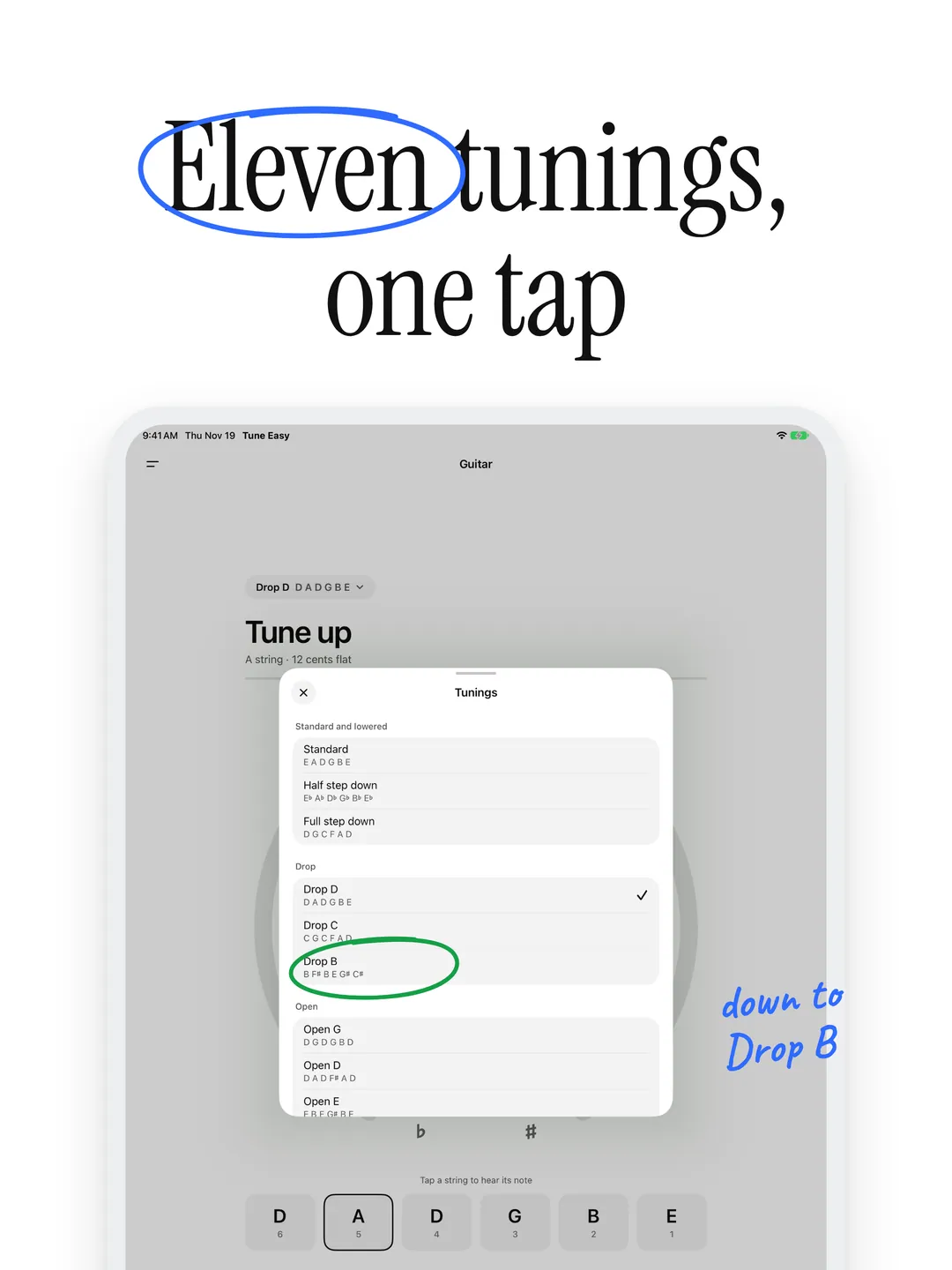
Standard, half and full step down, Drop D, C and B, Open G, D, E and C, and DADGAD. Tune Easy listens for the strings of the tuning you pick, down to Drop B's low B.
- 03
Strings in Tune
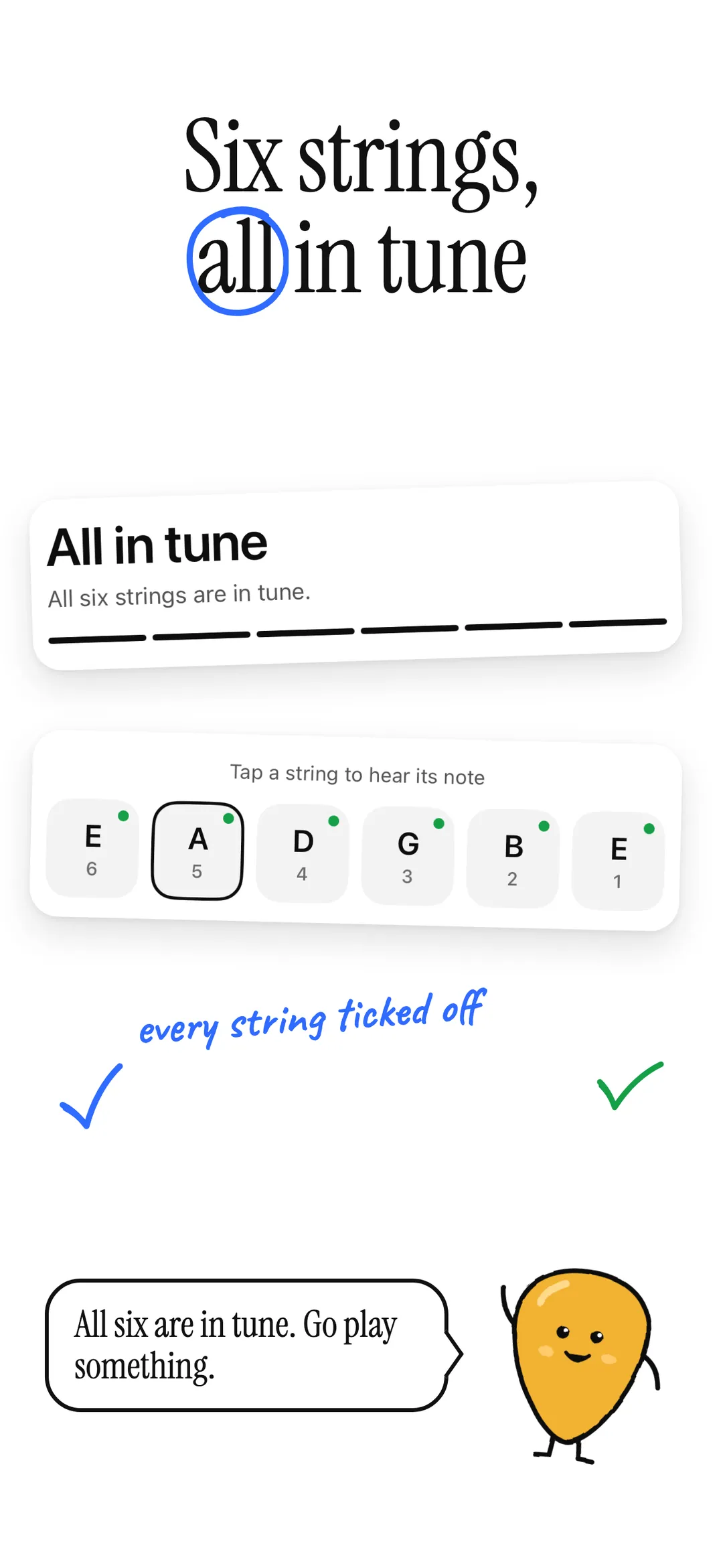
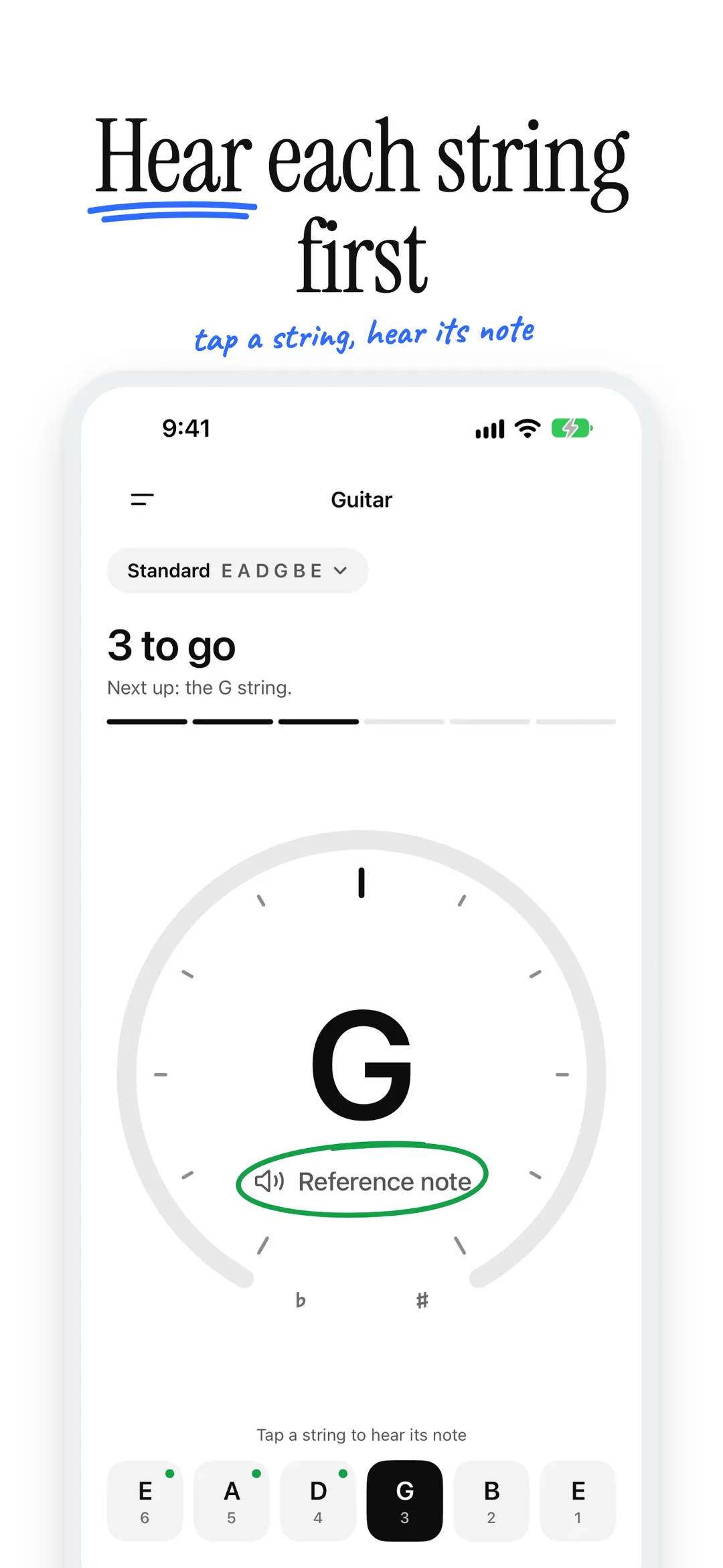
Every string you bring in tune is marked, and Tune Easy counts down to all six, with the next string to tune one glance away.
- 04
Reference Notes
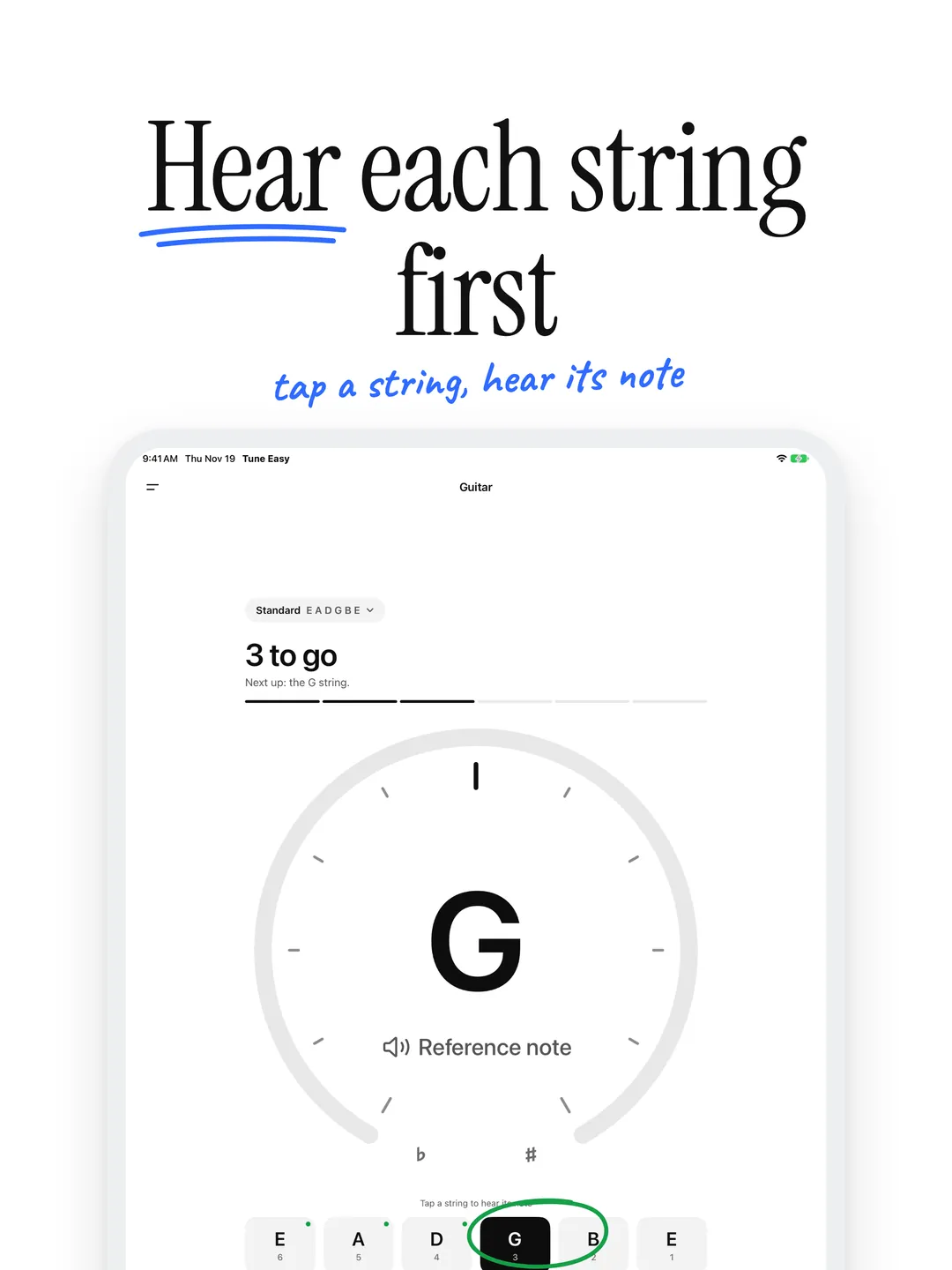
Tap a string to hear its note, played as a plucked tone your iPhone speaker can carry, even for the low E.
- 05
Chromatic Mode
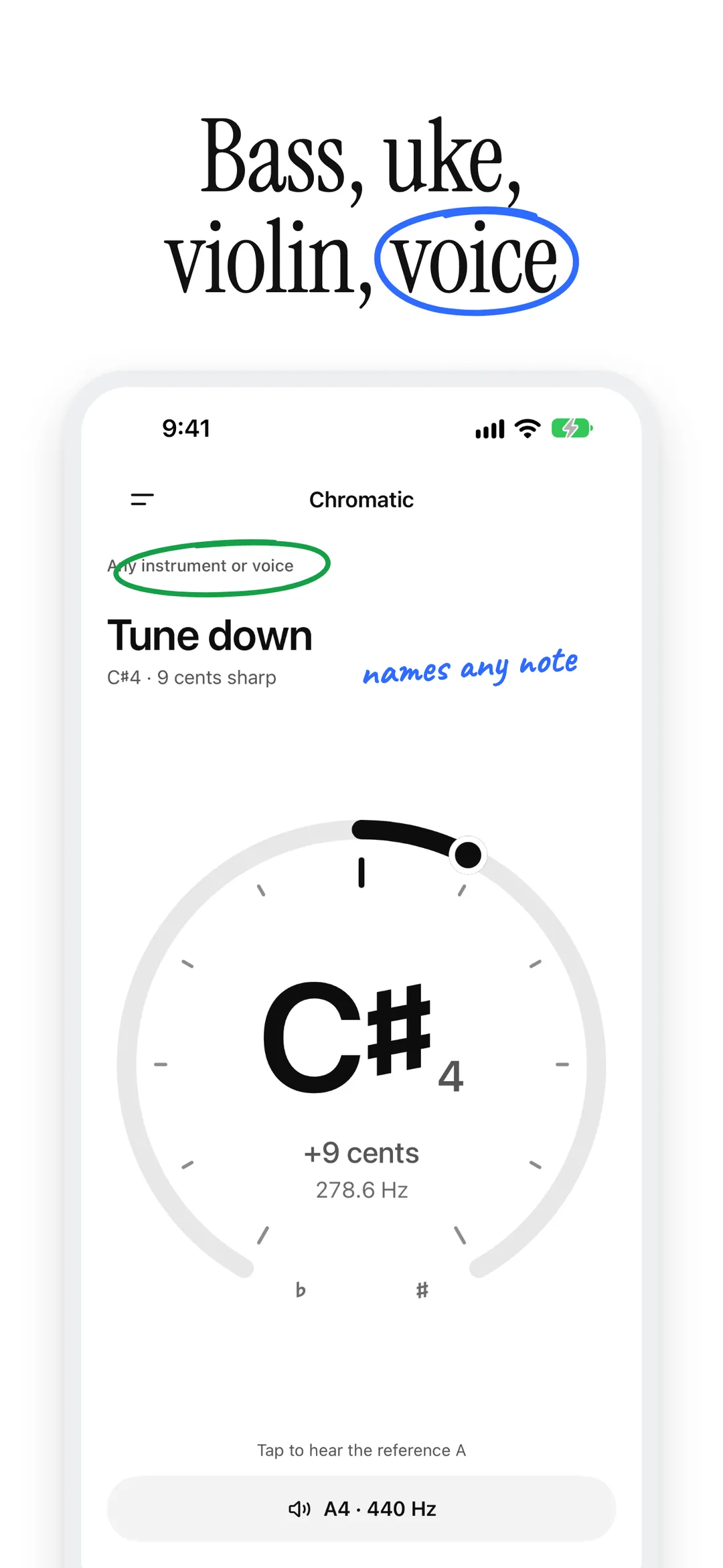
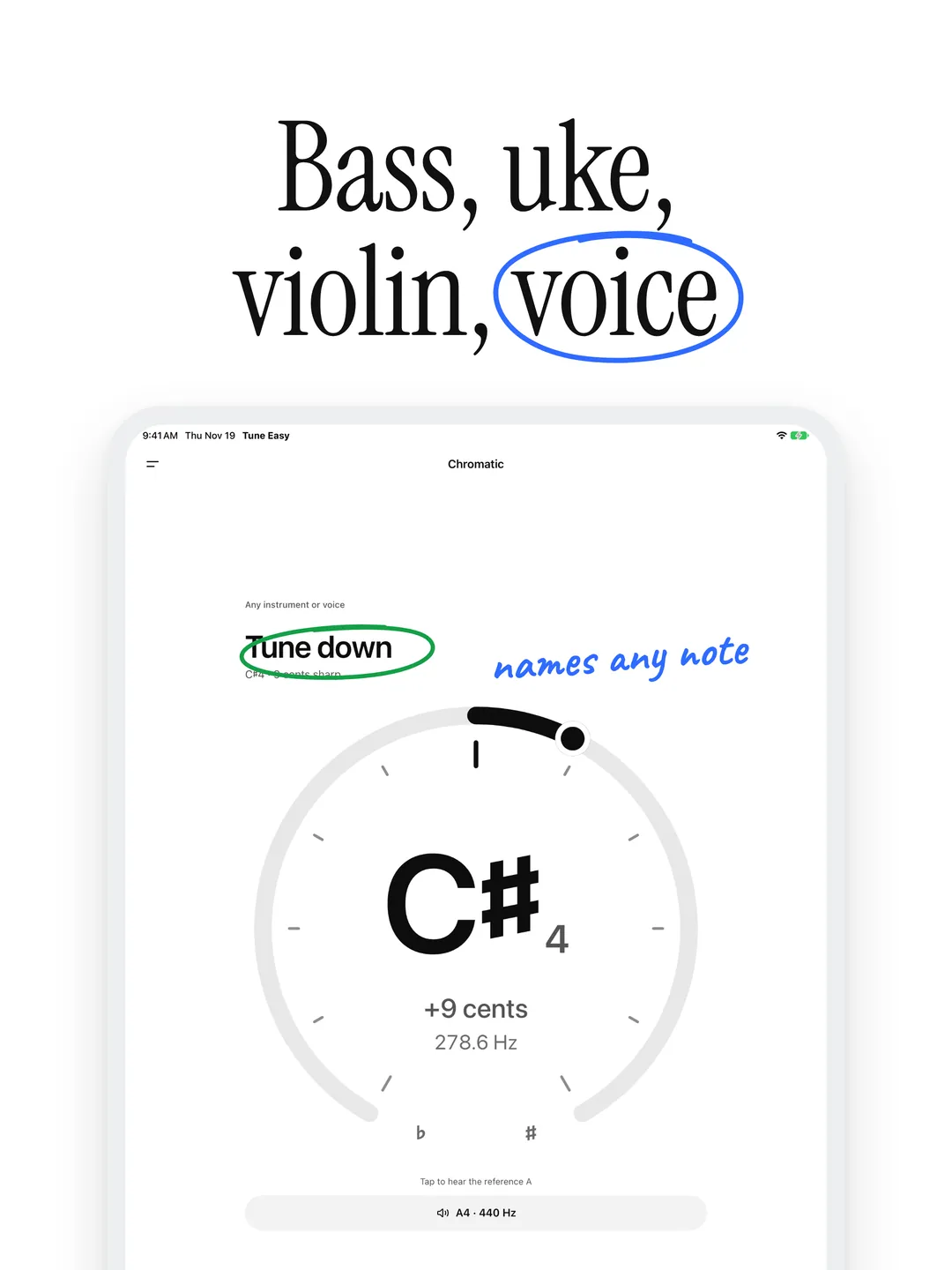
Tune a bass, a ukulele, a violin or your voice. The chromatic tuner names any note and plays a reference A.
- 06
Reference Pitch
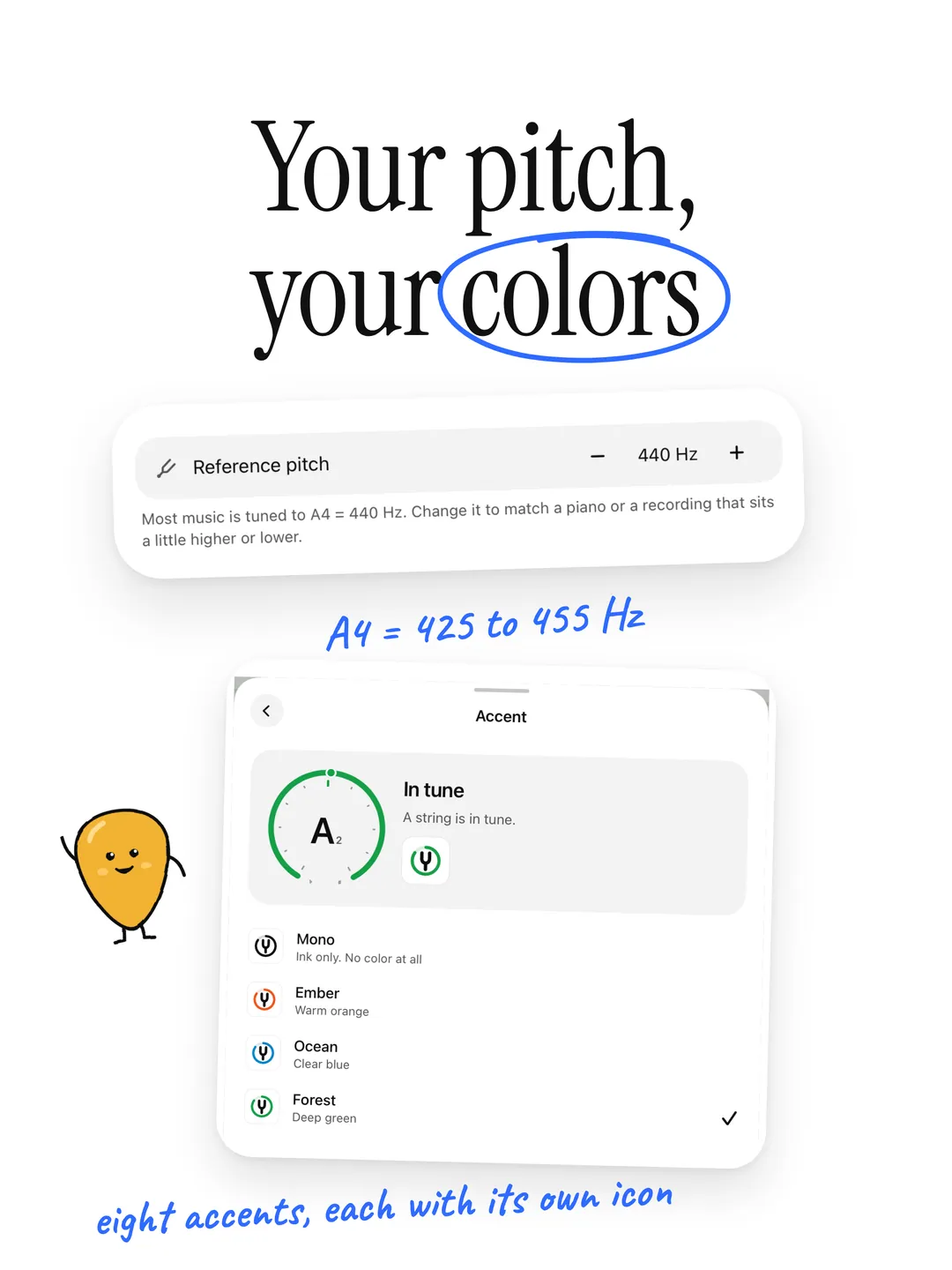
Tune to A4 = 440 Hz, or anywhere from 425 to 455 Hz to match a piano or a recording.
Set it up your way.
- 01
Your Accent
Pick one of eight accents for the in-tune ring. It sets the app icon too, with dark and tinted versions.
- 02
Day or Night
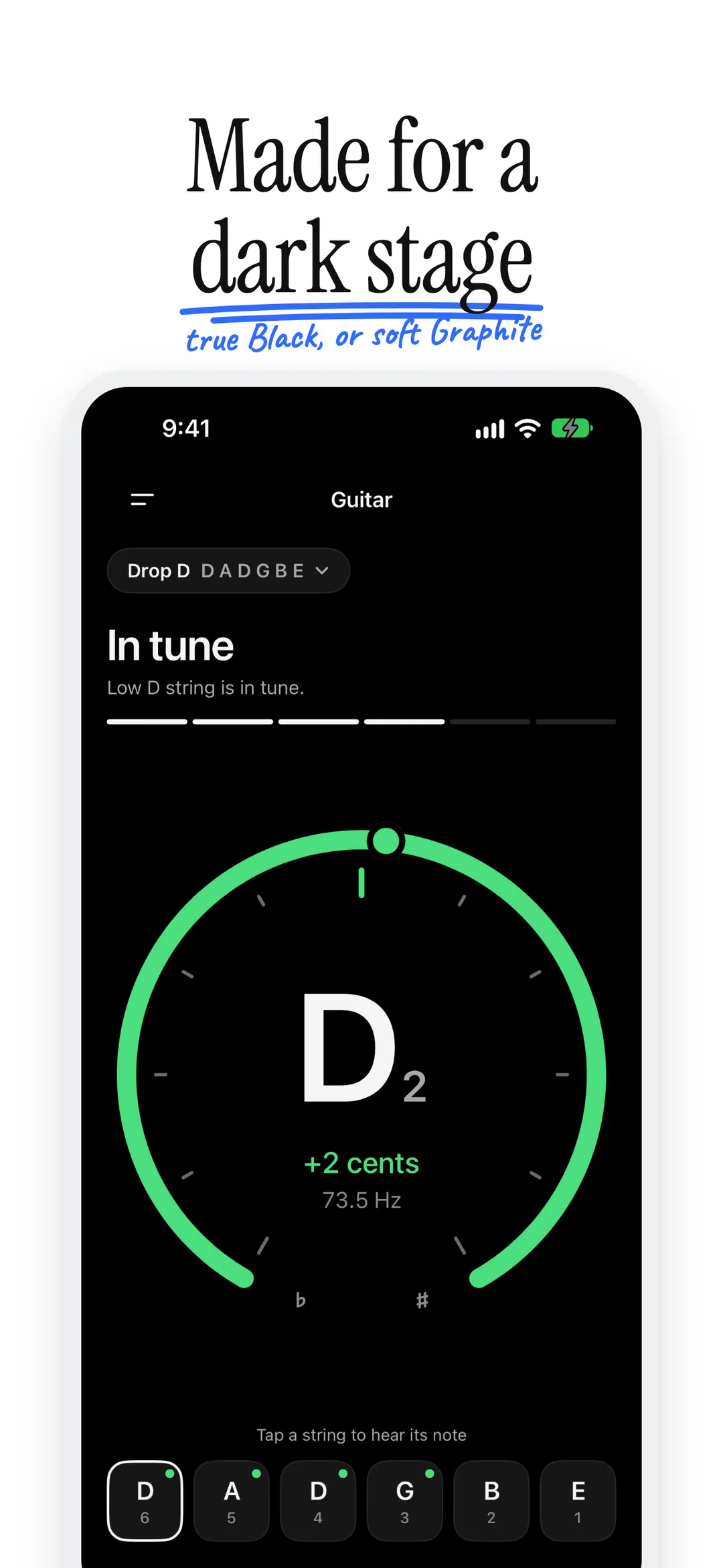
Follow your iPhone or pick Light or Dark. After dark, choose soft Graphite or true OLED Black.
Nothing is recorded.
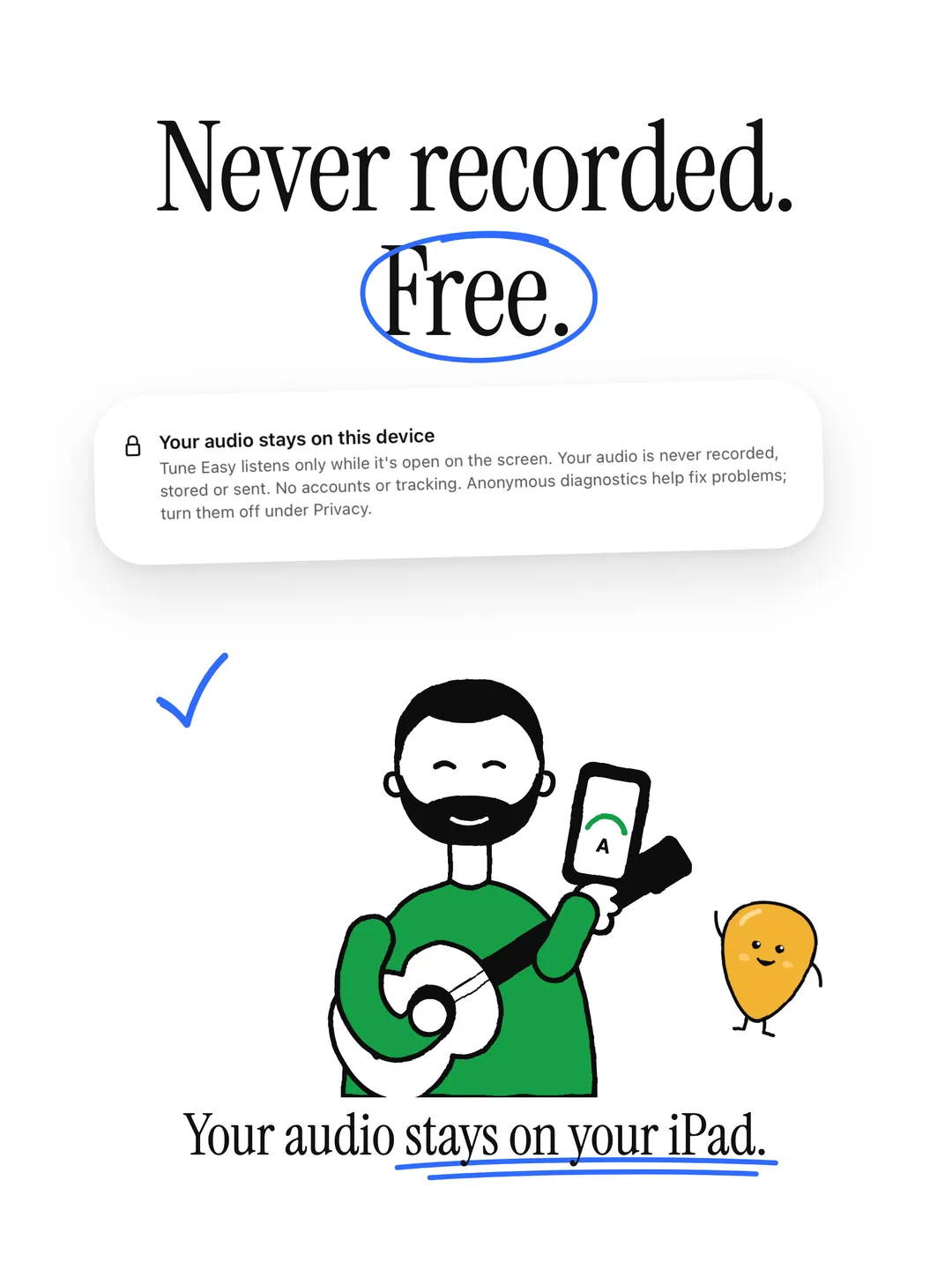
The microphone is used only while Tune Easy is on screen. Audio is analyzed on your iPhone and discarded: never recorded, stored or sent. No ads, no tracking. Anonymous diagnostics (crash reports and which screens you use, never audio) help fix problems, and you can turn them off in Settings.
Read the full privacy policyIs Tune Easy free?
Yes. Tune Easy is free and has nothing to unlock. If it helps you stay in tune, you can leave a one-time tip in Settings. Tips go through the App Store and change nothing in the app.
Which tunings does Tune Easy have?
Eleven: Standard, half step down, full step down, Drop D, Drop C, Drop B, Open G, Open D, Open E, Open C and DADGAD. Tap the tuning above the headline to pick one, and Tune Easy listens for the strings of that tuning.
Can I tune a bass, a ukulele or a violin?
Yes. Open the menu and choose Chromatic. The chromatic tuner names any note, so it works for a bass, a ukulele, a violin or your voice.
Does it work with acoustic and electric guitars?
Yes, any guitar that makes audible sound. With an electric, play unplugged (the strings are usually loud enough) or hold your iPhone near your amp's speaker.
Can I tune to A = 432 Hz or match a piano?
Yes. Open the menu, then Settings, and set the reference pitch anywhere from A4 = 425 to 455 Hz. Most music uses 440 Hz, the default.
Does Tune Easy record my audio?
No. The microphone is used only while you tune. Audio is analyzed on your iPhone for pitch and never recorded, stored or sent anywhere.
Get in tune.
Free on the App Store. No account required.

More apps
 Ruby & Jad: Learn & Play
Every Ruby & Jad learning game in one app, Pre-K to grade 5: math, reading and words, science, maps, coding, Spanish, art, puzzles and life skills, with a 7-day free trial. Spoken prompts, kind hints and a parental gate.

Little notes for your kids, on their home screen: write a note, a photo or a drawing and it lands on their widget. Private lines between one grown-up and one kid, plus a family Fridge.
 Check Yourself
A lightweight macOS menu bar app to check your appearance before meetings.