WEIGHT LOG
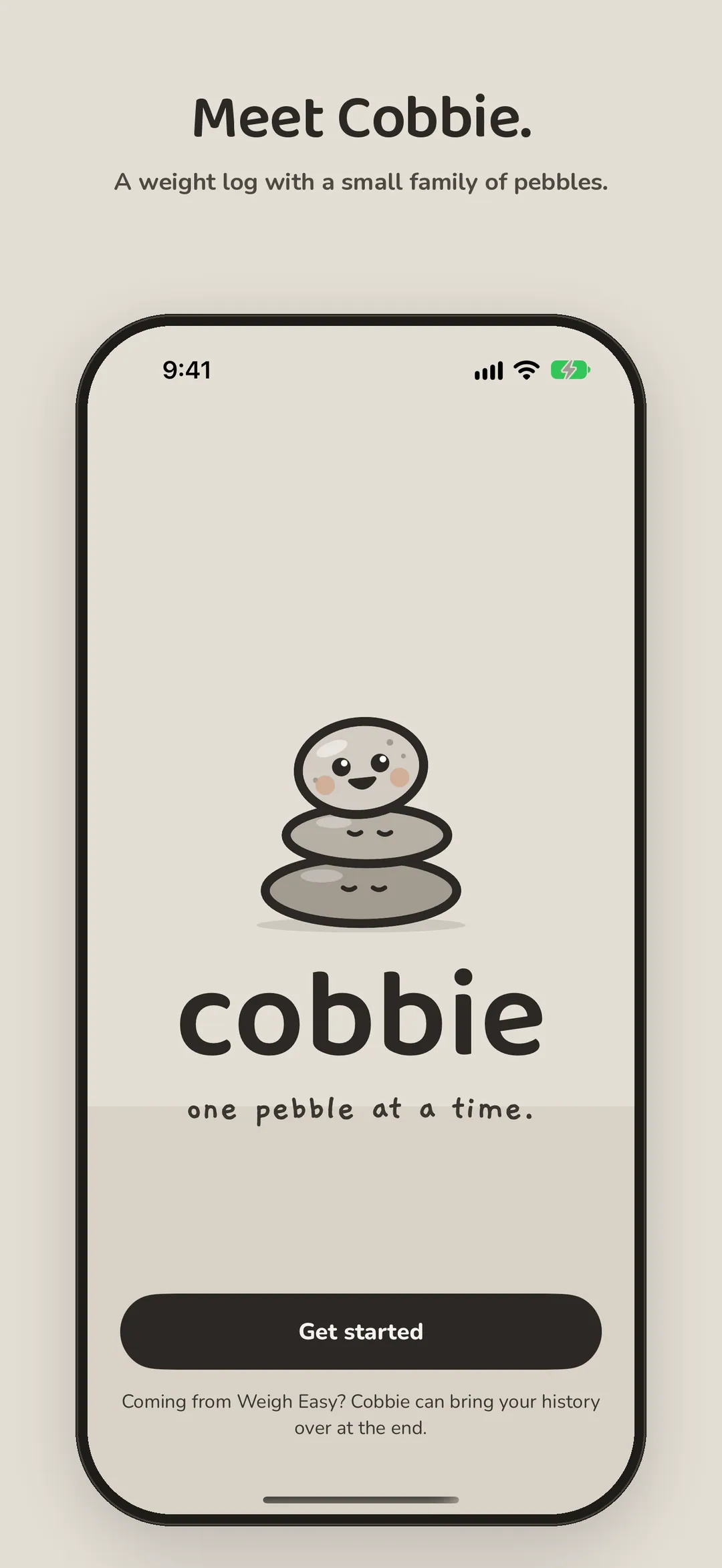
One pebble at a time.
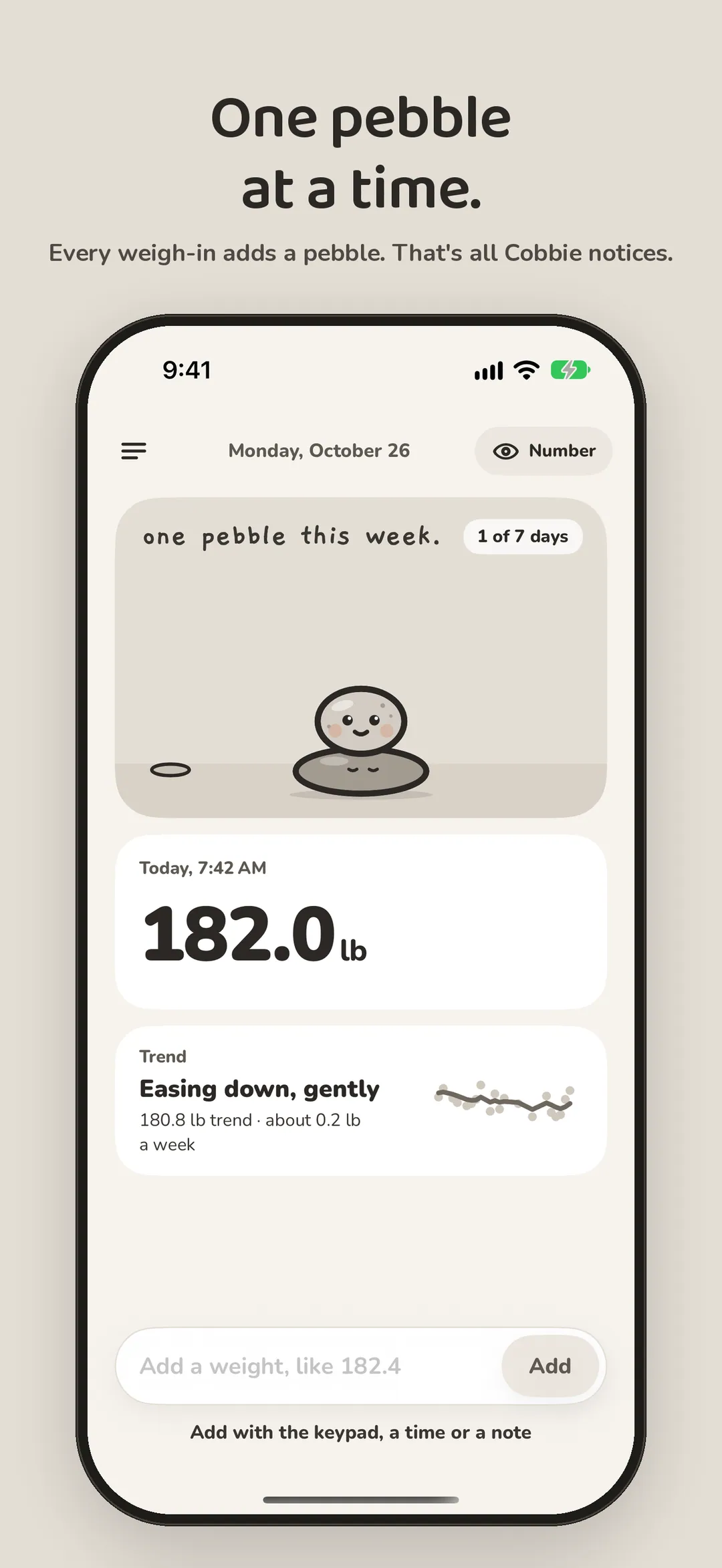
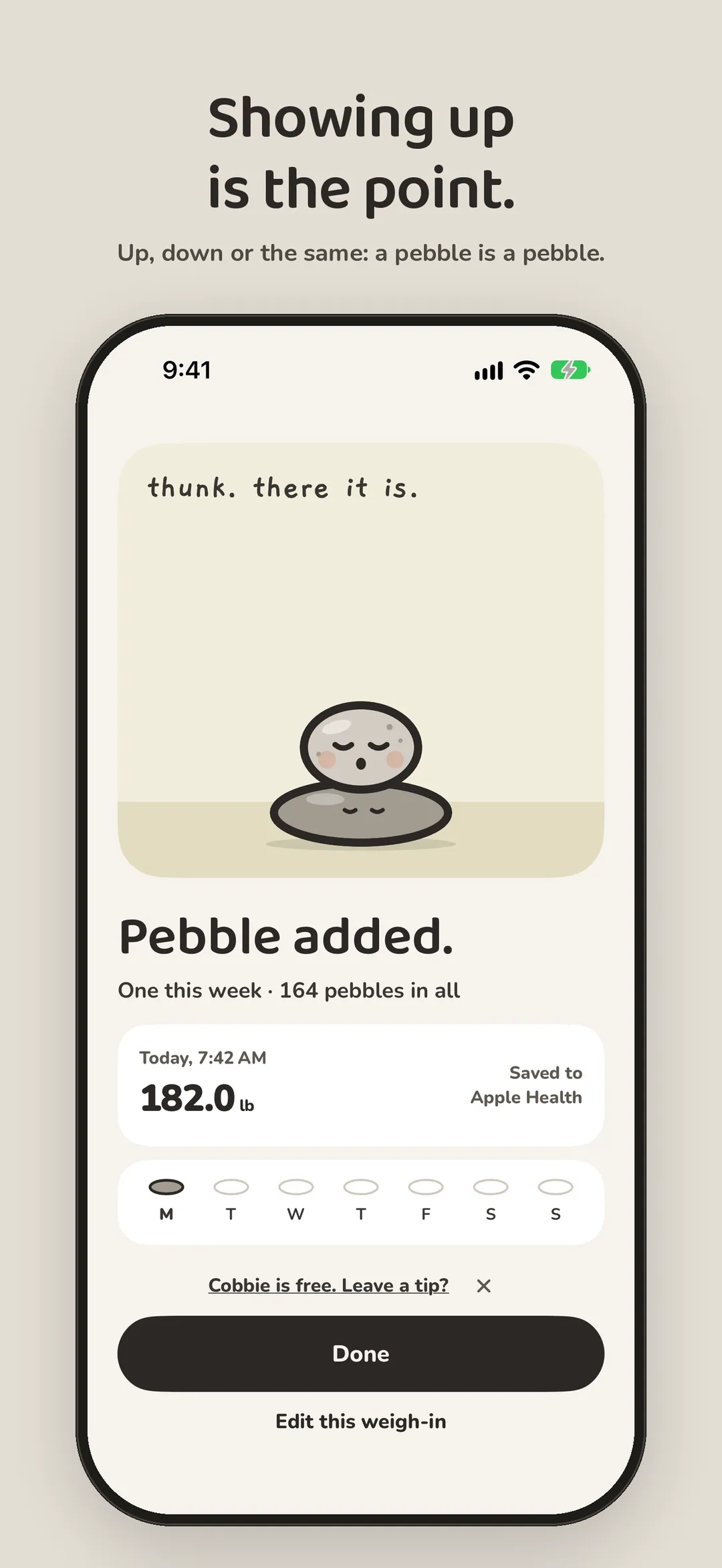
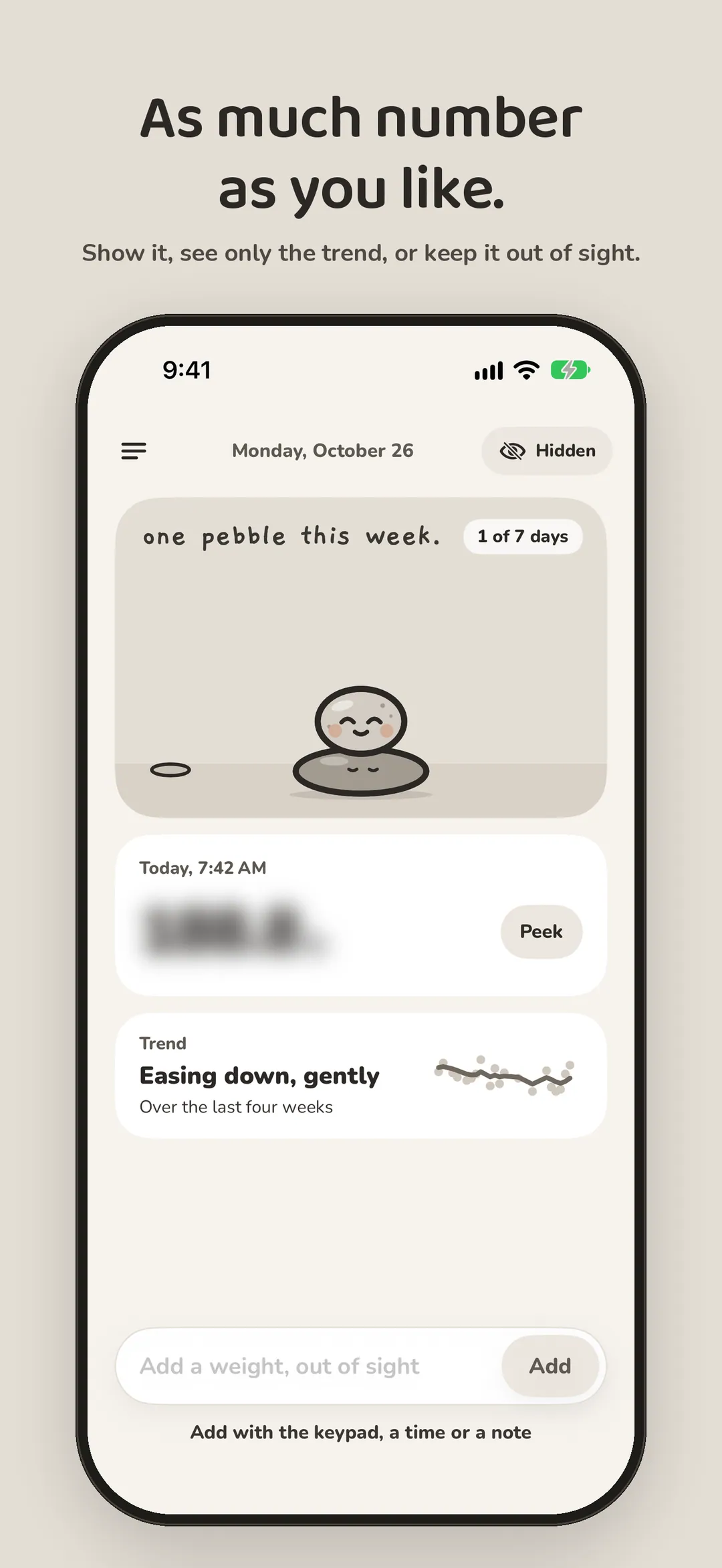
A calm place for your weight, with a small family of pebbles in it. Every weigh-in adds a pebble to the cairn. The trend stays smooth underneath, and the number shows only as much as you want. Balance, not weight.

Five seconds a morning.
-
01 — Hello -
02 — Today -
03 — Pebble added -
04 — Quiet numbers -
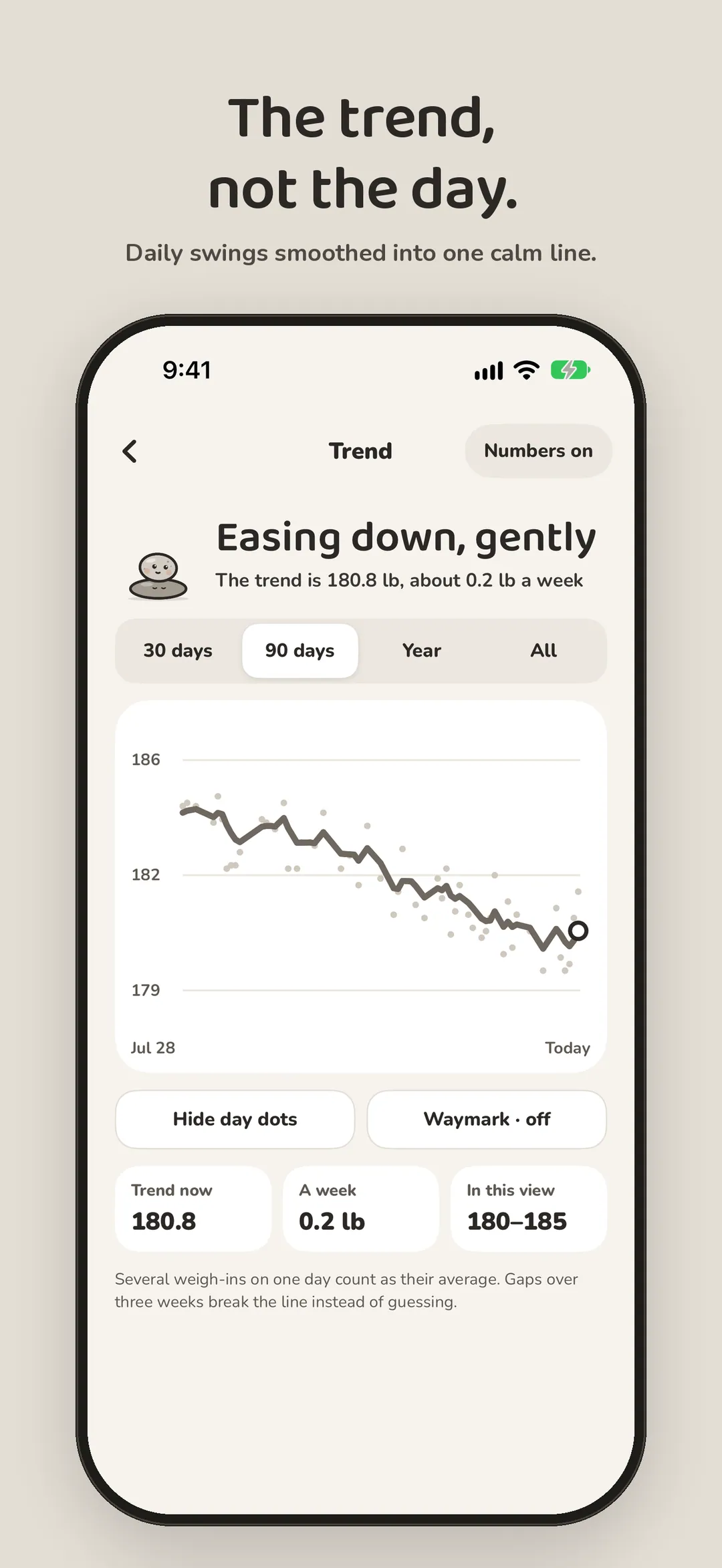
05 — Trend -
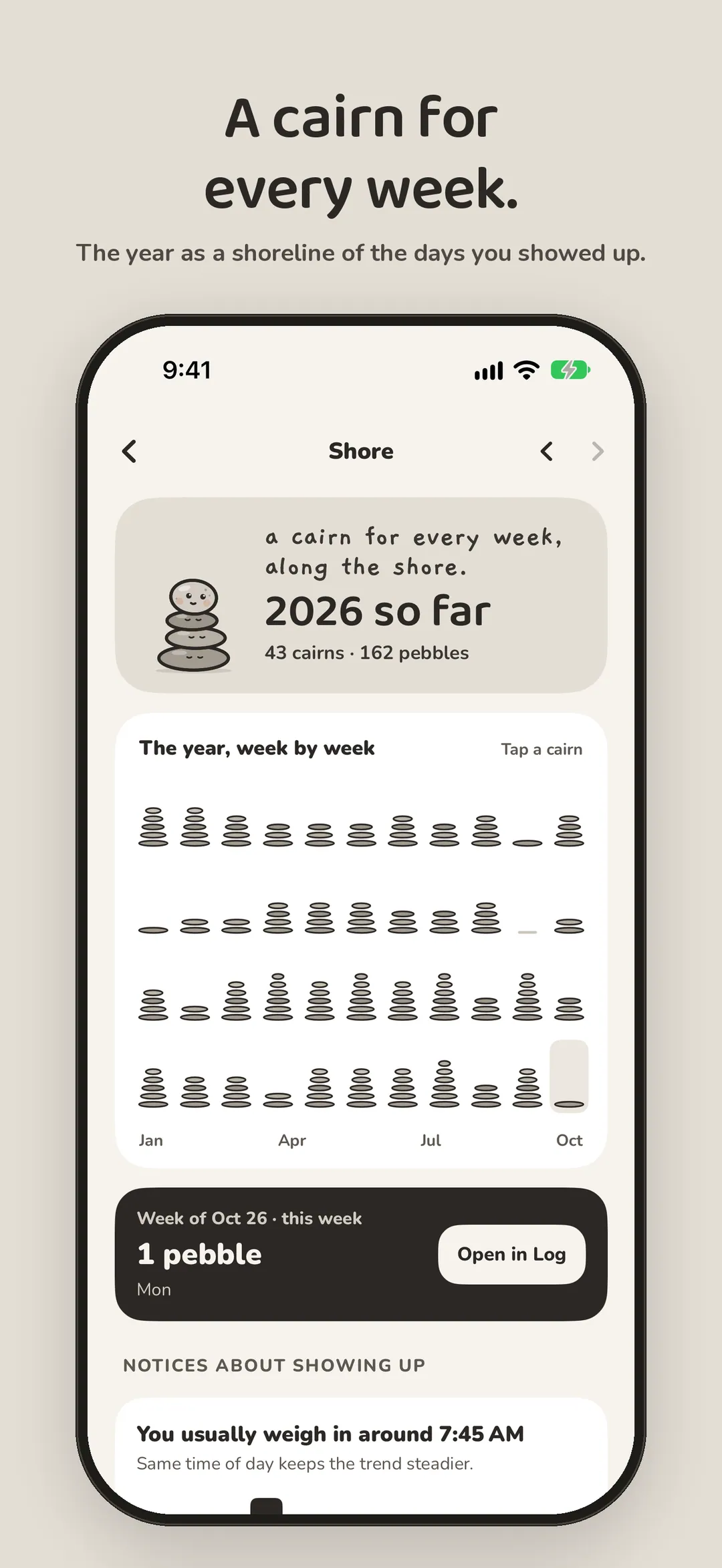
06 — Shore -
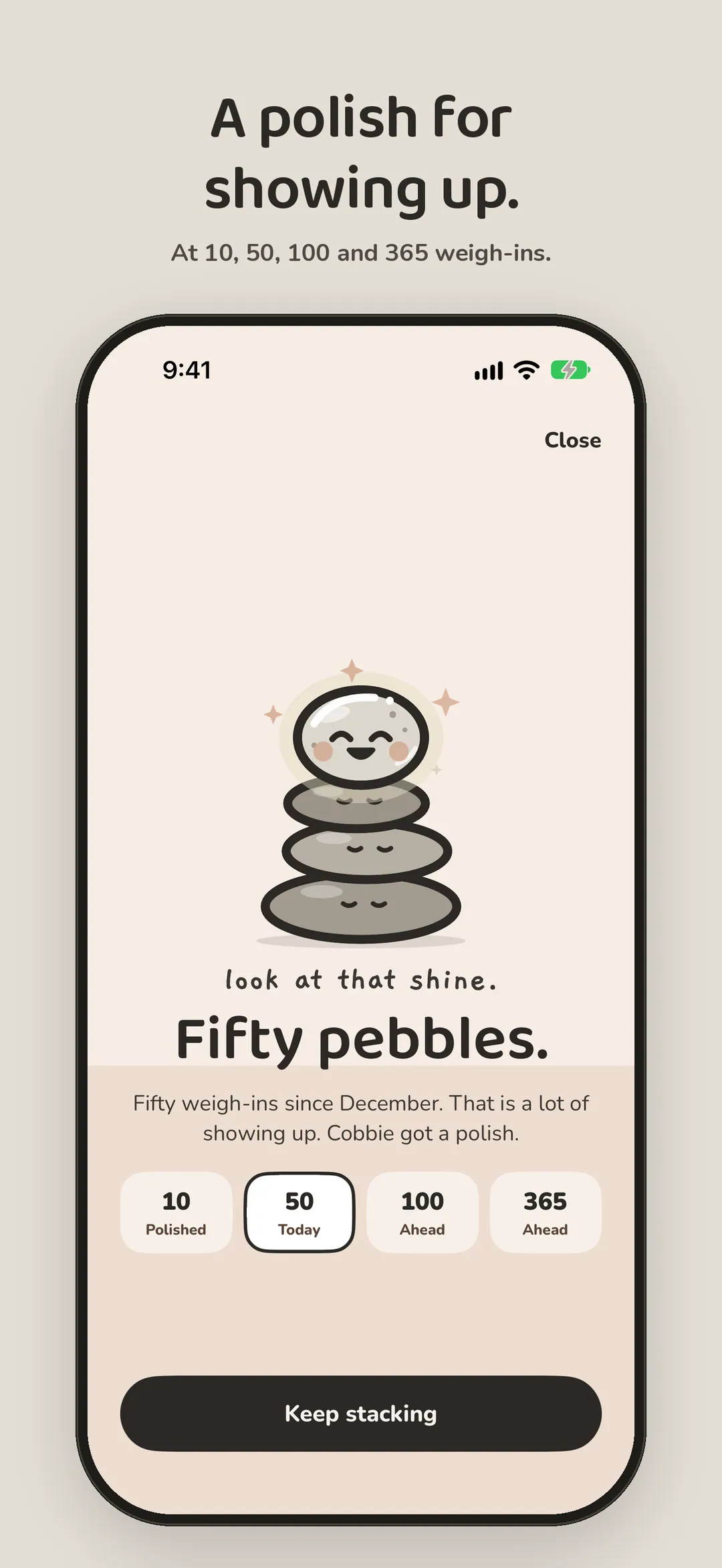
07 — Polished -
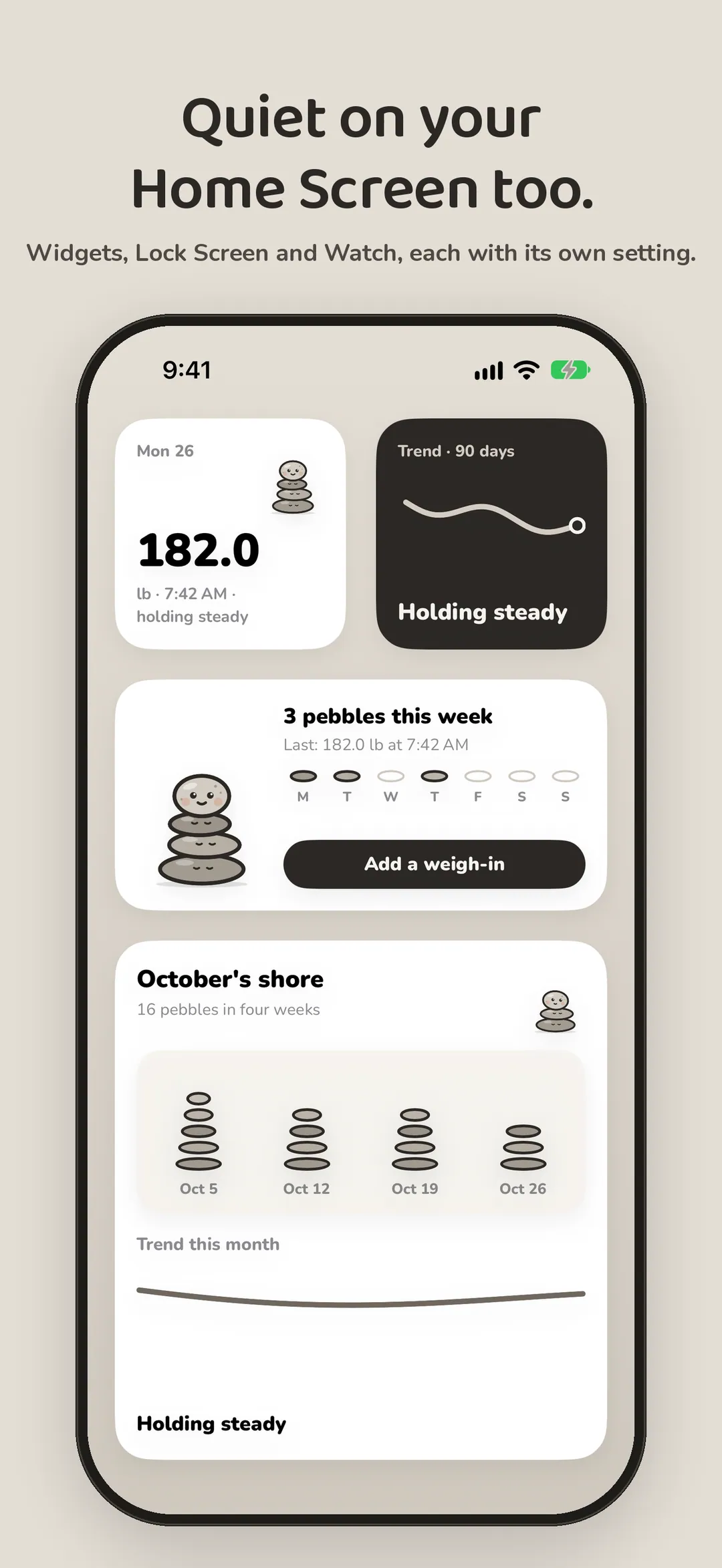
08 — Widgets
Smooth on top, solid underneath.
- 01
Type it, any way
“182.4”, “82.5 kg”, or “13 st 4 lb yesterday after a run”. Or the keypad, with a time and a note.
- 02
A trend you can trust
Several weigh-ins on a day count as their average, skipped days are skipped, and long breaks never draw a line through months with no data.
- 03
Quiet numbers
Number, trend only or hidden, set apart for the app, widgets, Lock Screen and Watch. Peek shows a hidden number for five seconds.
- 04
Plain words
Holding steady, easing down, drifting up. Always the same calm grey, whichever way it goes.
- 05
The Shore
A cairn for every week and a shoreline for the year, built from the days you weighed in. It counts pebbles, never pounds.
- 06
Pounds, kilograms or stones
Switch any time. Every weight is kept exactly, so your history never shifts.
- 07
A waymark, if you want one
A weight to head toward or stay near. Off by default, and never celebrated or scolded.
- 08
Apple Health
Bring in weigh-ins from a smart scale and save yours as Weight. Only weight, and only if you turn it on.
- 09
Apple Watch and widgets
Add a pebble with the Digital Crown. Widgets, Lock Screen, StandBy and a Control Center button.
- 10
Measurements, optional
Waist, hips, chest and seven more, in cm or inches. Off until you turn them on. CSV export of everything.
- 11
Coming from Weigh Easy?
Bring your history over in one tap. Cobbie reads it straight from Weigh Easy on this iPhone, read-only: every weigh-in, your measurements and units, exactly. Weigh Easy keeps working.
- 12
Free, with a tip jar
Everything is free. If Cobbie helps, Settings has four optional one-time tips: pebble, skipping stone, cairn and whole shore. They unlock nothing.
Your weigh-ins stay yours.
No account. No analytics. No ads. No tracking. Your weigh-ins stay on your iPhone and Apple Watch, and in Apple Health only if you turn it on. Cobbie makes no network requests.
Read the privacy policyNumbers you give it, nothing more.
Cobbie records and charts the numbers you give it. It isn't medical advice. For advice about your weight or health, talk to a doctor.
Every pebble counts the same.
Free, coming to the App Store soon. No account required.
More apps

A fasting timer that shows your day as one ring, with a Live Activity and widgets. Try it free for a week.

Guided breathing with a calm visual guide and a tap at each breath. Apple Watch and Apple Health.

A private daily mood check-in with a Year in Pixels, widgets and an Apple Watch app.