SAUNA + COLD PLUNGE
The sauna and cold plunge timer for contrast therapy.
A sauna and cold plunge timer with a fire and ice heart: one-tap quick starts, rounds of heat and cold, an alert when time is up, a Live Activity on your Lock Screen, widgets, and optional Apple Health workouts.
See it in action.
-
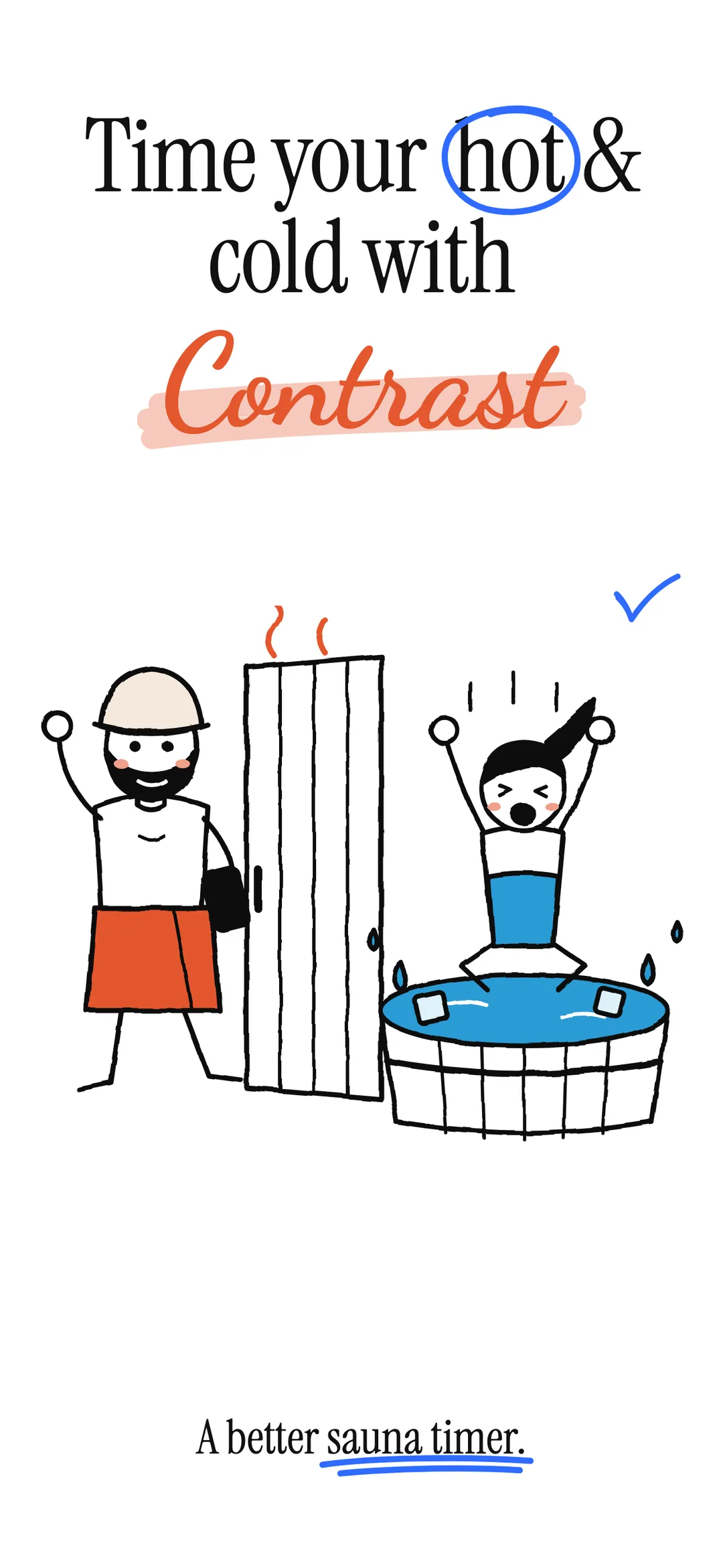
01 — Hero -
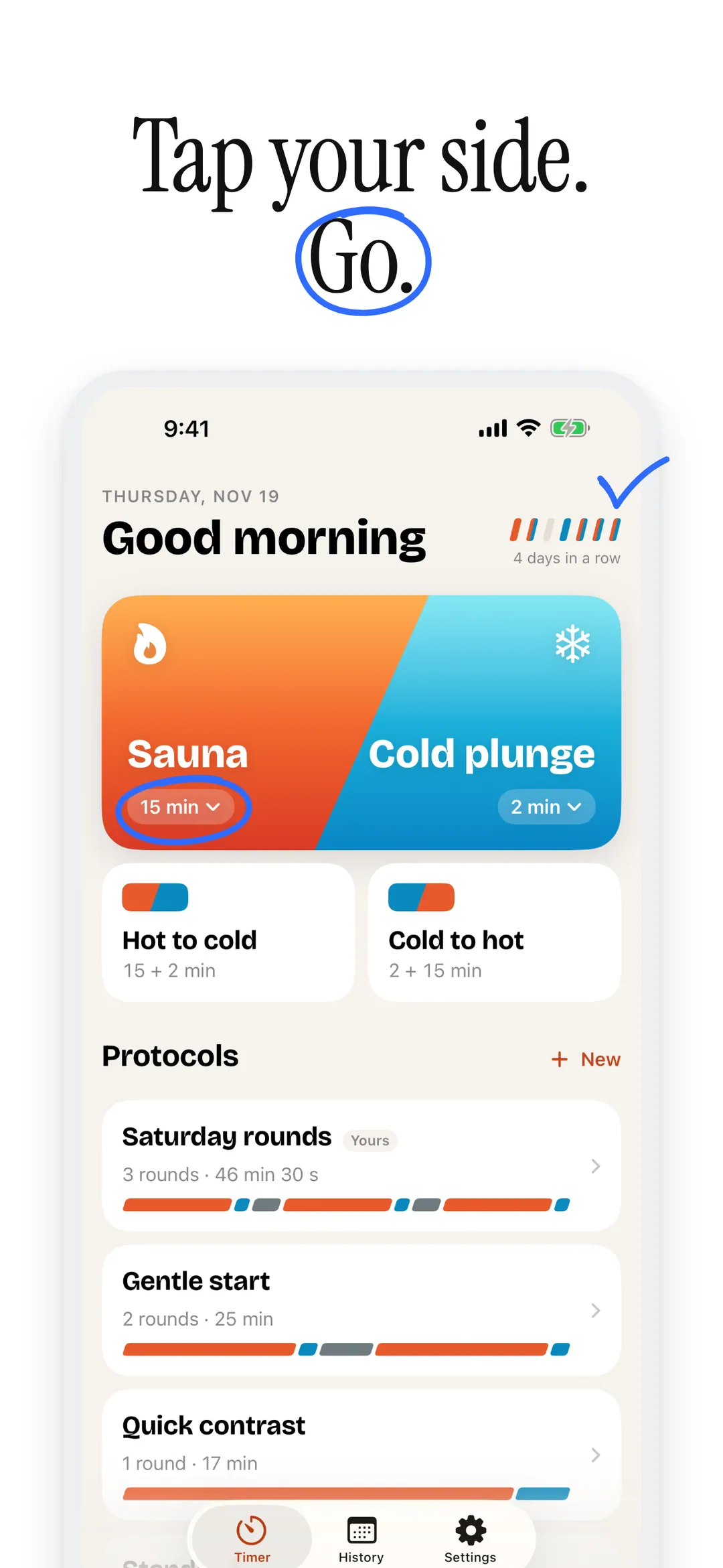
02 — Quick start -
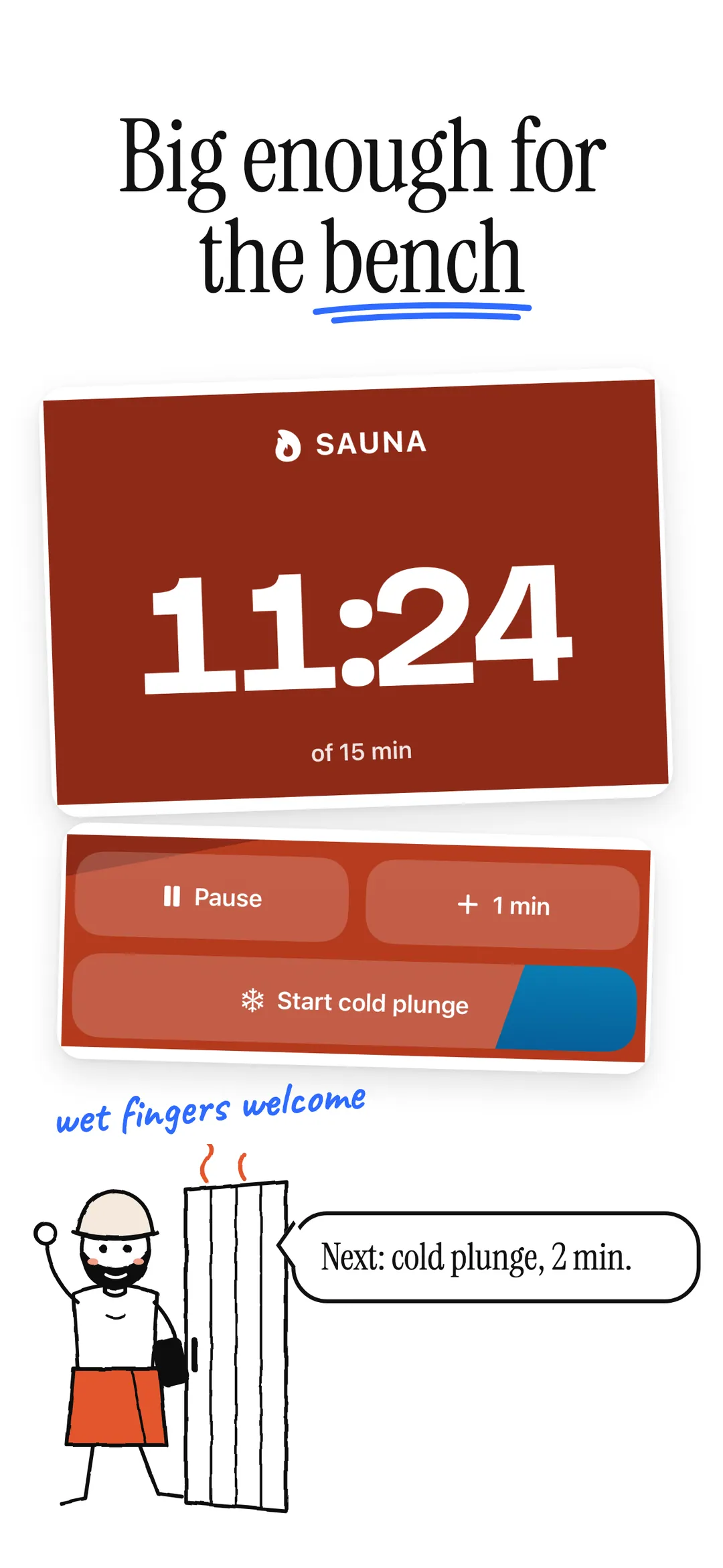
03 — Sauna -
04 — Plunge -
05 — Waits -
06 — Protocols -
07 — Your own -
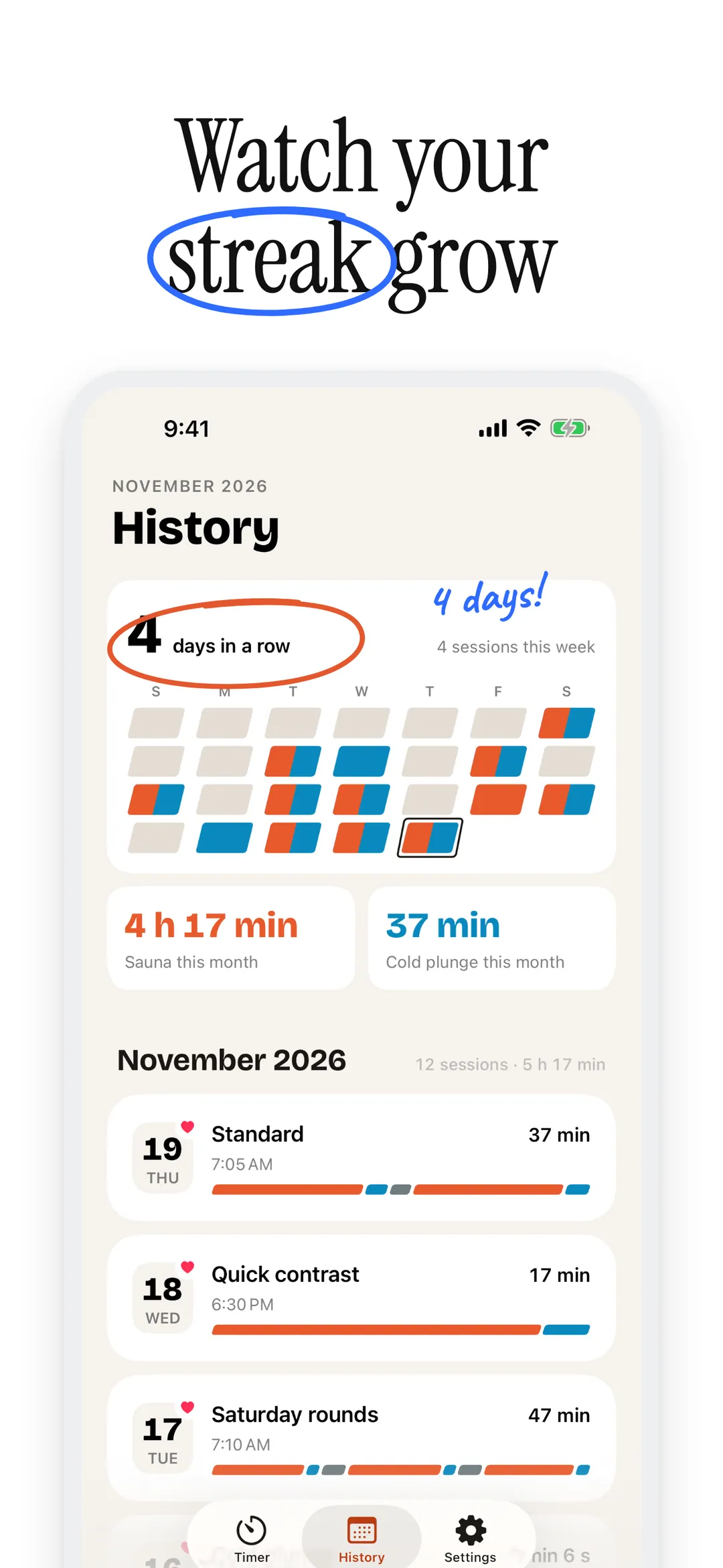
08 — Streak -
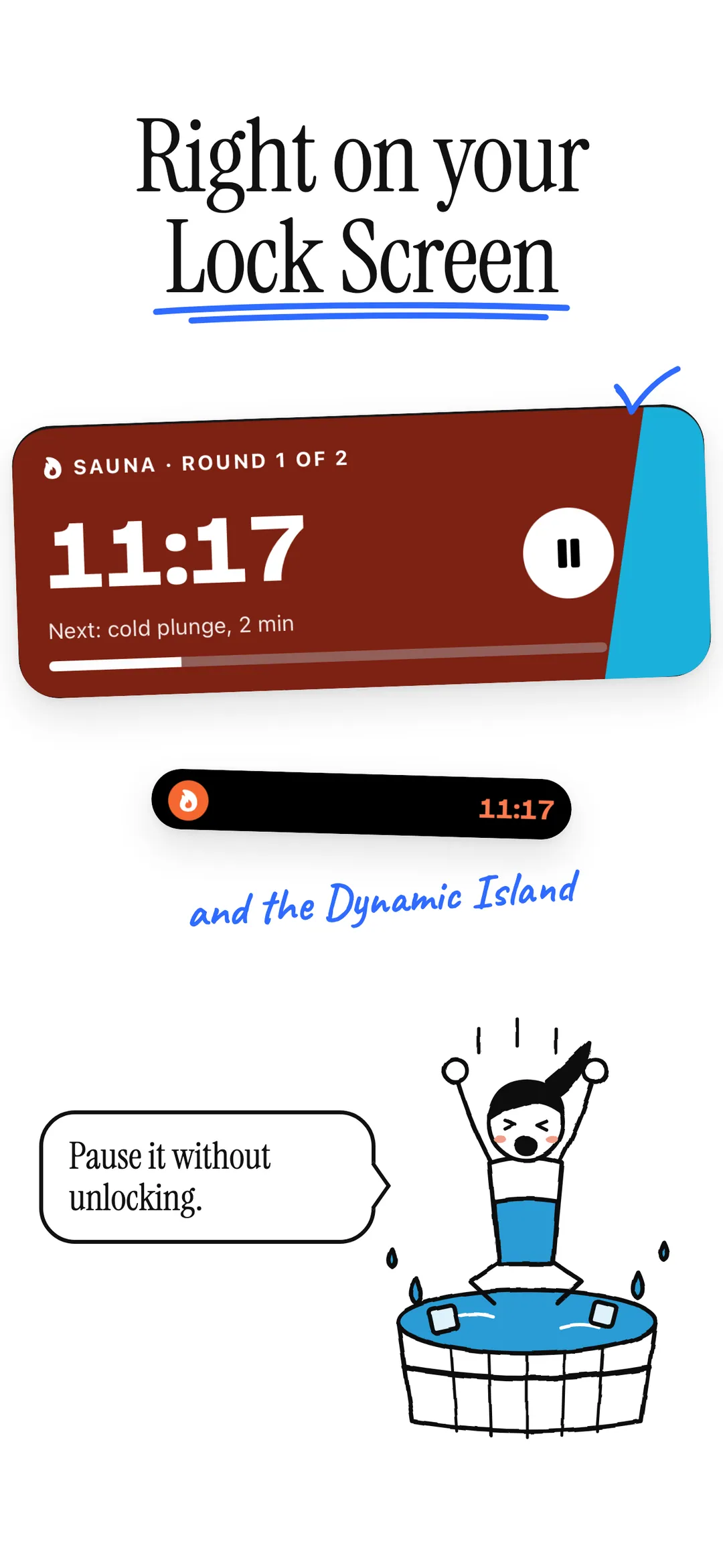
09 — Lock screen -
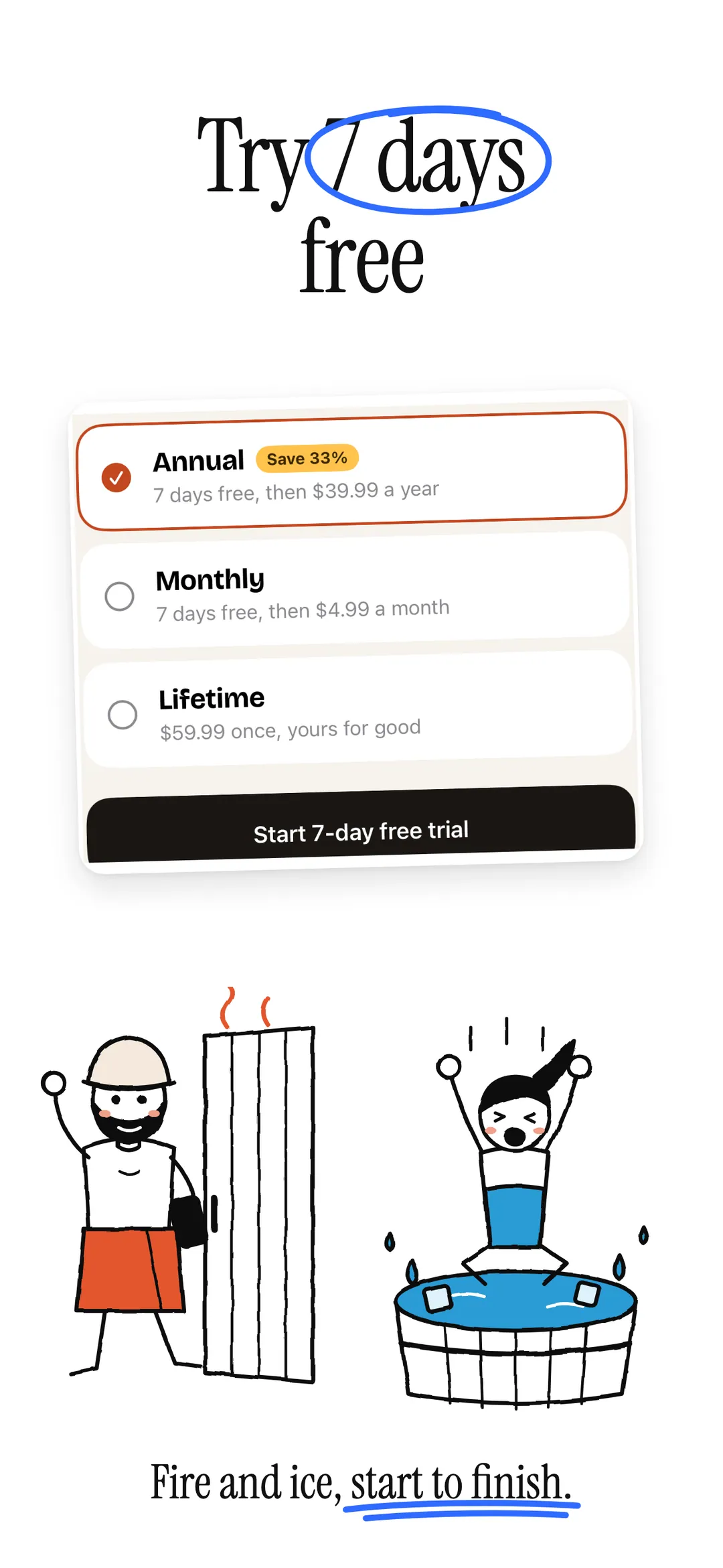
10 — Free trial
A sauna and cold plunge timer, built for the session.
- 01
Quick start
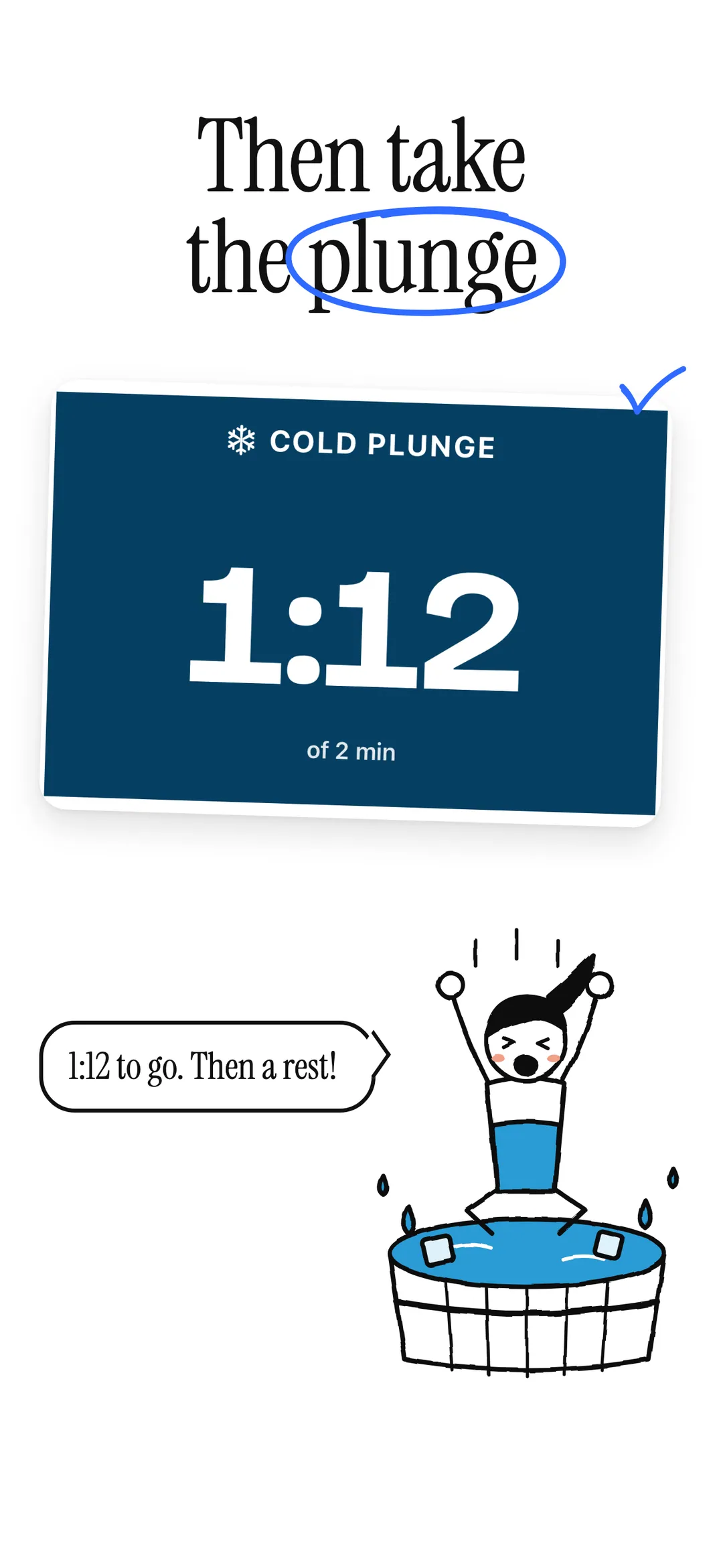
Sauna and cold plunge share one card, split where fire meets ice. One tap starts a timer; big numbers and big buttons work with wet hands.
- 02
Protocols
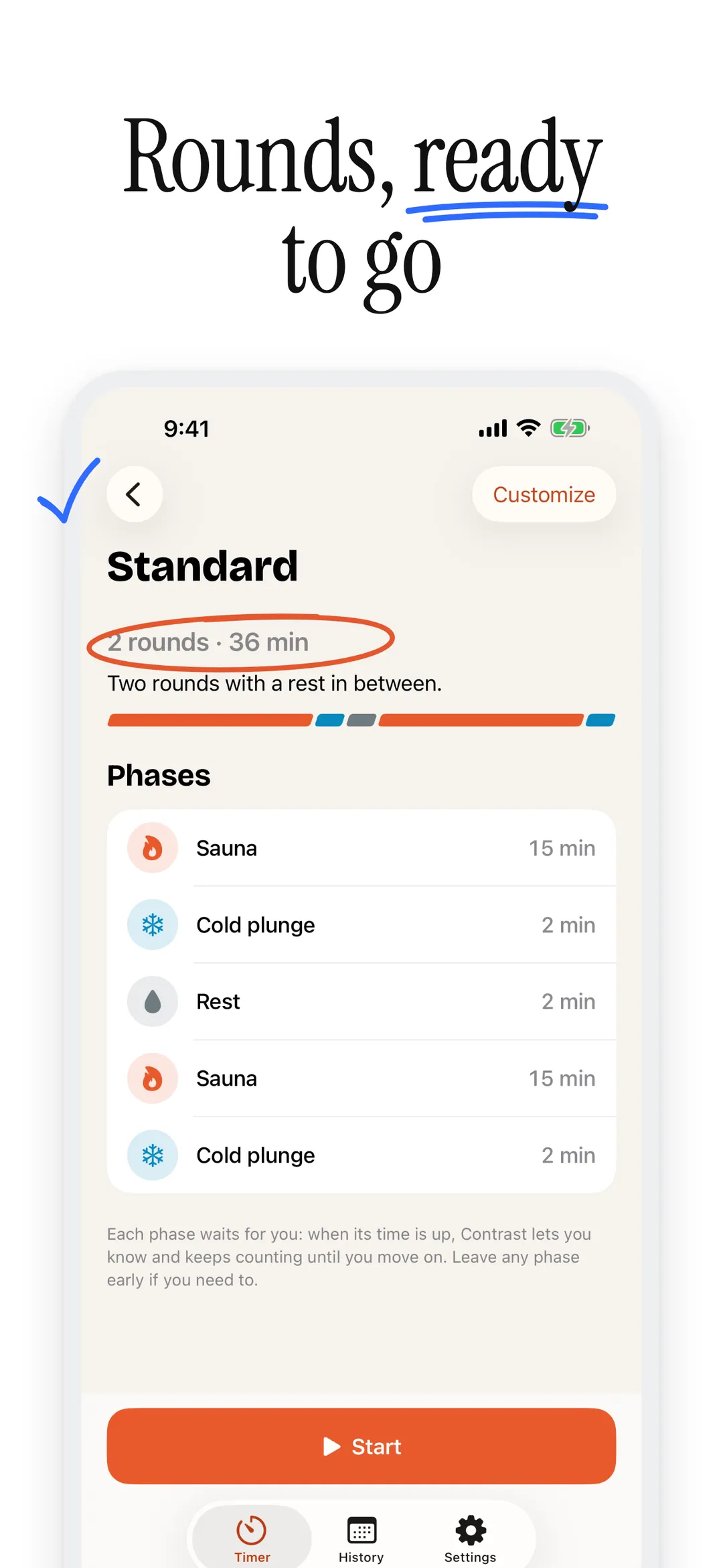
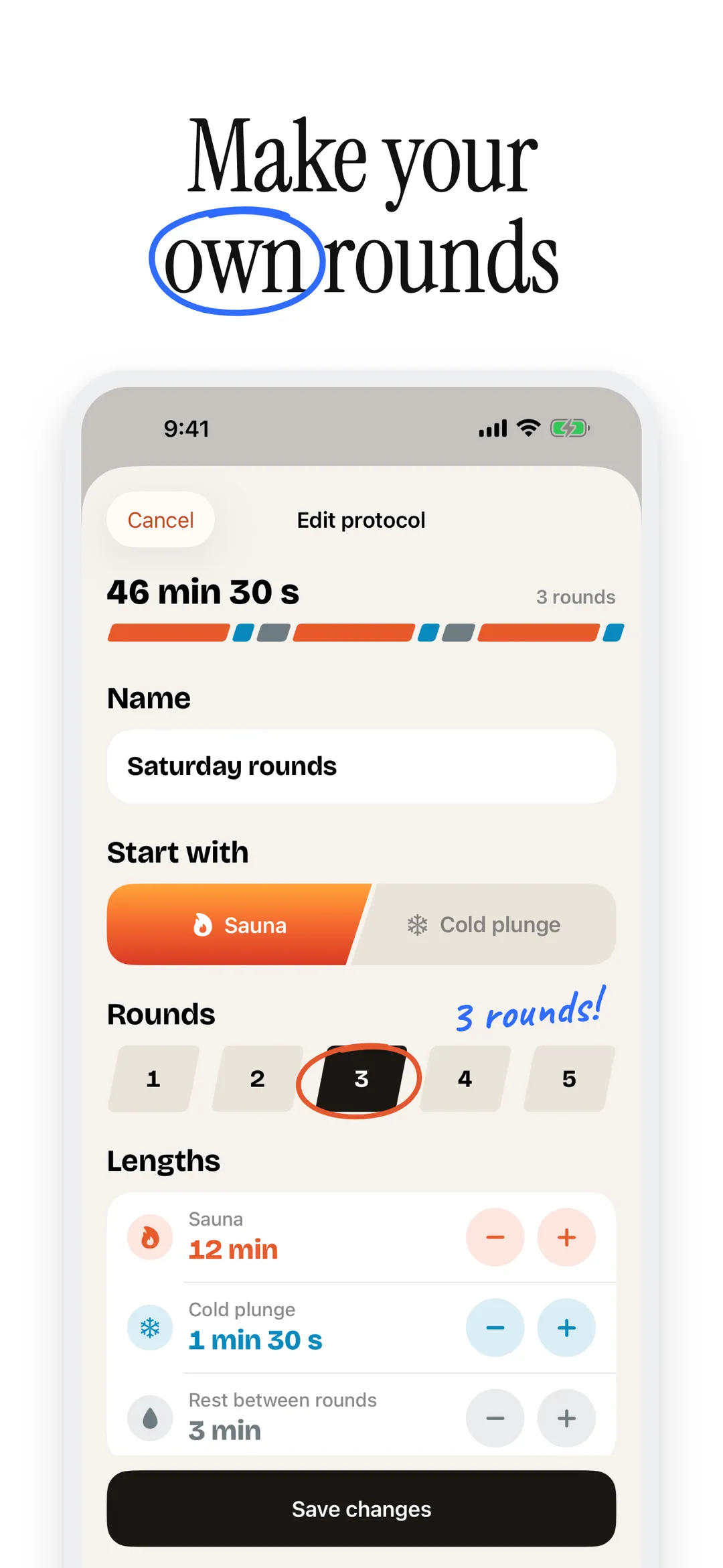
Follow rounds of sauna, cold plunge and rest, or build your own. Each phase waits for you to move on.
- 03
Time's up alerts
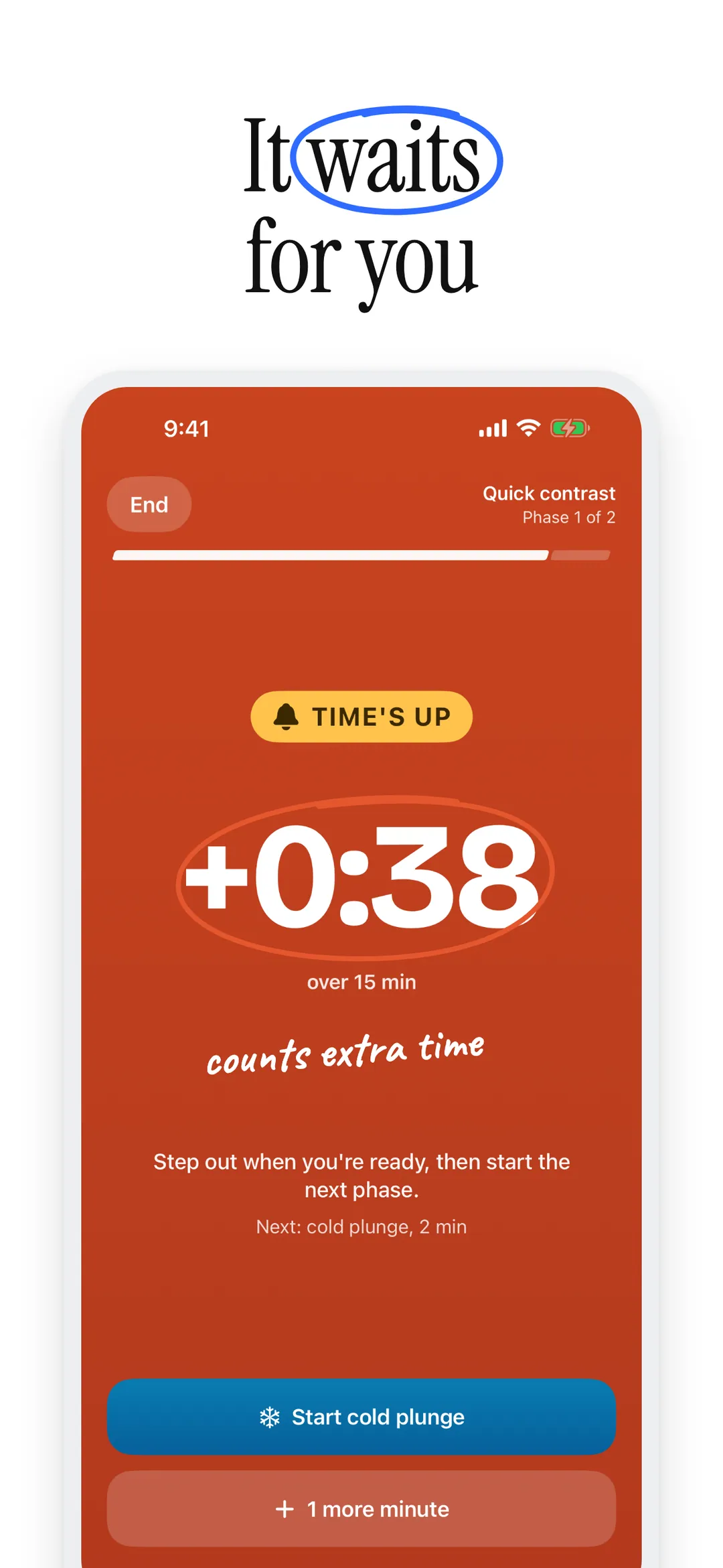
A sound and haptic when a phase ends, a notification when your phone is locked, and a Live Activity in the phase's own color on your Lock Screen and in the Dynamic Island.
- 04
Widgets
Start a sauna or a plunge from the Home Screen, and keep your streak and your week in view on the Home Screen or Lock Screen.
- 05
Apple Health
Save finished sessions to Apple Health as workouts, if you like. Contrast never reads your health data.
- 06
Session history
Every session with its phases and notes, plus sessions this week, days in a row, and time in heat and cold.
- 07
Safety first
Plain safety tips built in: drink water, never plunge alone, and check with your doctor first. Contrast is a timer, not medical advice.
- 08
No servers
No accounts, no cloud sync, no analytics. Your sessions stay on your iPhone; only purchases go through Apple's App Store.
Try it free for 7 days.
- 01
Monthly or annual
Start with a 7-day free trial, then pay monthly or yearly. Cancel anytime in your Apple Account settings.
- 02
Or once, for good
Prefer not to subscribe? A one-time lifetime purchase unlocks everything with no renewals.
- 03
Restore anytime
On a new iPhone, tap Restore purchases on the Contrast Plus screen or in Settings to unlock again.
Zero data collection.
No analytics. No ads. No tracking pixels. No telemetry. Contrast has no servers: your sessions live on your device, and purchases are handled by Apple through the App Store.
Read the full privacy policyWhat does Contrast time?
Hot and cold rounds for sauna, steam room, ice bath and cold plunge sessions. Tap the sauna or cold plunge side of the quick start card for a single timer, or follow a protocol of heat, cold and rest: Gentle start (25 min), Quick contrast (17 min), Standard (36 min) or Extended (55 min). You can also build your own.
Is Contrast free?
Contrast needs Contrast Plus. Start with a 7-day free trial, then pay monthly or yearly, or make a one-time lifetime purchase with no renewals. Cancel anytime in your Apple Account settings, and tap Restore purchases on a new iPhone to unlock again.
Will I know when a phase ends if my phone is locked?
Yes. You get a sound and haptic when a phase ends, a notification when your phone is locked, and a Live Activity in the phase’s own color on your Lock Screen and in the Dynamic Island. Each phase waits for you to move on.
Does Contrast work with Apple Health?
If you like. Switch it on in Settings to save every finished session as a Mind and Body workout. Contrast writes workouts only and never reads your health data.
Is contrast therapy safe for me?
Ask your doctor first, especially if you’re pregnant or live with a heart condition or high blood pressure. Contrast has plain safety tips built in: drink water, never plunge alone, and step out if you feel unwell. Contrast is a timer, not medical advice.
Where are my sessions stored?
On your iPhone. Contrast has no servers, no accounts and no analytics; only purchases go through Apple’s App Store.
Start your session.
Try Contrast Plus free for 7 days on the App Store. No account required.

Further reading: How to time a sauna and cold plunge session
More apps

MAF heart rate training with live zones on Apple Watch, runs from Apple Health and an on-device coach.

Short guided stretching routines with a timer for every stretch, Apple Health and Apple Watch.

Log sets in one tap with last weights filled in, a Lock Screen rest timer and an Apple Watch app.