GUIDED STRETCHING
A few minutes of stretching, every day.
Today's routine is waiting when you open the app. Tap Start and follow along: a timer for every stretch, how to do it, and a cue when it's time to switch. Ink on paper, with color only for your streak.

See it in action.
-
01 — Hero -
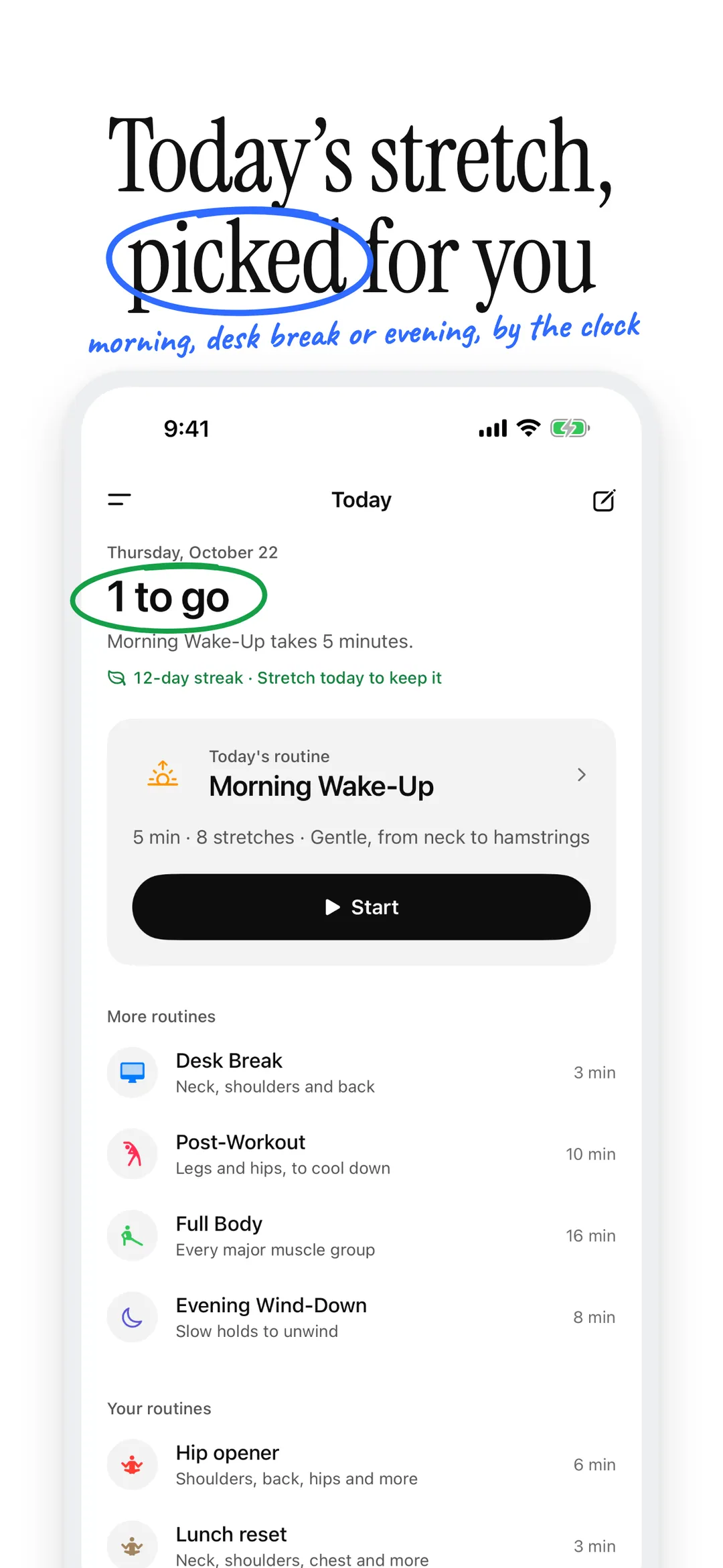
02 — Today -
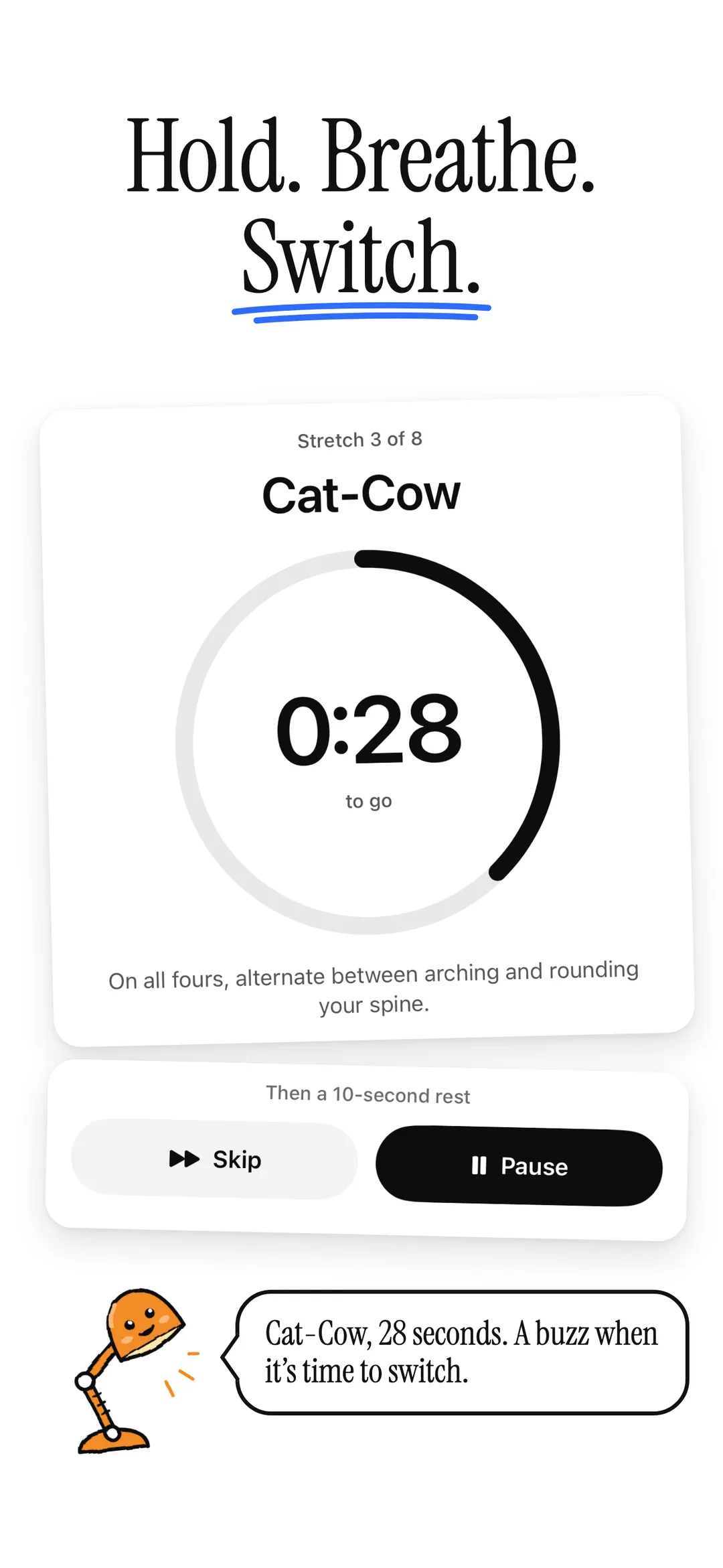
03 — Session -
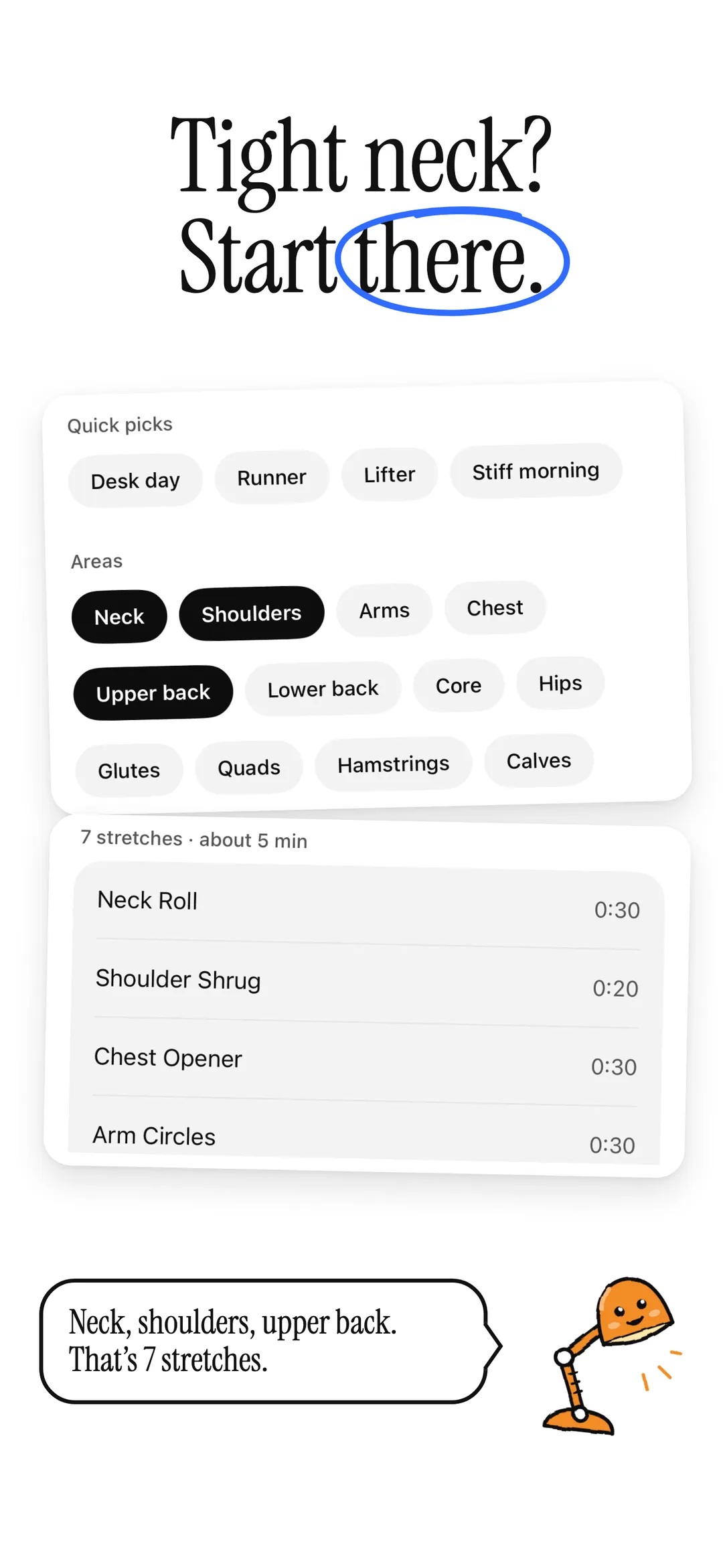
04 — Target areas -
05 — Builder -
06 — Apple health -
07 — History -
08 — Apple watch -
09 — Make it yours -
10 — Private
-
01 — Hero -
02 — Today -
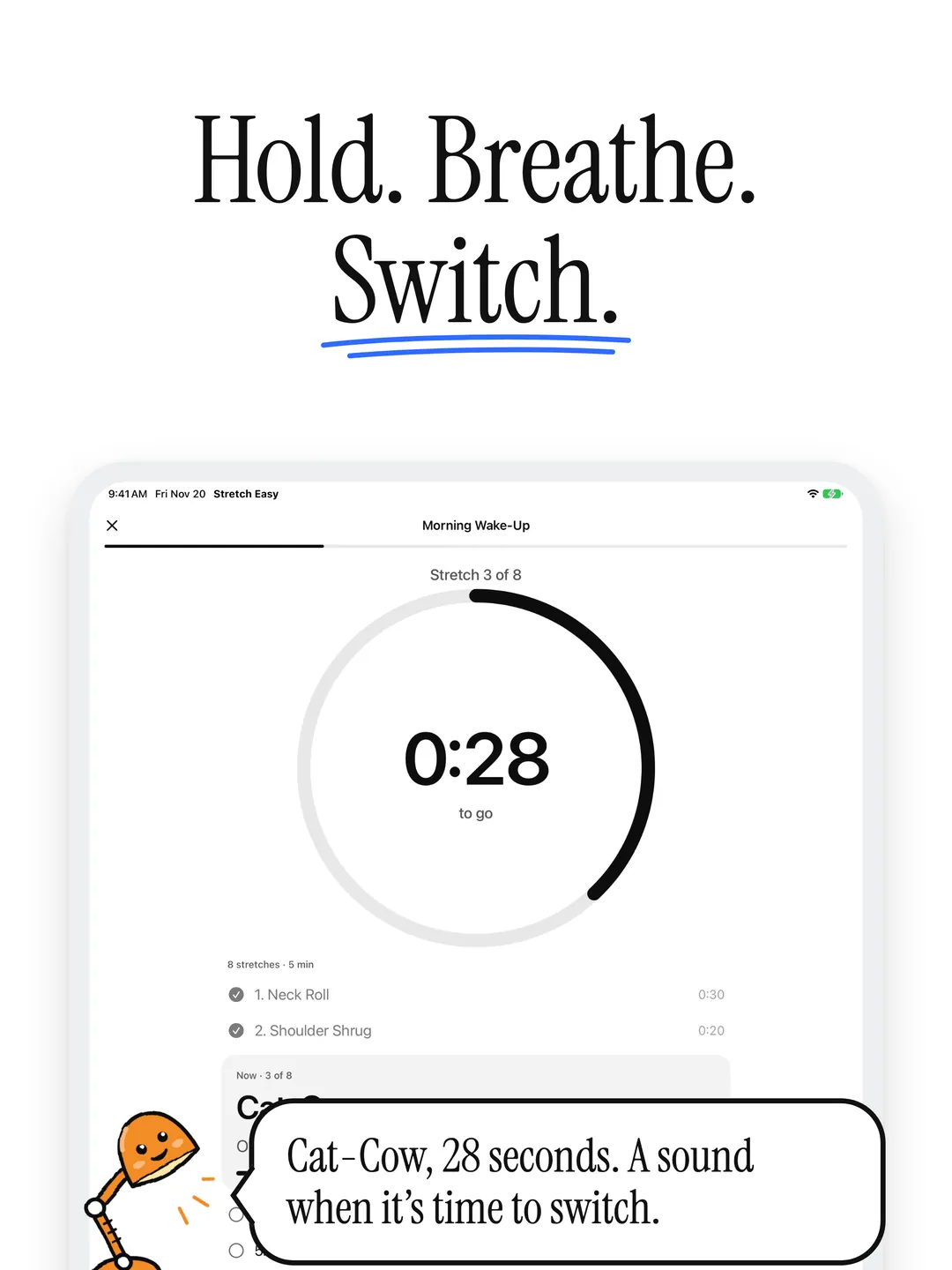
03 — Session -
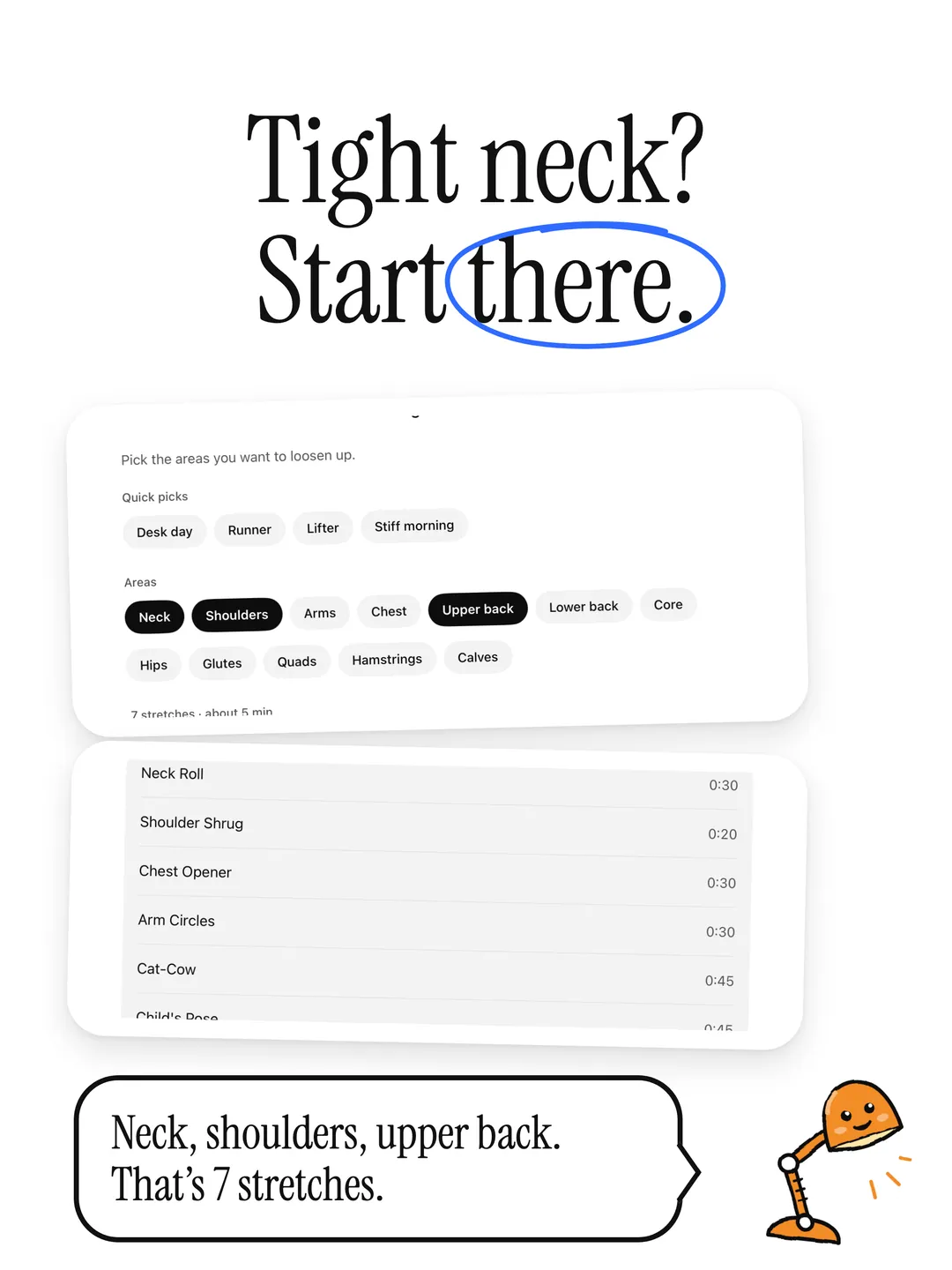
04 — Target areas -
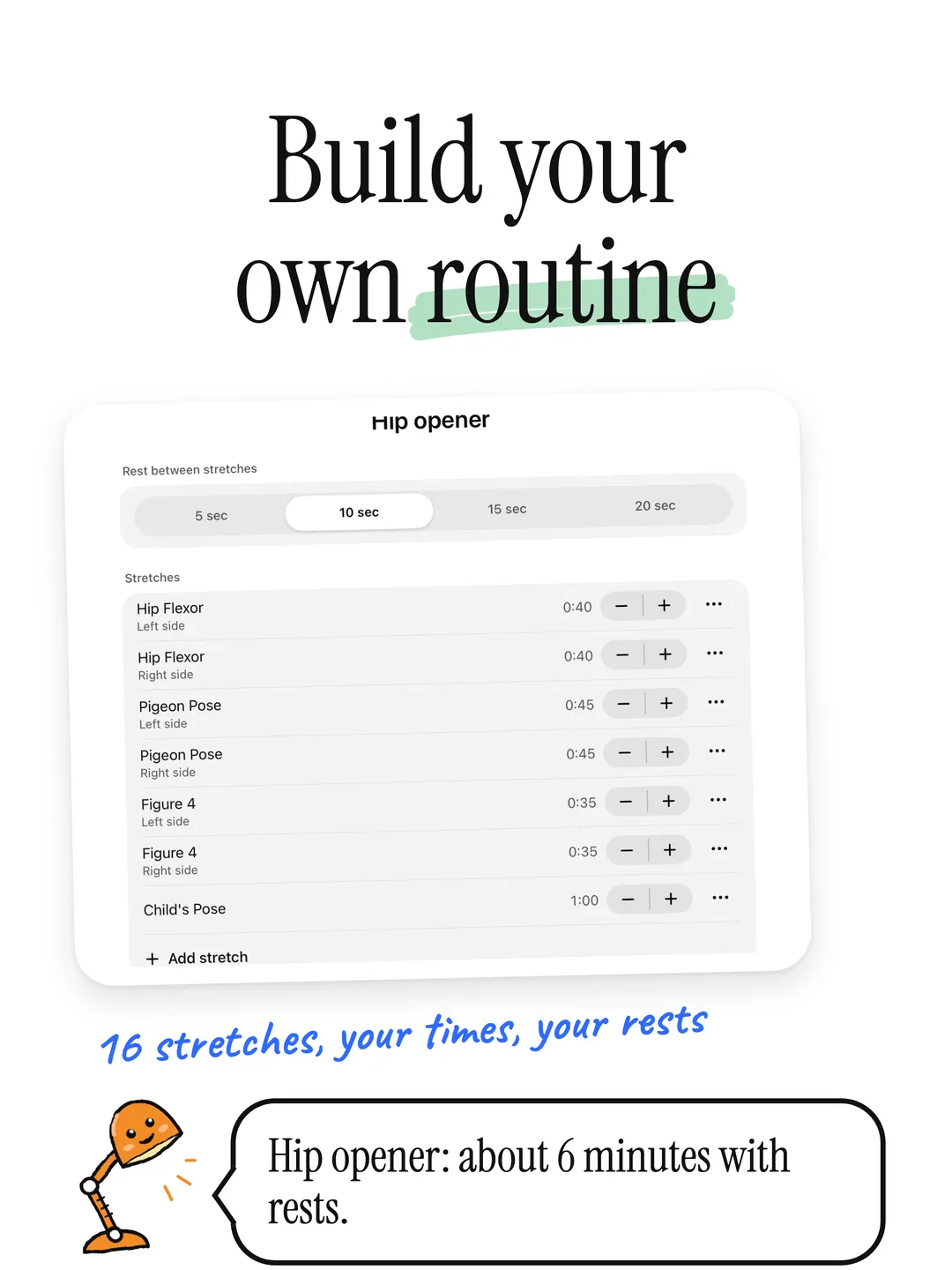
05 — Builder -
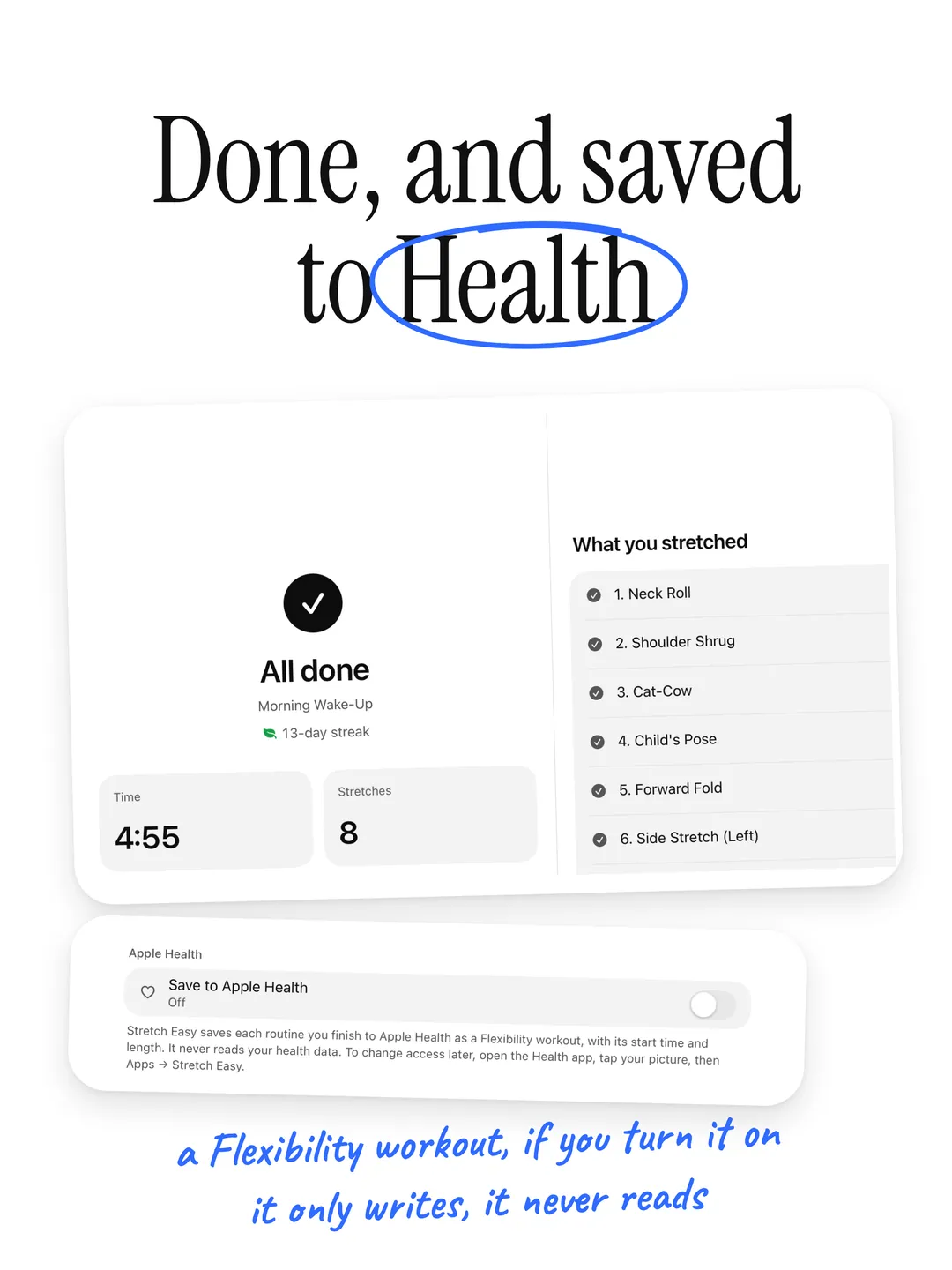
06 — Apple health -
07 — History -
08 — Prop it up -
09 — Make it yours -
10 — Private
Built for your body.
- 01
Today's Routine
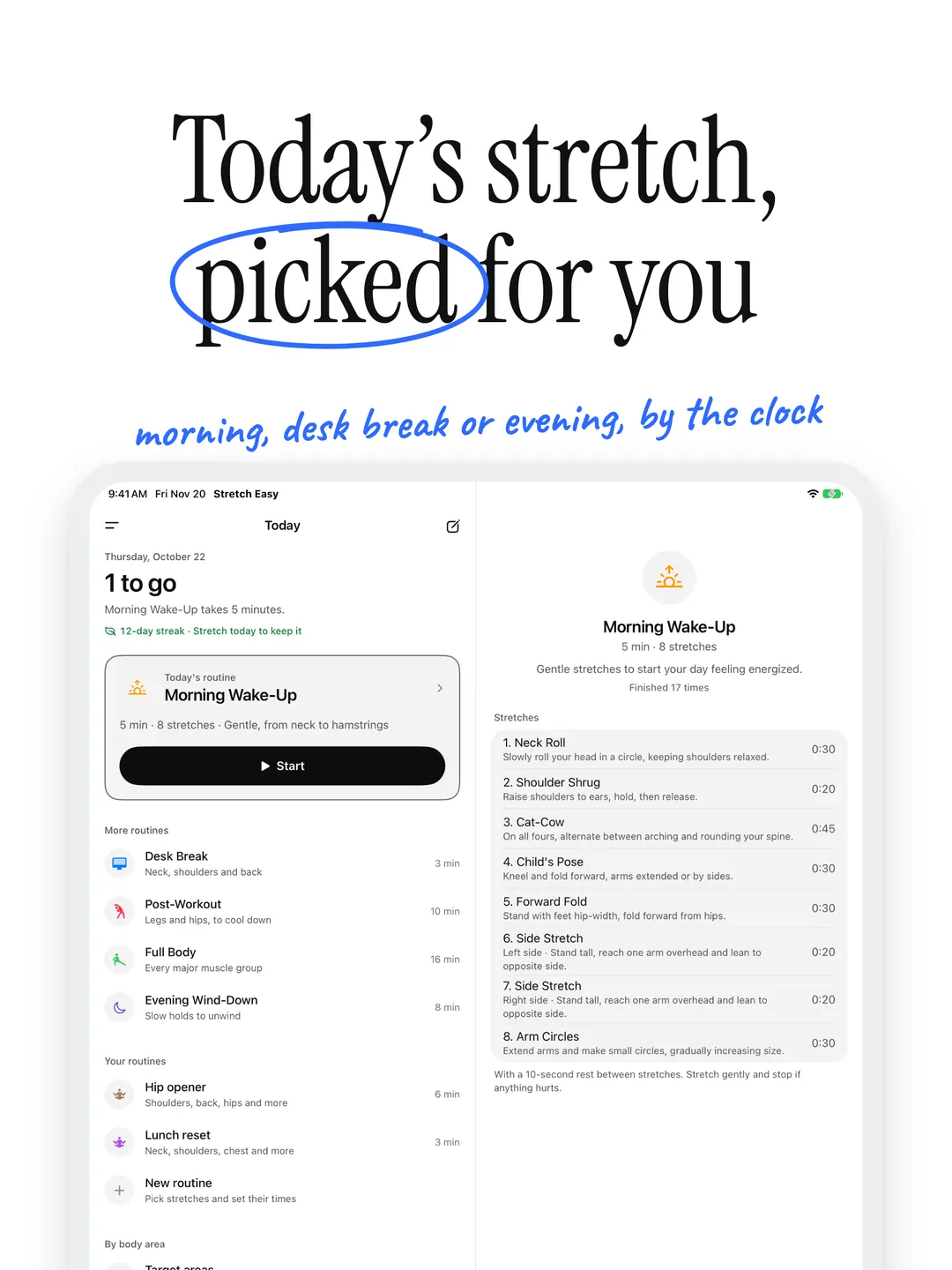
Morning Wake-Up before 11, Desk Break through the day, Evening Wind-Down at night. The right routine is one tap from the moment you open the app.
- 02
Five Ready-Made Routines
Morning Wake-Up, Desk Break, Post-Workout, Full Body and Evening Wind-Down, from 3 to 16 minutes.
- 03
Follow Along
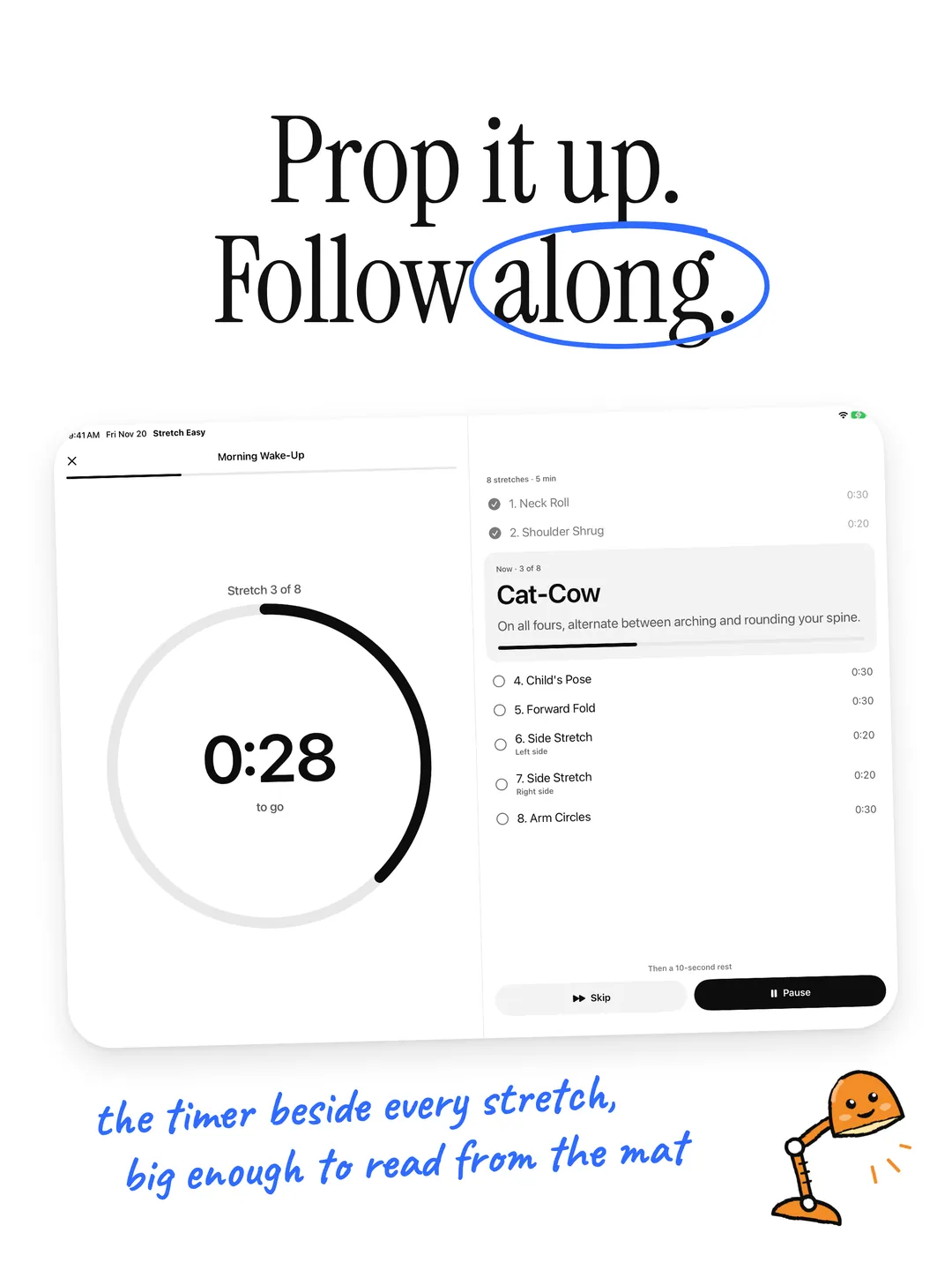
A ring counts down each stretch with how to do it underneath, short rests in between, and a haptic and sound cue when it's time to switch. The screen stays on.
- 04
Your Own Routines
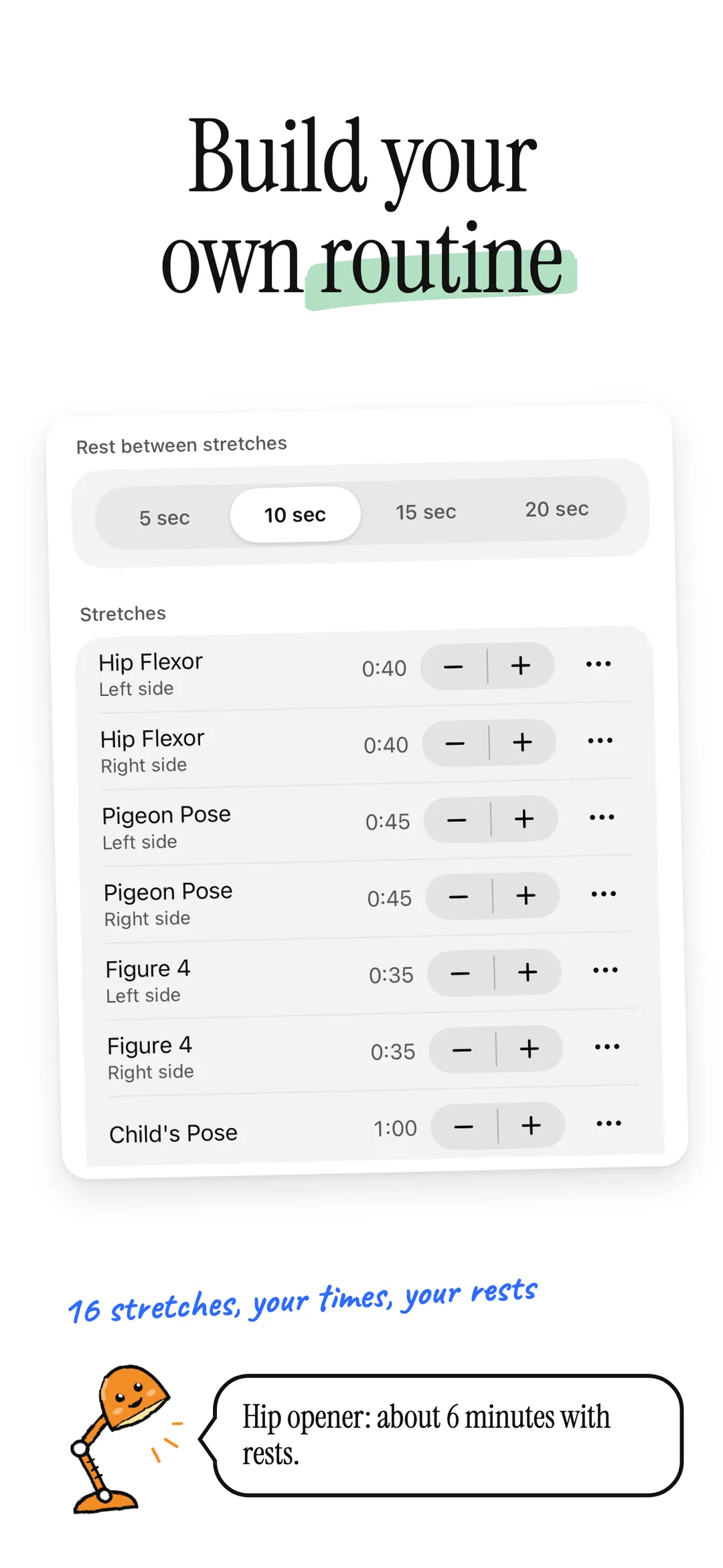
Pick from 16 stretches and set each one's time and the rest between them. Or choose the areas that feel tight and get a routine for them.
- 05
A Streak Worth Keeping
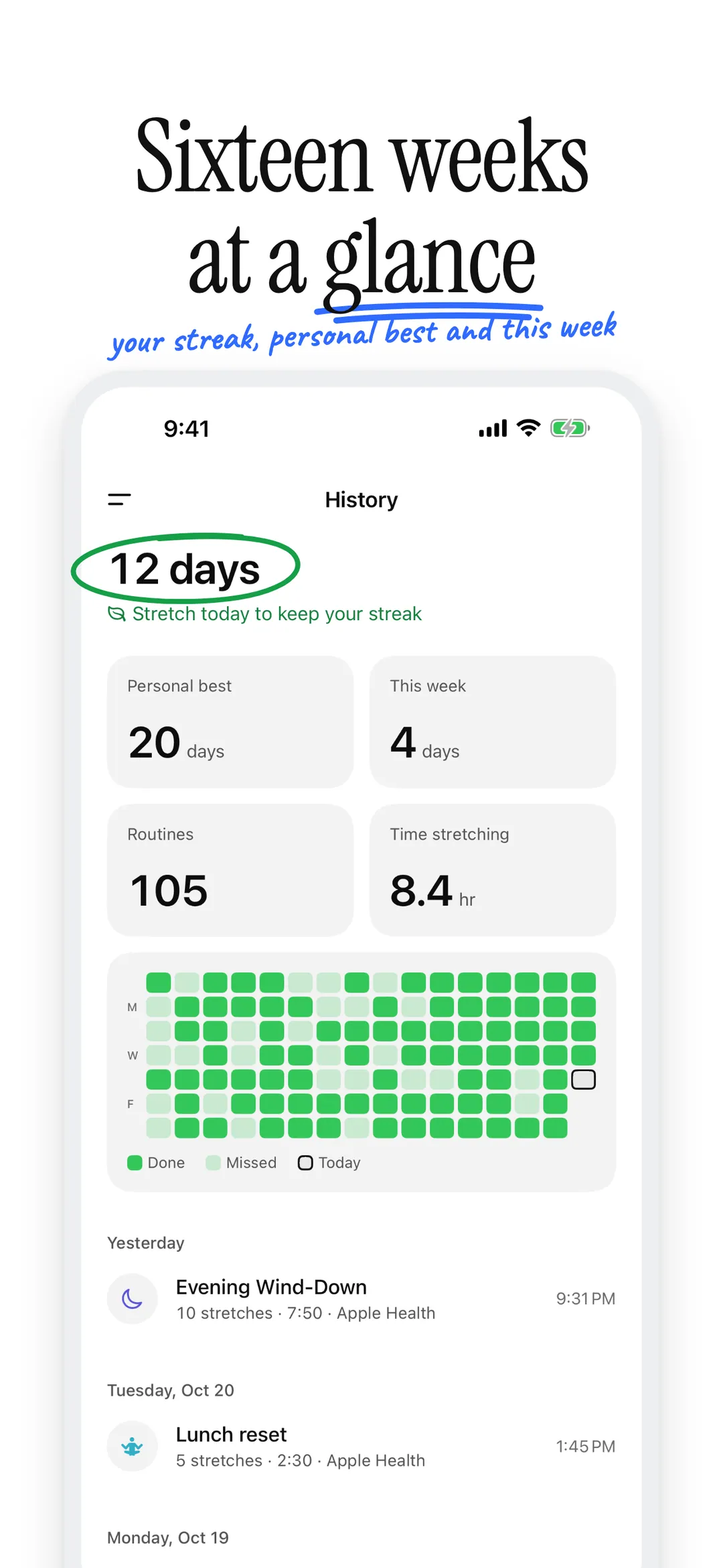
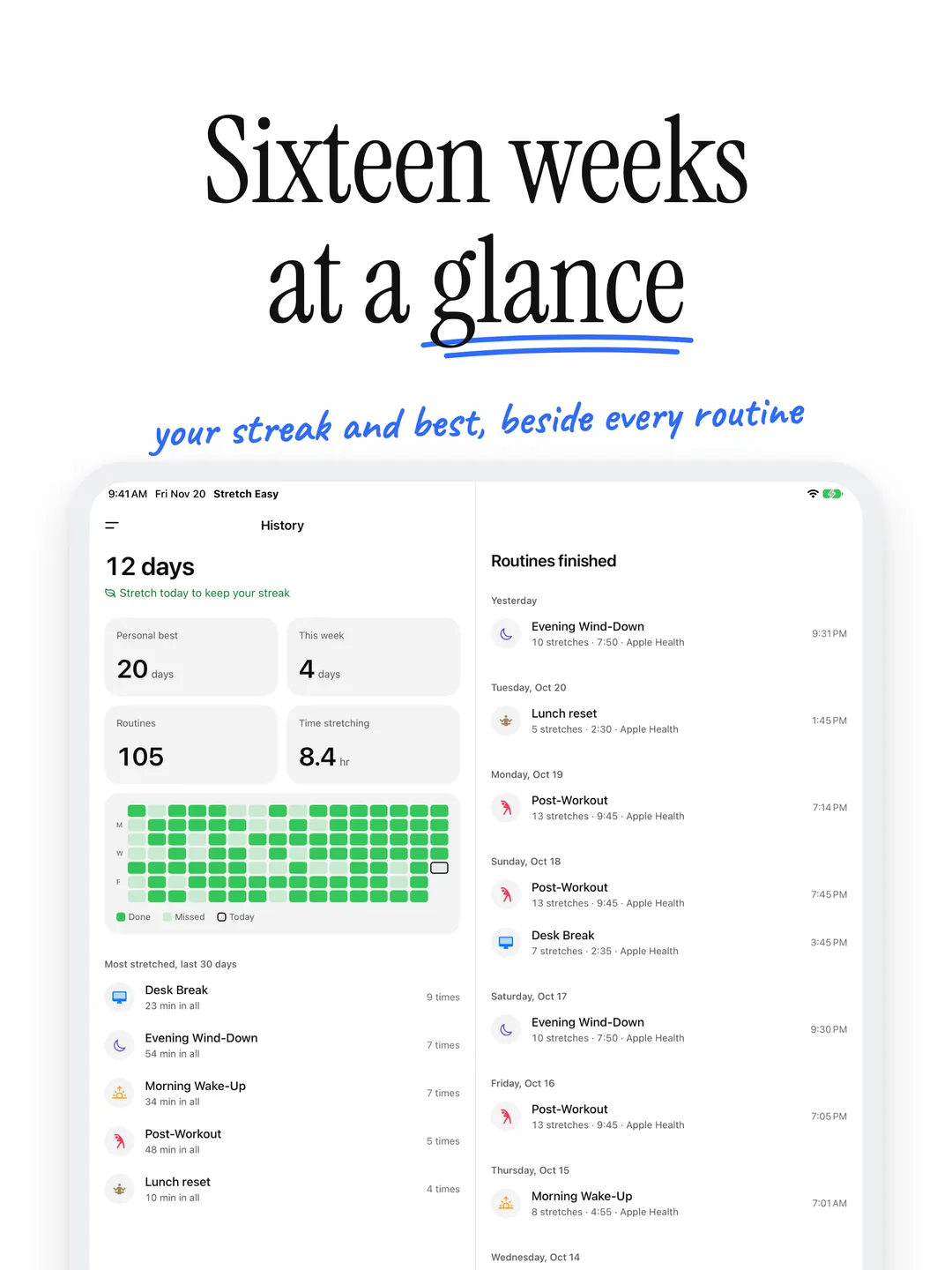
See whether you've stretched today and how many days in a row. History shows your personal best and sixteen weeks at a glance.
- 06
Apple Health
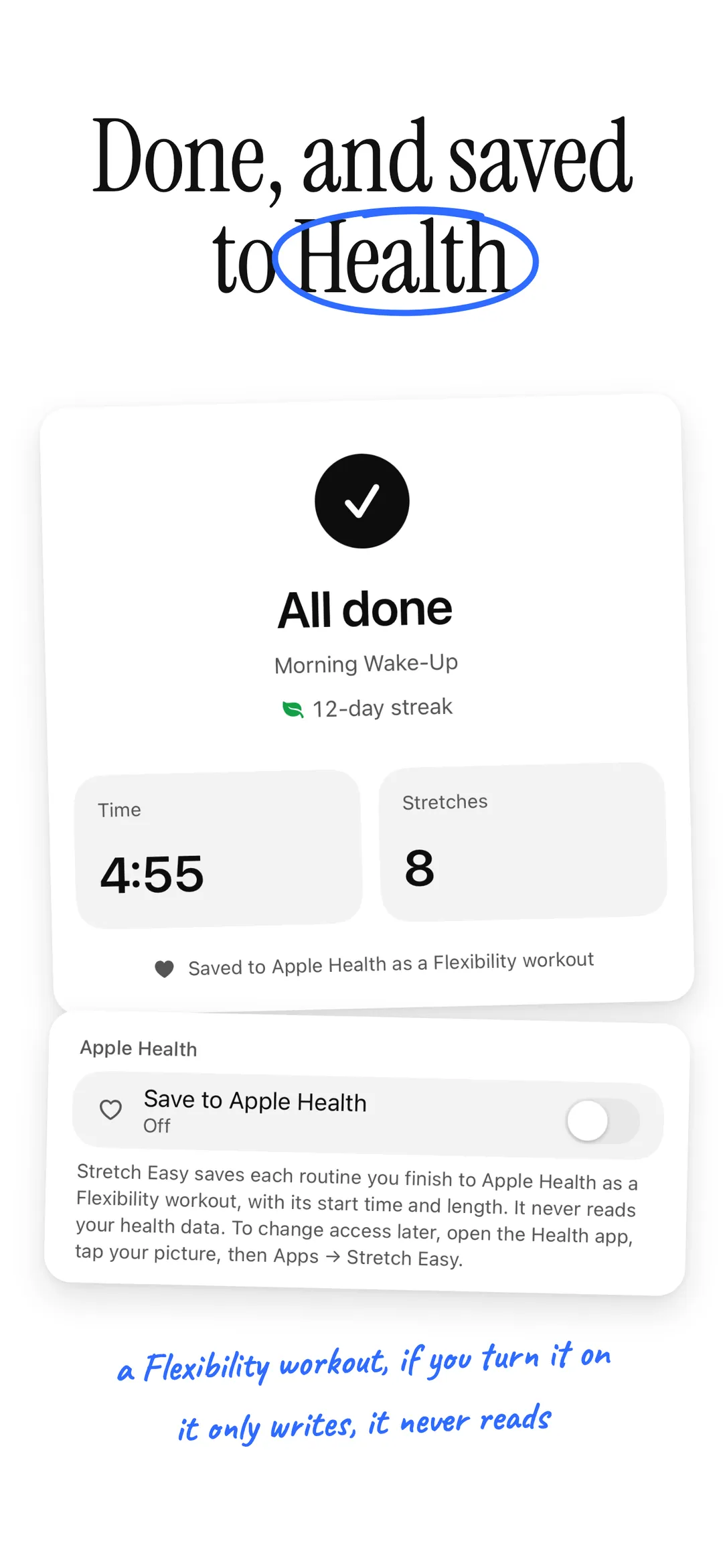
Turn it on and each routine you finish is saved to Apple Health as a Flexibility workout. Stretch Easy only writes workouts and never reads your health data.
Stretch from your wrist.
- 01
All Five Routines
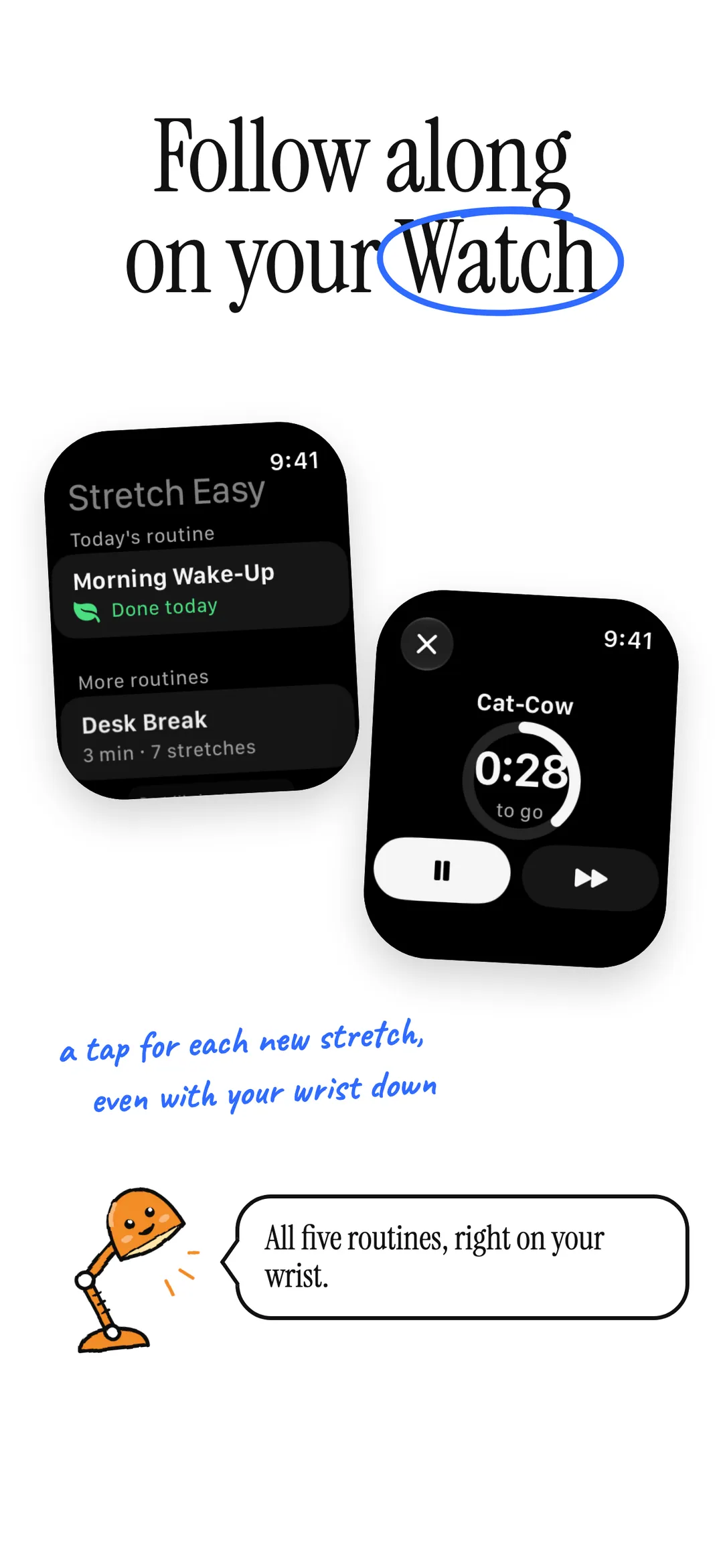
Pick a routine on your Apple Watch and follow along on its own, no iPhone needed.
- 02
A Tap to Switch
A tap on your wrist for each new stretch and the last seconds counted down, even with your wrist down.
Set it up your way.
- 01
Your Accent
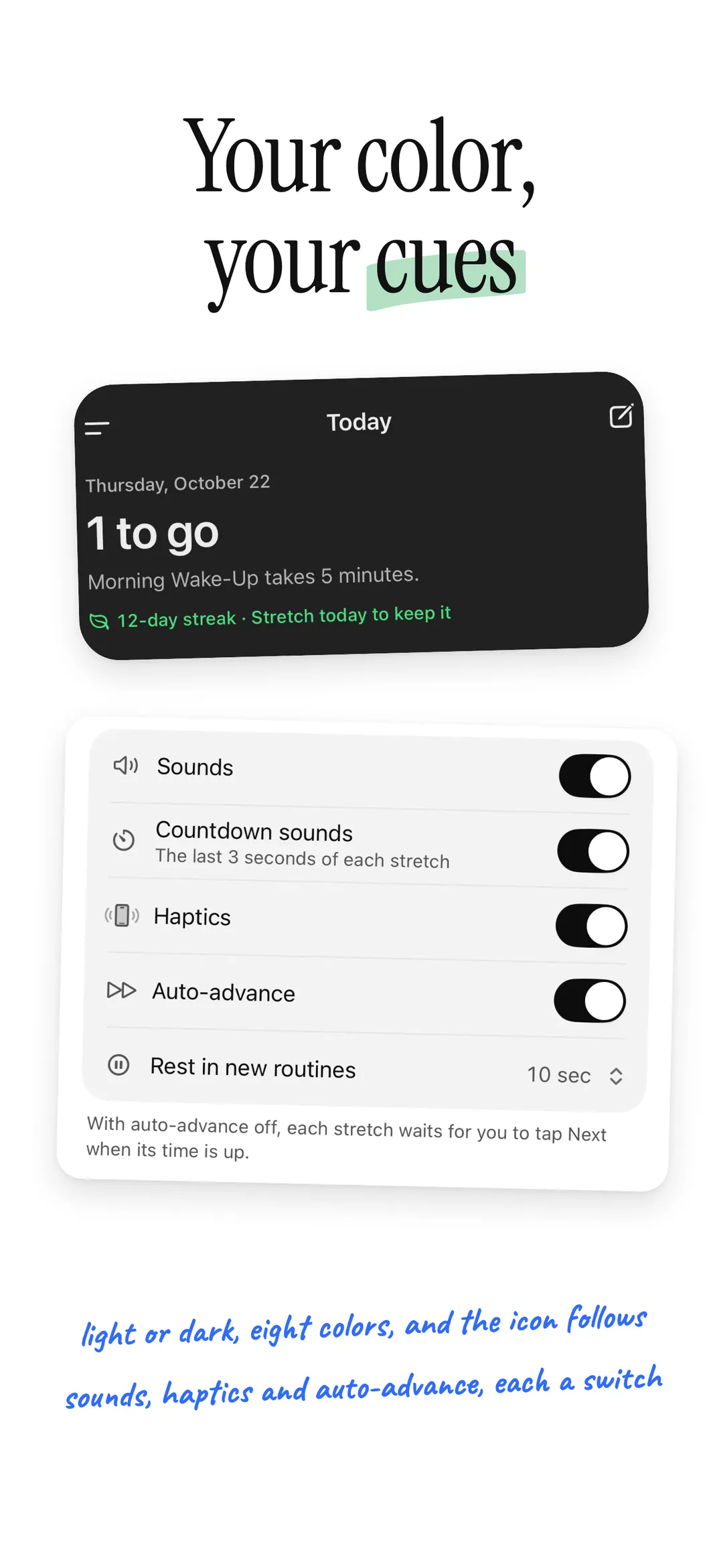
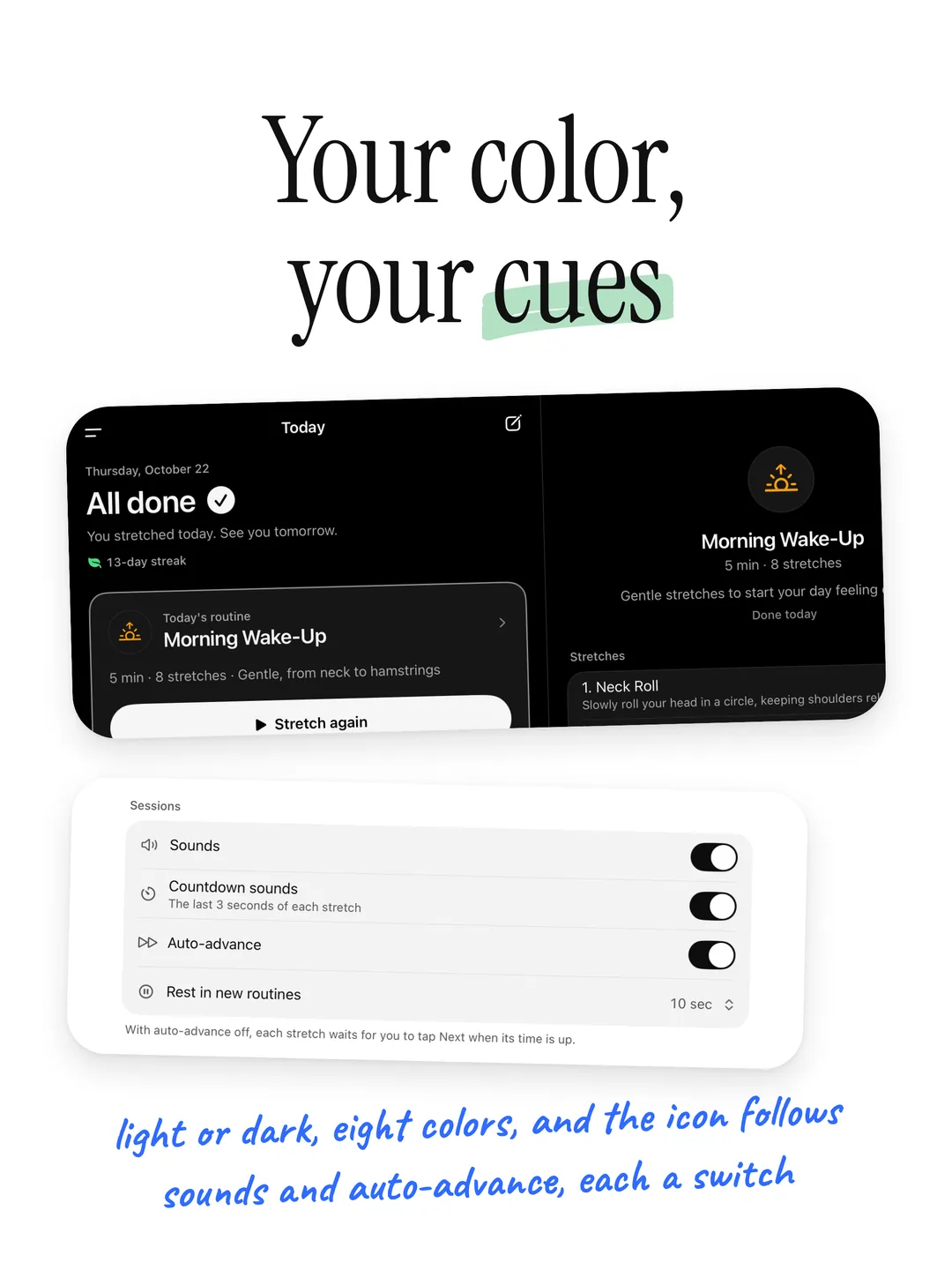
Pick one of eight accents to mark your streak. It sets the app icon too, with dark and tinted versions.
- 02
Day or Night
Follow your device or pick Light or Dark. After dark, choose soft Graphite or true OLED Black.
- 03
Your Cues
Separate switches for sounds, haptics, countdown sounds and auto-advance.
Your data stays yours.
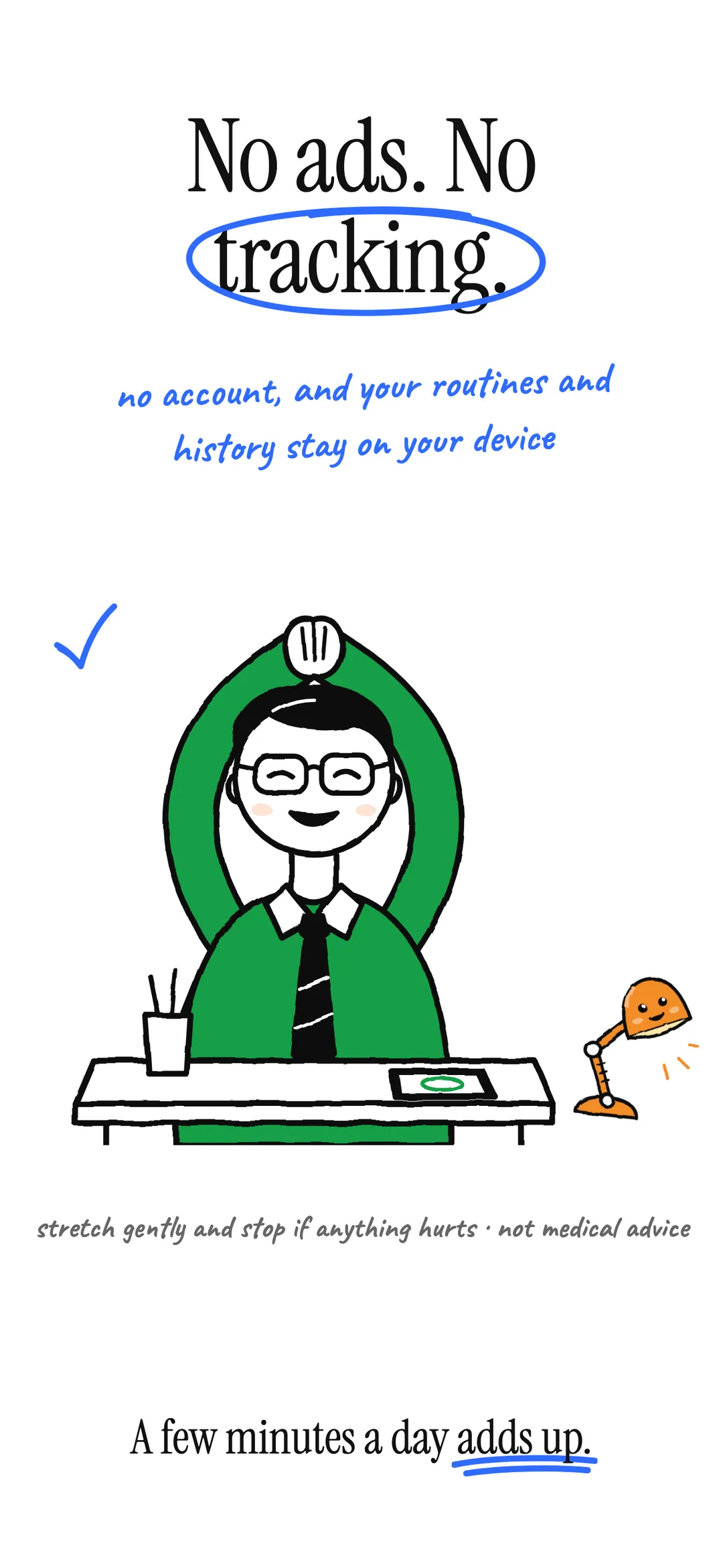
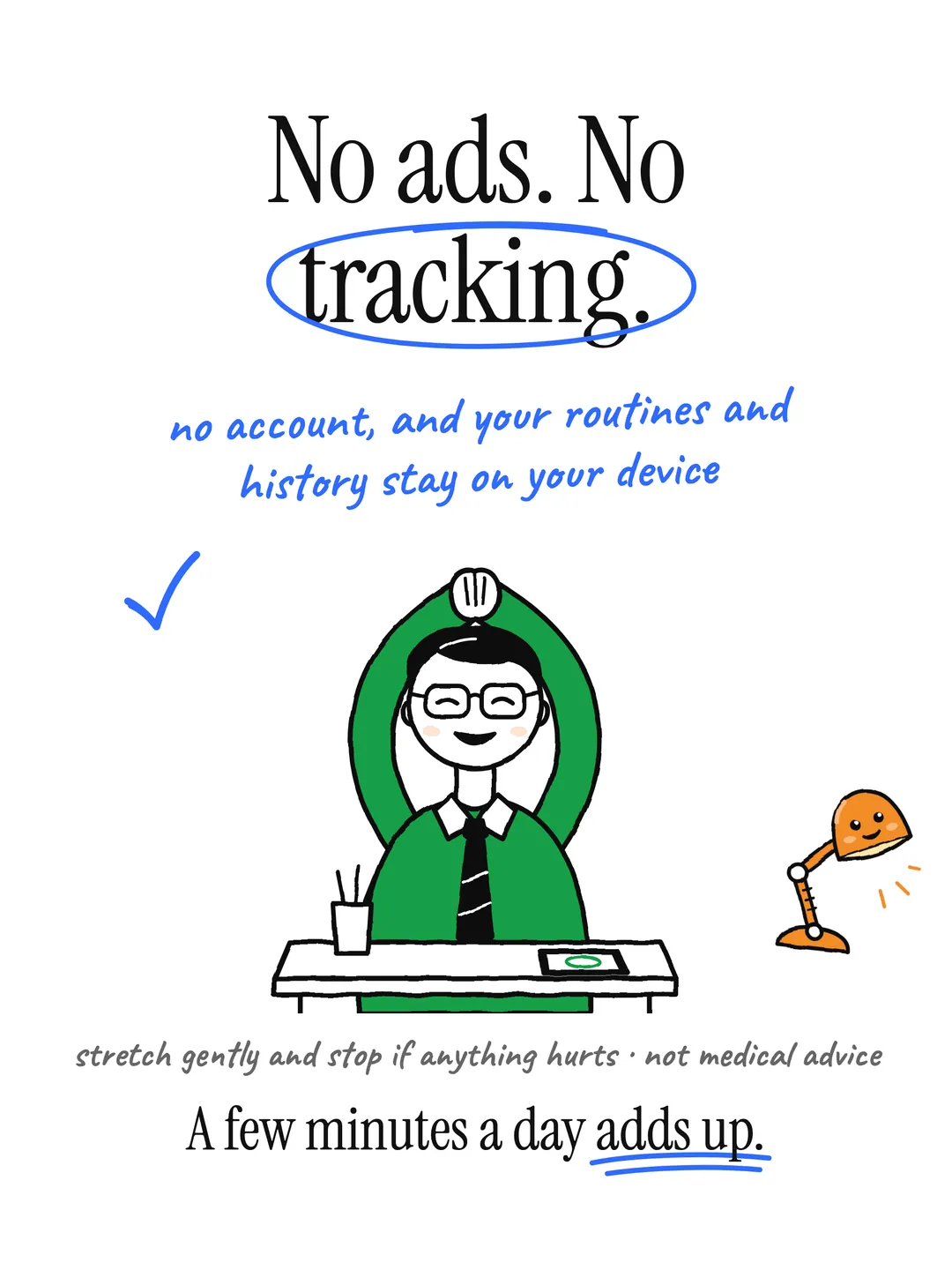
No ads. No accounts. No cloud sync. Your routines and history stay on your device, and Apple Health gets workouts only if you turn it on. Anonymous diagnostics (crash reports and which screens you use, never your routines or history) help fix problems, and you can turn them off in Settings.
Read the full privacy policyStart stretching.
Free on the App Store. No account required.
More apps

Log sets in one tap with last weights filled in, a Lock Screen rest timer and an Apple Watch app.
 Contrast
A fire and ice sauna and cold plunge timer with protocols, a Lock Screen Live Activity, widgets and Apple Health workouts.

MAF heart rate training with live zones on Apple Watch, runs from Apple Health and an on-device coach.