Need help with Myrtle?
Send us an email at support@idlefusion.com and we’ll get back to you as soon as we can.
For questions about your medications themselves, please ask your doctor or pharmacist.
Frequently asked questions
I didn't get a reminder. What should I check?
Open Myrtle once: it plans reminders two weeks ahead each time it opens. Then check that notifications for Myrtle are allowed in the Settings app, and that a Focus isn't silencing them (you can allow Myrtle in that Focus's settings). Doses you've already marked taken don't get a reminder.
How do I mark a dose without opening the app?
Touch and hold the reminder and tap Taken, Snooze or Skip. You can also tap Taken on the Home Screen widget, on your Apple Watch, or ask Siri to mark a time's doses taken. Tapping the reminder itself opens Today and never marks a dose by itself.
What does the shell show?
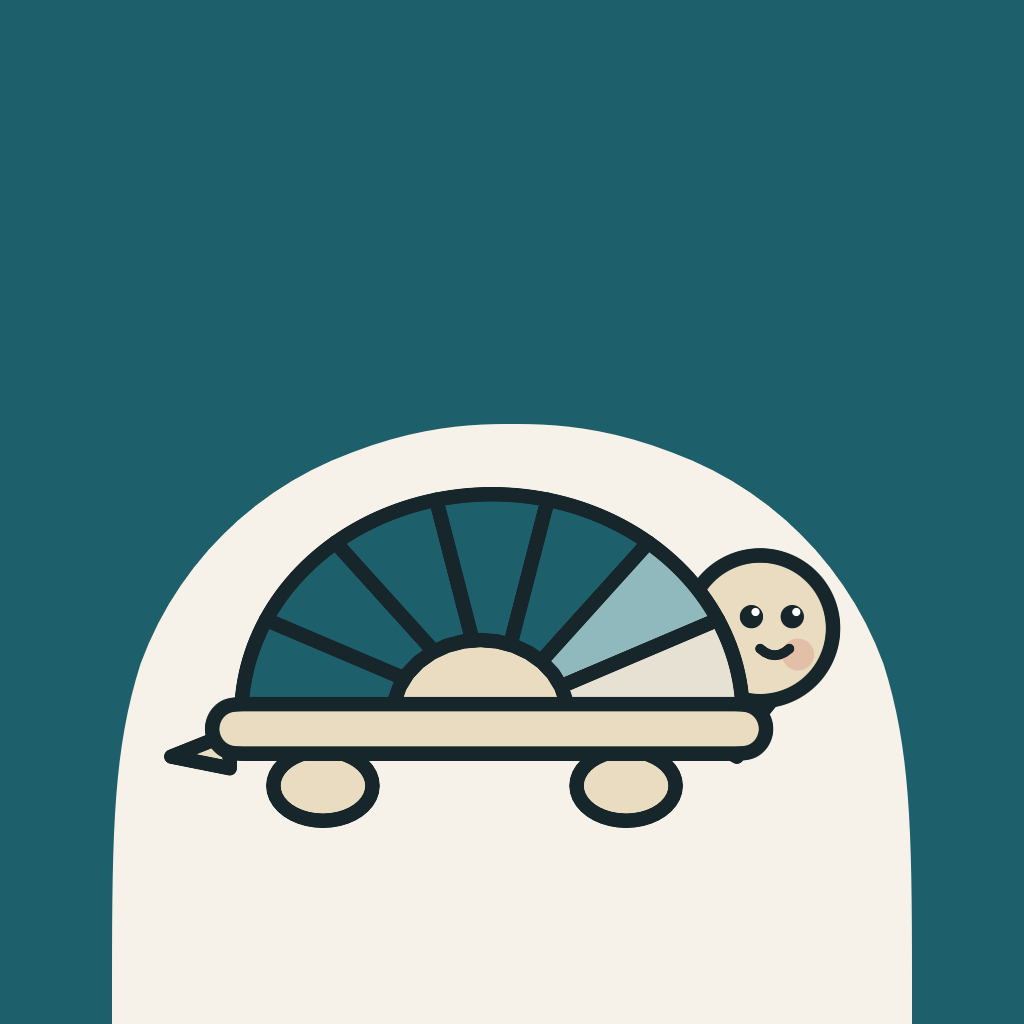
One segment for each day of the week, Sunday to Saturday. A day half-fills when some of its doses are taken and fills when every dose is taken or skipped. A dose that wasn't marked leaves the segment as it was.
I missed a dose. What should I do?
Follow the directions on your prescription leaflet, or ask your pharmacist. Myrtle can't tell you whether to take a late dose. If you did take it and forgot to mark it, mark it on Today the next morning or in History.
How do I move my medications over from Meds Easy?
If Meds Easy is on the same iPhone, Myrtle finds it when you first open it; tap Bring it over. Later, use Settings, Your data, Bring over Meds Easy history, which skips anything already brought over. Myrtle reads Meds Easy's history straight from your iPhone, without changing it, so the old app keeps working. Every medication, schedule, reminder time, supply count, pharmacy and logged dose comes over as it was. Then turn off reminders in Meds Easy so you don't get two. If Meds Easy isn't on this iPhone, there's nothing to bring over, so start fresh.
How do I make a Visit summary?
Open History, scroll to Visit summary, pick the last 30 or 90 days and tap Share PDF. It lists your current medications and schedules and what was taken, skipped or not marked. It's made on your iPhone; nothing is uploaded.
How does the refill reminder work?
Each dose you mark taken counts one down from the supply you entered. When it reaches the number you chose, Myrtle reminds you at 9:00 AM. Tap Refilled on the medication's page when you pick it up.
Is Myrtle free?
Yes. Everything in Myrtle is free, with no ads or subscription. If you'd like to support it, Settings, Support Myrtle has optional one-time tips. They don't unlock anything, and they're handled entirely by the App Store.
Can I hide the turtle?
Yes. Turn off Show Myrtle on Today in Settings, Look. The week shell and your doses stay. Myrtle also follows Reduce Motion and holds still.
Does Myrtle give medical advice?
No. Myrtle reminds you of the schedule you enter. It doesn't check interactions, diagnose anything or replace your doctor or pharmacist. Always follow their directions.