BLOOD PRESSURE TRACKER
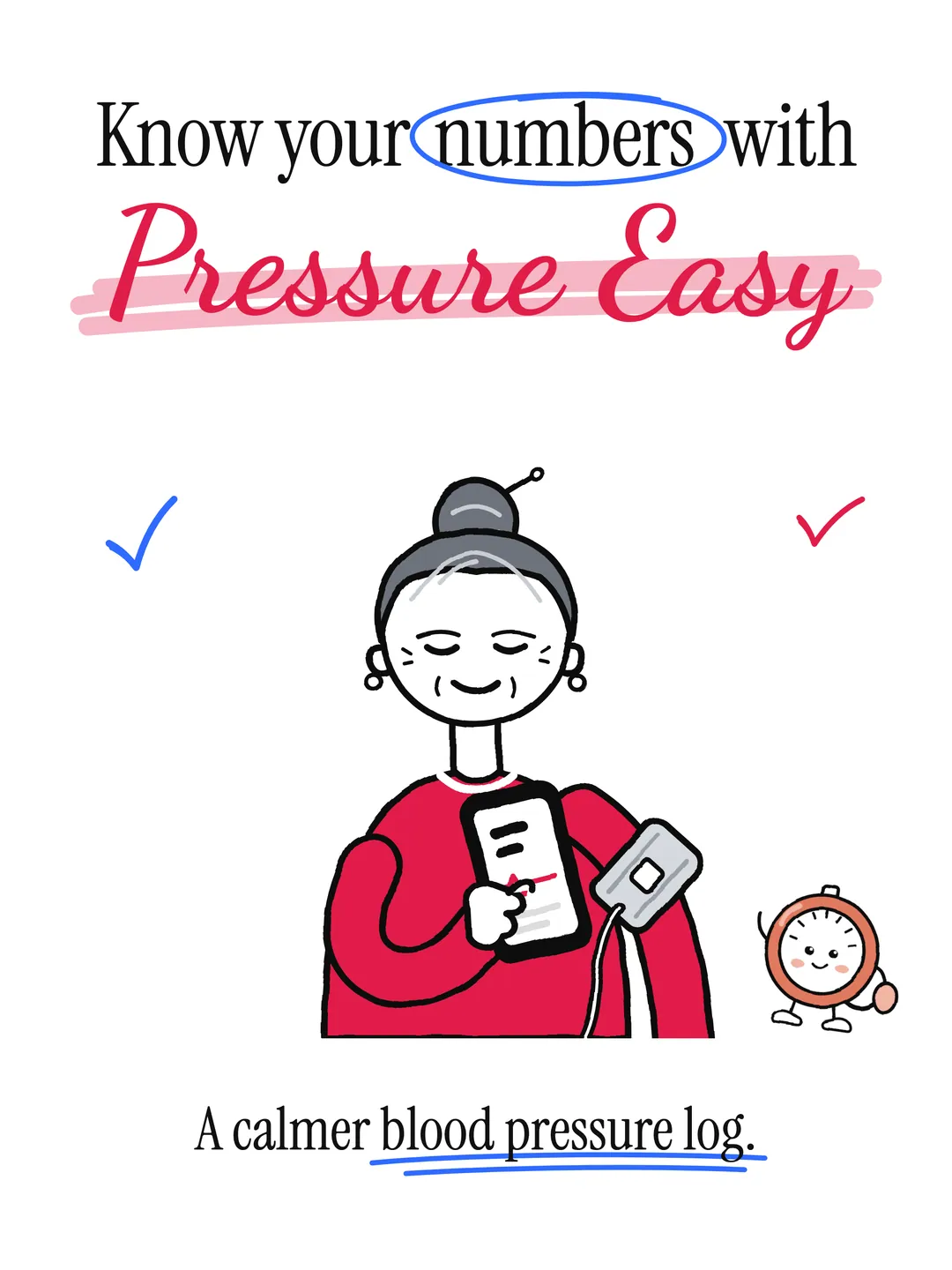
A private blood pressure tracker: know your numbers.
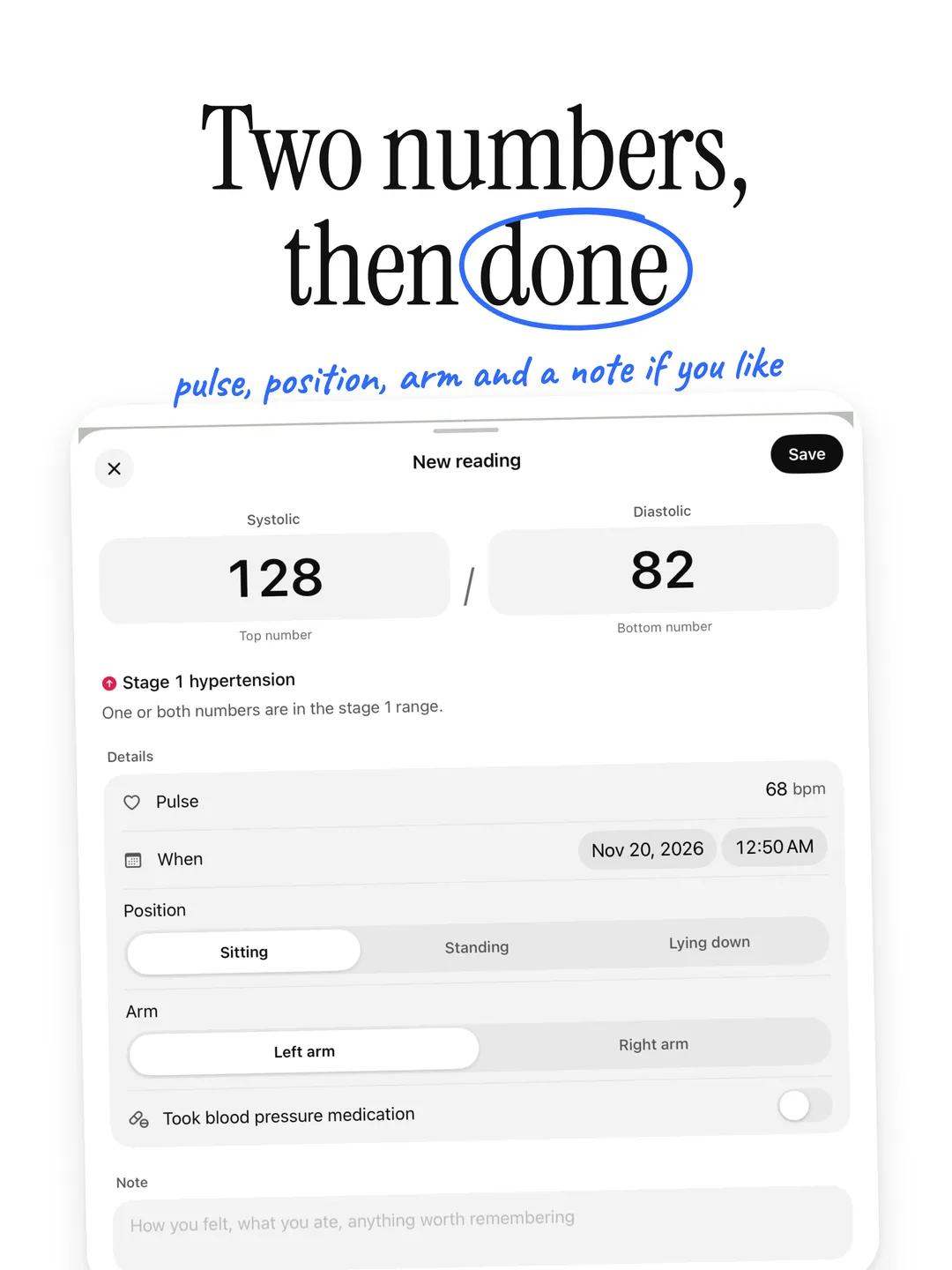
Pressure Easy is a private blood pressure tracker. Add a reading in seconds and see its American Heart Association category in plain words, with your 7- and 30-day averages right beside it. A clear PDF for your doctor when you need one. No account, no cloud, no tracking.

See it in action.
-
01 — Hero -
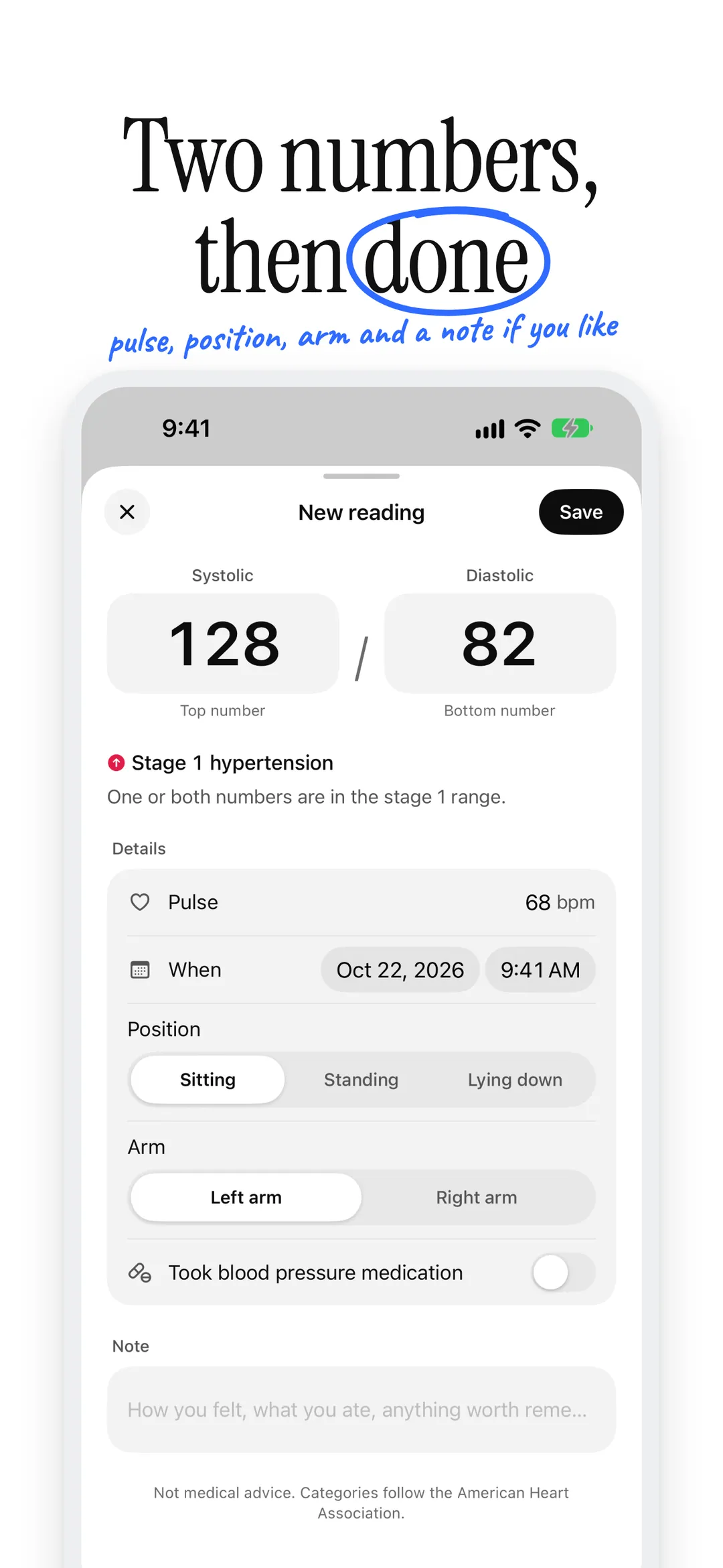
02 — Add reading -
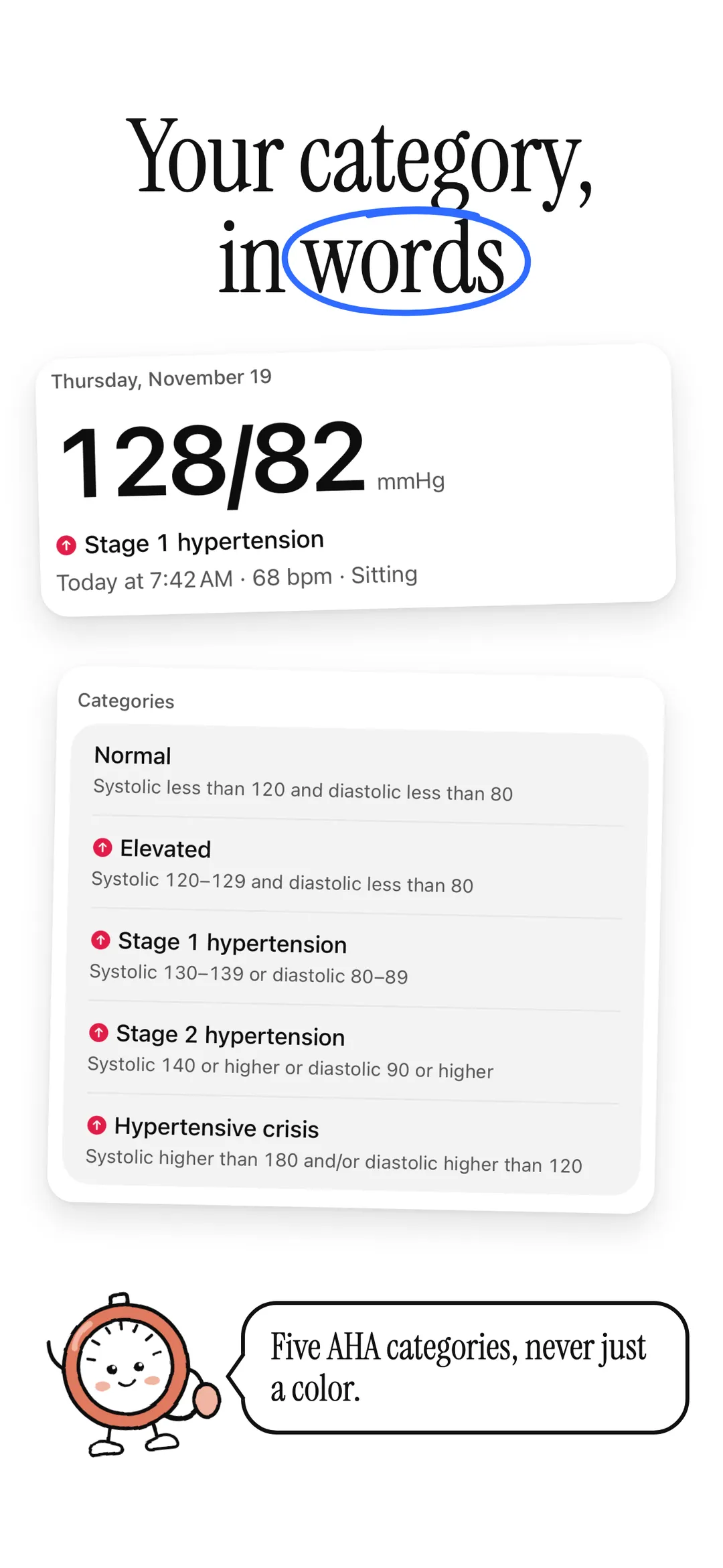
03 — Category -
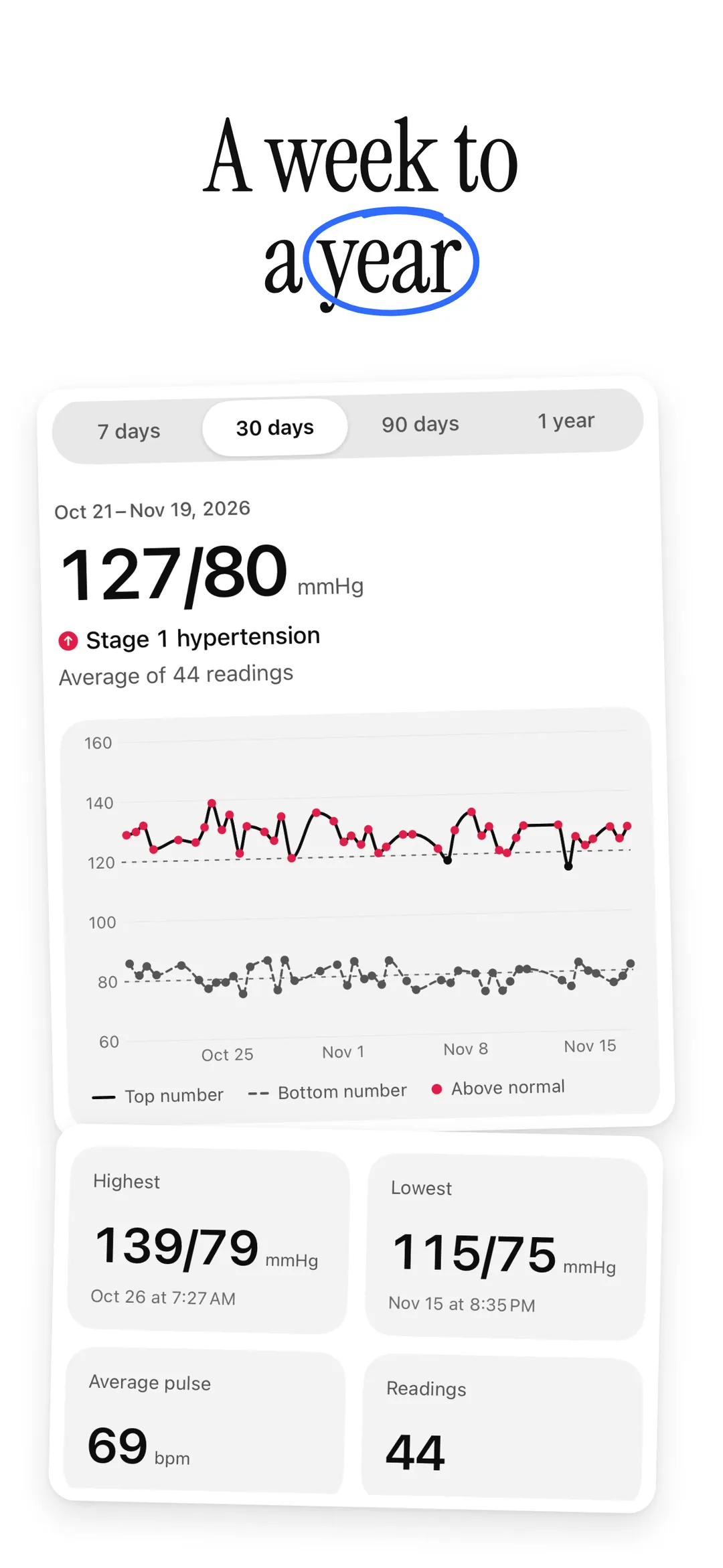
04 — Trends -
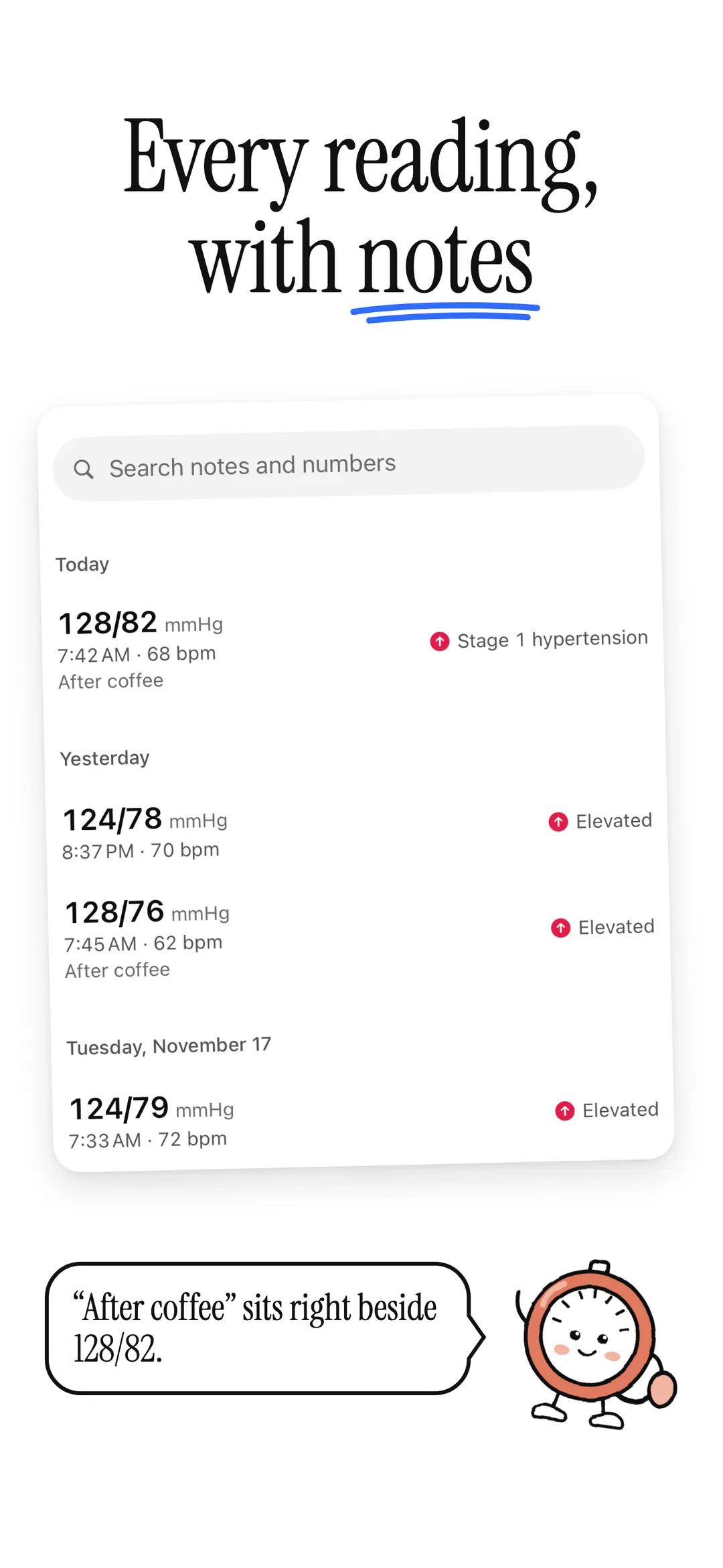
05 — History -
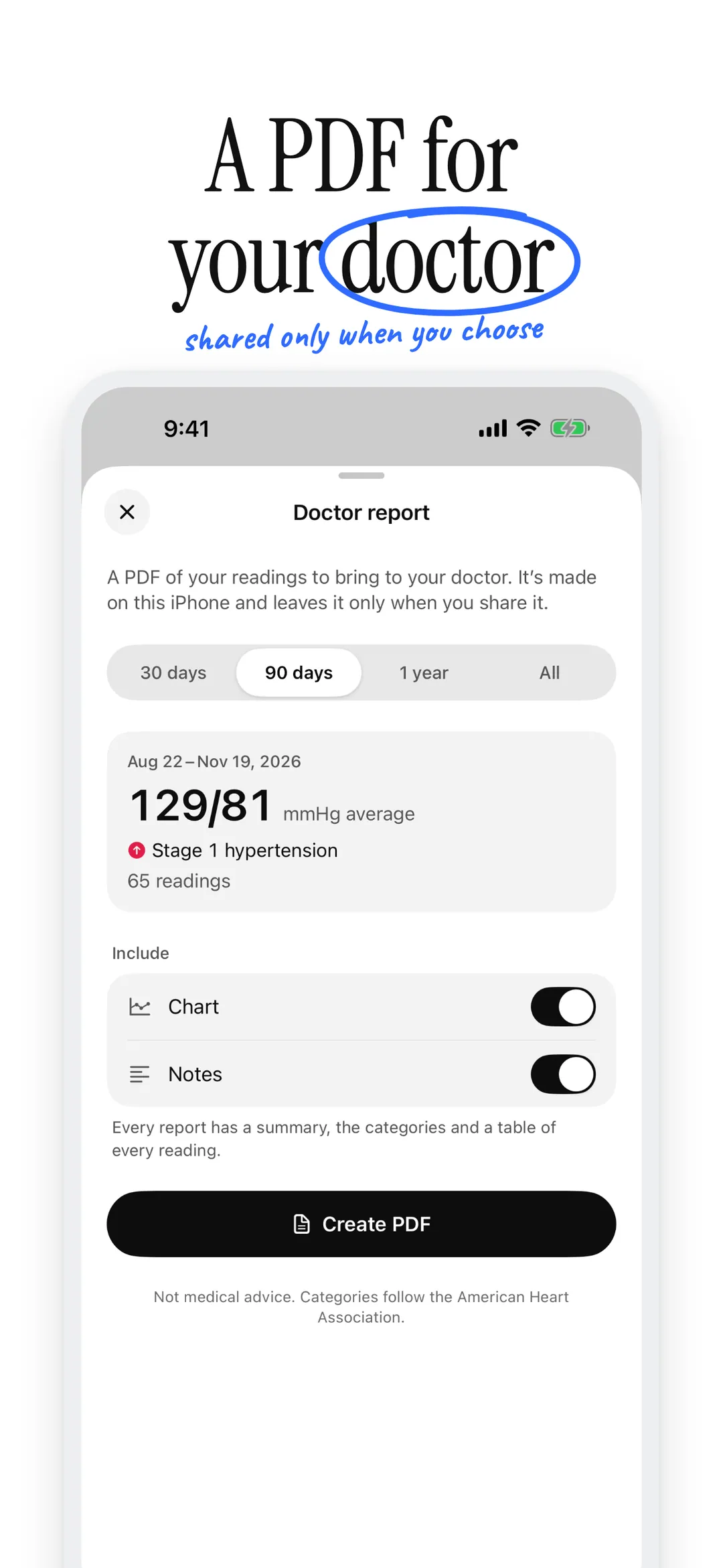
06 — Doctor report -
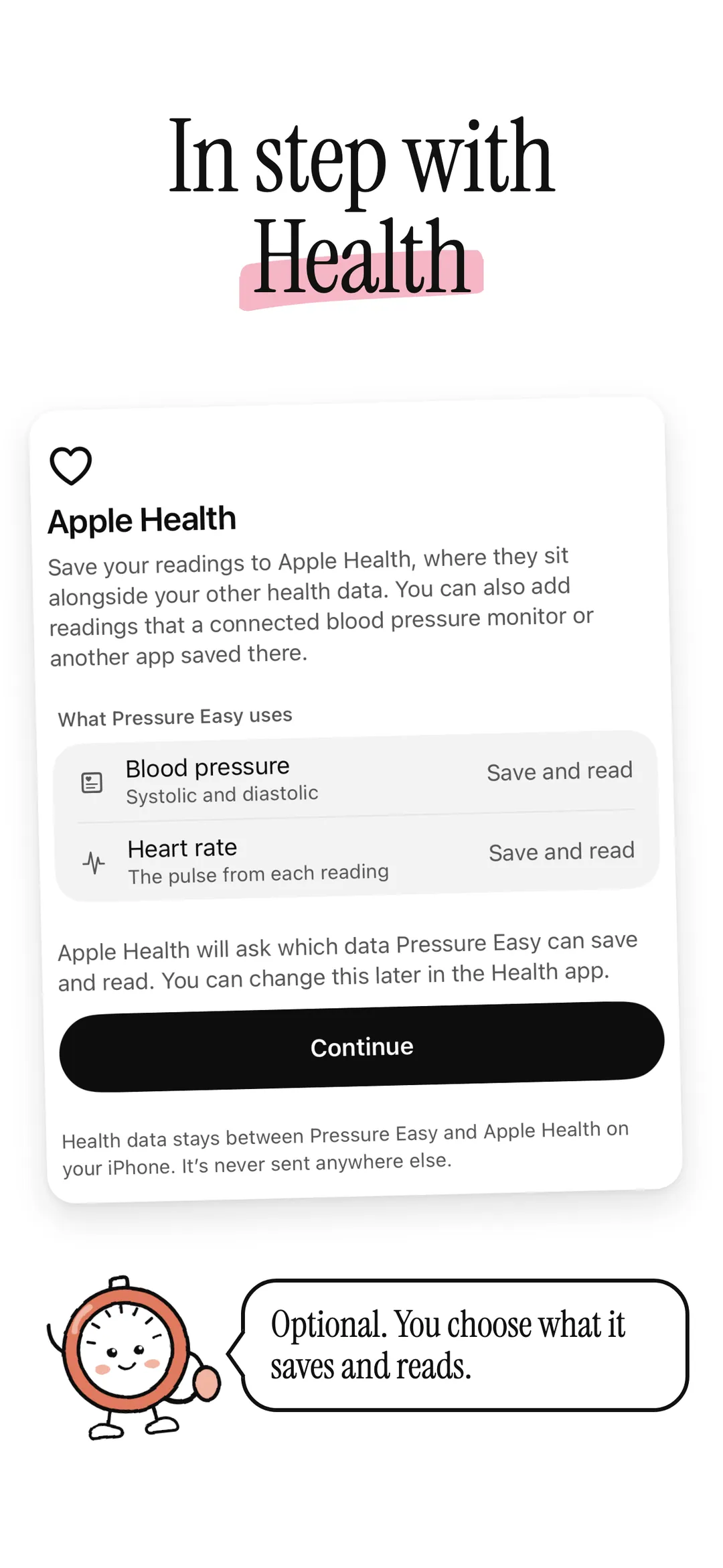
07 — Apple health -
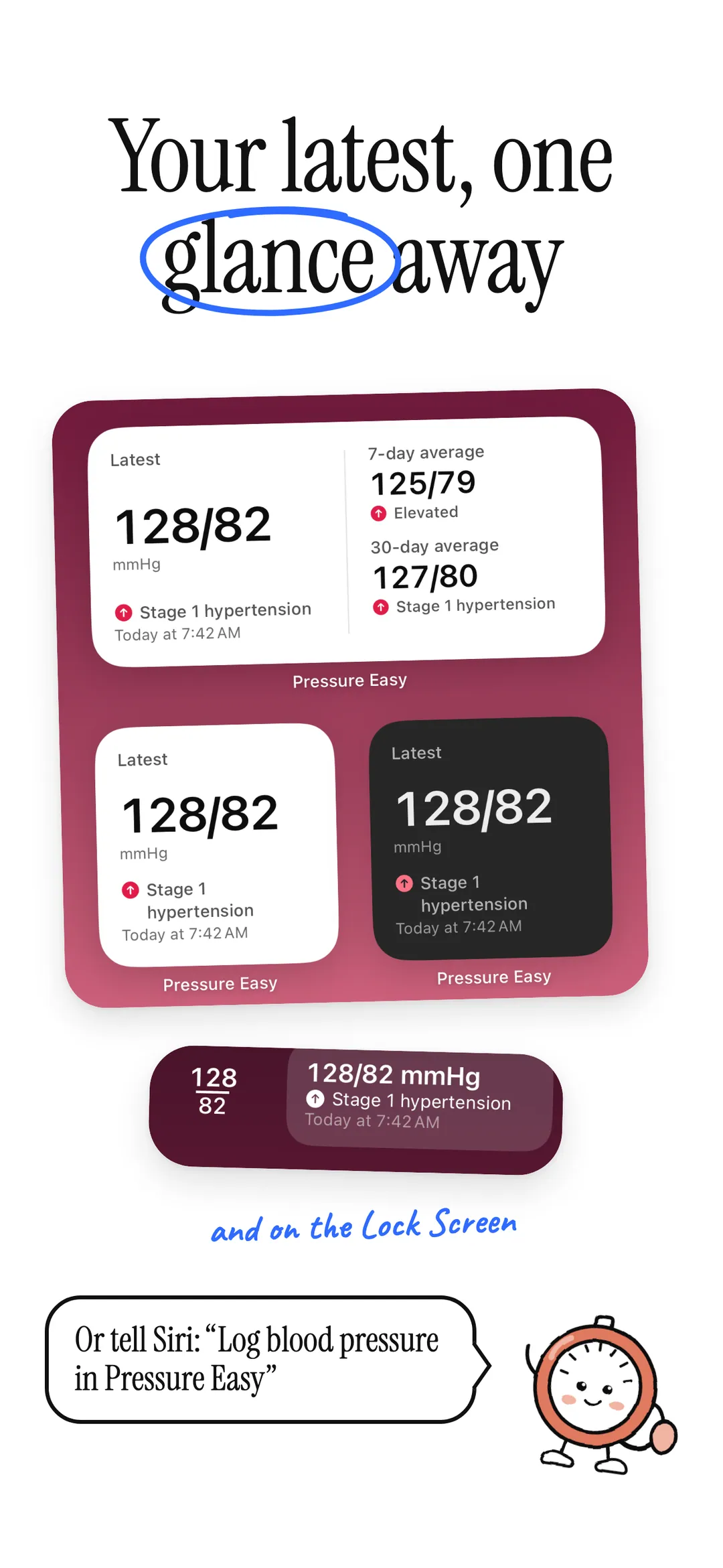
08 — Widgets siri -
09 — Apple watch -
10 — Free private
-
01 — Hero -
02 — Add reading -
03 — Category -
04 — Trends -
05 — History -
06 — Doctor report -
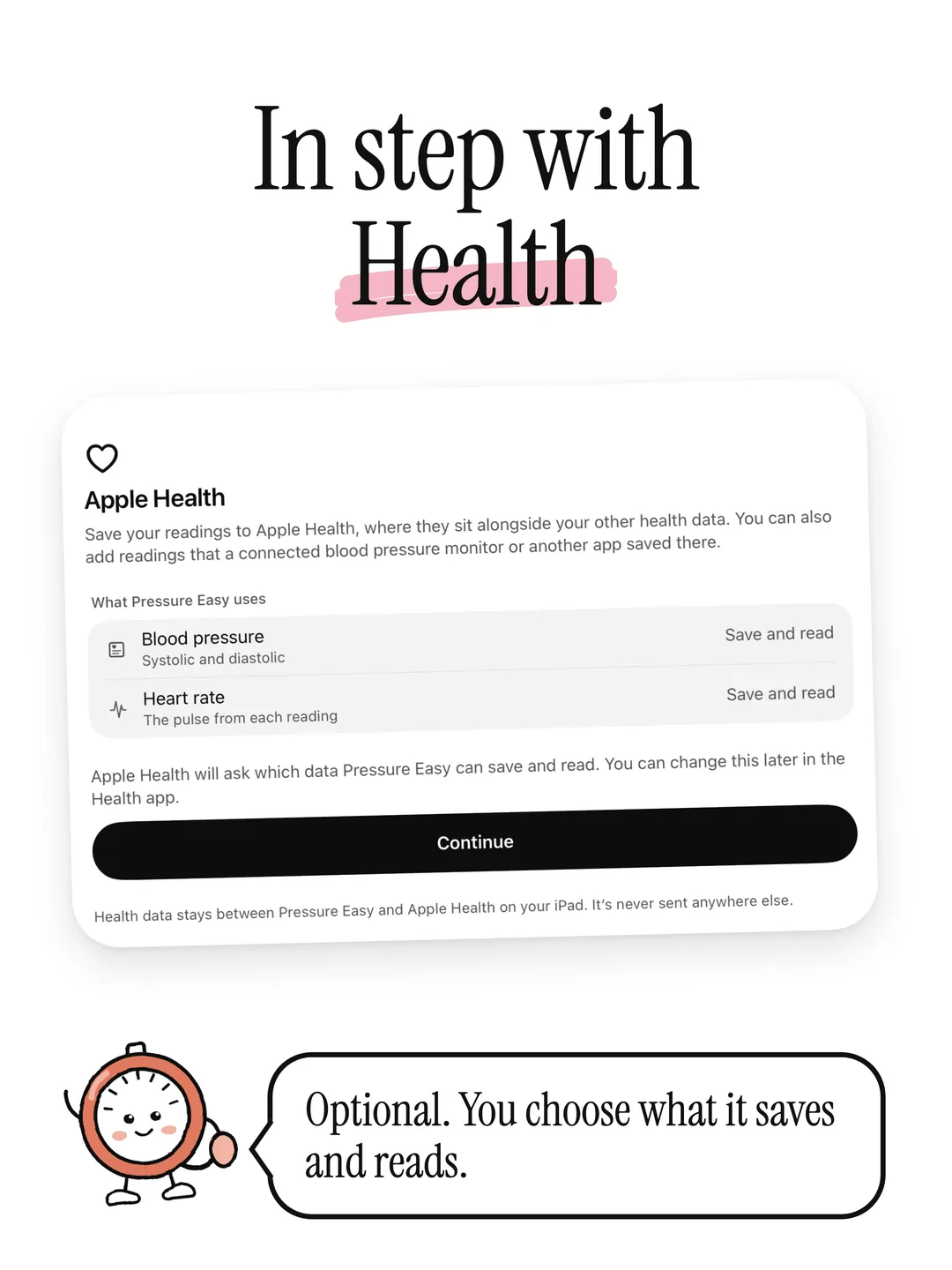
07 — Apple health -
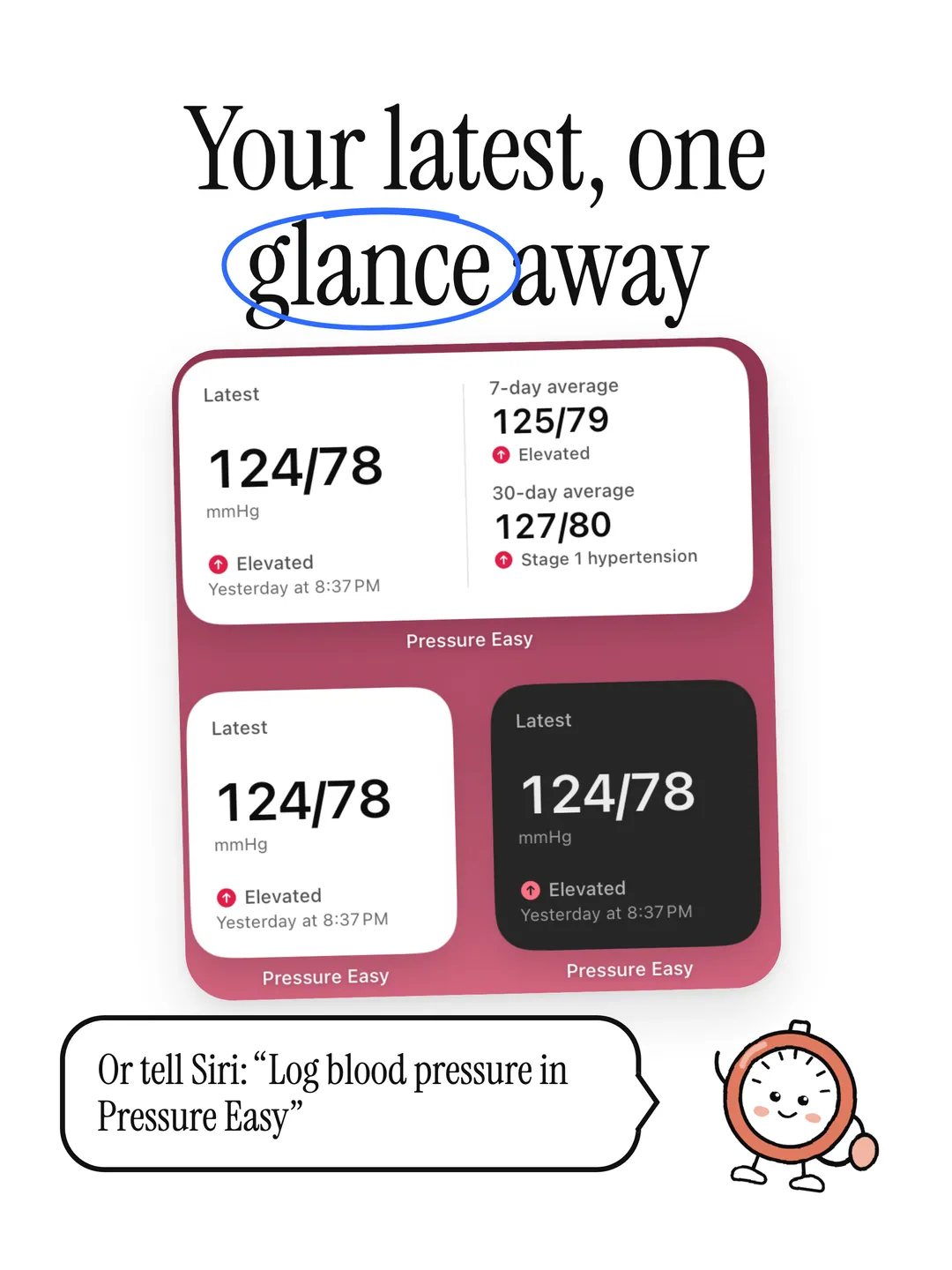
08 — Widgets siri -
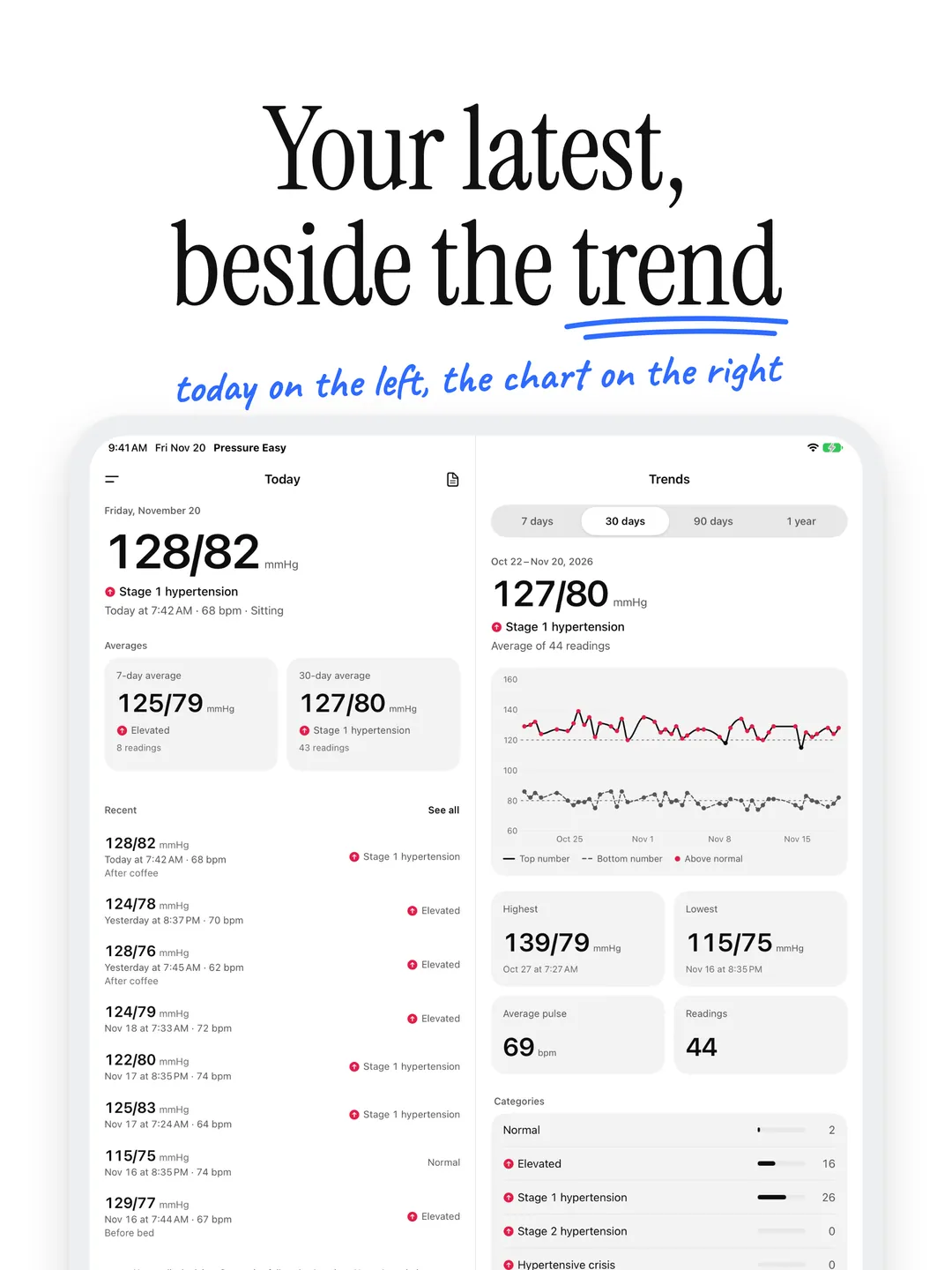
09 — Side by side -
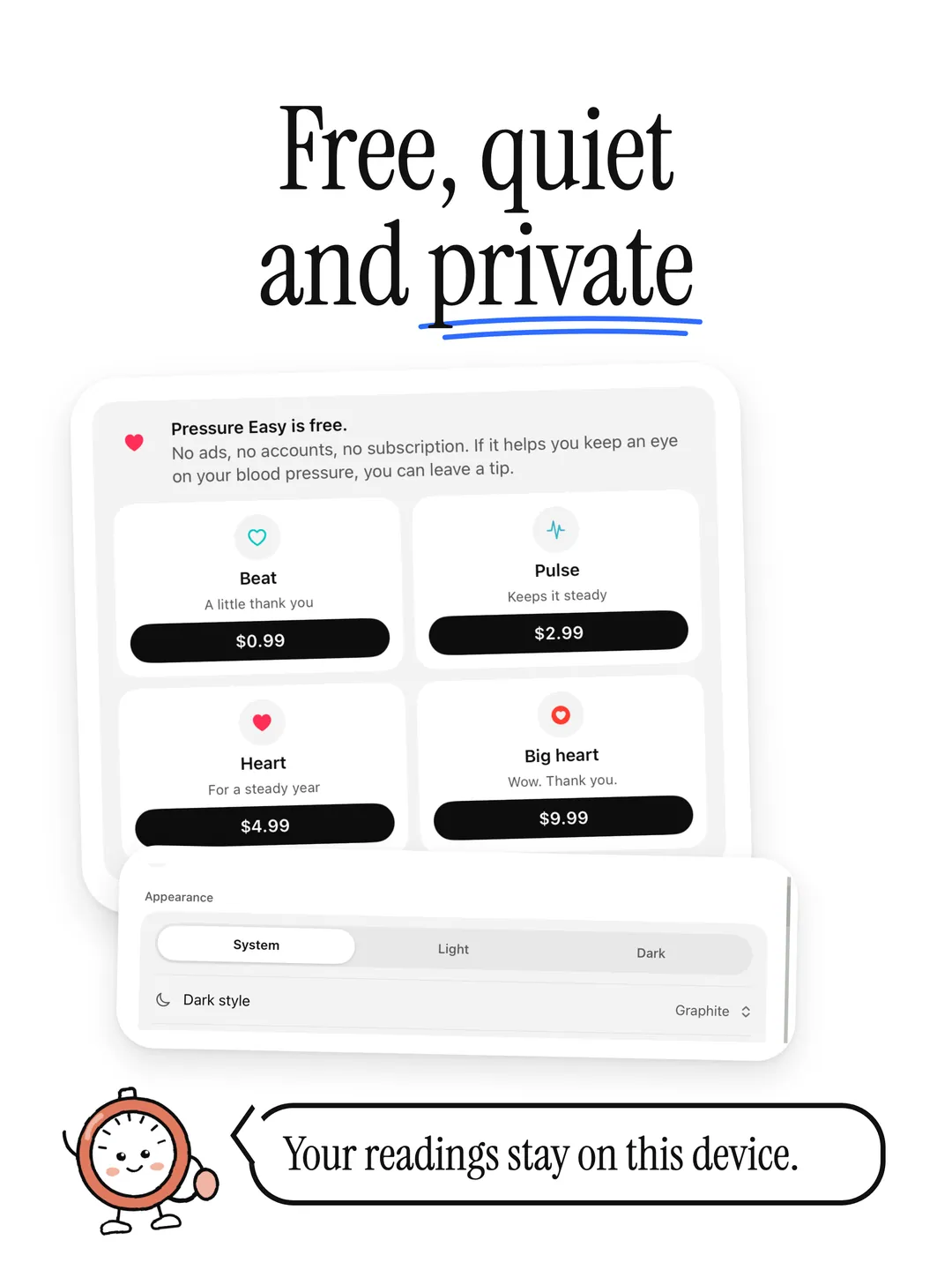
10 — Free private
A blood pressure tracker built for your numbers.
- 01
Today at a glance
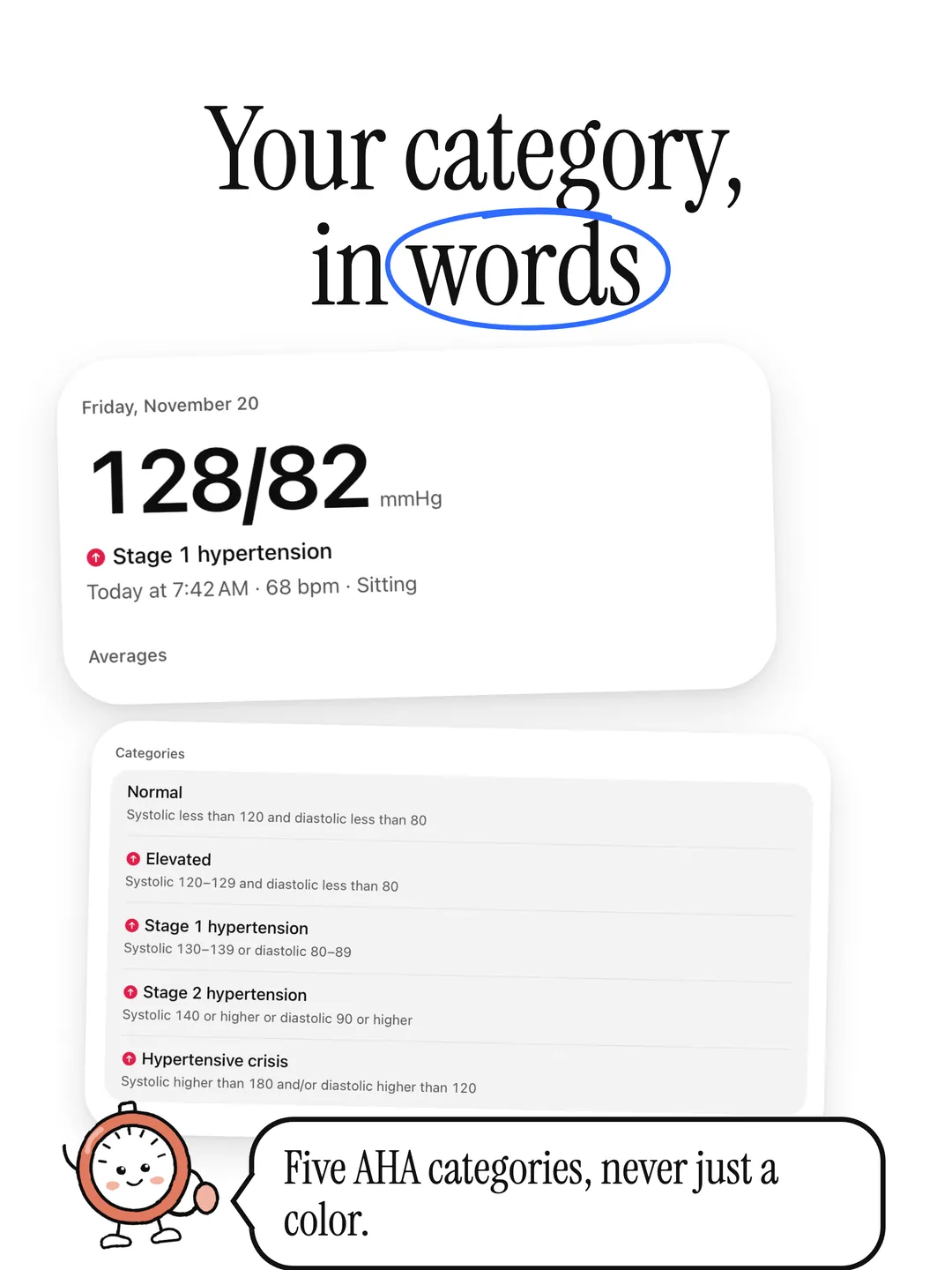
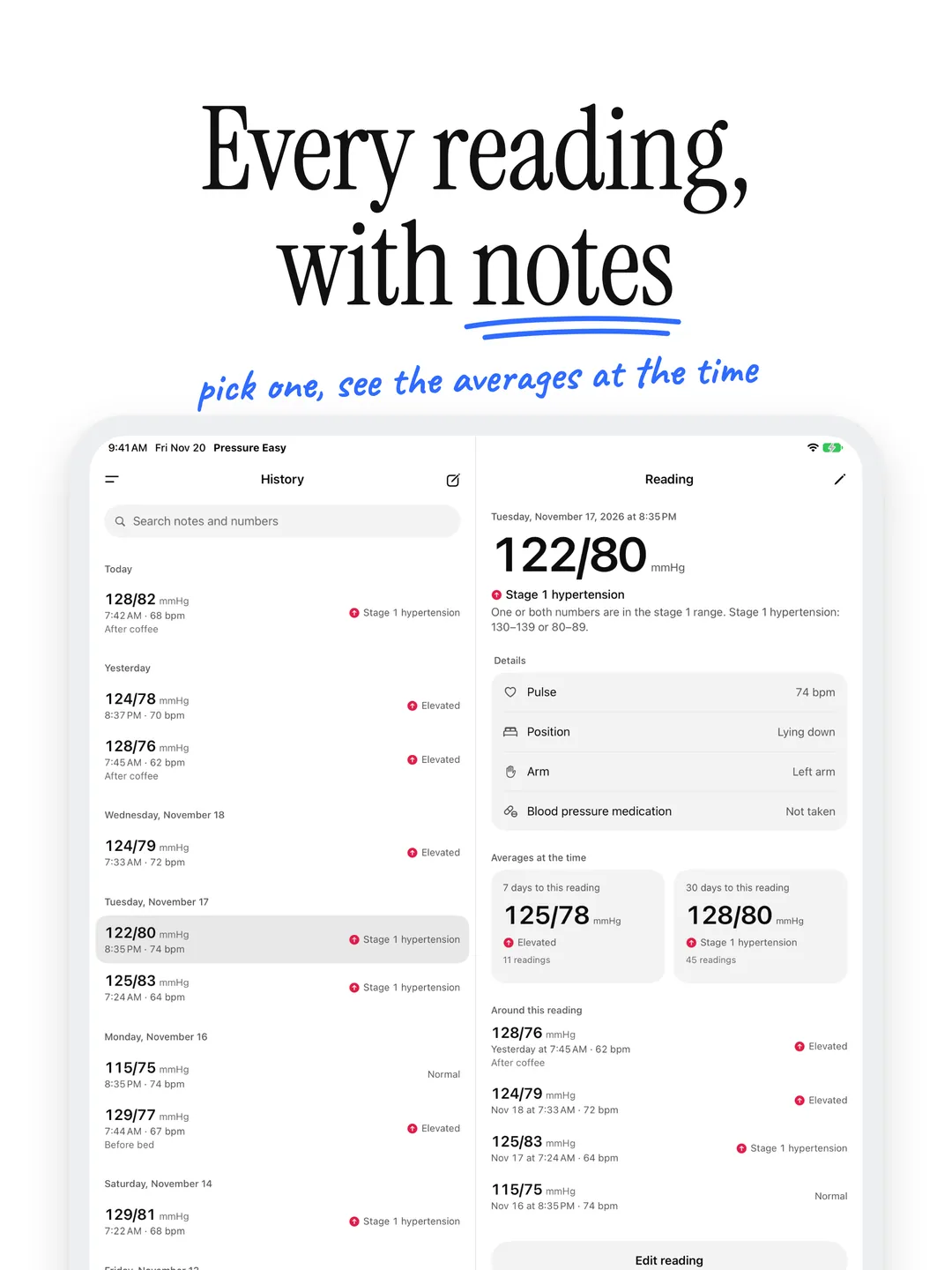
Your latest reading in big, clear numbers, its category in words, and your 7- and 30-day averages. A reading above normal carries a small mark, so it's easy to spot.
- 02
AHA categories, in plain words
Normal, elevated, stage 1, stage 2 or hypertensive crisis, exactly as the American Heart Association defines them. A very high reading comes with a calm note on when to contact your doctor or emergency services.
- 03
Trends
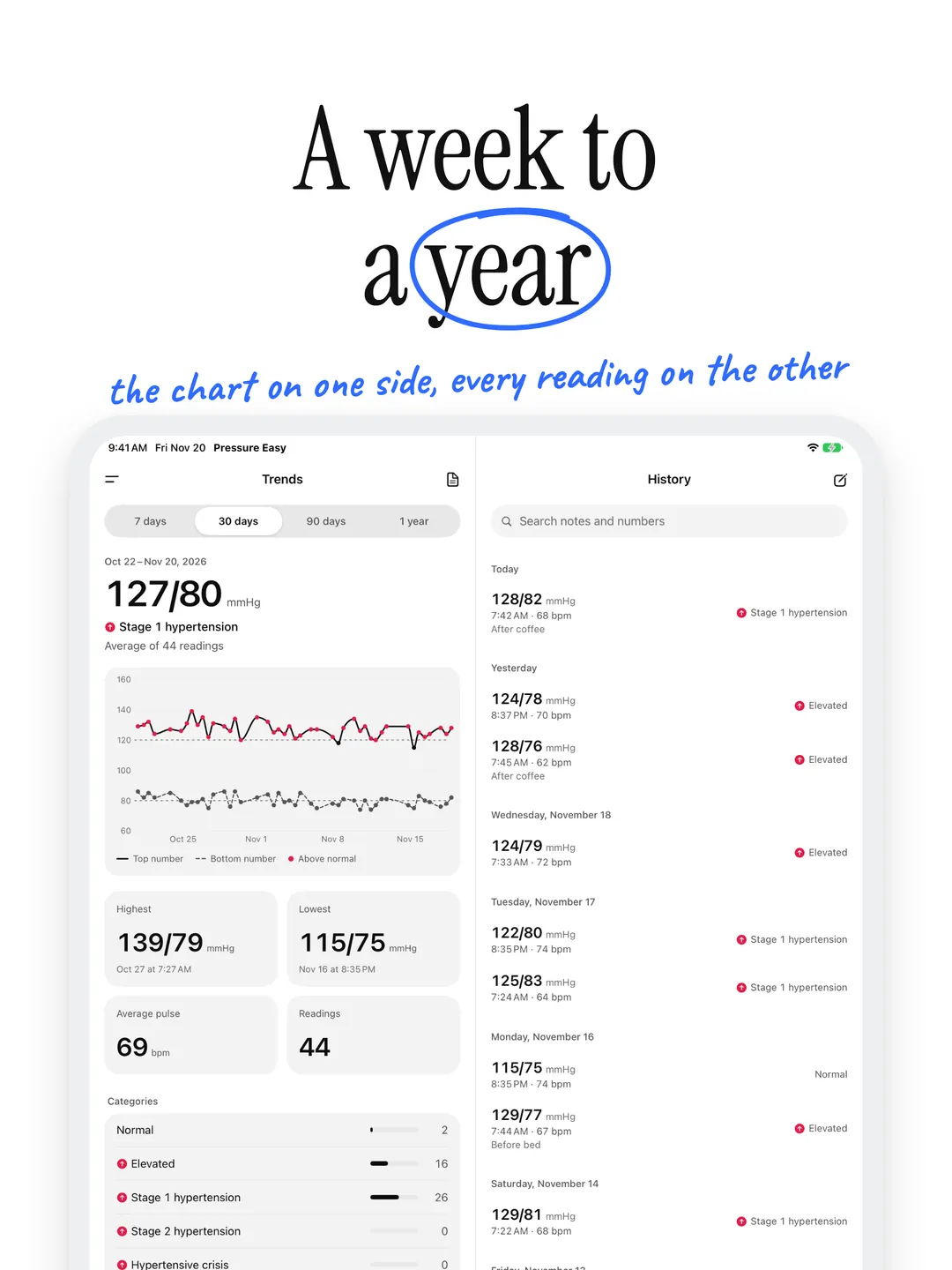
A chart of every reading from 7 days to a year, your highest and lowest, average pulse, and morning against evening.
- 04
A report for your doctor
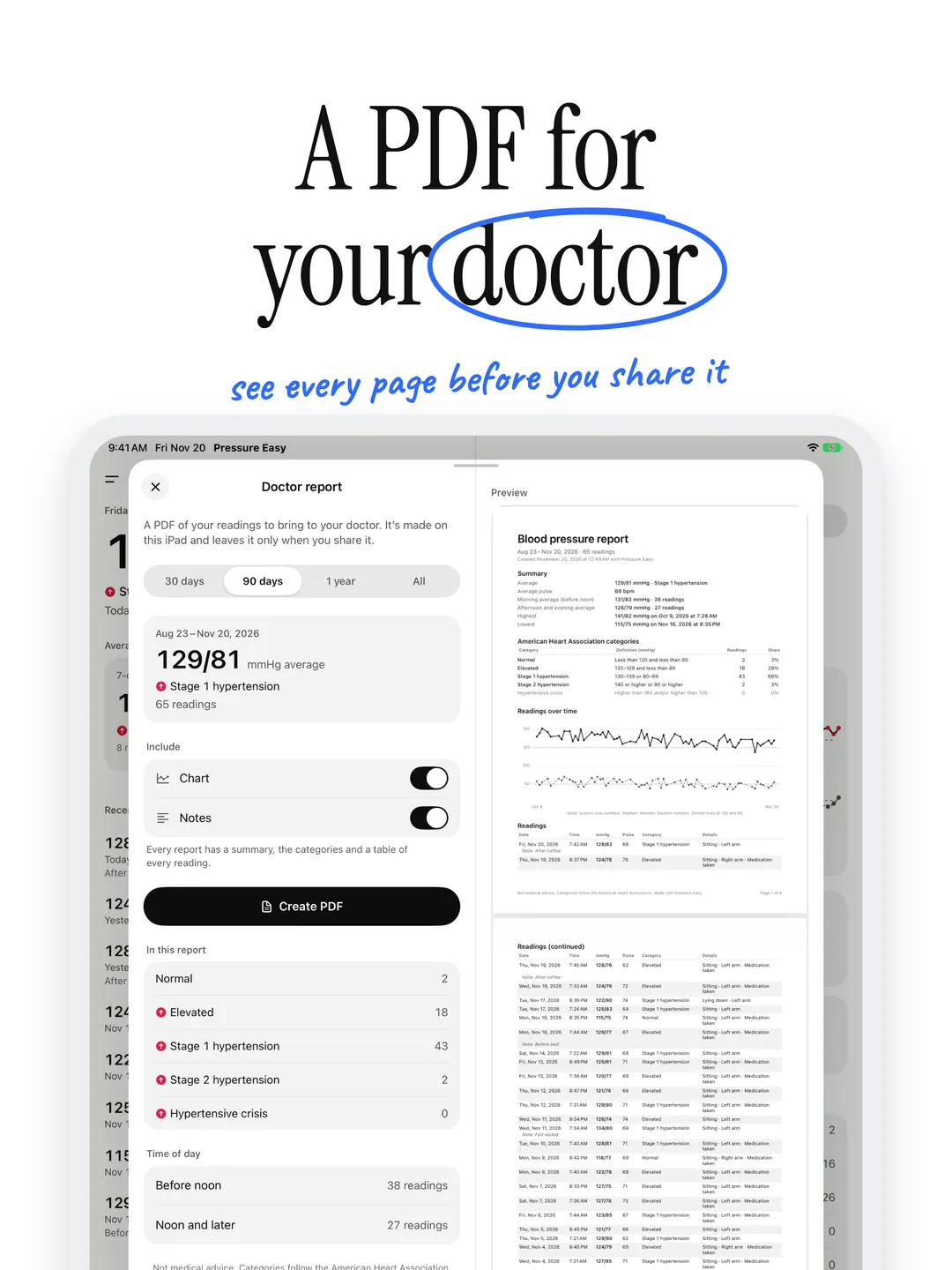
A PDF with a summary, your categories, a chart and every reading, made on your iPhone and shared only when you choose.
- 05
Apple Watch and widgets
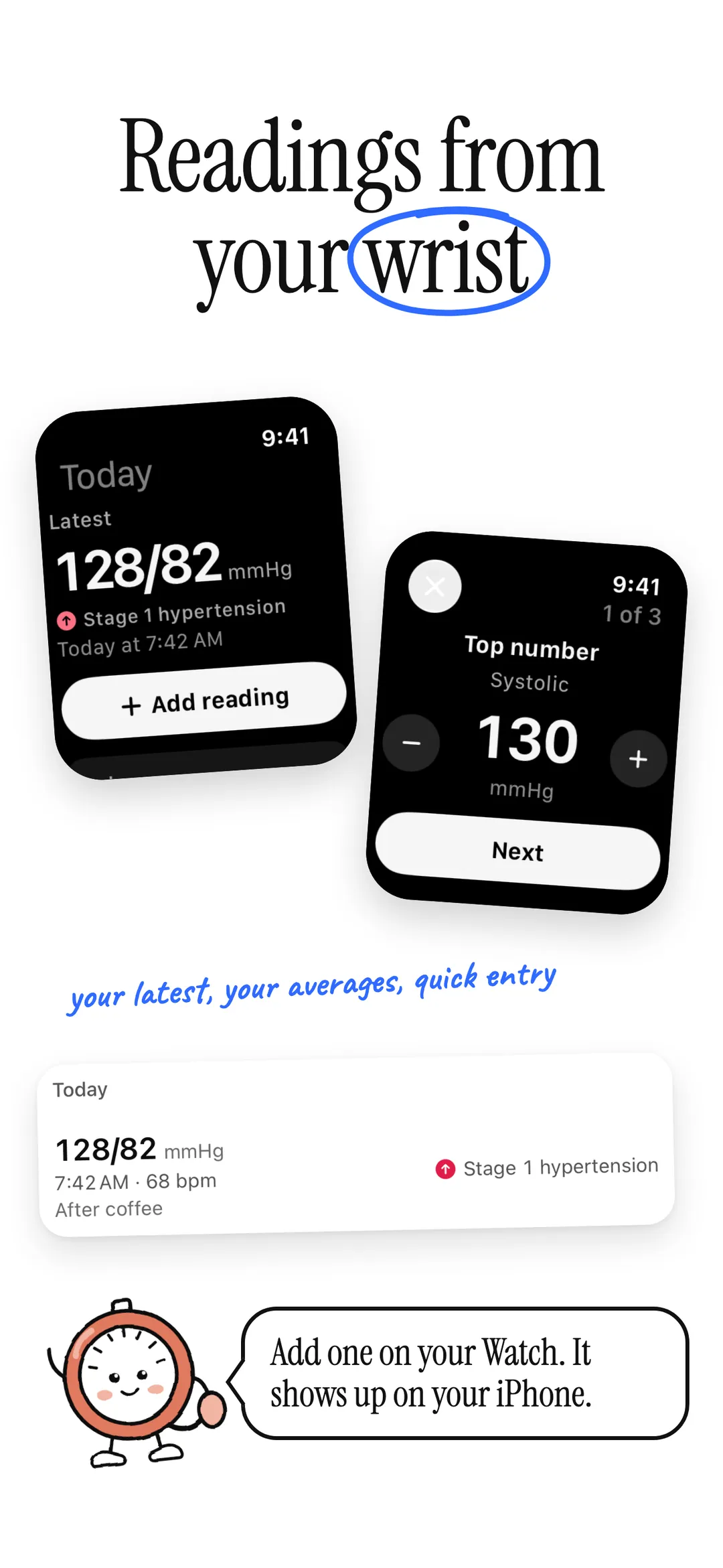
Add a reading from your wrist and it shows up on your iPhone. Home Screen and Lock Screen widgets keep your latest reading and averages in view.
- 06
Apple Health
Optional. Save your blood pressure and pulse to Apple Health, or add readings a connected blood pressure monitor saved there.
Understand your numbers.
Every reading falls into one of the five categories on the American Heart Association’s Understanding Blood Pressure Readings chart, for adults. When the two numbers disagree, the higher category counts. Pressure Easy is not a medical device, doesn't diagnose and isn't medical advice.
- Normal
- Elevated
- Stage 1 hypertension
- Stage 2 hypertension
- Hypertensive crisis
Your health data stays yours.
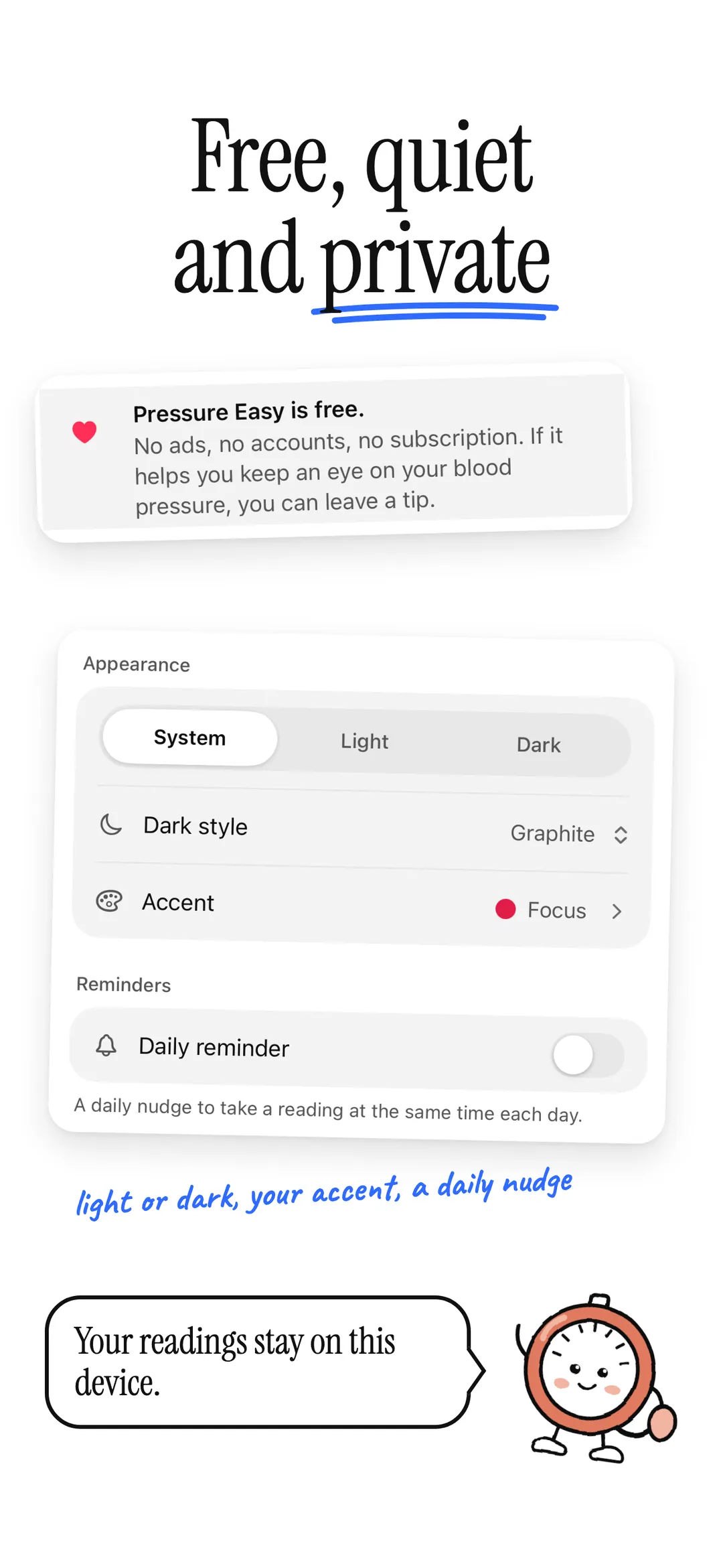
No accounts. No cloud sync. No ads. No tracking. Your readings stay on your iPhone, iPad and Apple Watch, and in Apple Health only if you turn it on. We never see them. Anonymous diagnostics (crash reports and which screens you use, never your readings) help fix problems, and you can turn them off in Settings.
Read the full privacy policyWhich blood pressure categories does Pressure Easy use?
The American Heart Association’s five categories for adults, from its Understanding Blood Pressure Readings chart: normal (less than 120 and less than 80), elevated (120–129 and less than 80), stage 1 hypertension (130–139 or 80–89), stage 2 hypertension (140 or higher, or 90 or higher) and hypertensive crisis (higher than 180 and/or higher than 120). When the two numbers fall in different categories, the higher one counts.
What happens if a reading is very high?
Above 180/120, Pressure Easy shows a calm note: wait a few minutes and measure again. If it’s still that high, contact your doctor right away, and if you have symptoms such as chest pain, shortness of breath or vision changes, call emergency services.
Is Pressure Easy a medical device?
No. It keeps a record of the readings from your blood pressure monitor and shows which category each falls in. It doesn’t measure blood pressure, doesn’t diagnose and isn’t medical advice. Talk to your doctor about your readings and before changing any treatment.
Can I add readings on Apple Watch or with Siri?
Yes. The Apple Watch app installs with the iPhone app: add a reading on your wrist and it shows up on your iPhone. Or say “Log blood pressure in Pressure Easy” and read Siri the two numbers off your cuff.
Does Pressure Easy work with Apple Health?
If you want it to. It can save each reading’s blood pressure and pulse to Apple Health, and add readings that a connected blood pressure monitor or another app saved there. You choose what it can save and read.
Is Pressure Easy free, and where is my data?
Pressure Easy is free and has nothing to unlock; you can leave an optional one-time tip in Settings. Your readings stay on your iPhone, iPad and Apple Watch, with no account and no cloud sync, and go to Apple Health only if you turn it on.
Start tracking, privately.
Free on the App Store. No account required.