PRIVATE EXPENSE TRACKING
Know what’s left, no bank required.
Type what you spent in a few words, set a budget, and see what’s left this month. Ink on paper, with color only where it means something. No bank connections, no accounts, no cloud sync. Your expenses stay on your device.

Zero bank connections. Ever.
While other expense trackers want your banking credentials, Spend Easy takes a different approach. You type what you spent—in a few words—so you stay in control and your bank login stays yours.
See it in action.
-
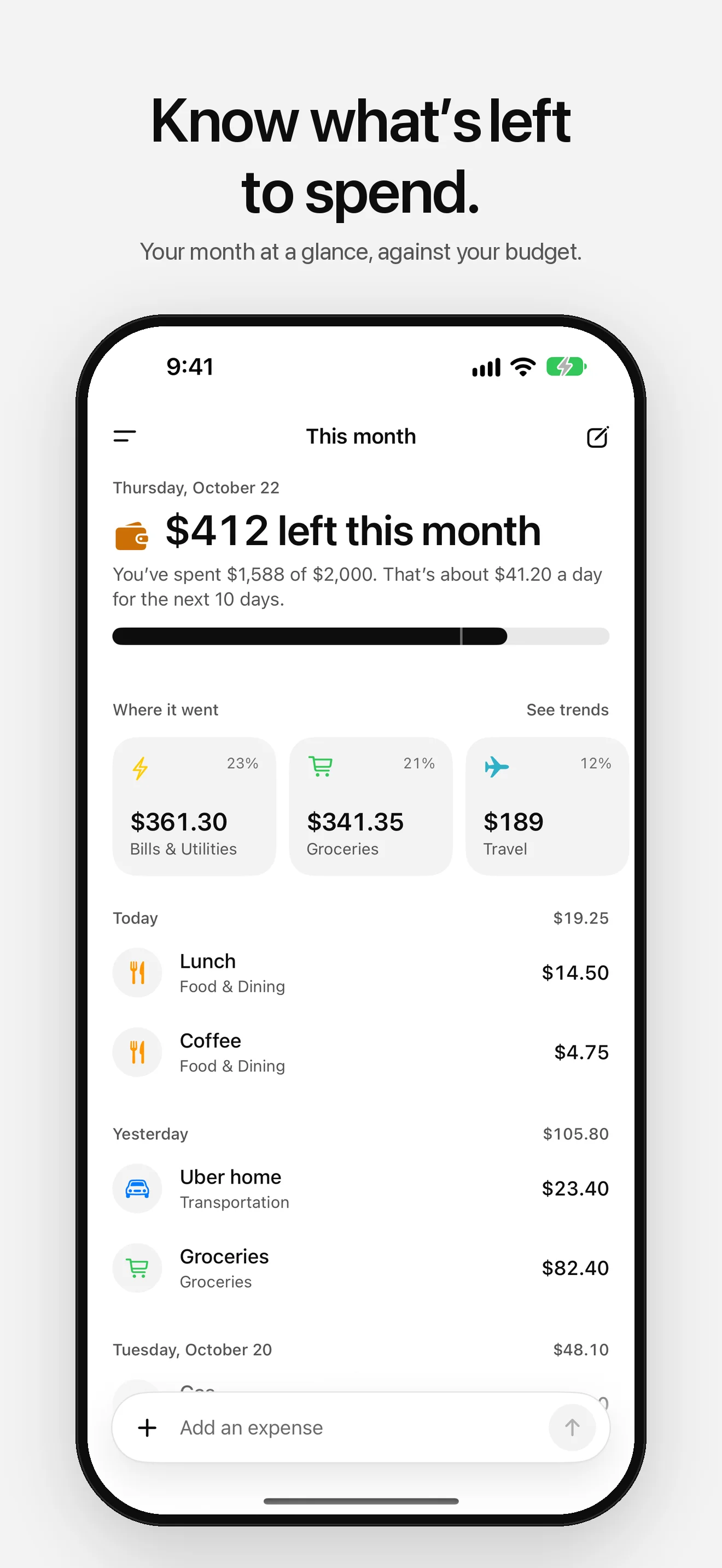
01 — This month -
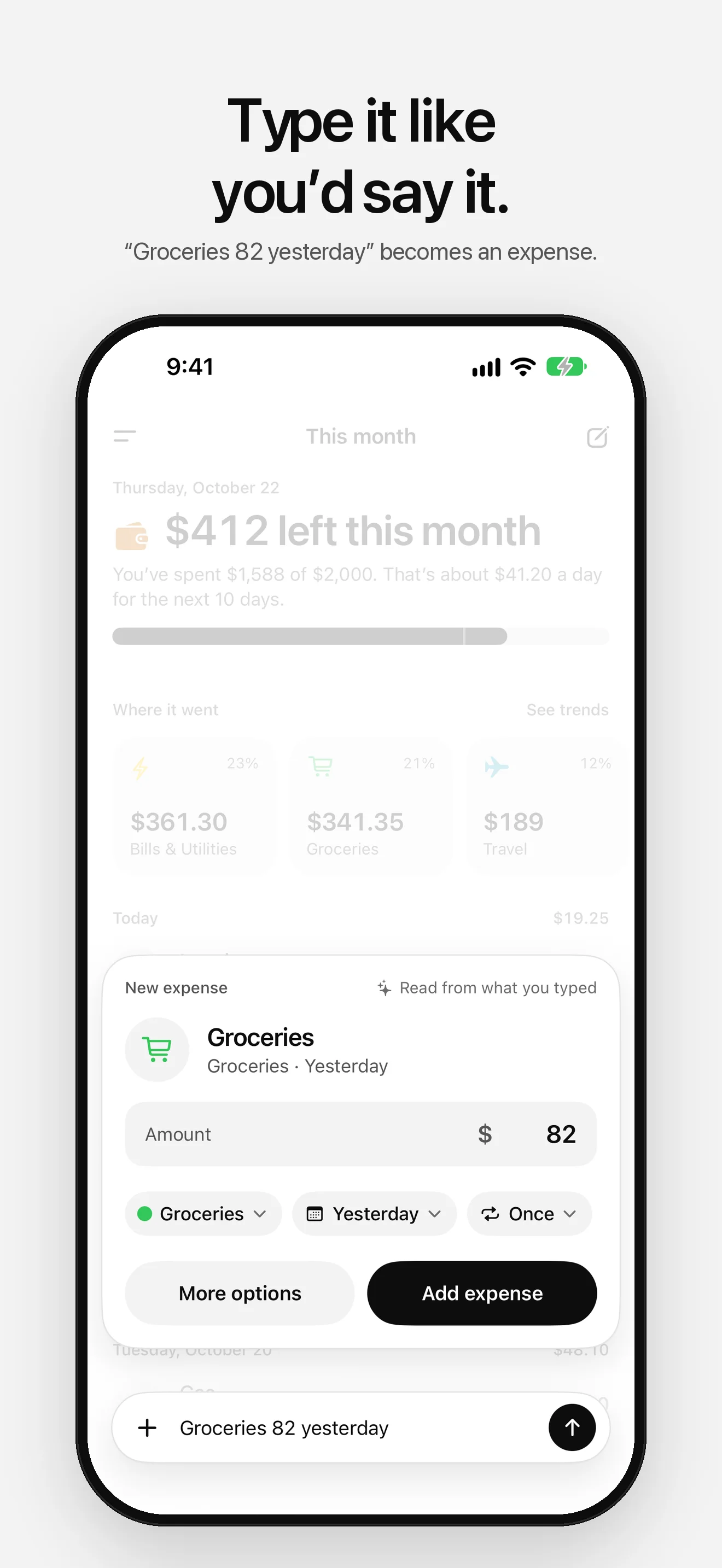
02 — Quick add -
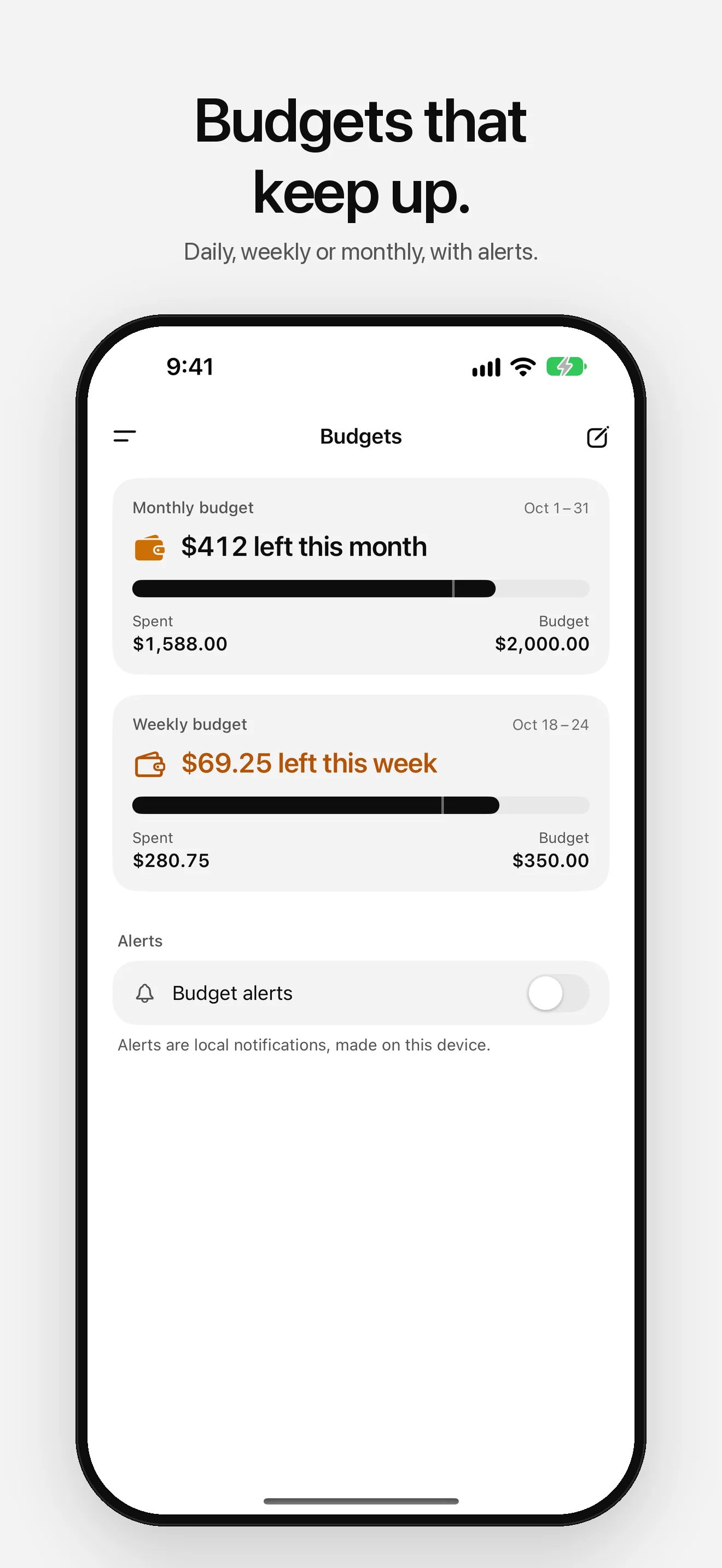
03 — Budgets -
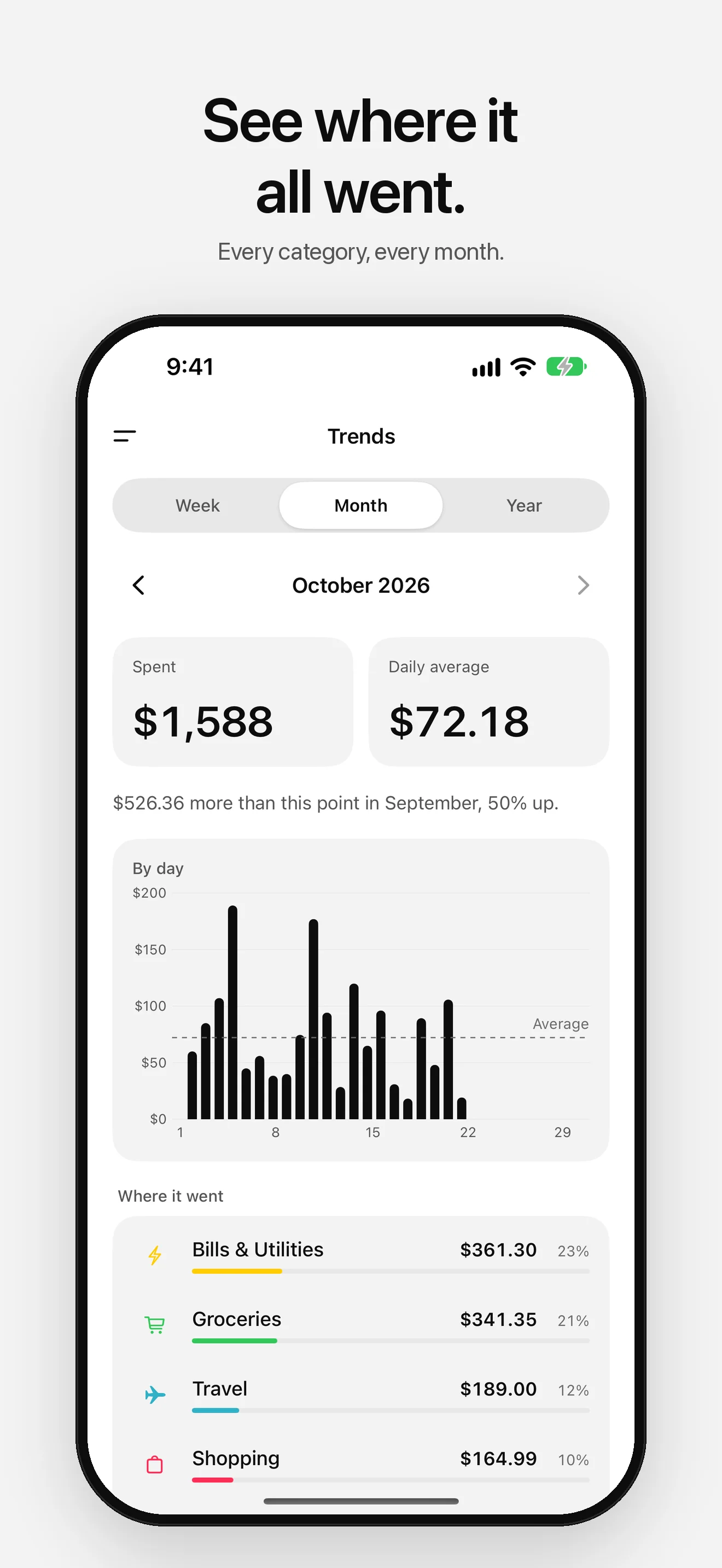
04 — Trends -
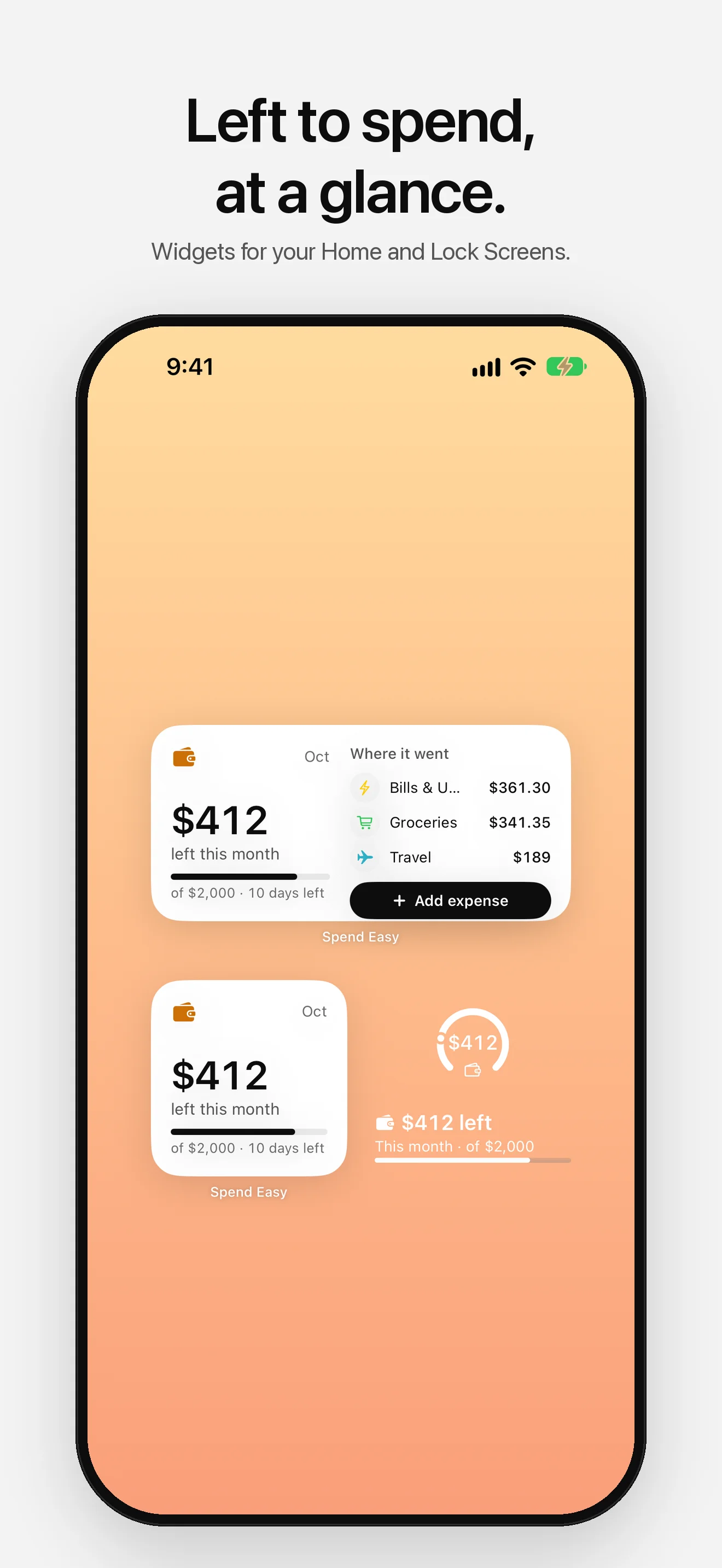
05 — Widgets -
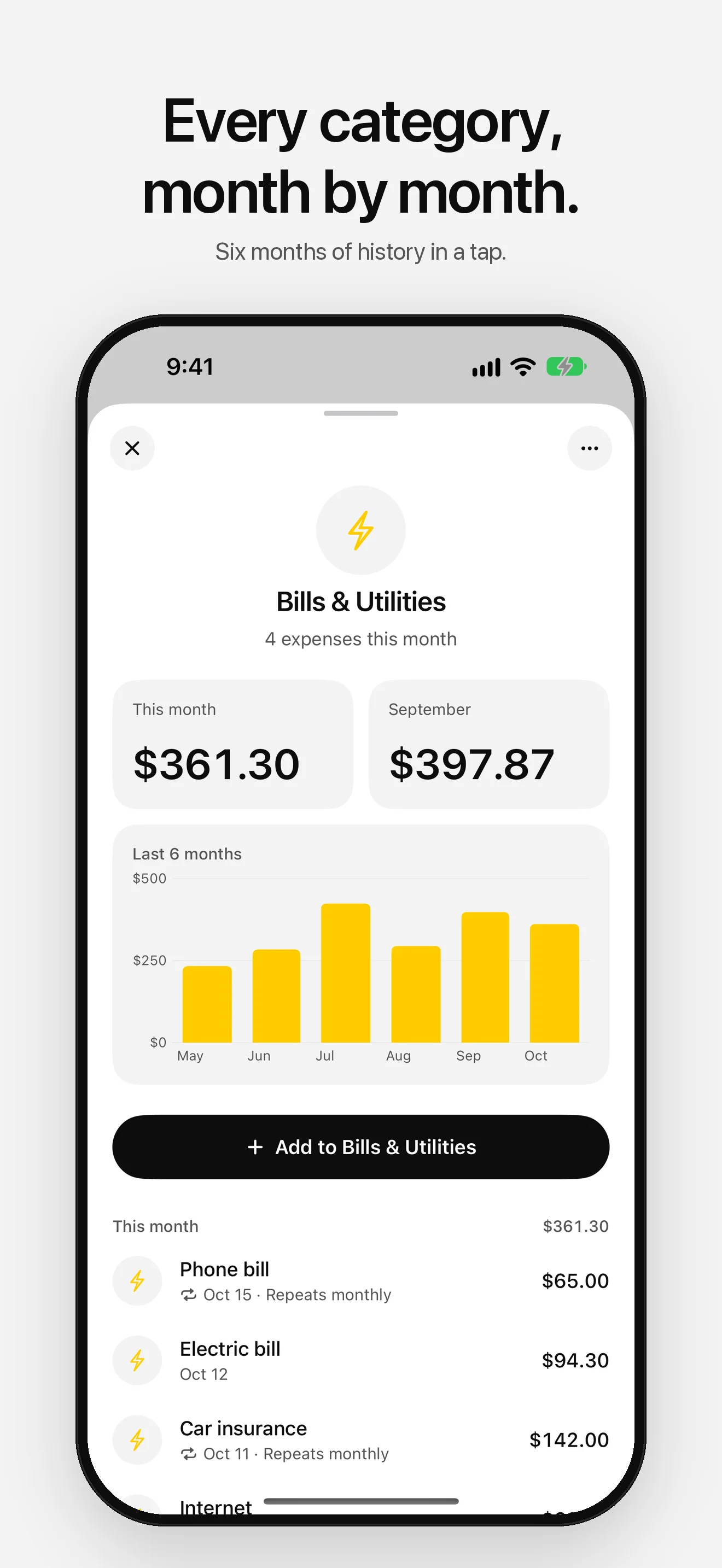
06 — Categories -
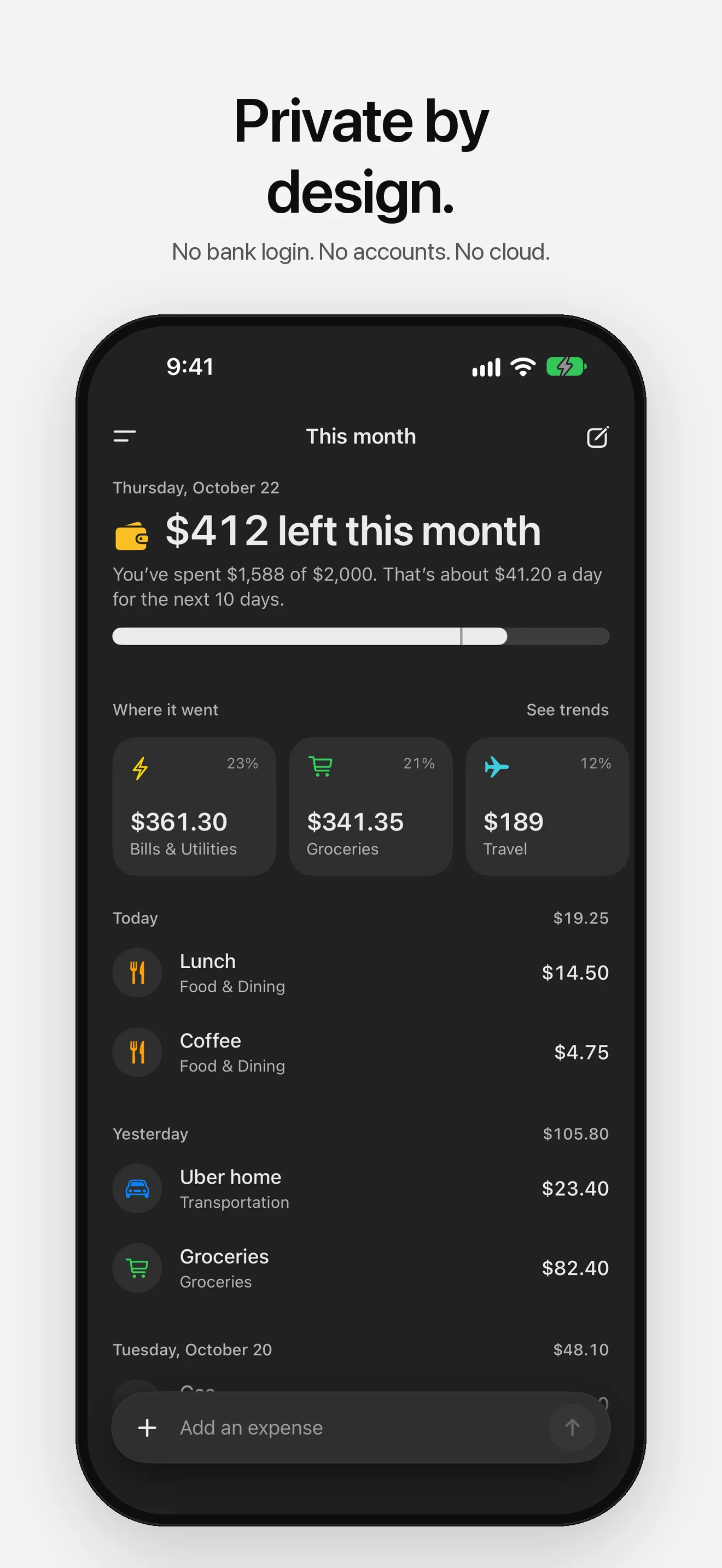
07 — Dark mode
Simple by design.
- 01
Add it in a sentence
Type “Lunch 14.50” or “Groceries 82 yesterday”. Spend Easy reads the amount, the category and the day, and you confirm with a tap.
- 02
What’s left, up front
This month leads with what’s left in your budget and what that means for each day left, and tells you when you’re close to the limit.
- 03
Budgets and alerts
Daily, weekly or monthly budgets, with optional alerts when you reach the level you pick and again if you go over.
- 04
Your categories
Your own names, icons and colors, in your order. Tap one to see this month against last and six months of history.
- 05
Trends
A week, a month or a year at a time, compared with the one before, with every category’s share.
- 06
Repeating expenses
Rent, phone and subscriptions are added again on each date they repeat. Export everything as CSV whenever you like.
Privacy isn't a feature. It's the foundation.
No tracking. No ads. Spend Easy will never ask for your bank login. Your expenses, budgets and categories live on your device—in the app and its widget—and nowhere else. Anonymous diagnostics (crash reports and which screens you use, never your expenses) help fix problems, and you can turn them off in Settings.
Read our privacy policyStart tracking.
Free on the App Store for iPhone and iPad. No account required.