VITAMIN TRACKER
A berry for every dose.
Meet Tuck, a small hedgehog who gathers berries. Each vitamin or supplement you take is a berry it tucks onto its spines. When its back is full, your day is done.

One tap a dose.
-
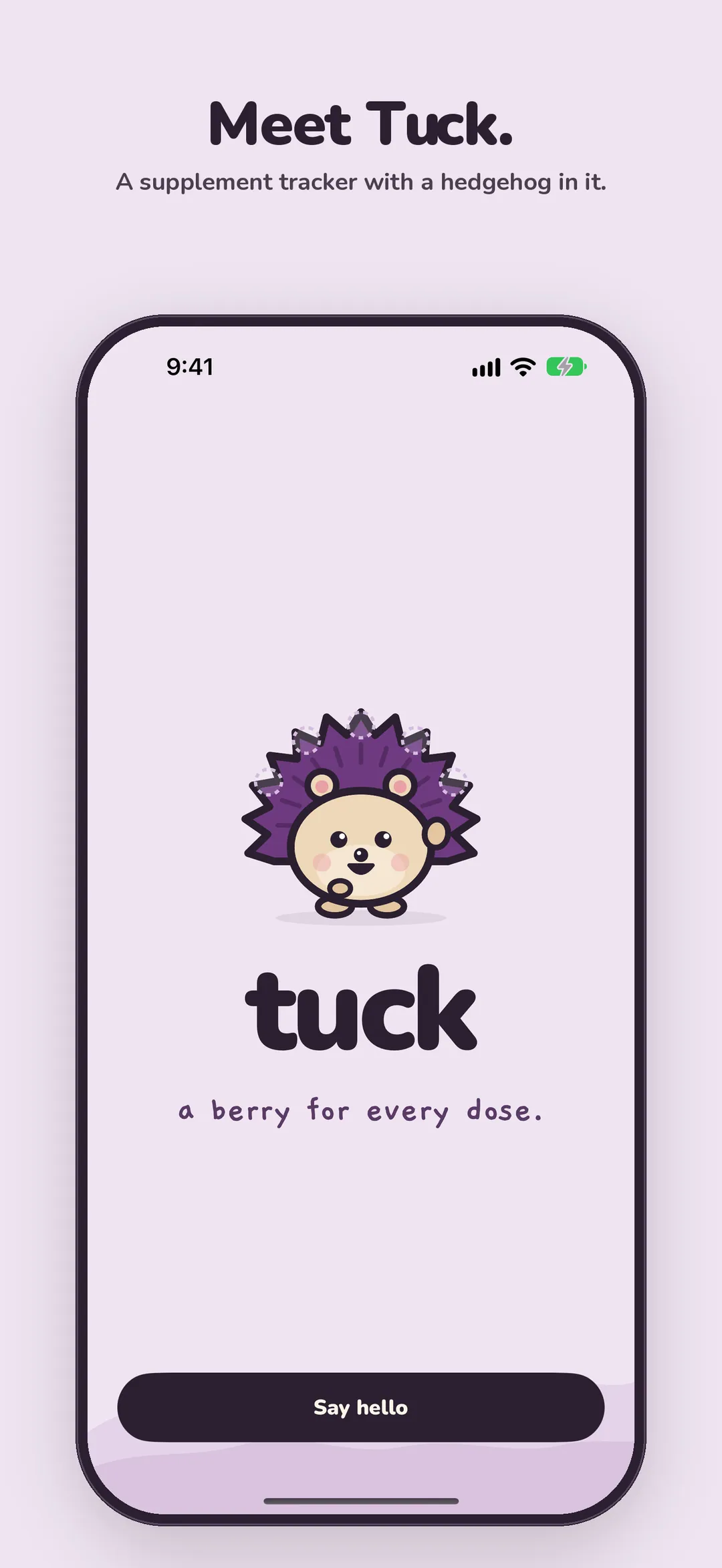
01 — Hello -
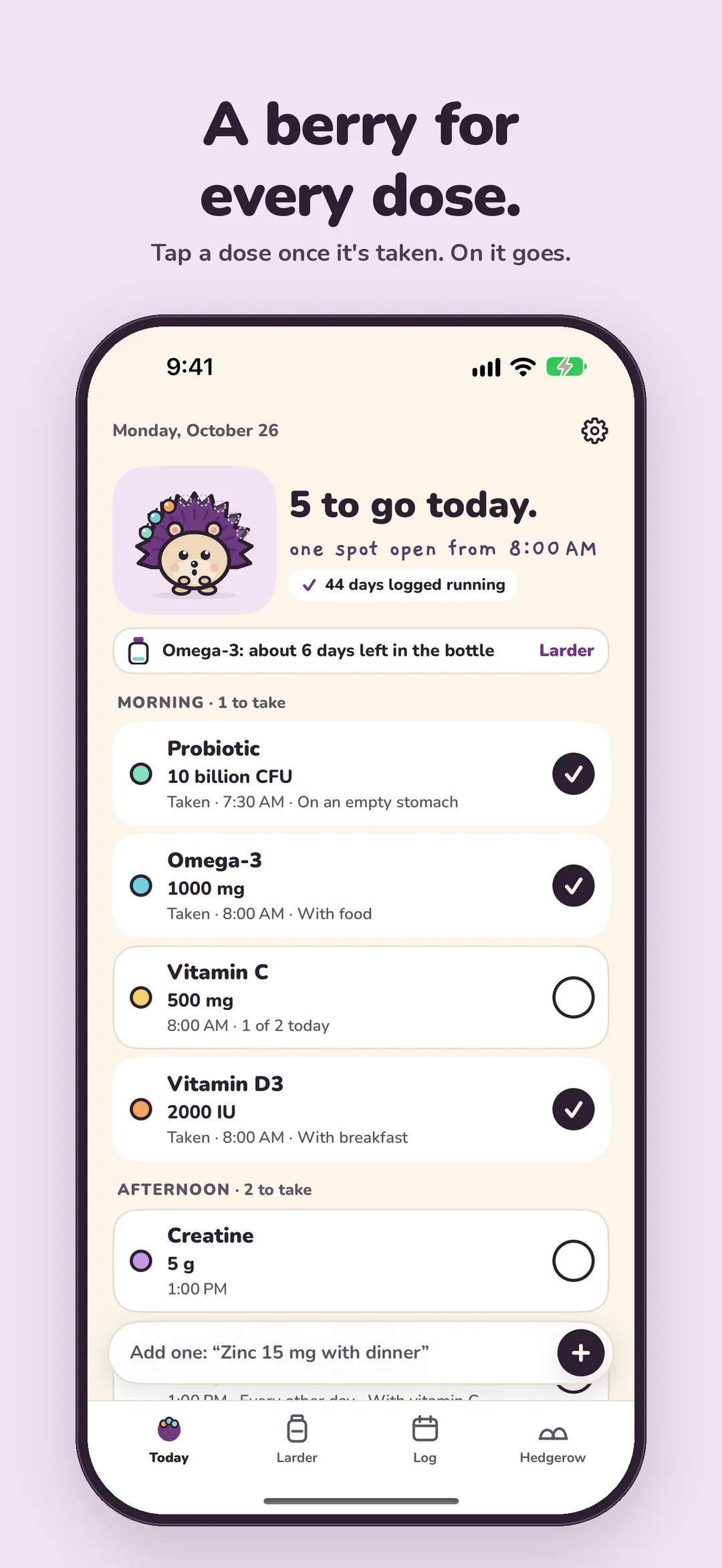
02 — Today -
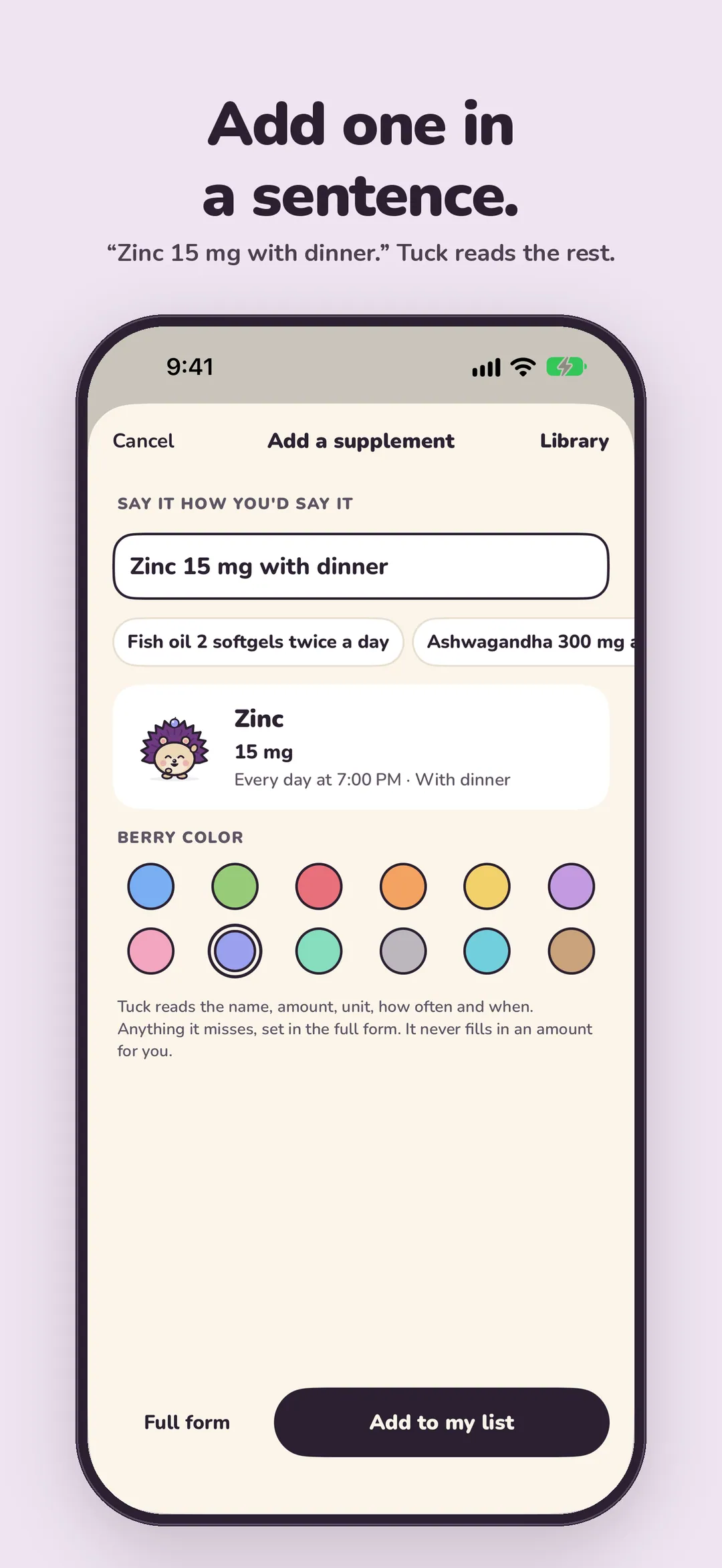
03 — Add in a sentence -
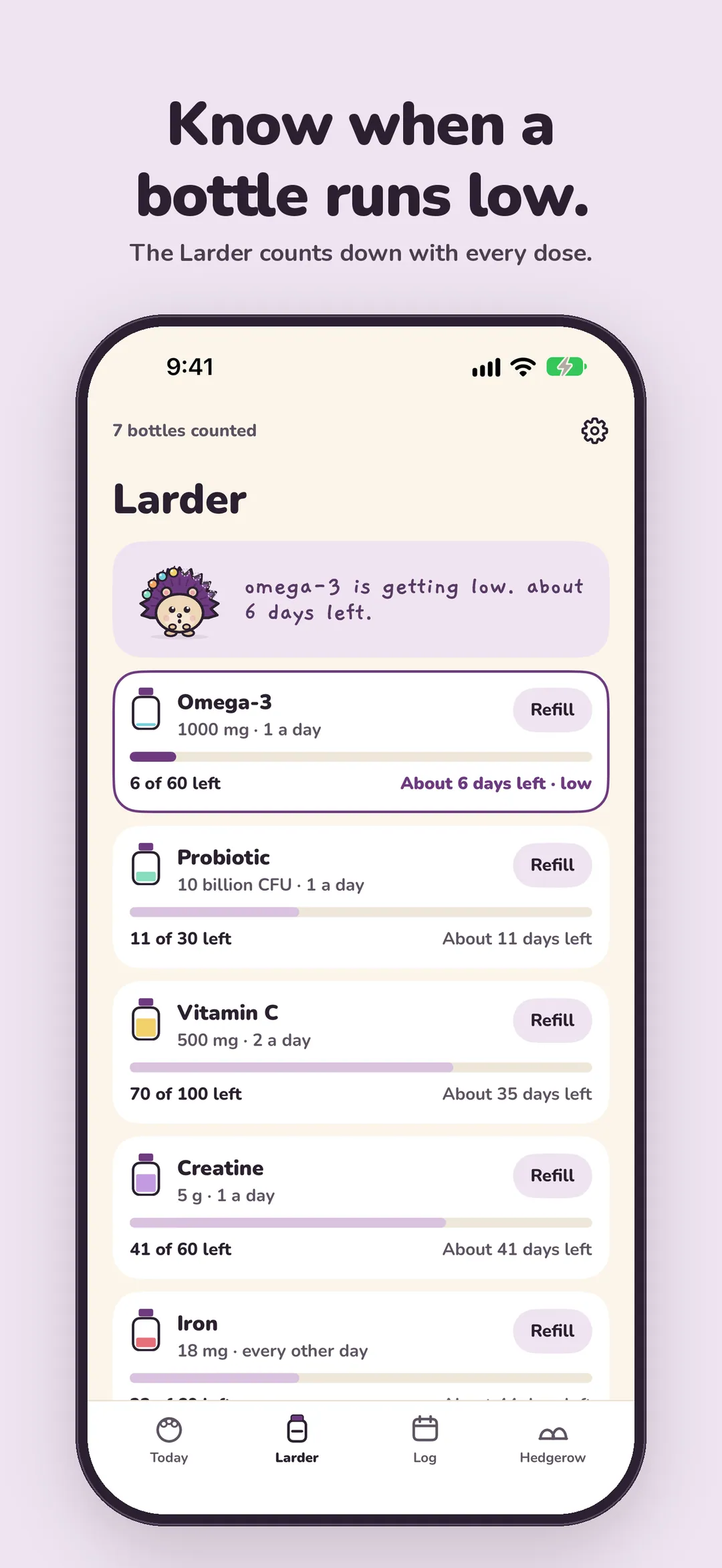
04 — The Larder -
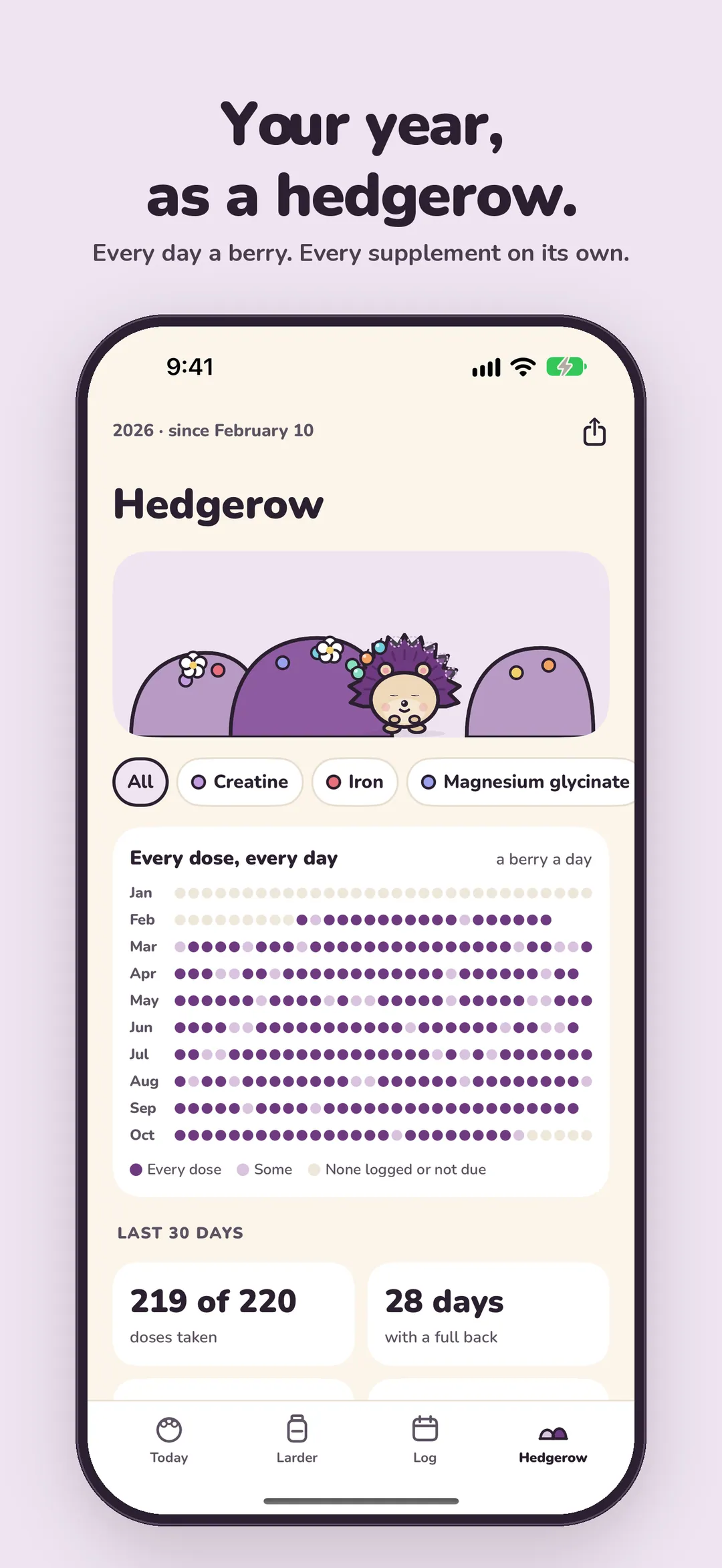
05 — Hedgerow -
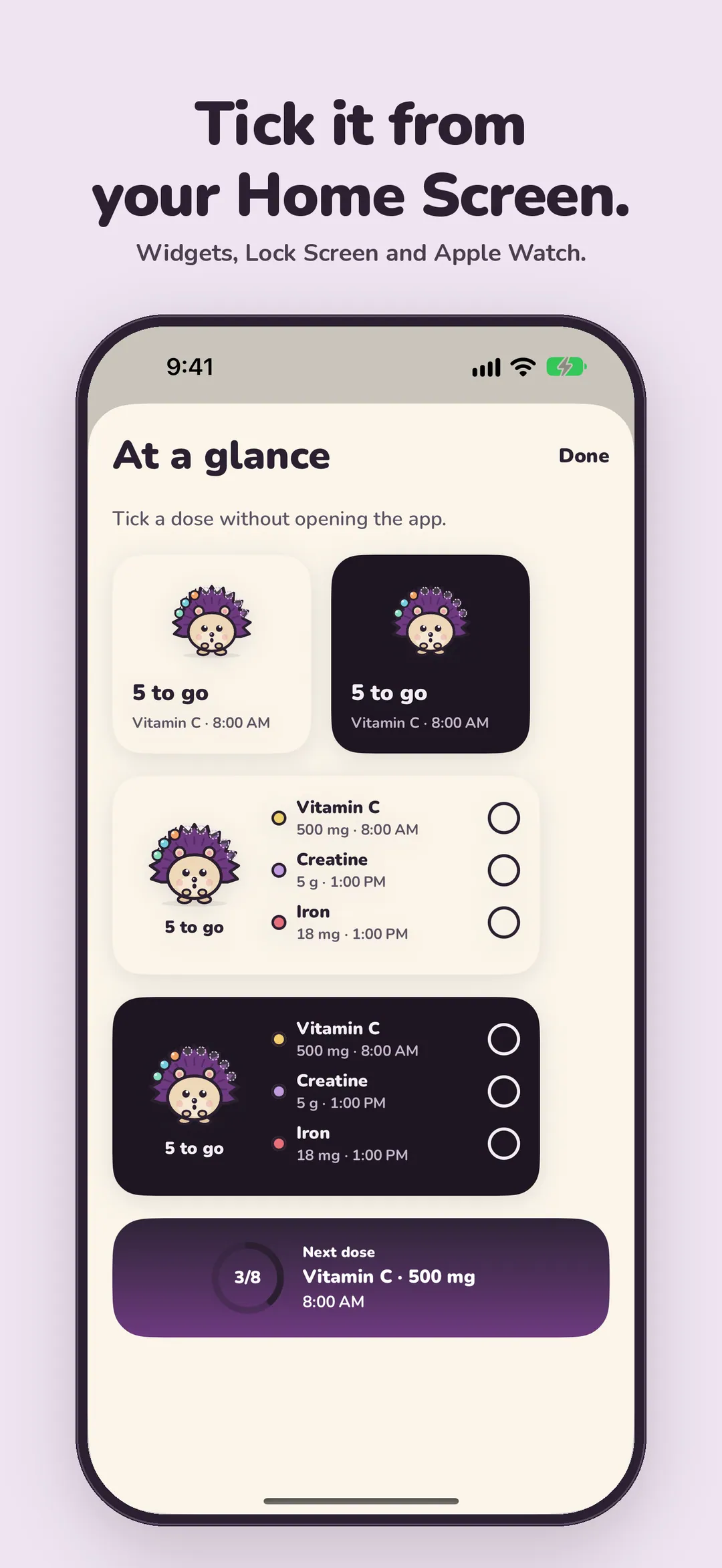
06 — Widgets -
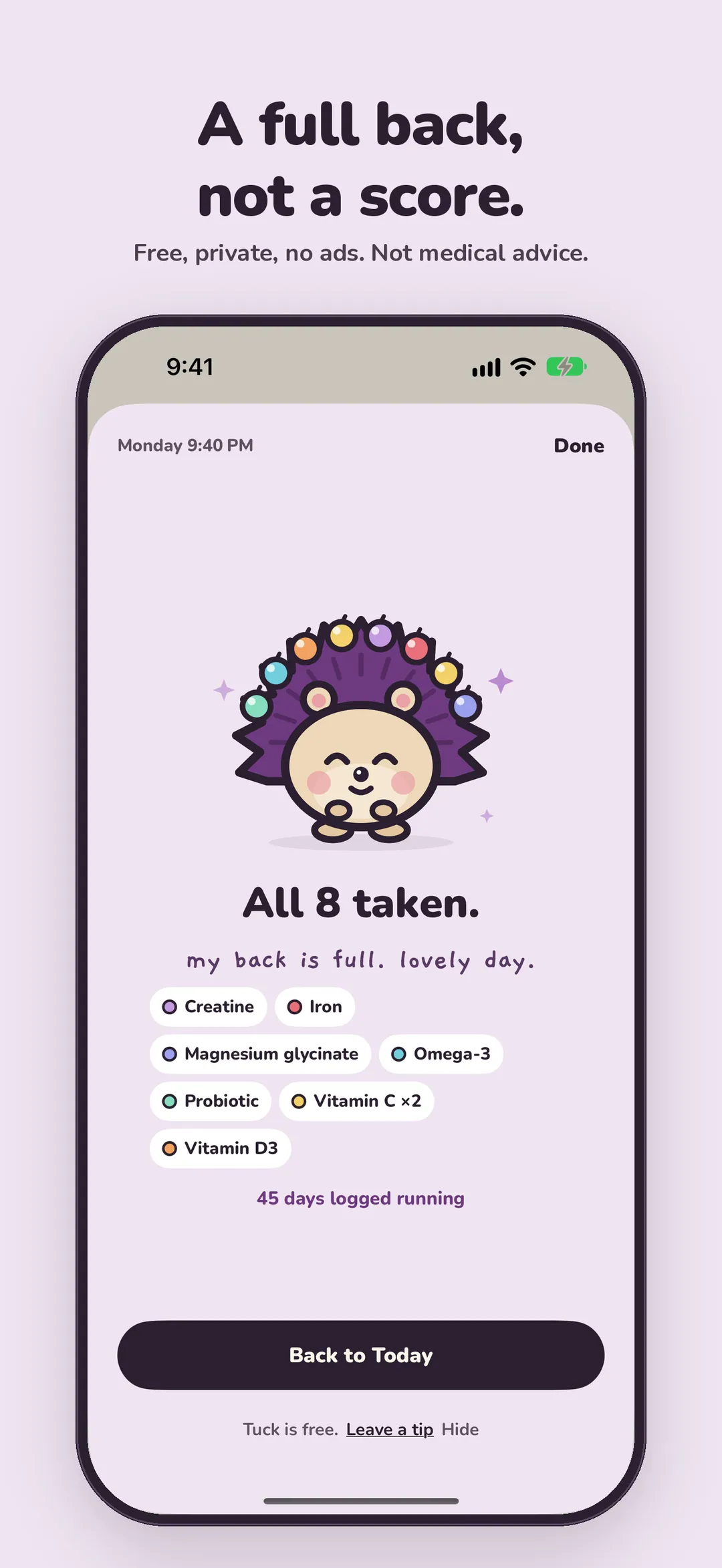
07 — A full back
Your routine, gathered.
- 01
A berry for every dose
Tap a dose once you’ve taken it and Tuck tucks a berry, in that supplement’s color, onto its back.
- 02
Add it in a sentence
Type “Vitamin D3 2000 IU every morning” and Tuck fills in the name, amount, time and schedule.
- 03
Any schedule
Every day, every other day, weekly or as needed, up to six times a day. Morning, afternoon and evening on Today.
- 04
Reminders that know what’s left
A notification at each dose time naming what’s due, with a button to mark it as taken. Times you’ve covered stay quiet.
- 05
The Larder
Bottles that count down with every dose, and a single heads-up about a week before one runs out.
- 06
Your Hedgerow
The year, a berry a day. The last 30 days, each supplement, and when you usually tick them.
- 07
Catch up any day
Forgot to mark yesterday’s dose? Tap the day in the Log and tick it.
- 08
A blossom for showing up
At 7, 30, 100 and 365 days running with every dose logged, Tuck wears a bramble blossom.
- 09
From anywhere
Home and Lock Screen widgets you can tick, StandBy, a Control Center control, Siri and Apple Watch.
- 10
Coming from Dose Easy?
Tuck finds Dose Easy on your iPhone and brings over every supplement, schedule and logged dose in one tap. The old app keeps working.
Make it yours.
- 01
Light, dark or automatic
A berry color for each supplement, and three app icons: Plum, Cream and Night.
- 02
Free, with a tip jar
Everything is free. If Tuck helps, Settings has optional one-time tips. They unlock nothing.
- 03
A tracker, not advice
Tuck keeps track of what you take. It doesn’t recommend supplements or amounts; that’s for you, the label and your doctor.
Your routine stays yours.
No account. No analytics. No ads. No tracking. Your supplements and doses stay on your iPhone and Apple Watch, and Tuck makes no network requests.
Read the full privacy policy One berry at a time.
Free, coming to the App Store soon. No account required.
More apps

A fasting timer that shows your day as one ring, with a Live Activity and widgets. Try it free for a week.

Guided breathing with a calm visual guide and a tap at each breath. Apple Watch and Apple Health.

A private daily mood check-in with a Year in Pixels, widgets and an Apple Watch app.