PERIOD TRACKER
Your cycle, on your iPhone and iPad.
See your cycle day, when your next period is likely and how you feel. No account, no tracking, no iCloud: your cycle stays on your device, where it belongs.

See it in action.
-
01 — Hero -
02 — Today -
03 — Calendar -
04 — Period -
05 — How you feel -
06 — Insights -
07 — Apple health -
08 — Widgets -
09 — Privacy -
10 — No account
-
01 — Hero -
02 — Today -
03 — Calendar -
04 — Period -
05 — How you feel -
06 — Insights -
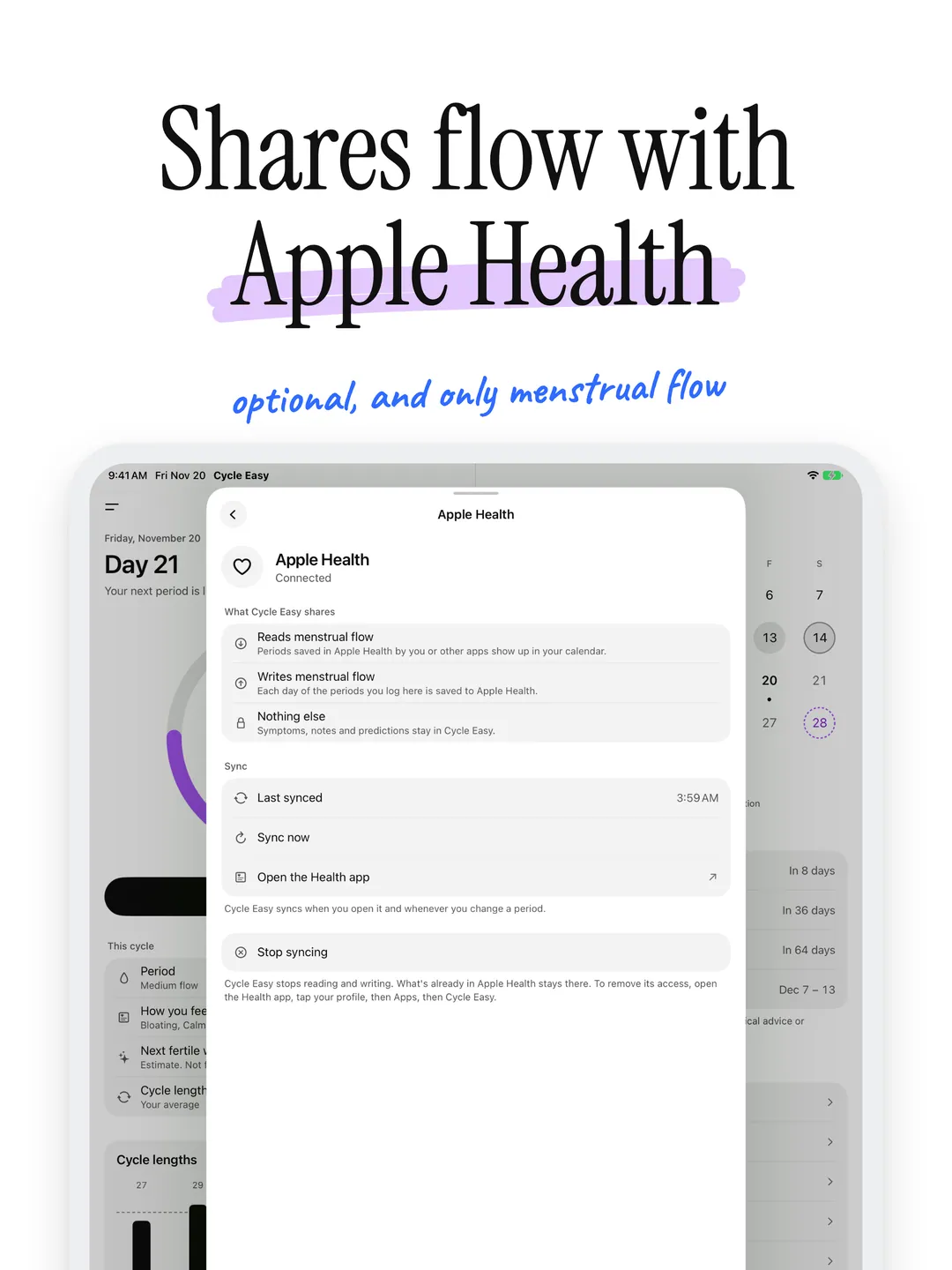
07 — Apple health -
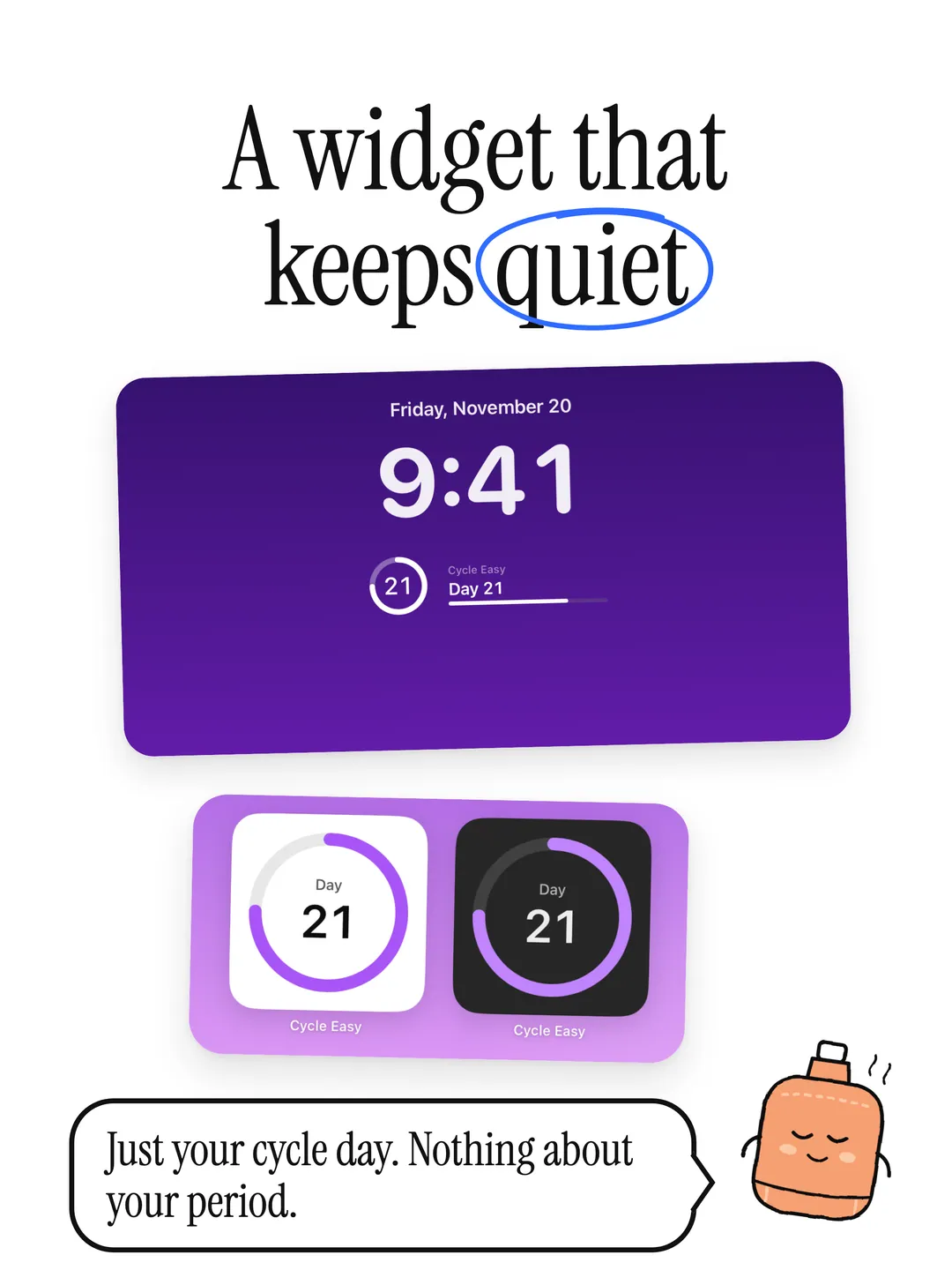
08 — Widgets -
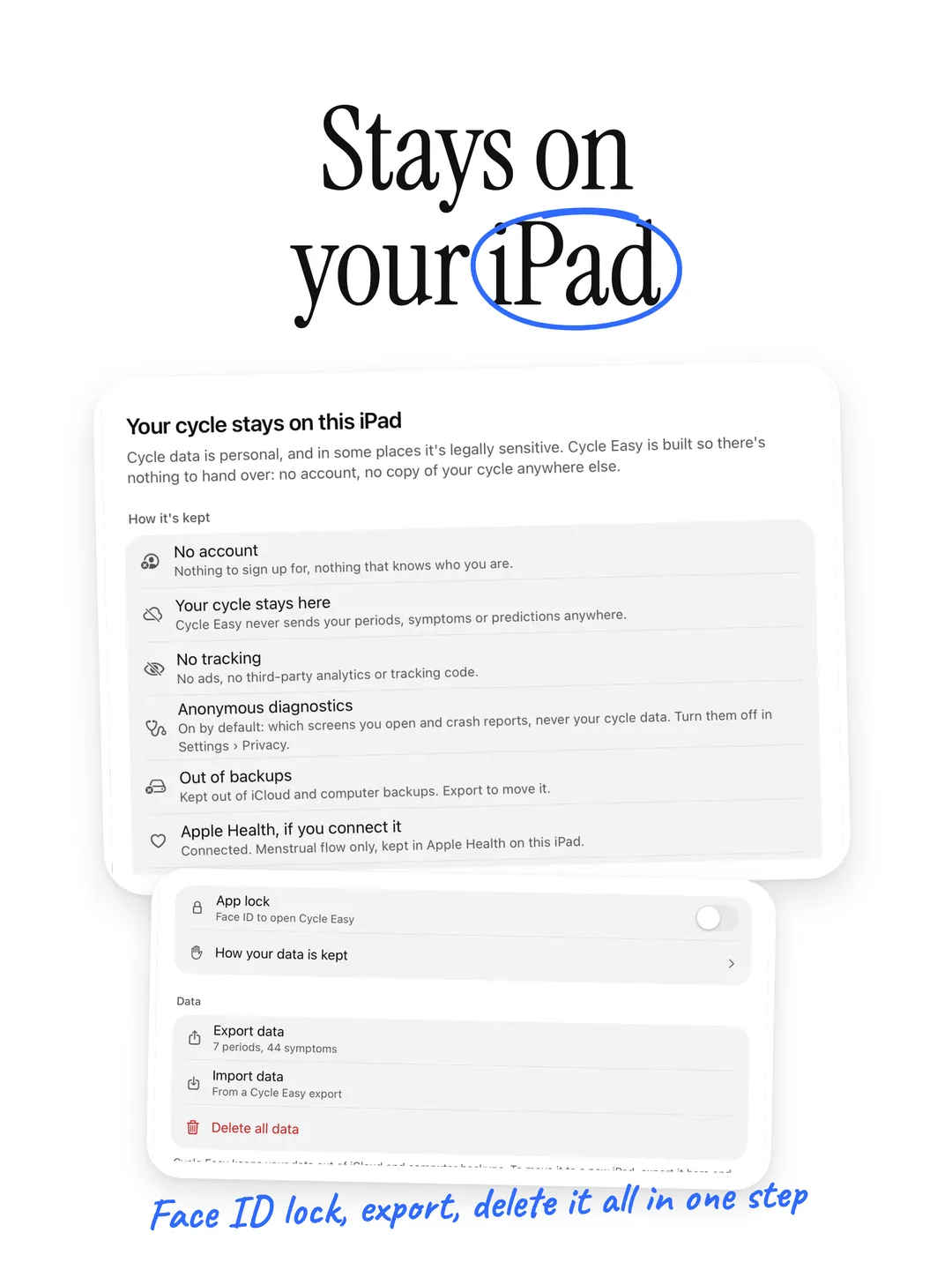
09 — Privacy -
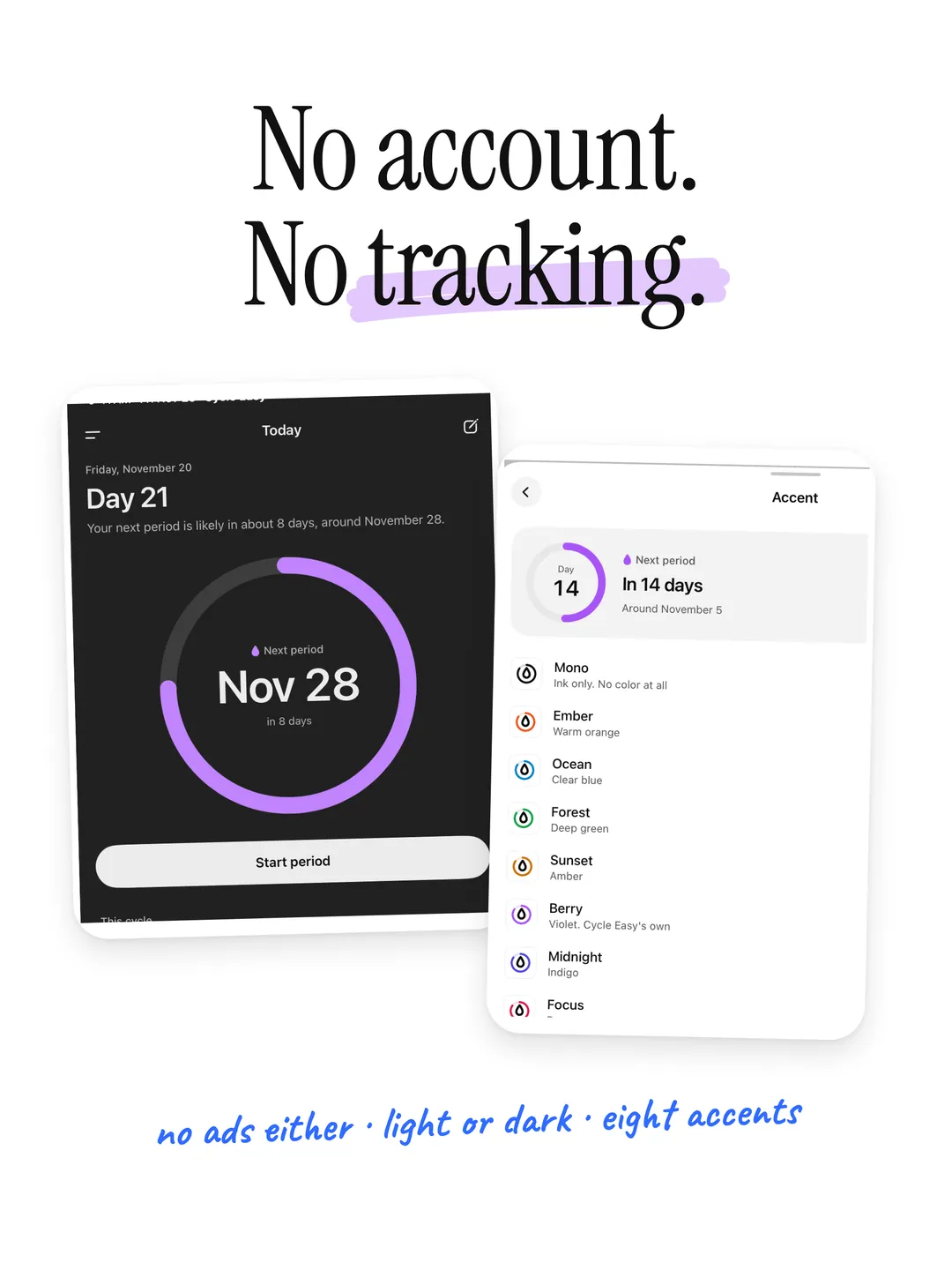
10 — No account
Everything you need. Nothing you don't.
- 01
Today
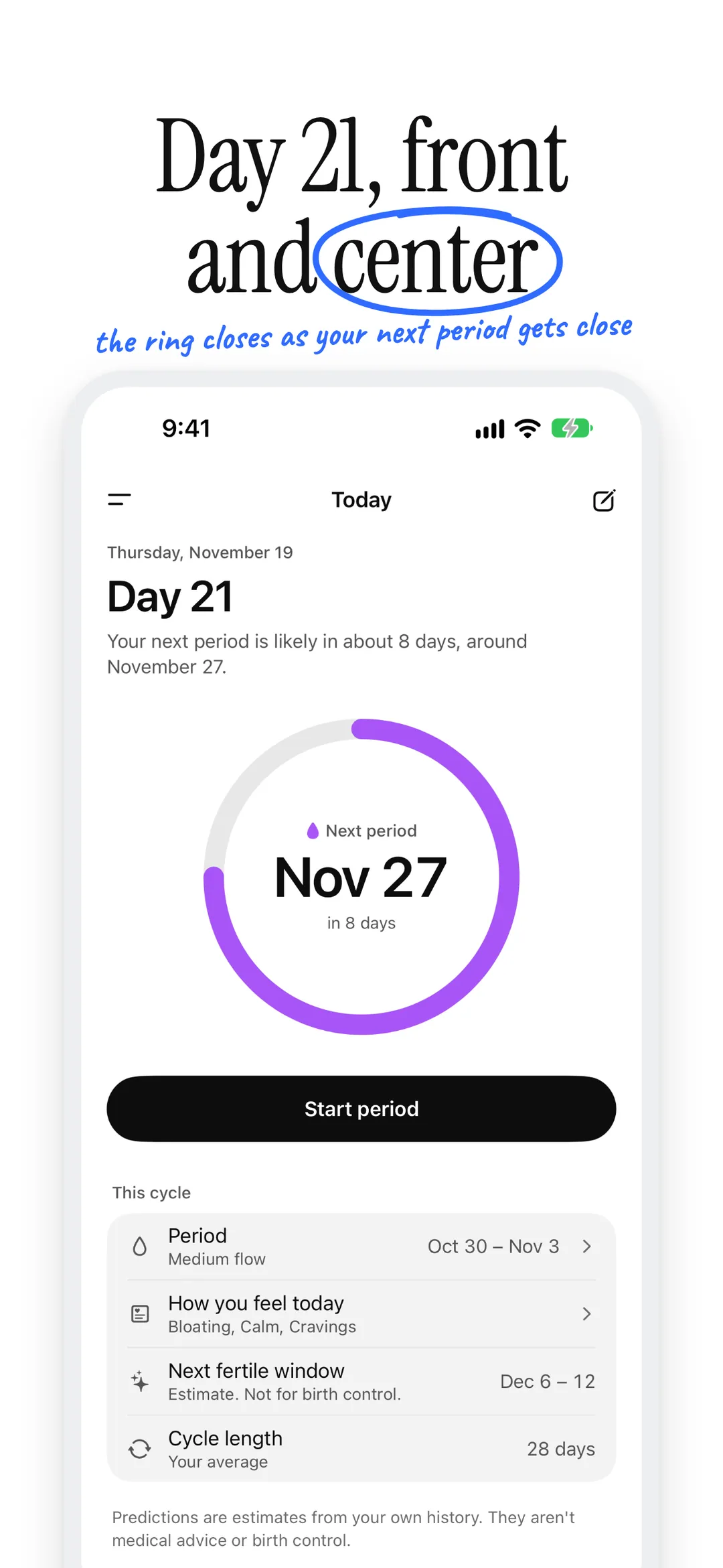
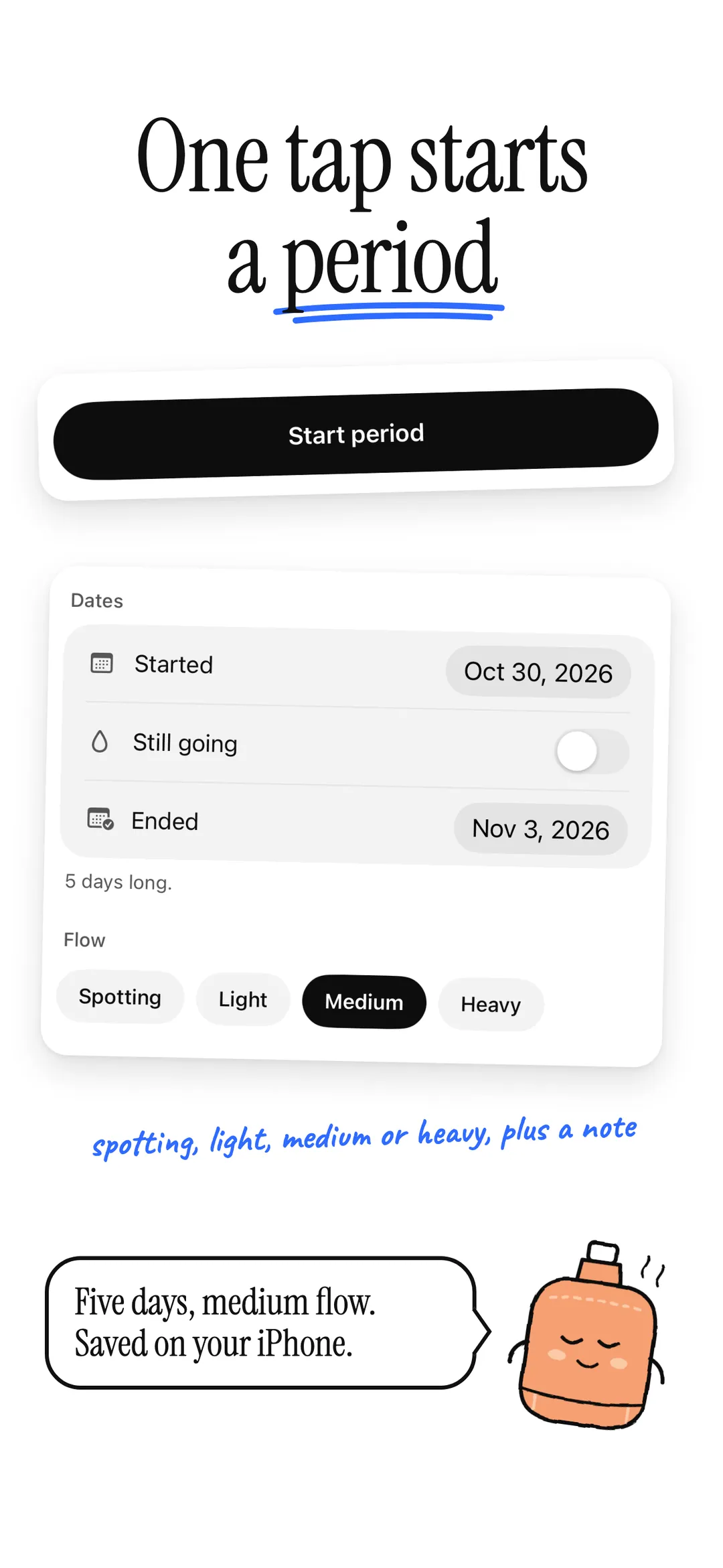
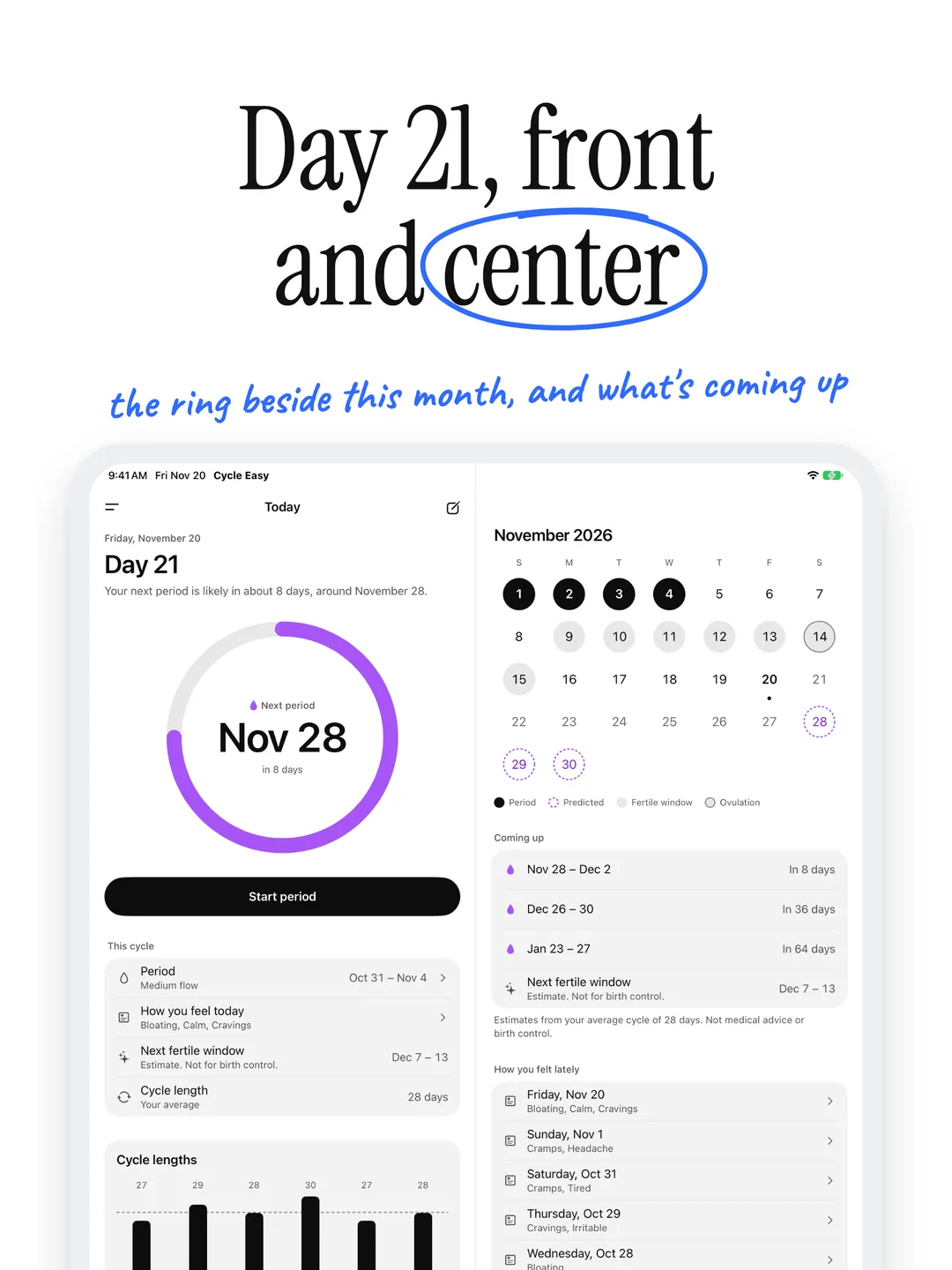
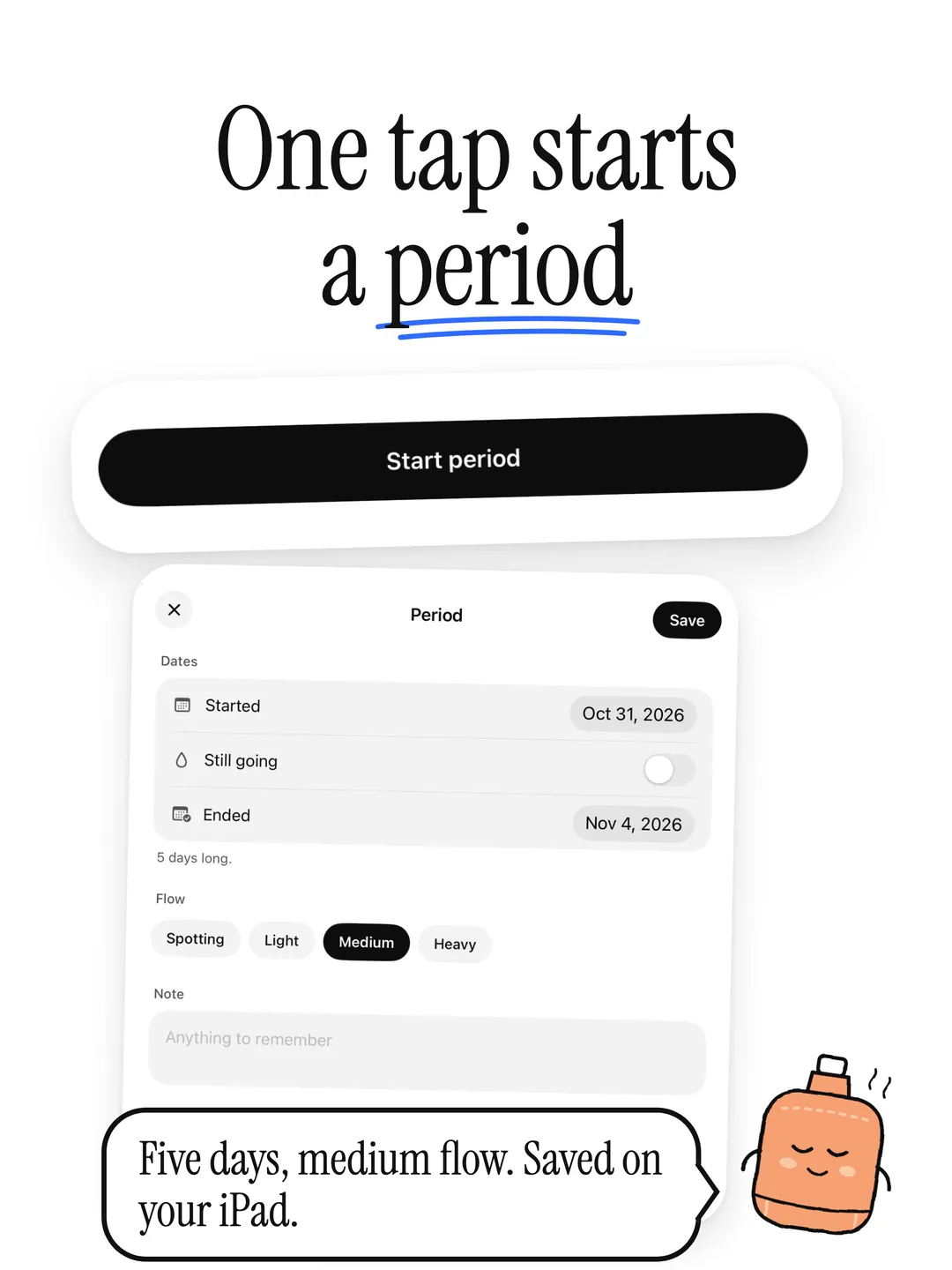
Your cycle day leads the screen, with a ring that closes as your next period gets close. Start or end a period in one tap.
- 02
Predictions
Your next period, estimated from your own last six cycles. Until you've logged two, it uses the usual length you set.
- 03
Calendar
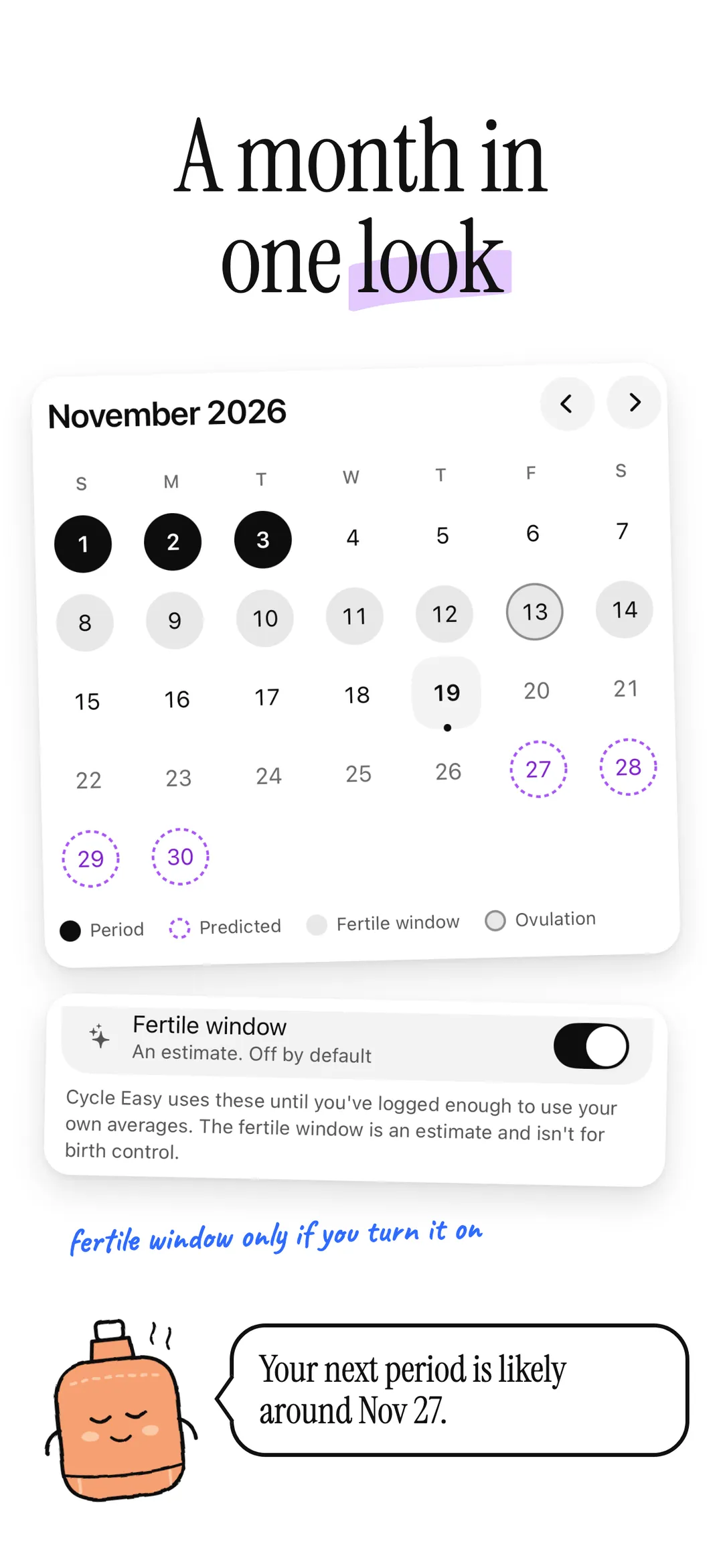
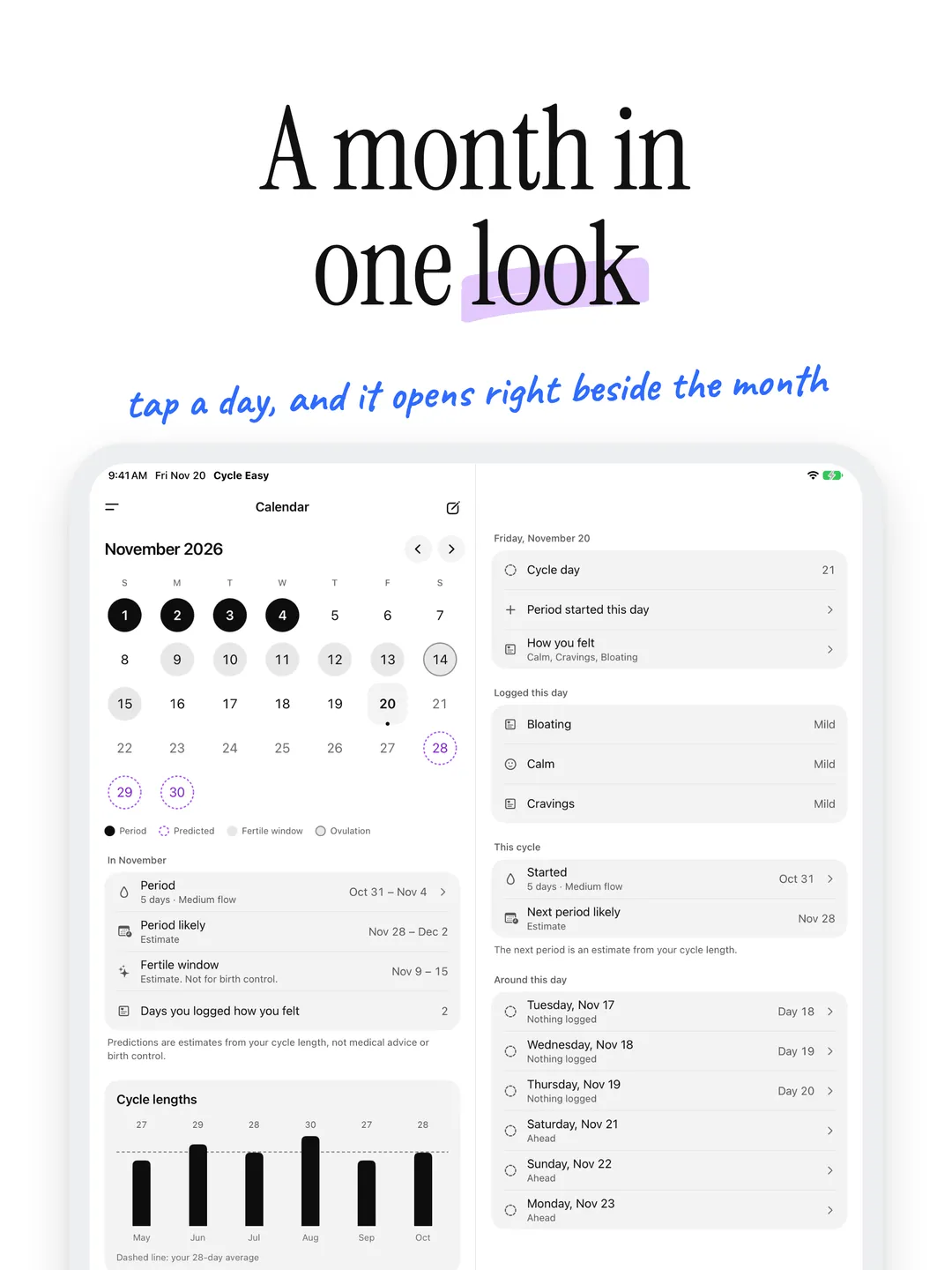
Logged periods, the days your next one is likely and, if you turn it on, the estimated fertile window. Tap any day to log it.
- 04
Symptoms and mood
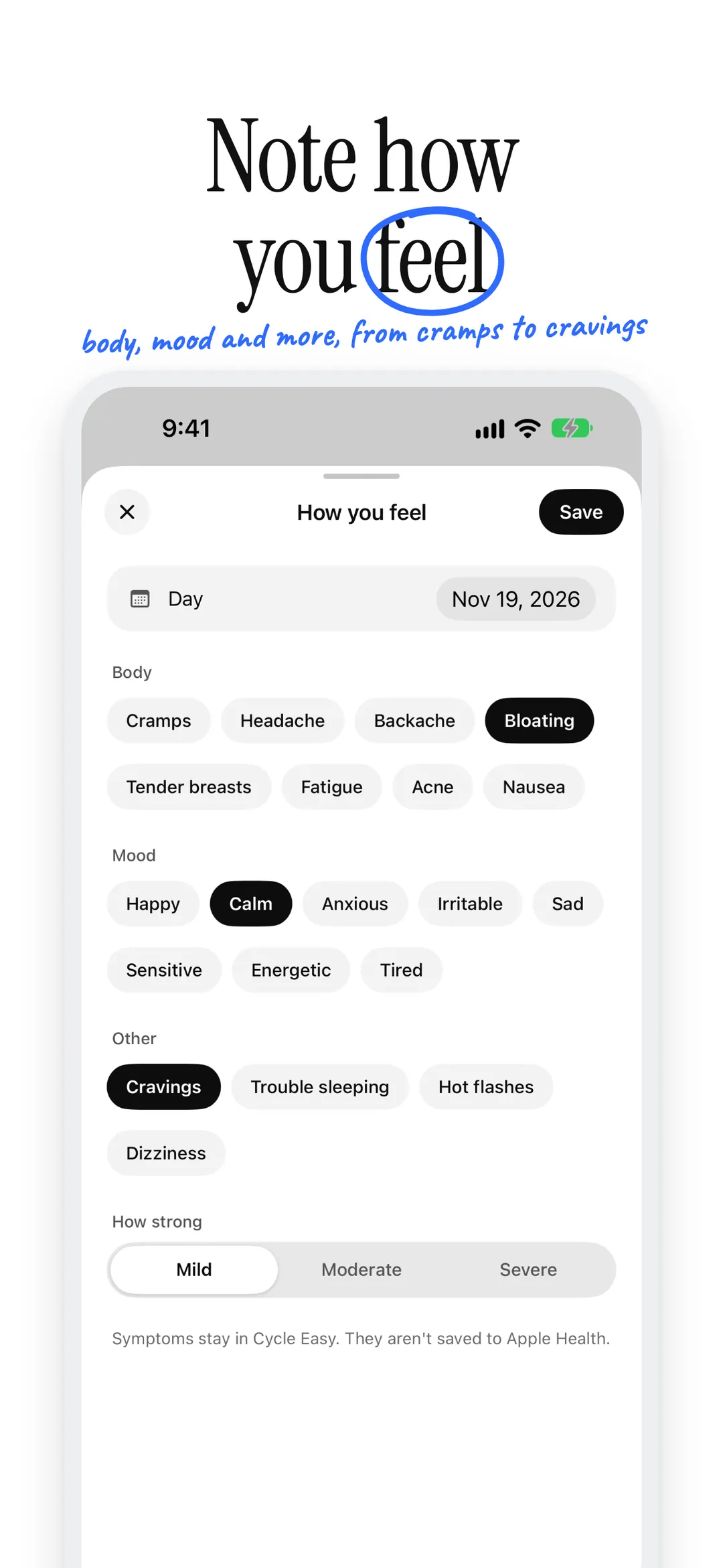
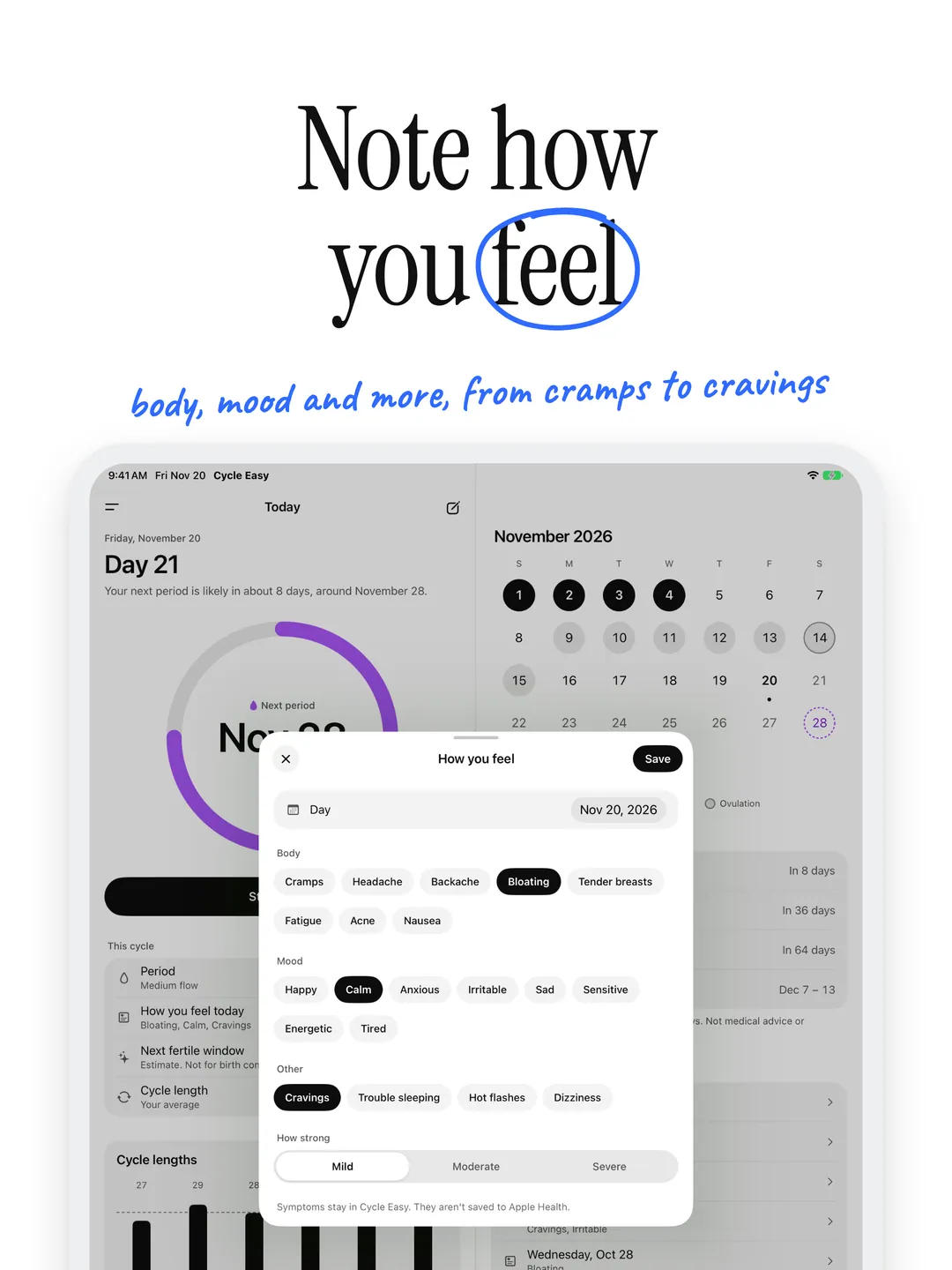
Cramps, headaches, bloating, cravings, mood and more in a few taps. Insights shows which cycle days they usually come on.
- 05
Insights
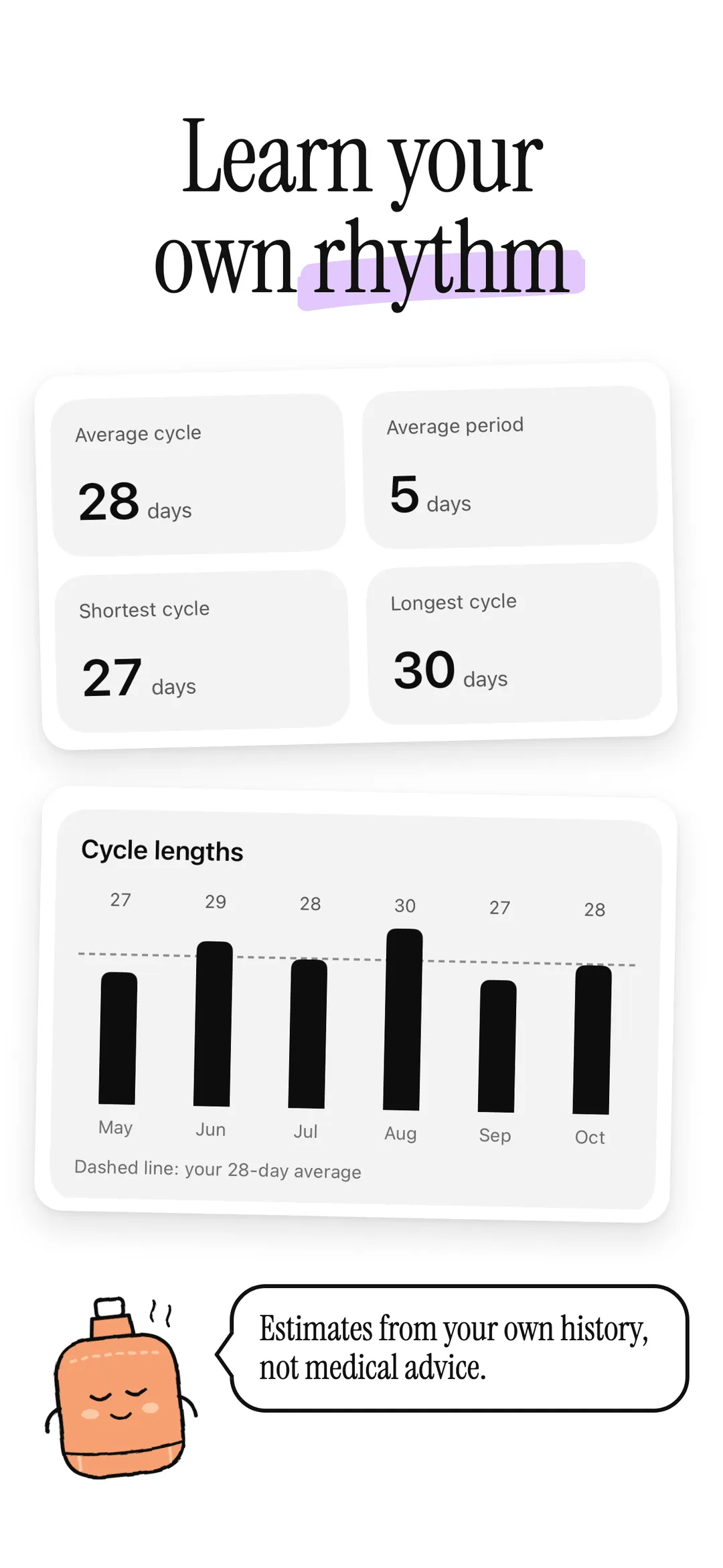
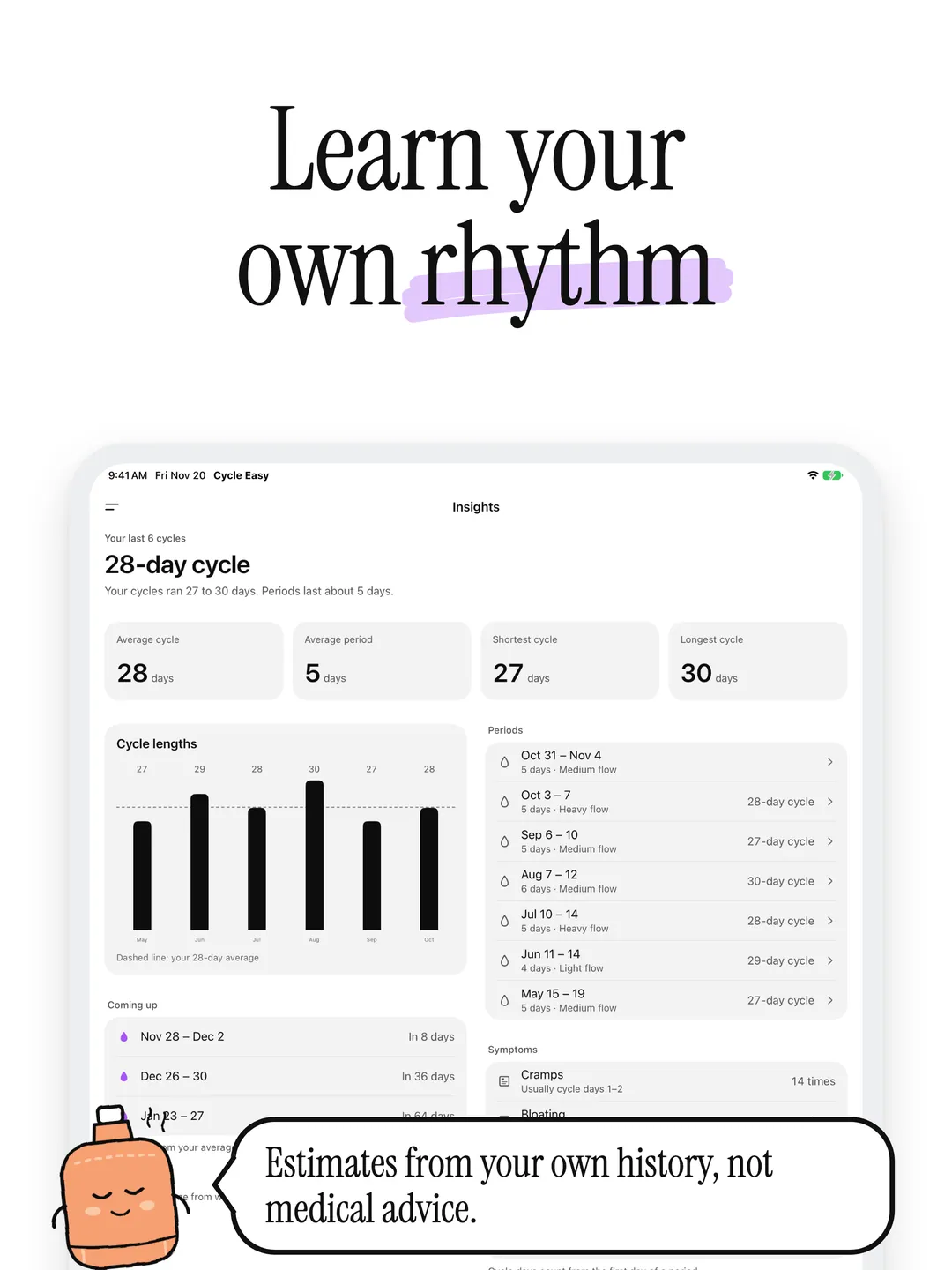
Average cycle and period length, your shortest and longest cycles, a chart of the last six, and the next three periods.
- 06
Private widgets
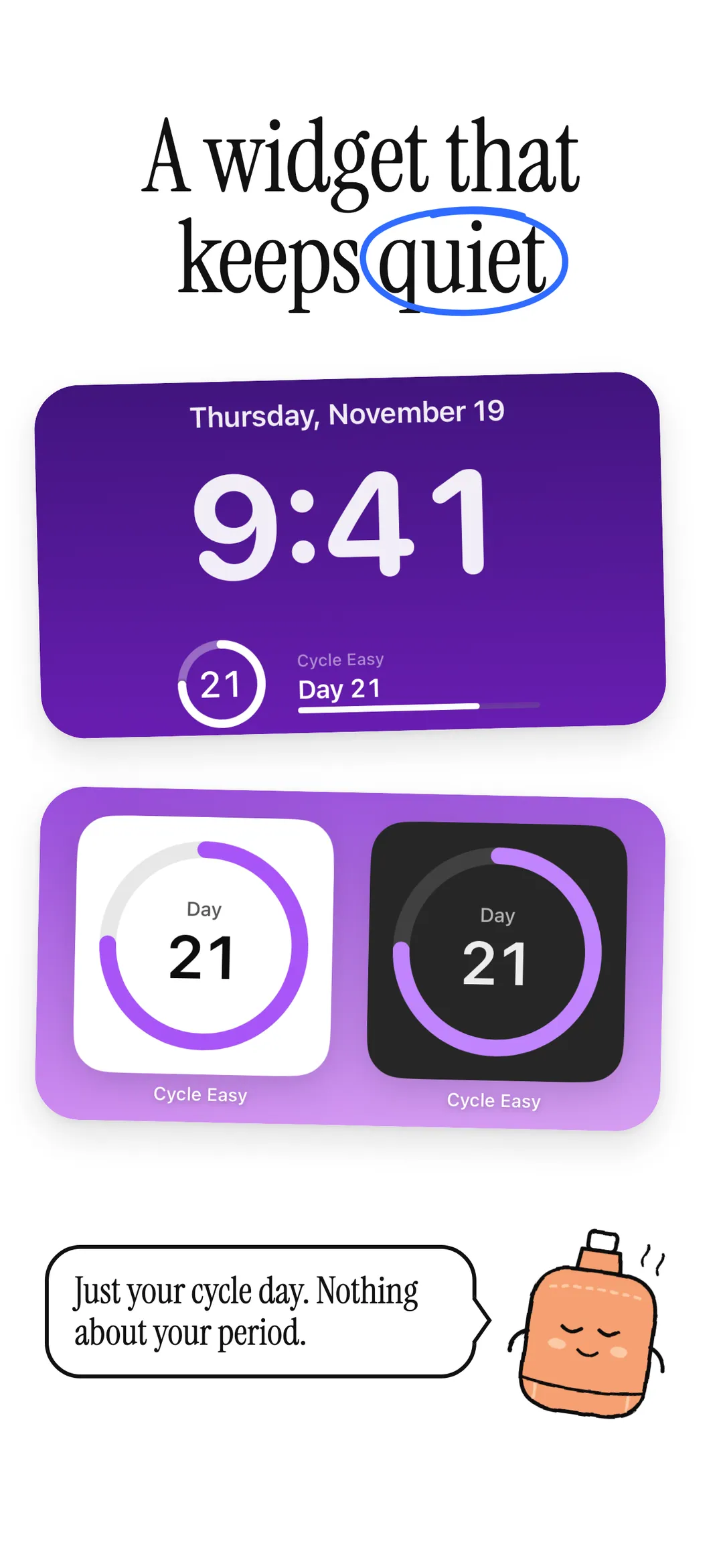
Your cycle day on the Home Screen and Lock Screen. Widgets never show anything about your period.
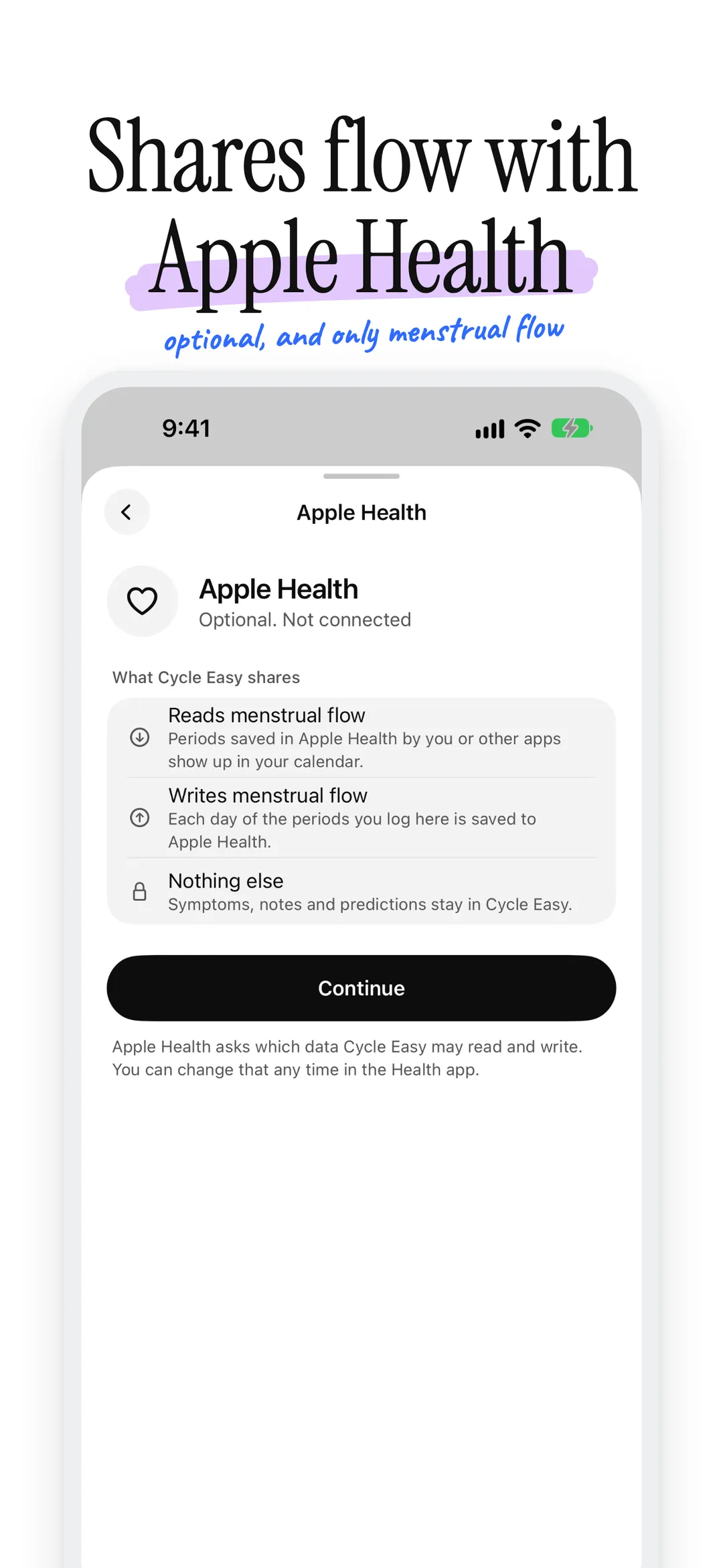
Optional. Off until you connect it.
Connect Apple Health and Cycle Easy reads menstrual flow, so periods you saved there show up in your calendar, and writes menstrual flow for each day of the periods you log. It reads and writes nothing else, and Health data stays in Apple Health on your iPhone.
Your cycle stays yours.
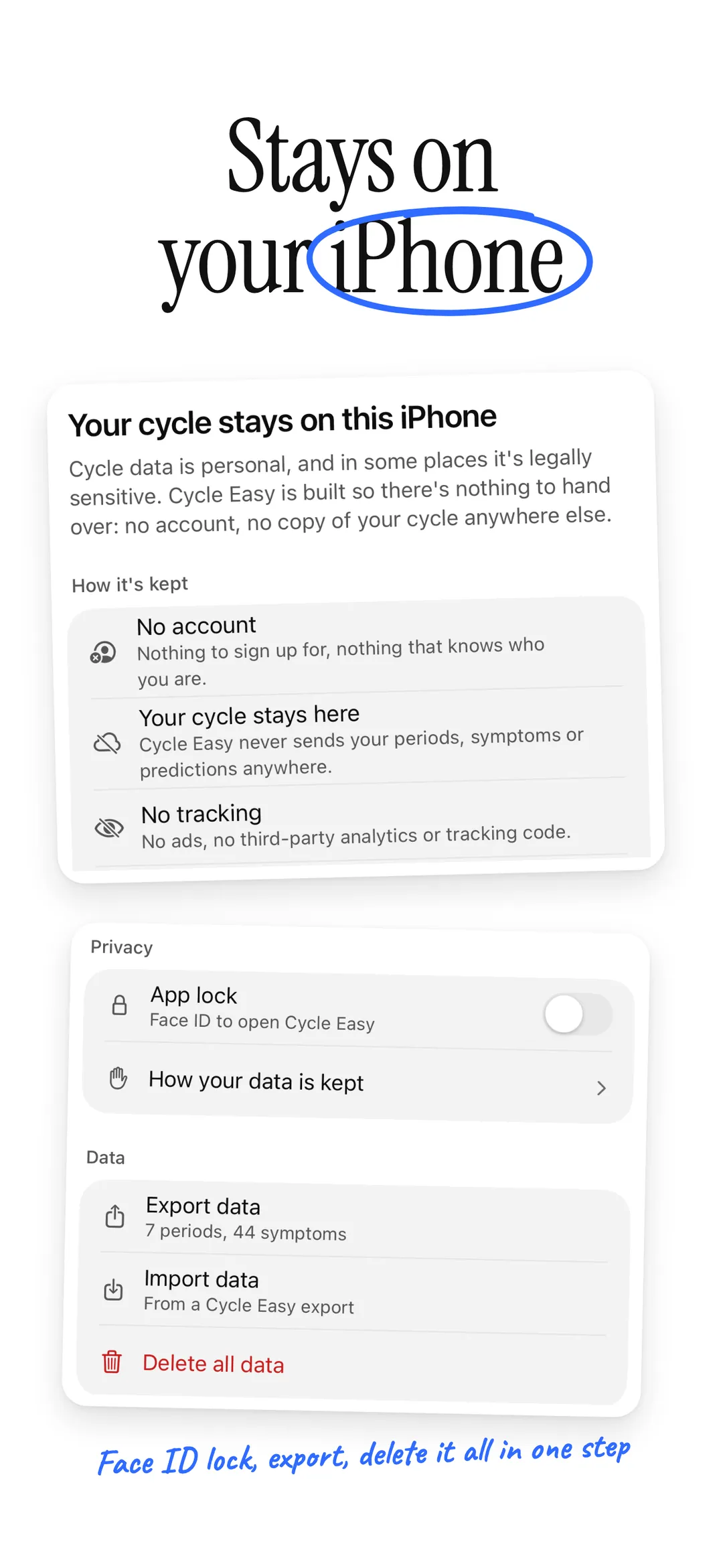
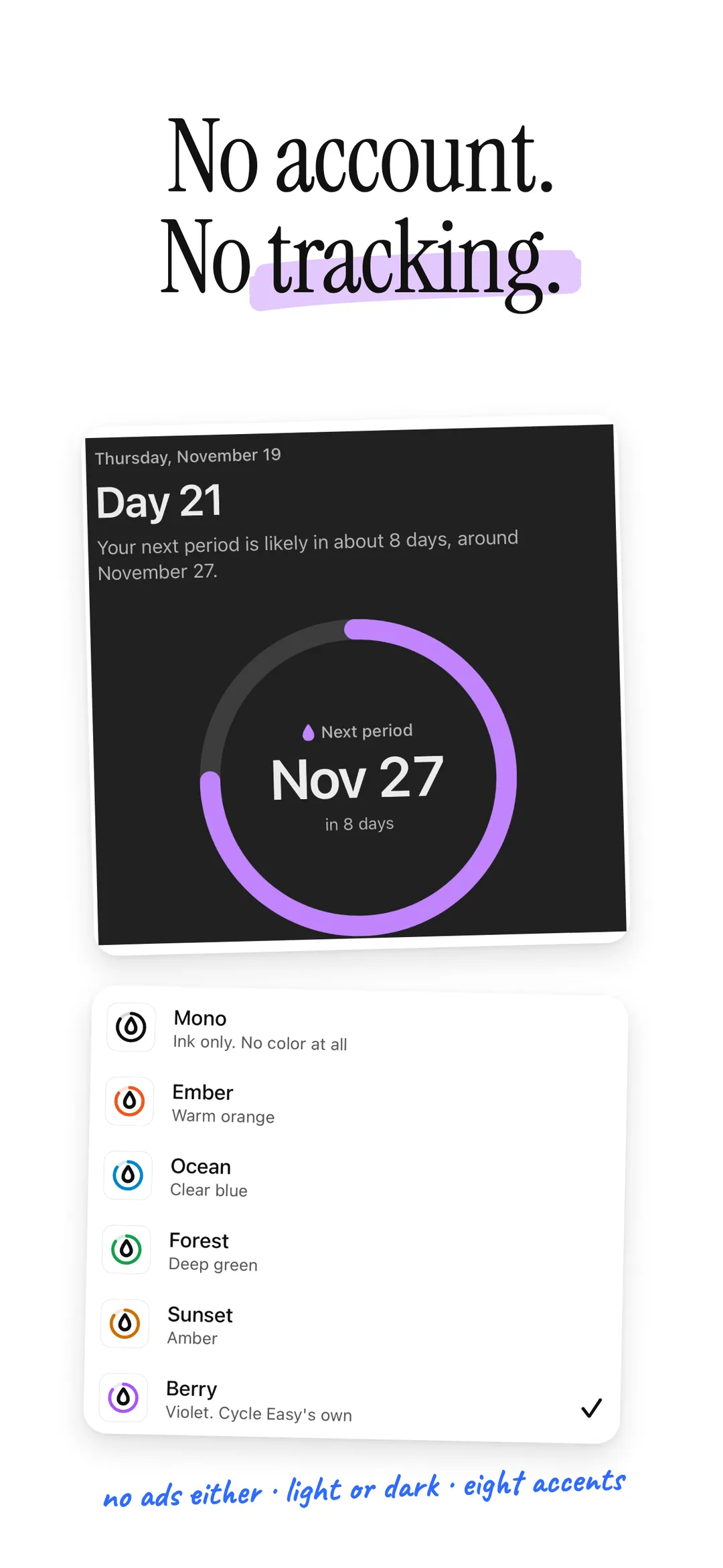
No account, no tracking and no iCloud. Your cycle data never leaves your device, and Cycle Easy keeps it out of backups too, so there's nothing to hand over. Anonymous diagnostics (crash reports and which screens you use, never your cycle data) help fix problems, and you can turn them off in Settings. Lock the app with Face ID, export your data to a file, or delete it all in one step.
Predictions are estimates from your own history. They aren't medical advice or birth control.
Read the full privacy policyPrivate period tracking.
Coming soon to the App Store. No account required.
More apps

Track your weight privately: the trend in plain words, goals, and progress photos that stay on your iPhone.

Track blood pressure privately: AHA categories in plain words, averages and a PDF for your doctor.

Mix calm sounds for sleep, with a timer that fades them out.