WEIGHT TRACKER
Your weight, without the noise.
Type your weight and see where it’s really heading. A calm trend line, a goal without pressure, and progress photos that stay on your iPhone. No account, no cloud, no tracking.

See it in action.
-
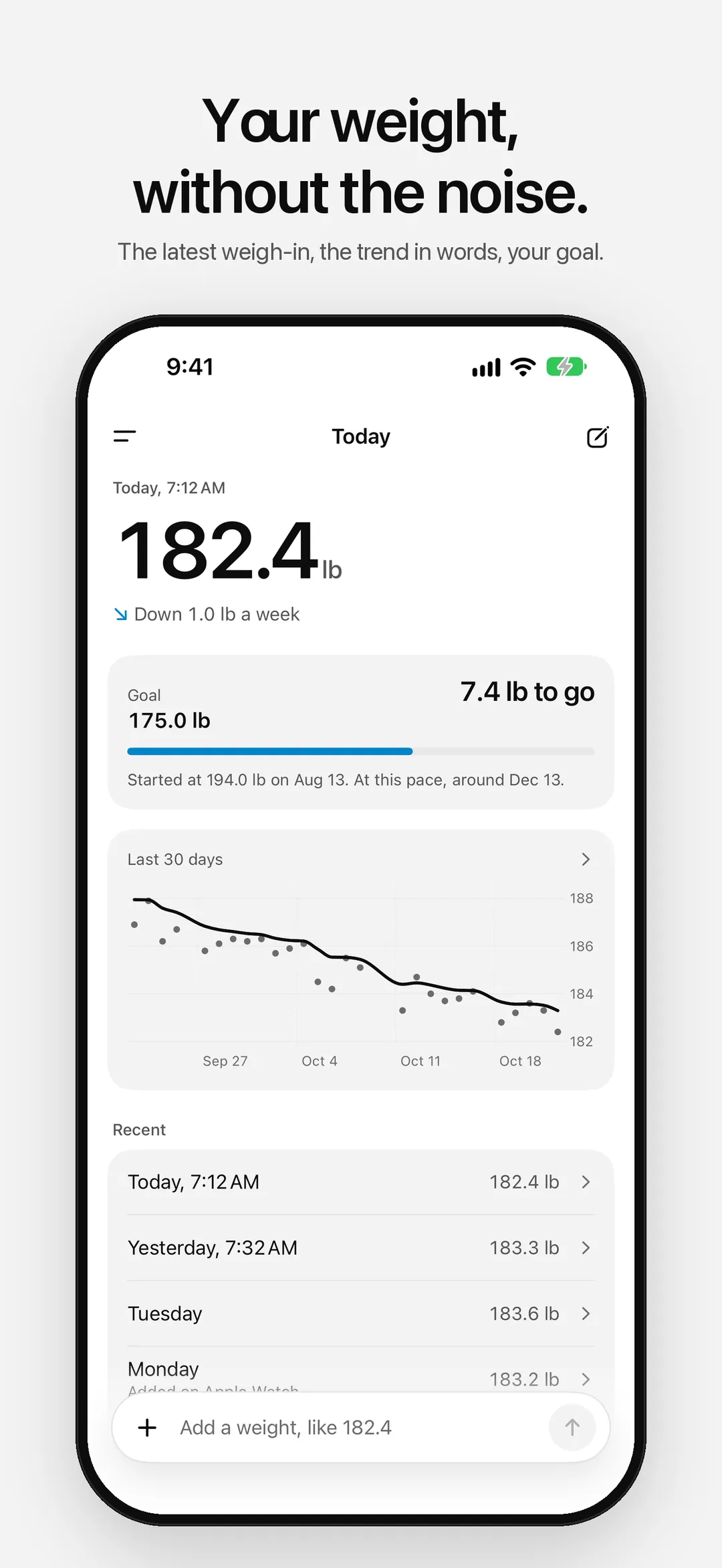
01 — Today -
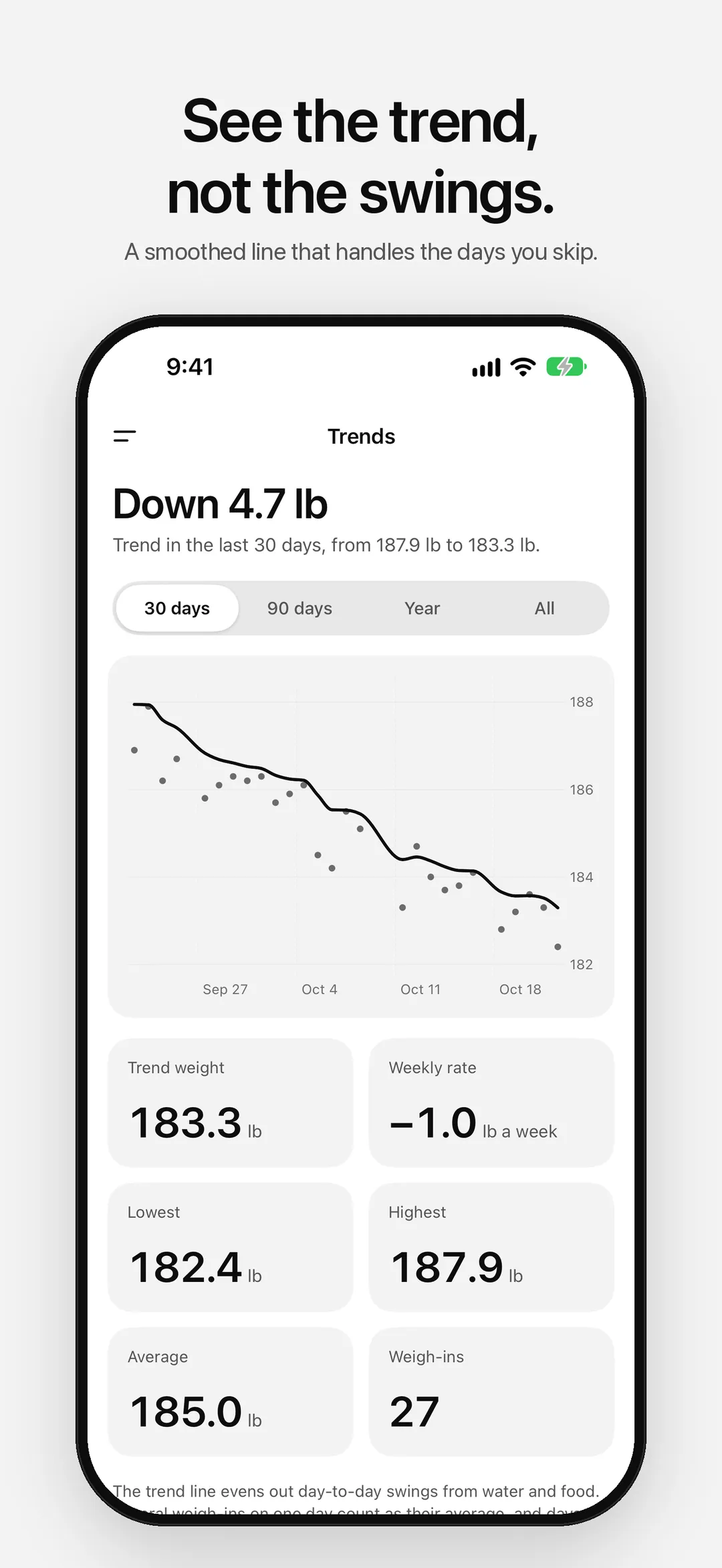
02 — Trends -
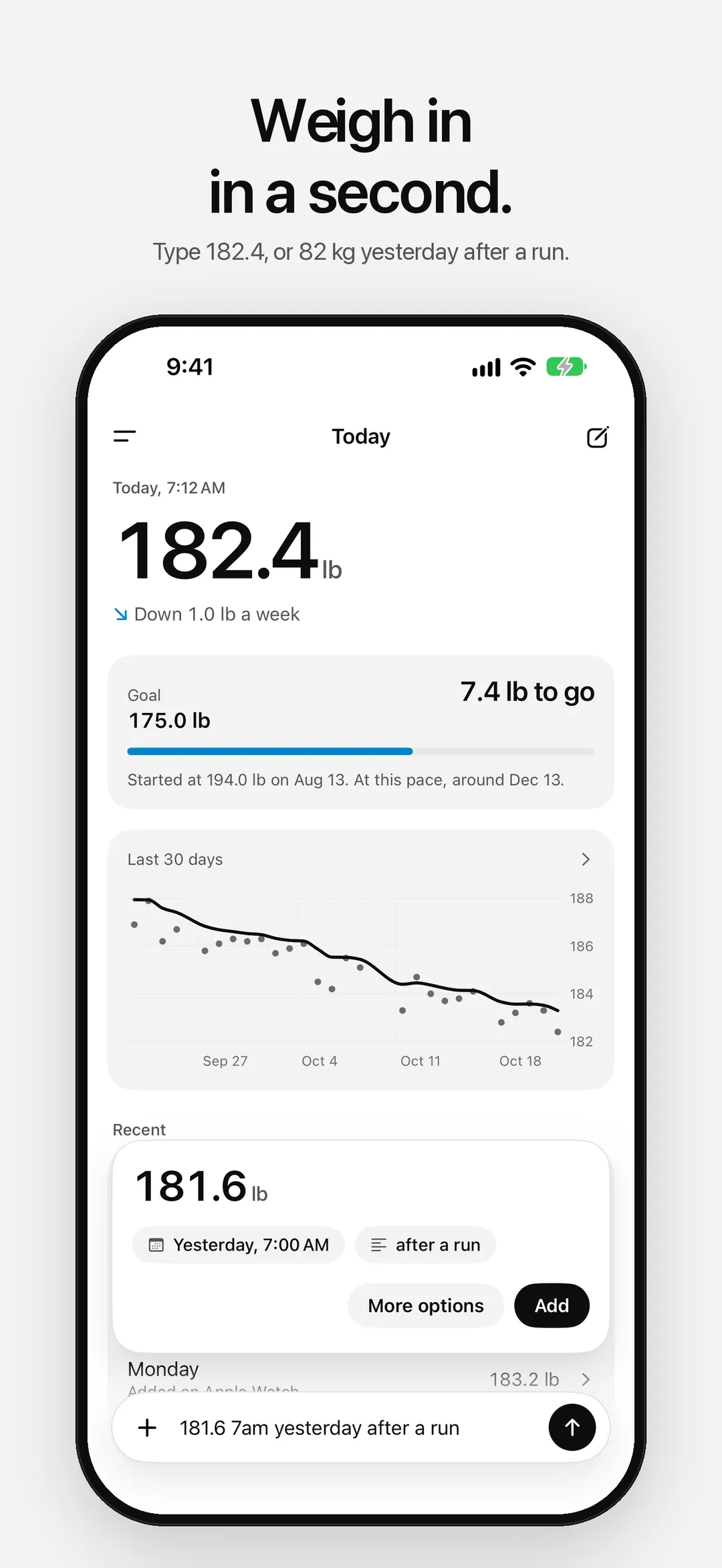
03 — Quick add -
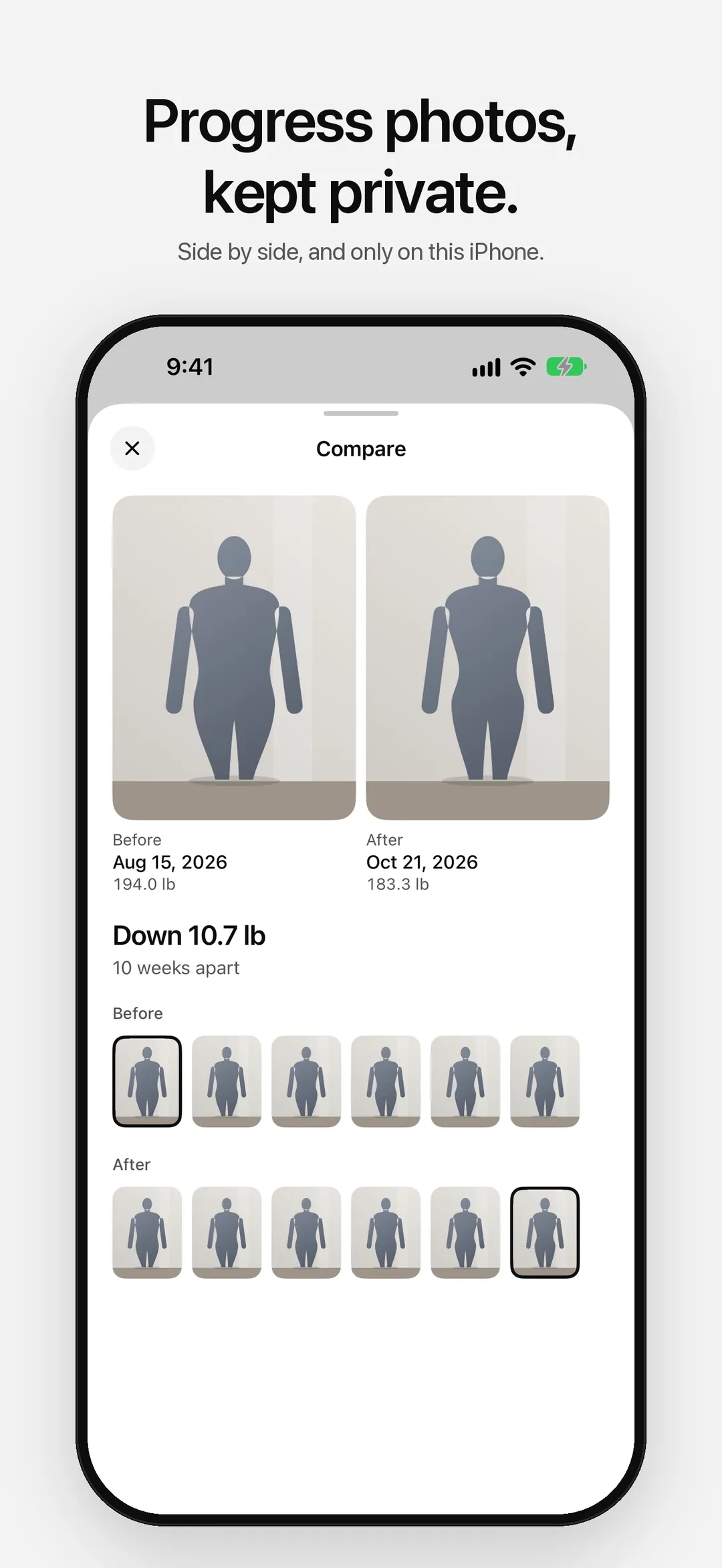
04 — Progress photos -
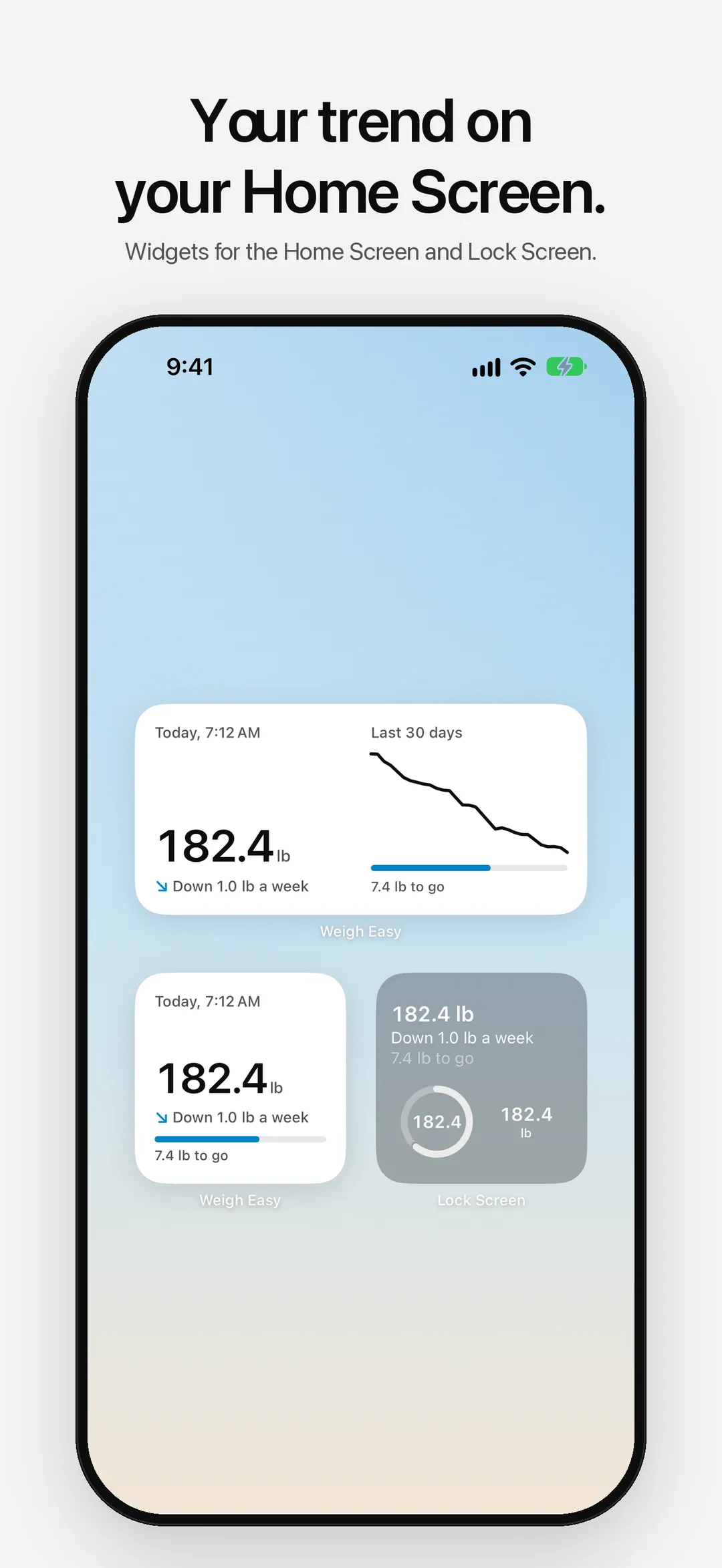
05 — Widgets -
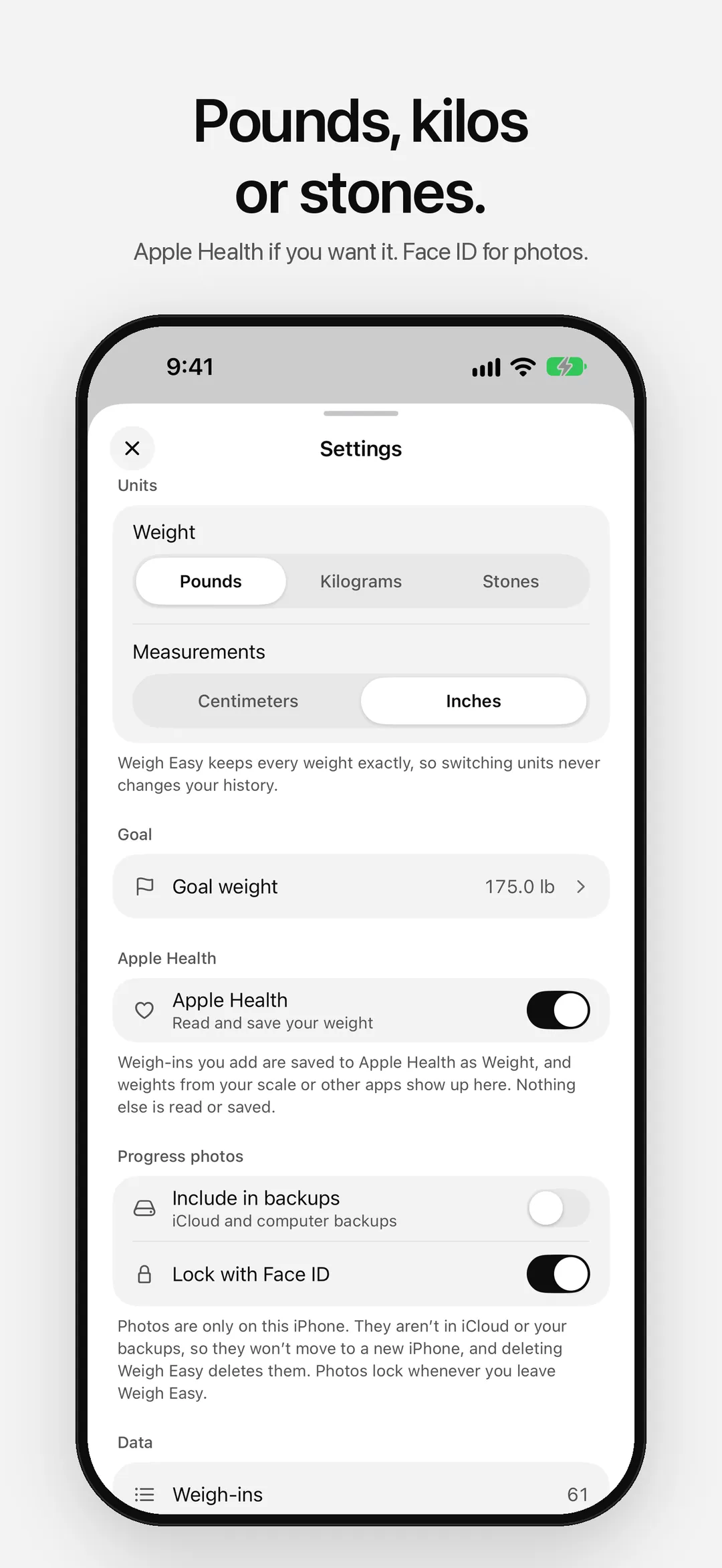
06 — Settings -
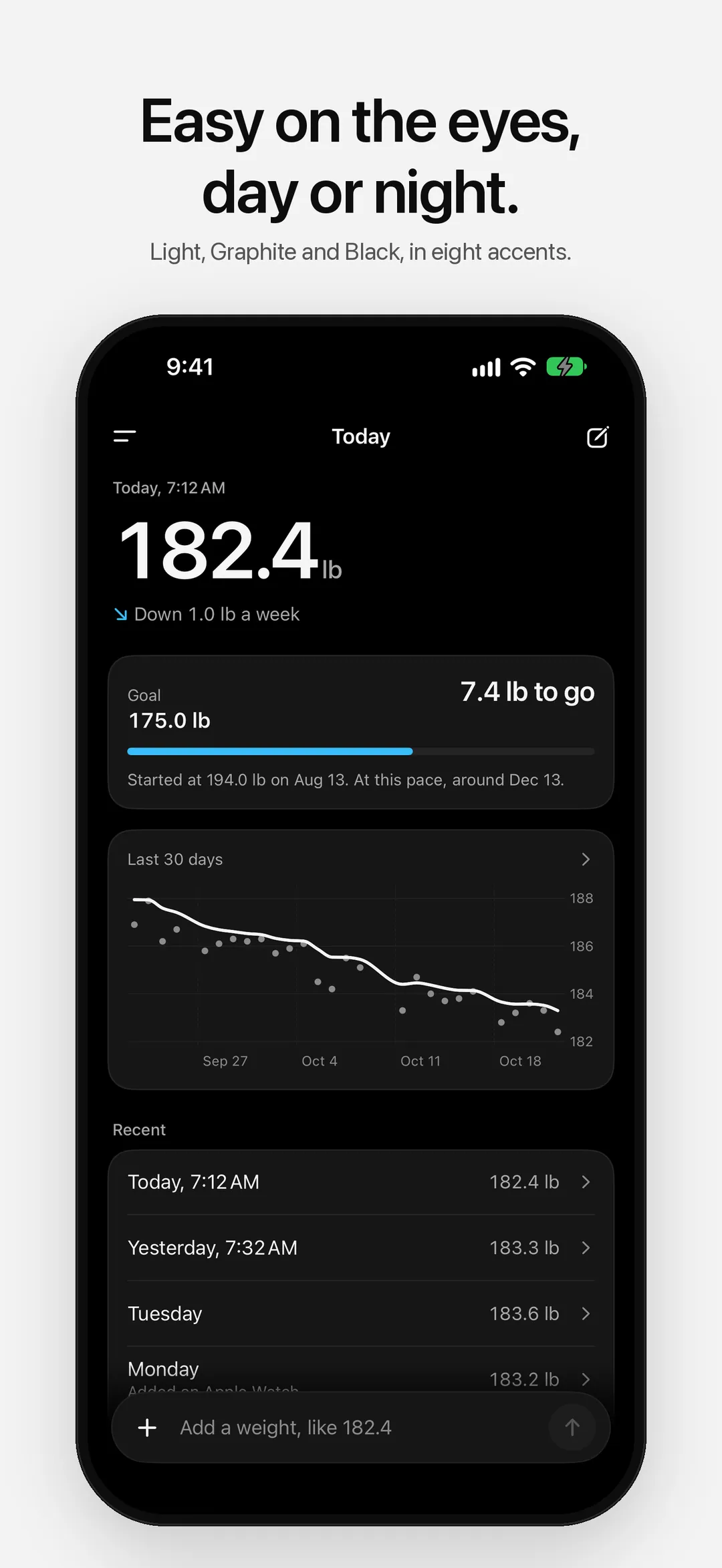
07 — Dark mode
Everything you need, nothing you don’t.
- 01
Weigh in by typing
Type “182.4”, “82.5 kg” or “13 st 4 lb yesterday after a run” at the bottom of Today. Weigh Easy shows what it understood before it saves anything.
- 02
A trend you can trust
A smoothed trend line that evens out water and food swings. Several weigh-ins on one day count as their average, and days you skip are skipped, not guessed. The trend in plain words: “Down 1.2 lb a week”.
- 03
Goals without pressure
Set a goal weight, with a date if you like. See how much is left, how far you’ve come, and roughly when you’d get there at this pace.
- 04
Pounds, kilograms or stones
Switch any time. Every weight is kept exactly, so switching never changes your history, and stones read as stones and pounds.
- 05
Private progress photos
Take or add progress photos and compare any two side by side. They stay inside Weigh Easy on your iPhone, out of your photo library and iCloud, with an optional Face ID lock.
- 06
Apple Health, Apple Watch and widgets
Optionally save your weigh-ins to Apple Health and bring in your smart scale’s. Add a weigh-in from your wrist, and see your trend on your Home Screen and Lock Screen.
Your body, your data.
Weight is personal. Weigh Easy never uploads or shares it. No account, no ads, no tracking. Your weigh-ins stay on your device, and progress photos stay inside the app, left out of backups unless you choose to include them. Anonymous diagnostics (crash reports and which screens you use, never your weight or photos) help fix problems, and you can turn them off in Settings.
Read the full privacy policyStart with one weigh-in.
Free on the App Store. No account required.