EXPENSE TRACKER FOR IPHONE AND APPLE WATCH
A jingle for every spend.
An expense tracker with a friend in it. Piggles, a round little piggy bank, jingles each time you log a spend and gets cozy when you're under budget. Type what you spent, see what's left. No bank login, ever.
What's left, first.
-
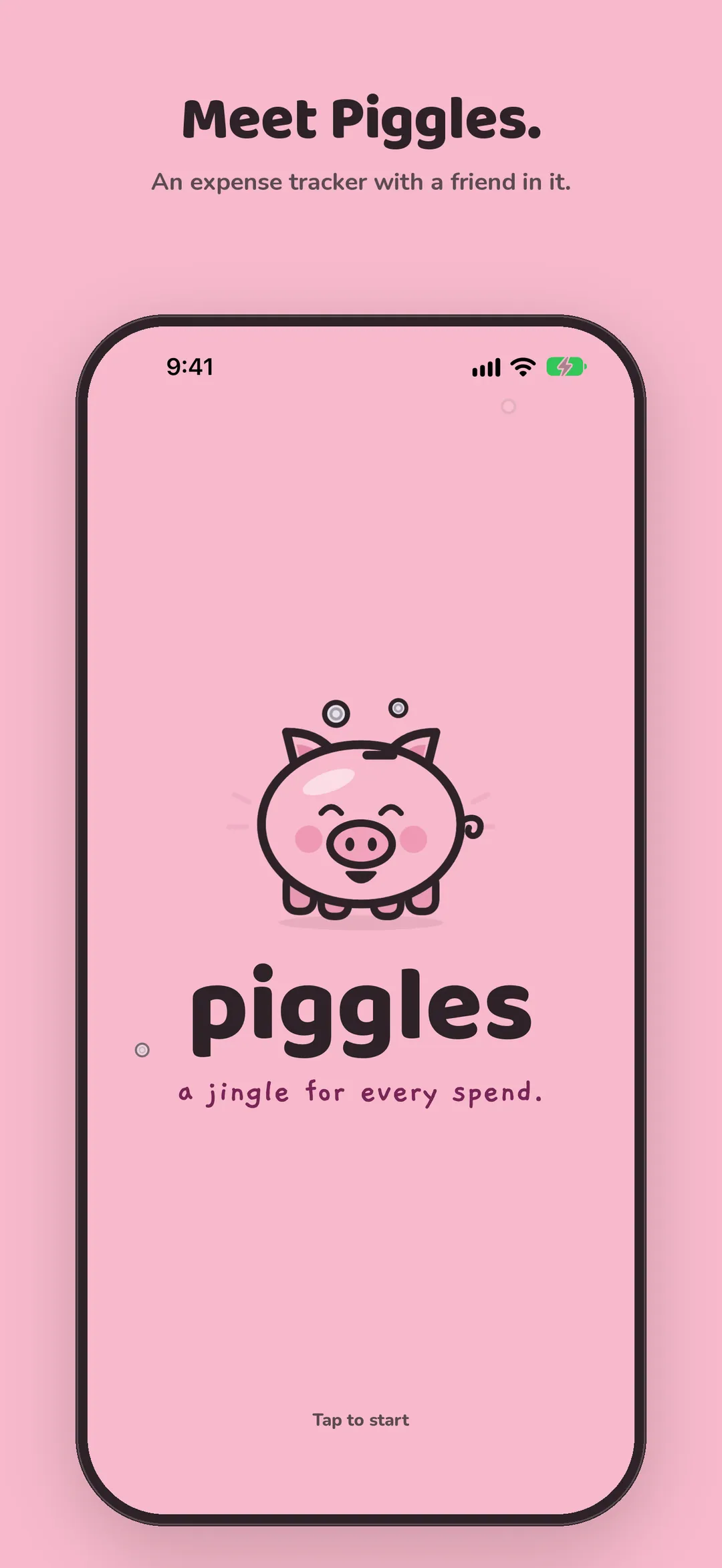
01 — Hello -
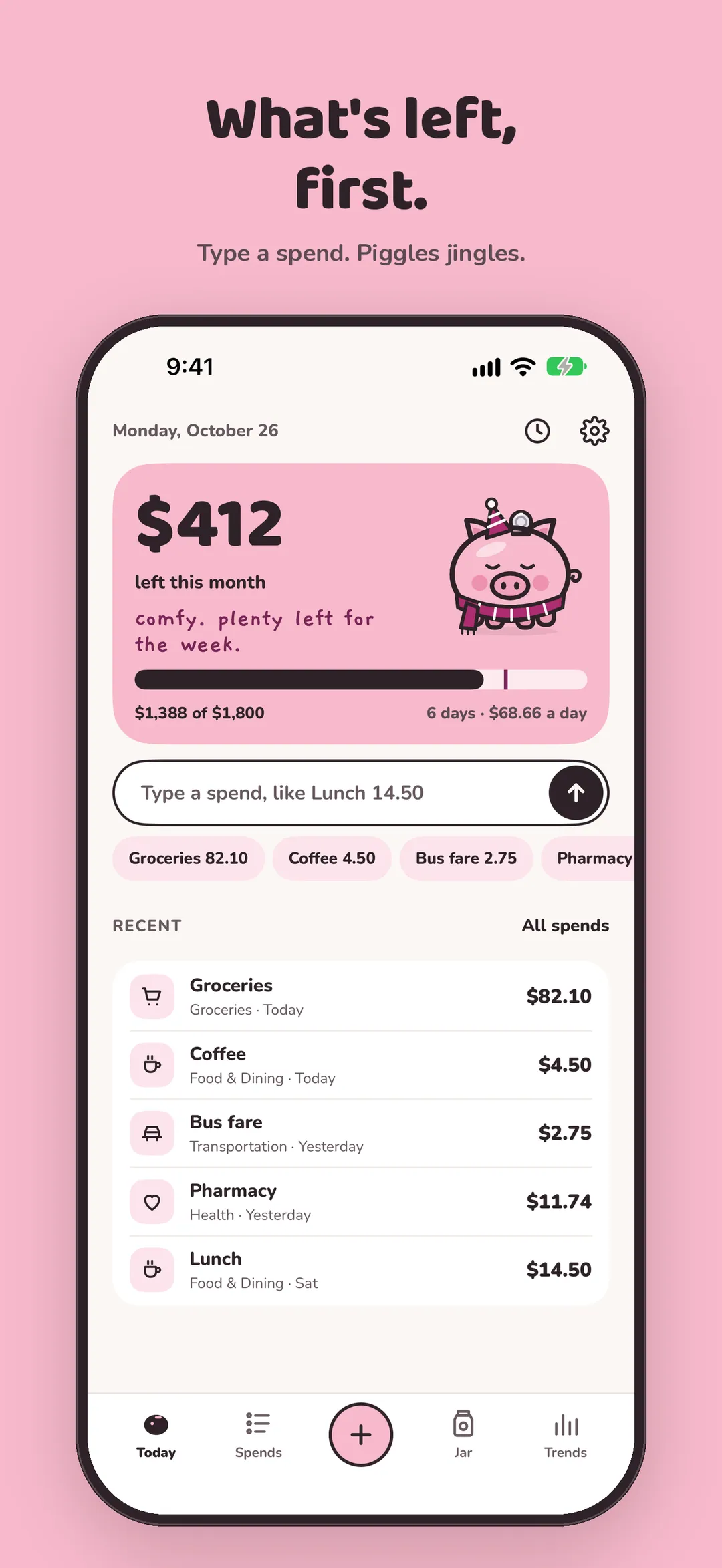
02 — Today -
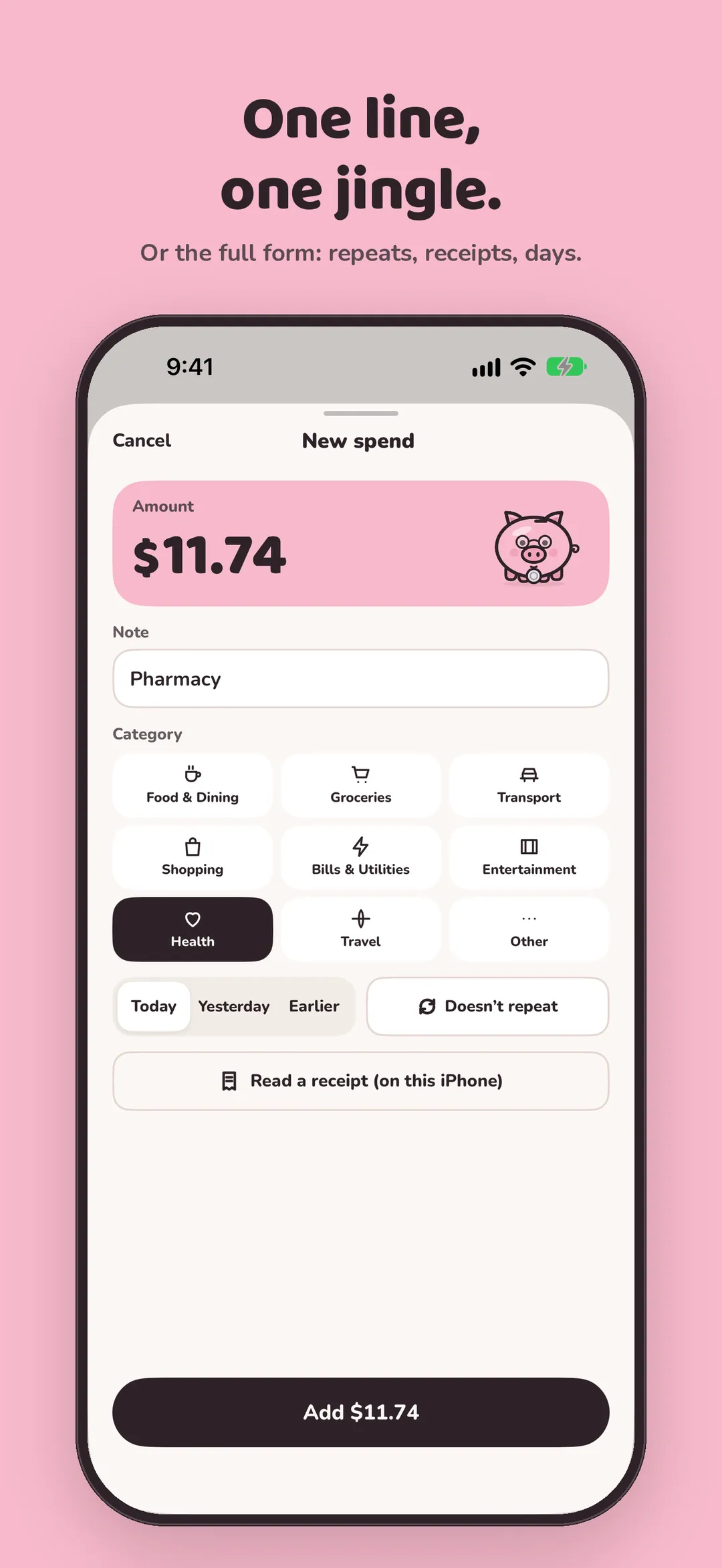
03 — Add a spend -
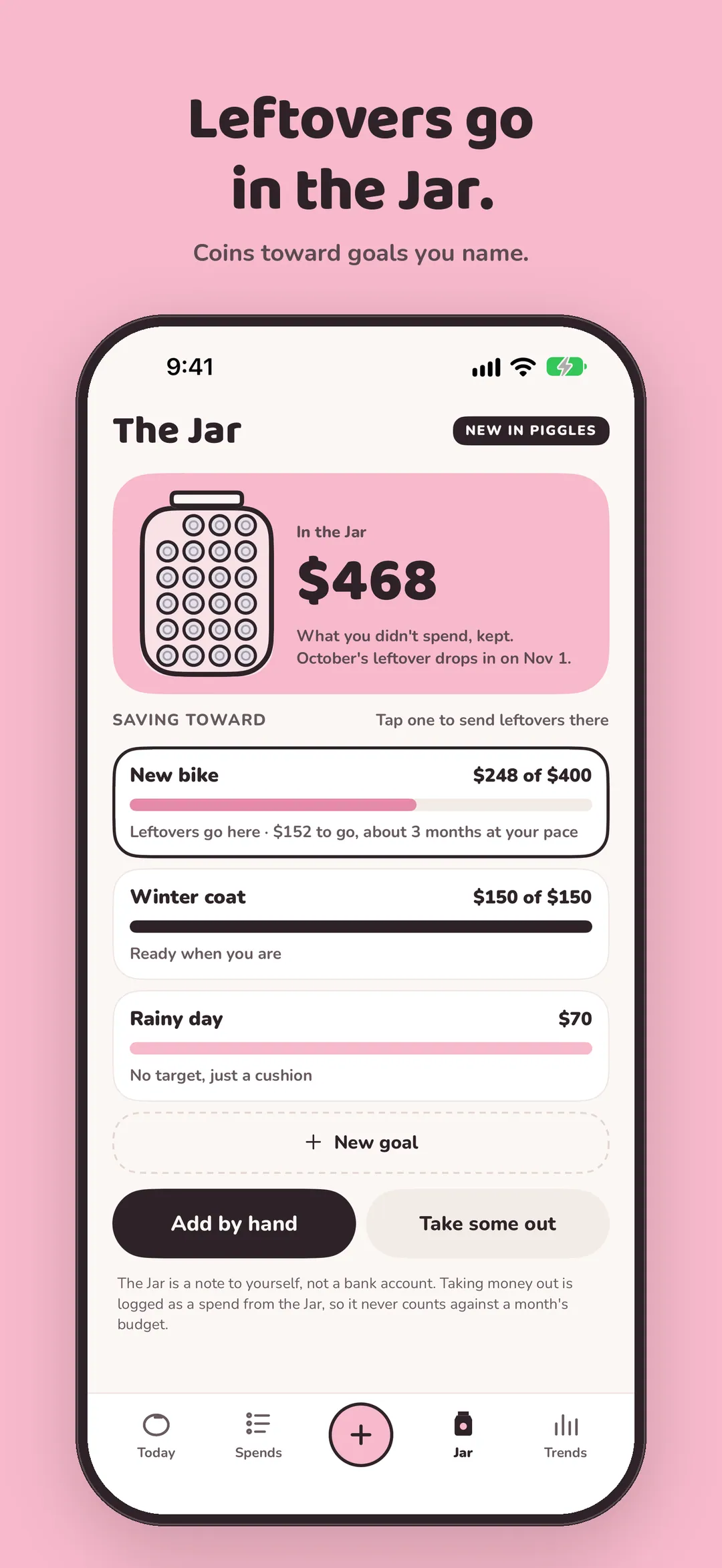
04 — The Jar -
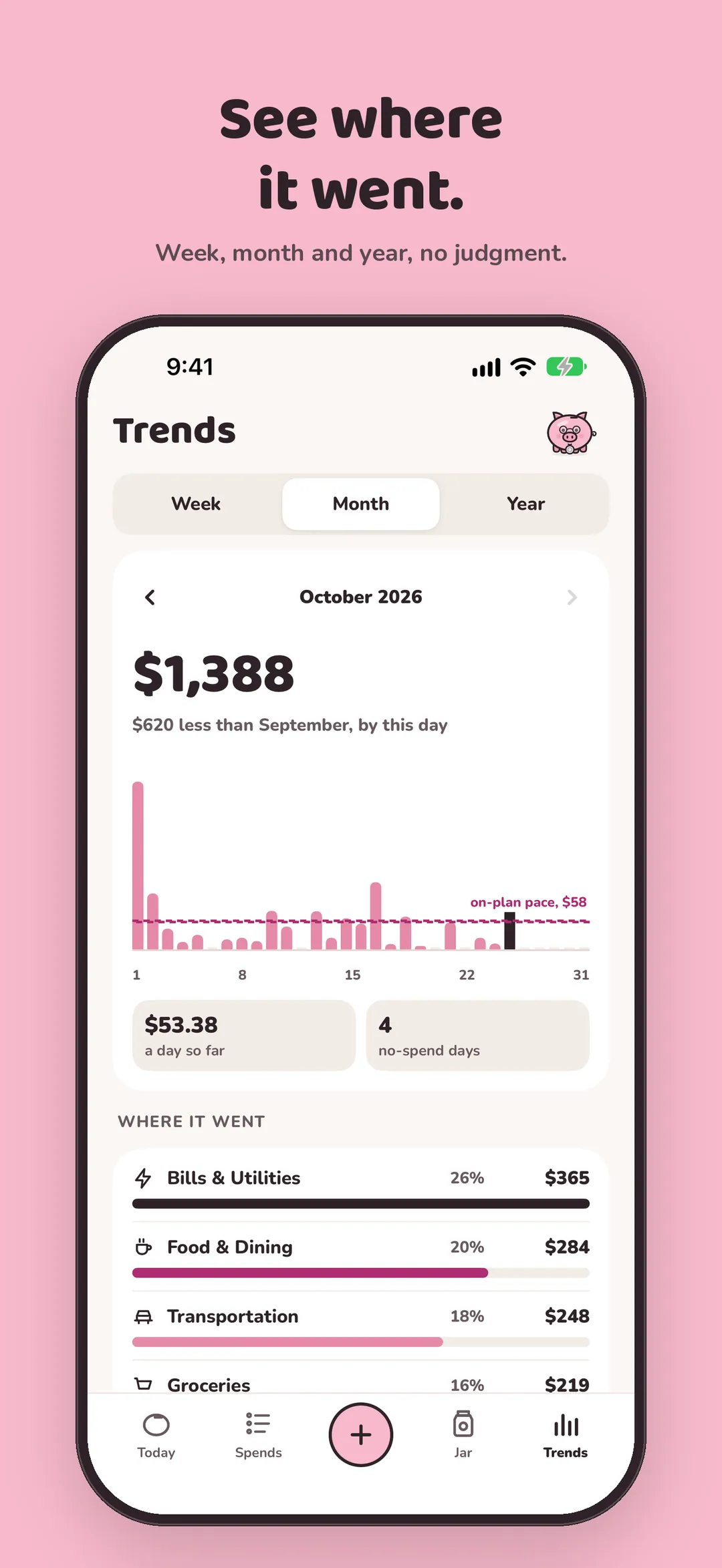
05 — Trends -
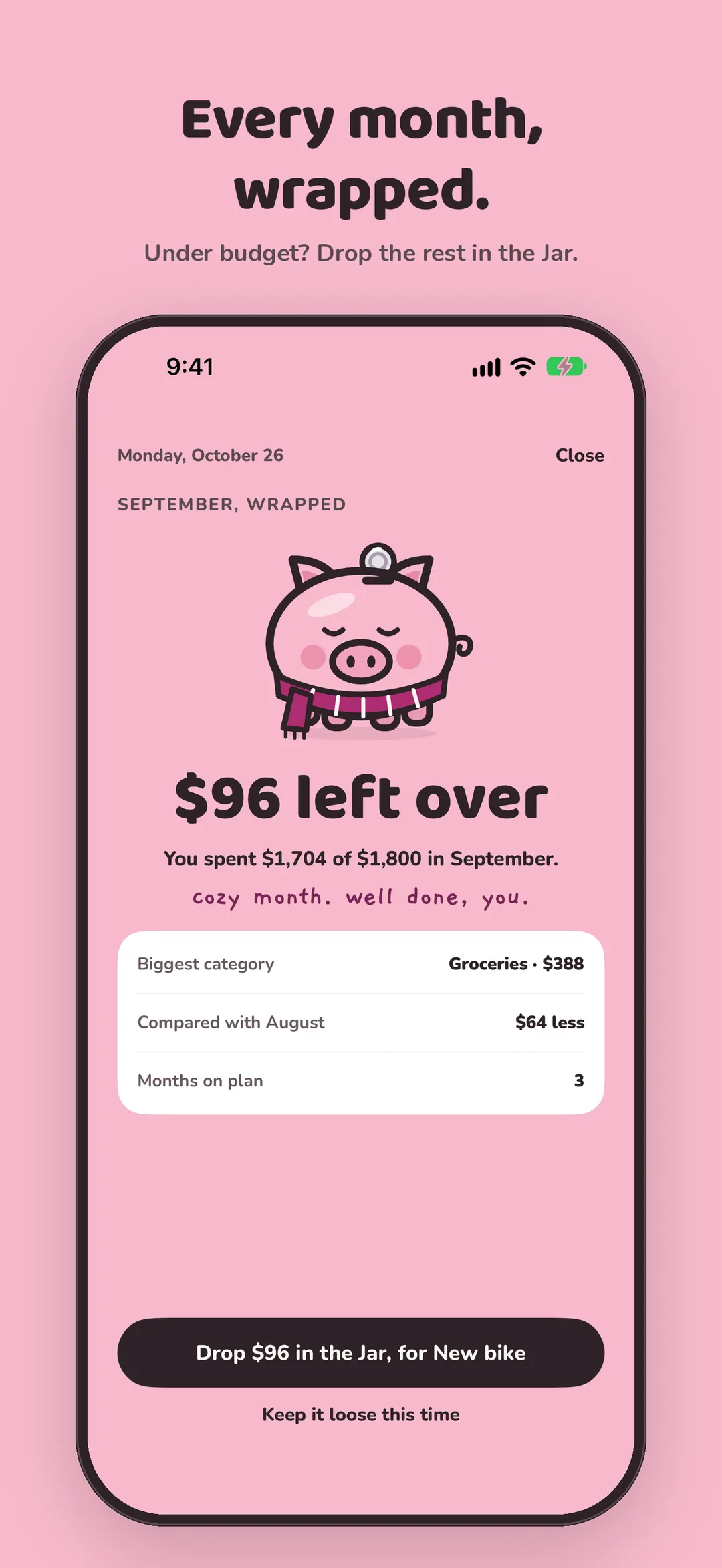
06 — Month wrap -
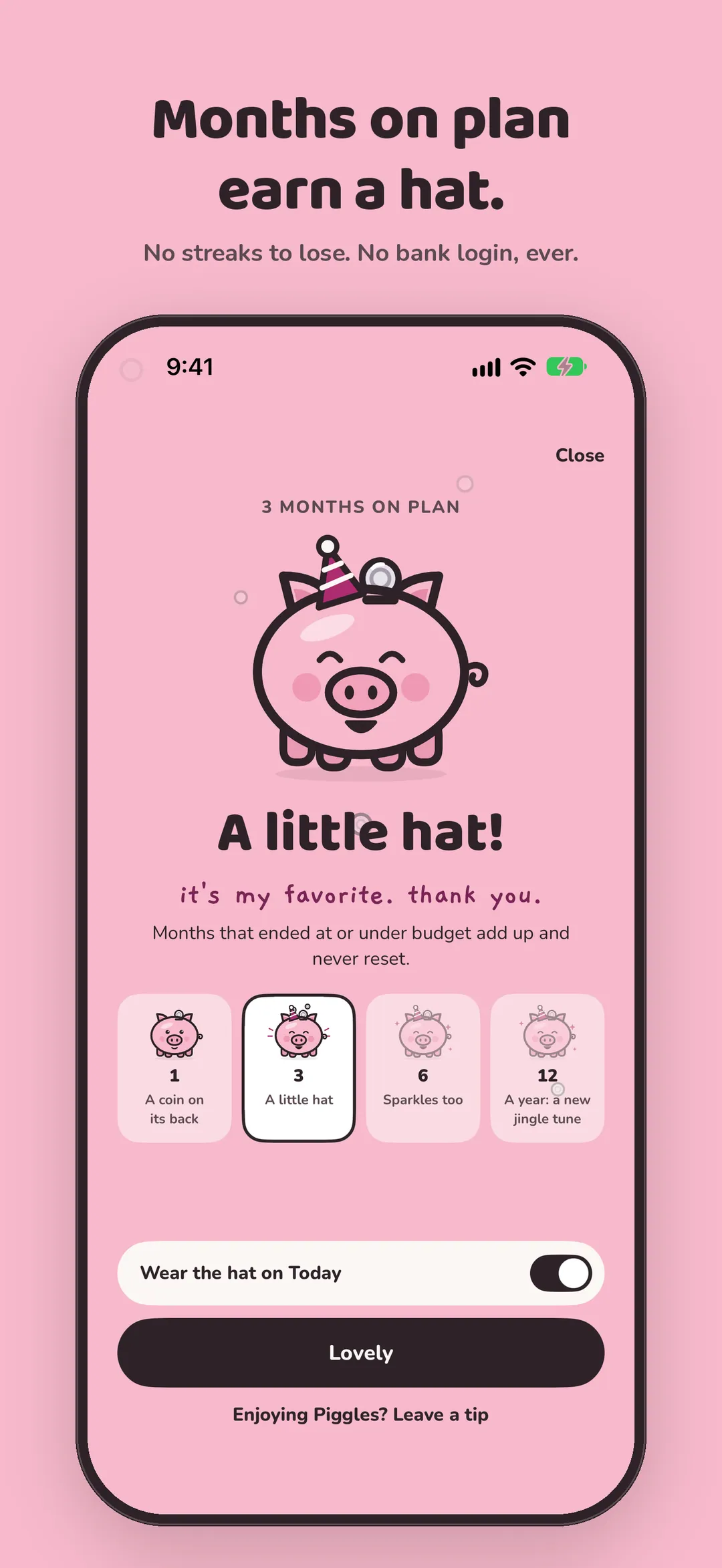
07 — A little hat
Type it like you'd say it.
- 01
Say what you spent
“Lunch 14.50.” “Groceries 82 yesterday.” “Rent 1200 monthly.” Piggles reads the amount, the category and the day.
- 02
Hear the jingle
Two coins hop, one little wiggle, a clink in your hand. What's left this month updates, with what that means for each day.
- 03
No shame, ever
Go over and Piggles says how much, plainly, then thinks it over with you. No red, no streaks to lose, no guilt.
What you don't spend, kept.
- 01
Leftovers drop in
When a month ends under budget, Piggles offers to drop what's left into the Jar as coins, toward the things you name: a bike, a coat, a rainy day.
- 02
A note to yourself
The Jar isn't a bank account, so nothing moves anywhere. Taking some out is logged as a spend from the Jar, never against a budget.
- 03
Months on plan
Every month on plan counts, forever. One earns Piggles a coin on its back, three a little hat, six sparkles.
Round, simple, all yours.
- 01
Quick add
Type a spend in a few words. Piggles reads the amount, category, day and whether it repeats.
- 02
The full form
Amount, note, category, day and repeat, with a receipt read on your iPhone. The photo is never kept.
- 03
Budgets
Daily, weekly or monthly. Today leads with what is left and what that means for each day.
- 04
Gentle heads-up
Pick a level from 50% to 95%. One note when you reach it, one if you go over. Words only.
- 05
Repeating spends
Rent, phone, subscriptions: daily, weekly, every 2 weeks, monthly or yearly, added on each date.
- 06
Trends
A week, a month or a year at a time, compared with the one before, with every category’s share.
- 07
The Jar
Month-end leftovers become coins toward goals you name. A note to yourself; nothing moves.
- 08
Months on plan
Each one counts forever: a coin on Piggles’ back, then a little hat. Never a streak to lose.
- 09
Widgets and StandBy
What is left on your Home Screen, Lock Screen and nightstand. Log a spend from a widget in one tap.
- 10
Apple Watch
What is left on your wrist. Log with a chip or dictate “coffee four fifty”.
- 11
Any currency
Your region’s, or any one you pick. Amounts are exact, and never converted.
- 12
Coming from Spend Easy?
Bring your history over in one tap, read straight from Spend Easy on this iPhone: spends, categories, budgets and repeats. Spend Easy keeps working. Export everything as CSV too.
- 13
Private by design
No bank login. No account. No analytics, no ads, no tracking. Your spends stay on your iPhone and Apple Watch, and Piggles makes no network requests.
- 14
Make it yours
Light and dark, your own categories and icons, four app icons (one you earn), and a jingle you can turn off.
- 15
Free, with a tip jar
Everything is free. If Piggles helps, Settings has optional one-time tips. They unlock nothing.
Every coin counts. Kindly.
Free, coming to the App Store soon. No account required.
More apps

Know what's left to spend. Type expenses in a few words, set a budget, no bank login.

Split a bill to the cent: tax, tip and fixed amounts, with shares that always add up.
 Contrast
A fire and ice sauna and cold plunge timer with protocols, a Lock Screen Live Activity, widgets and Apple Health workouts.