FOCUS TIMER FOR IPHONE AND APPLE WATCH
One tomato at a time.
A focus timer with a friend in it. Tomkin, a little tomato, ripens while you work, stretches and sips with you on your break, and every four tomatoes fill a basket. Your weeks grow into a tomato patch.

Ripe, not rushed.
-
01 — Focus -
02 — Break -
03 — Basket -
04 — Patch -
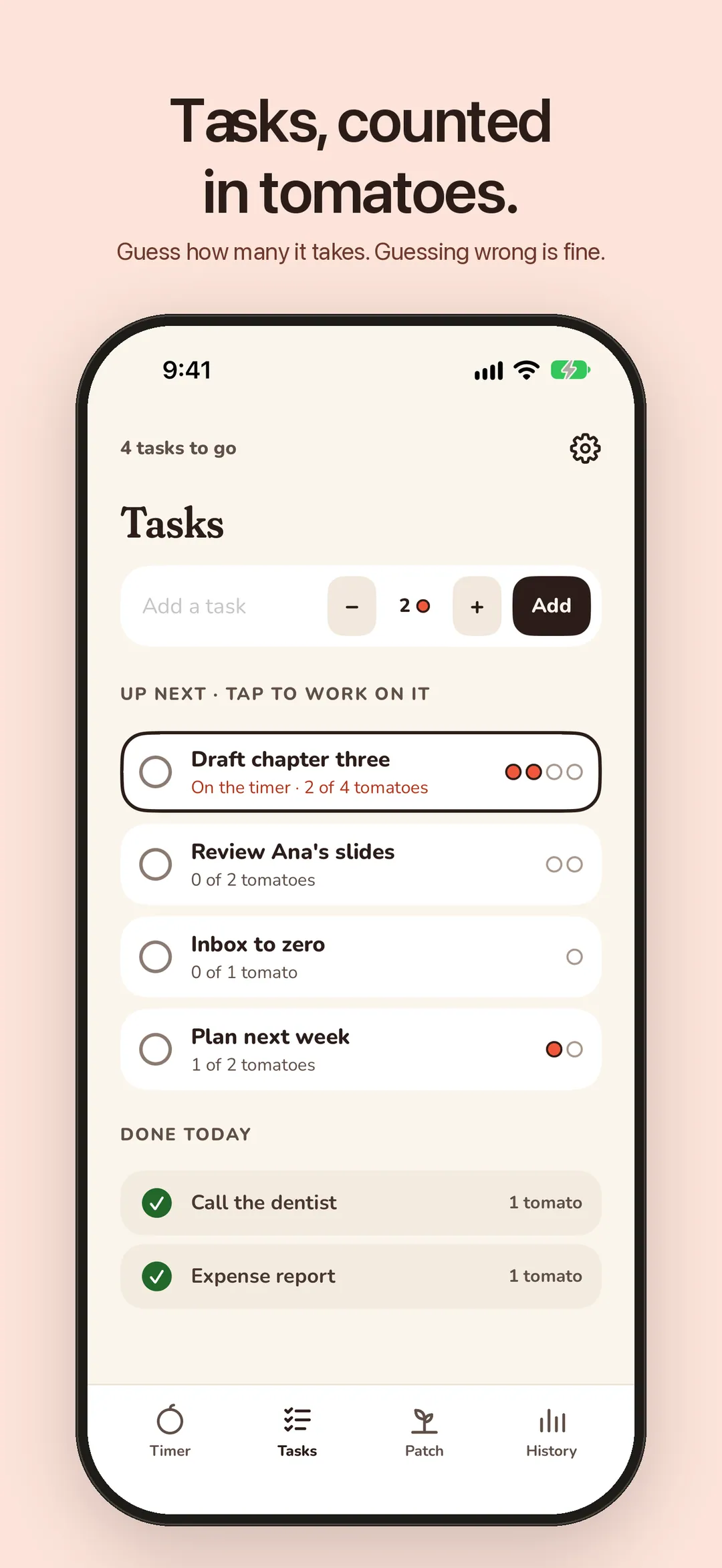
05 — Tasks -
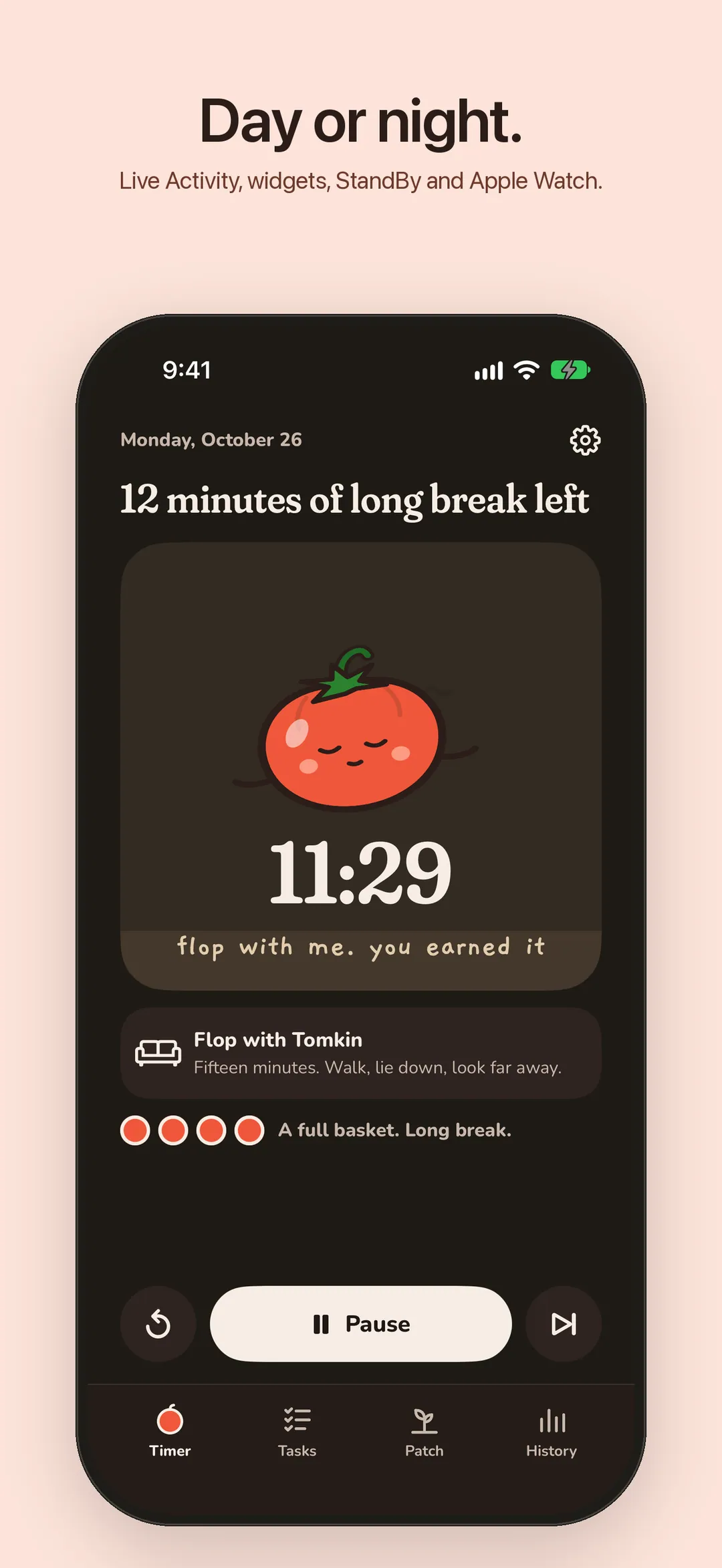
06 — Night -
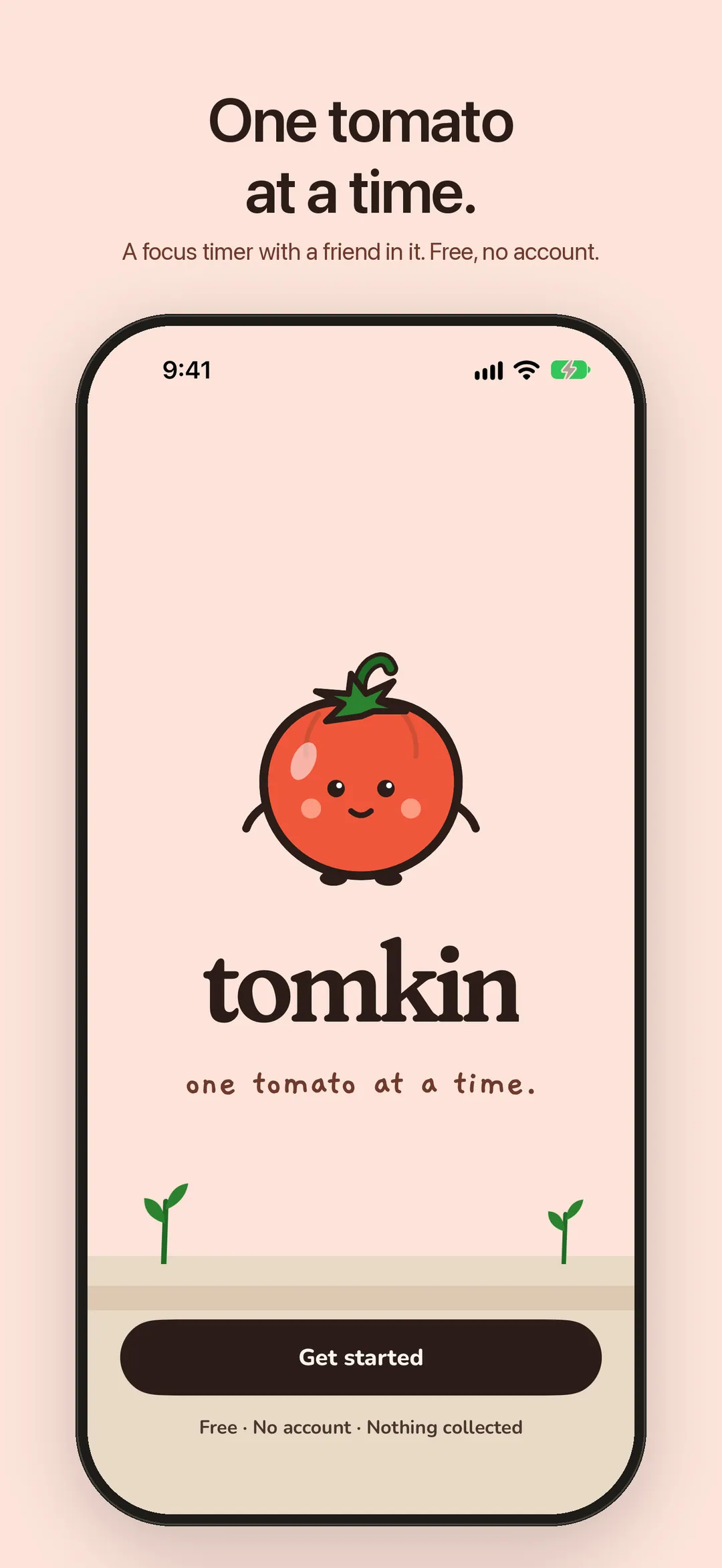
07 — Hello
Four tomatoes make a basket. A week makes a row.
- 01
A tomato
25 minutes of focus.
- 02
A basket
Four, then a long break.
- 03
A ribbon
Your first row, 100 tomatoes.
Focus, rest, and watch it grow.
- 01
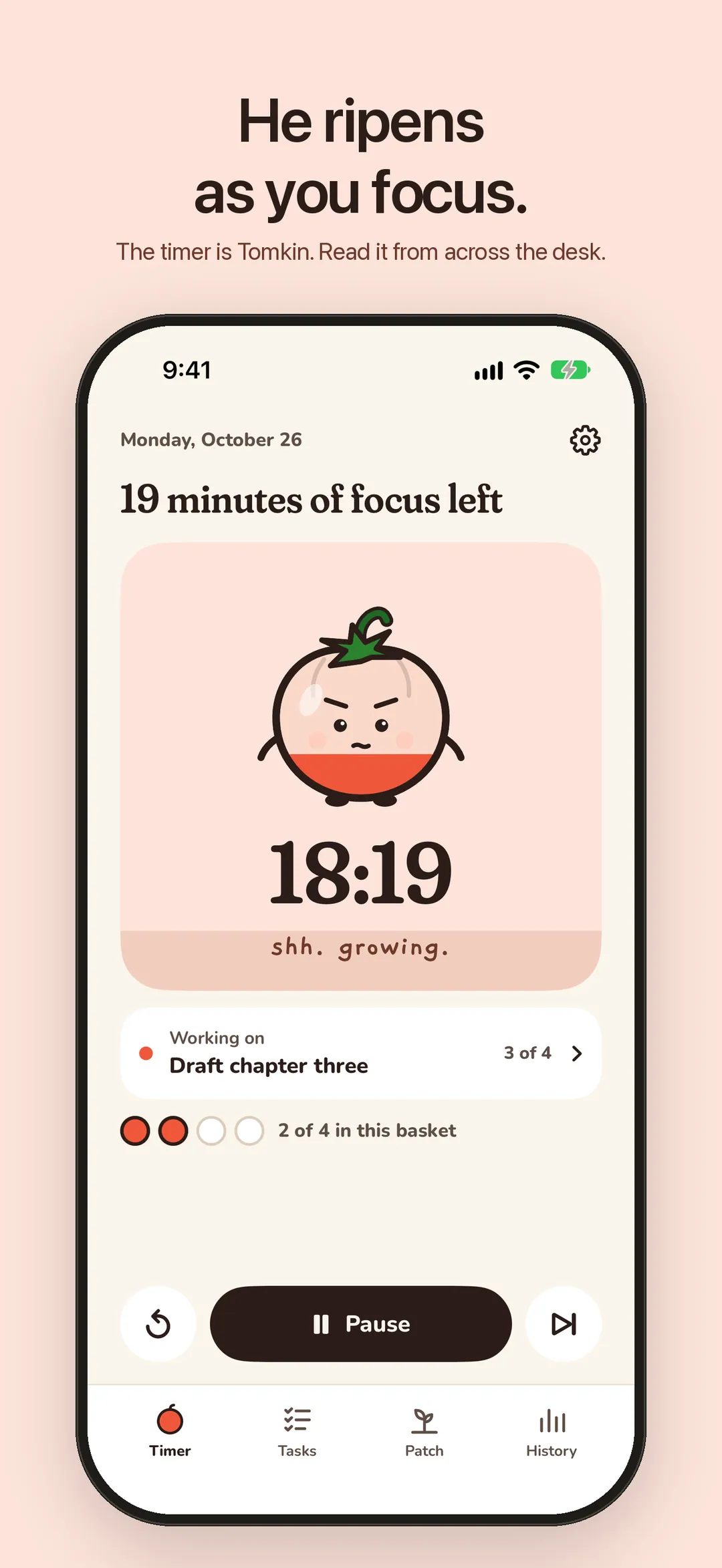
He ripens as you focus
The timer is Tomkin. Color fills him from the bottom up, so you can read the time left from across the desk.
- 02
In plain words
“18 minutes of focus left”, “Ripe. Time for a break.” One button to move forward, with Pause, Reset and Skip.
- 03
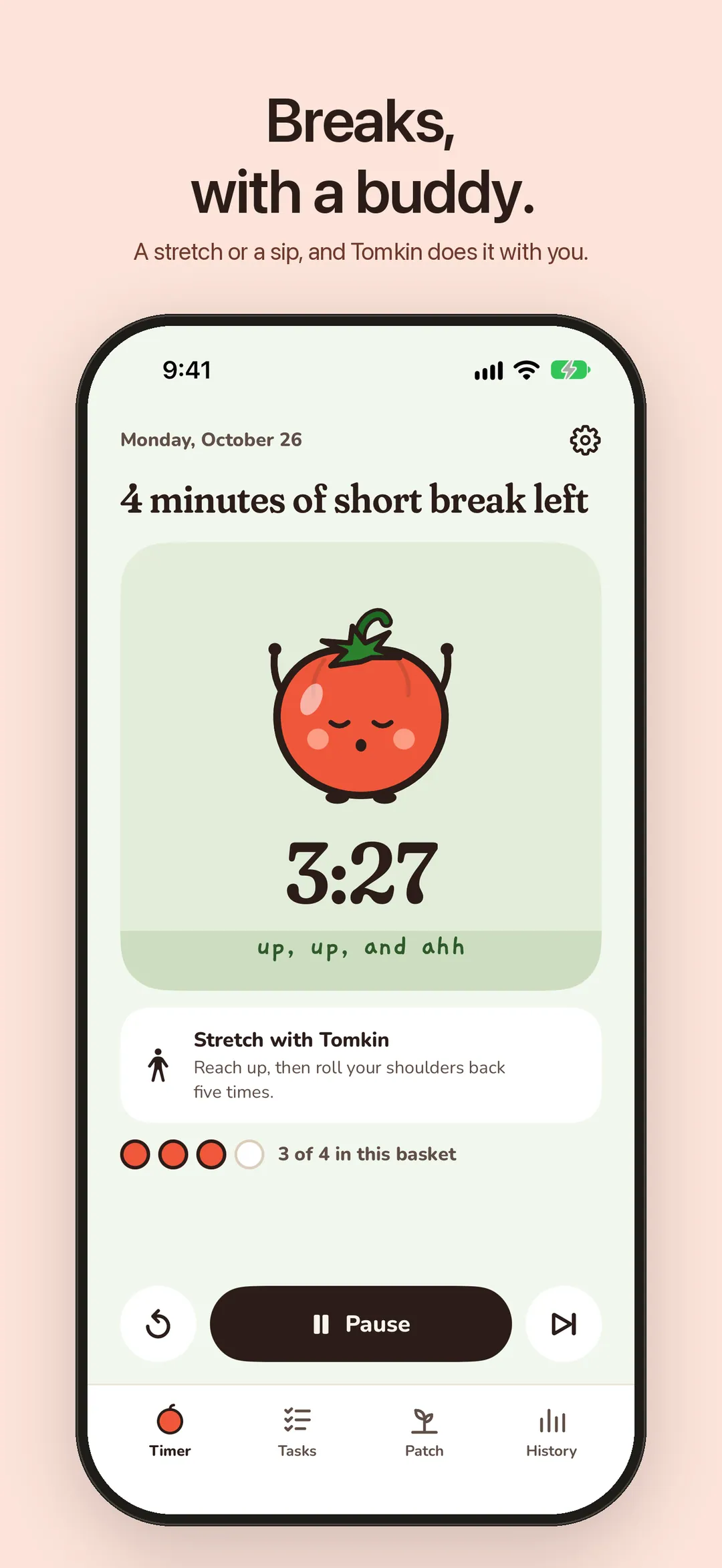
Breaks with a buddy
Each break comes with a stretch, a sip or a flop, and Tomkin does it with you.
- 04
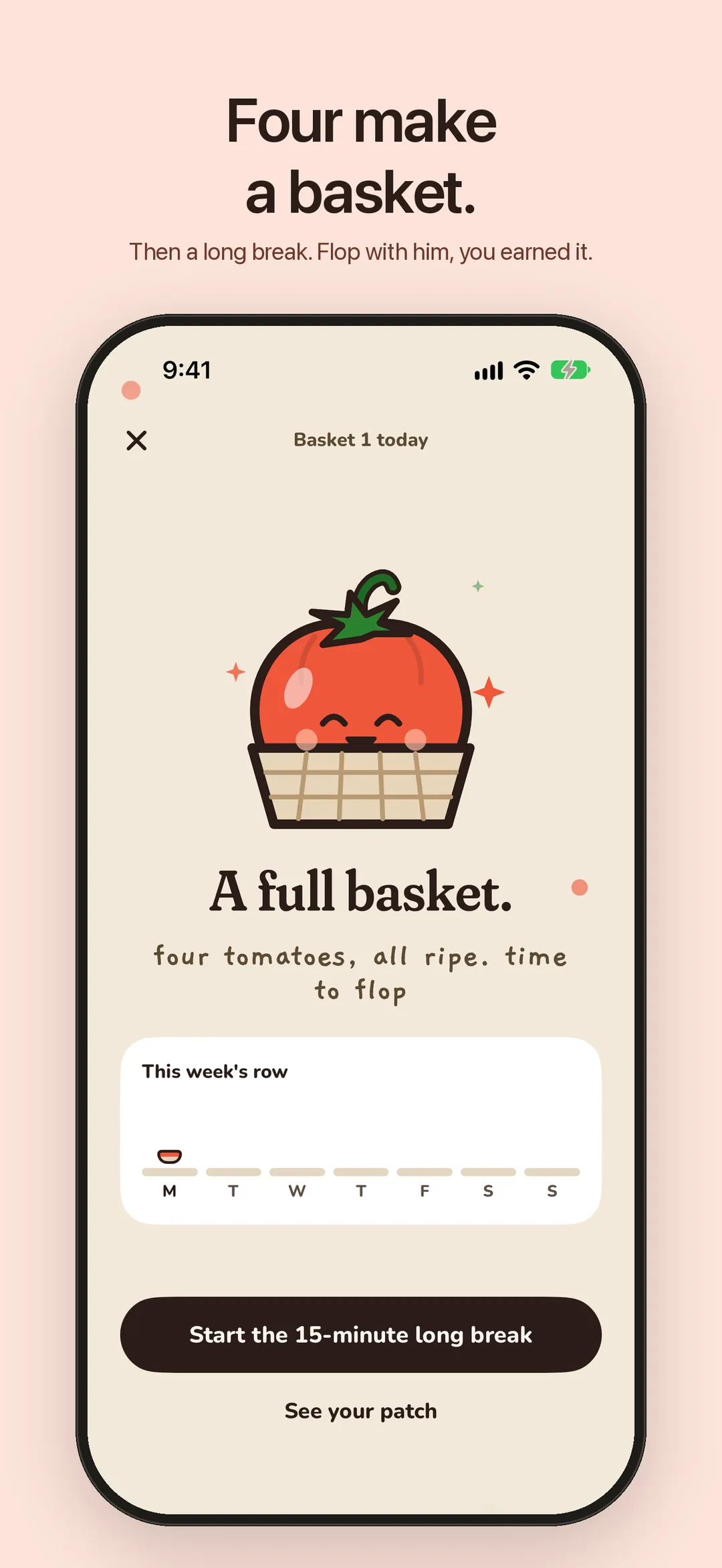
Four make a basket
Focus for 25 minutes, rest for 5, and take a longer break after every four. Set every length yourself.
- 05
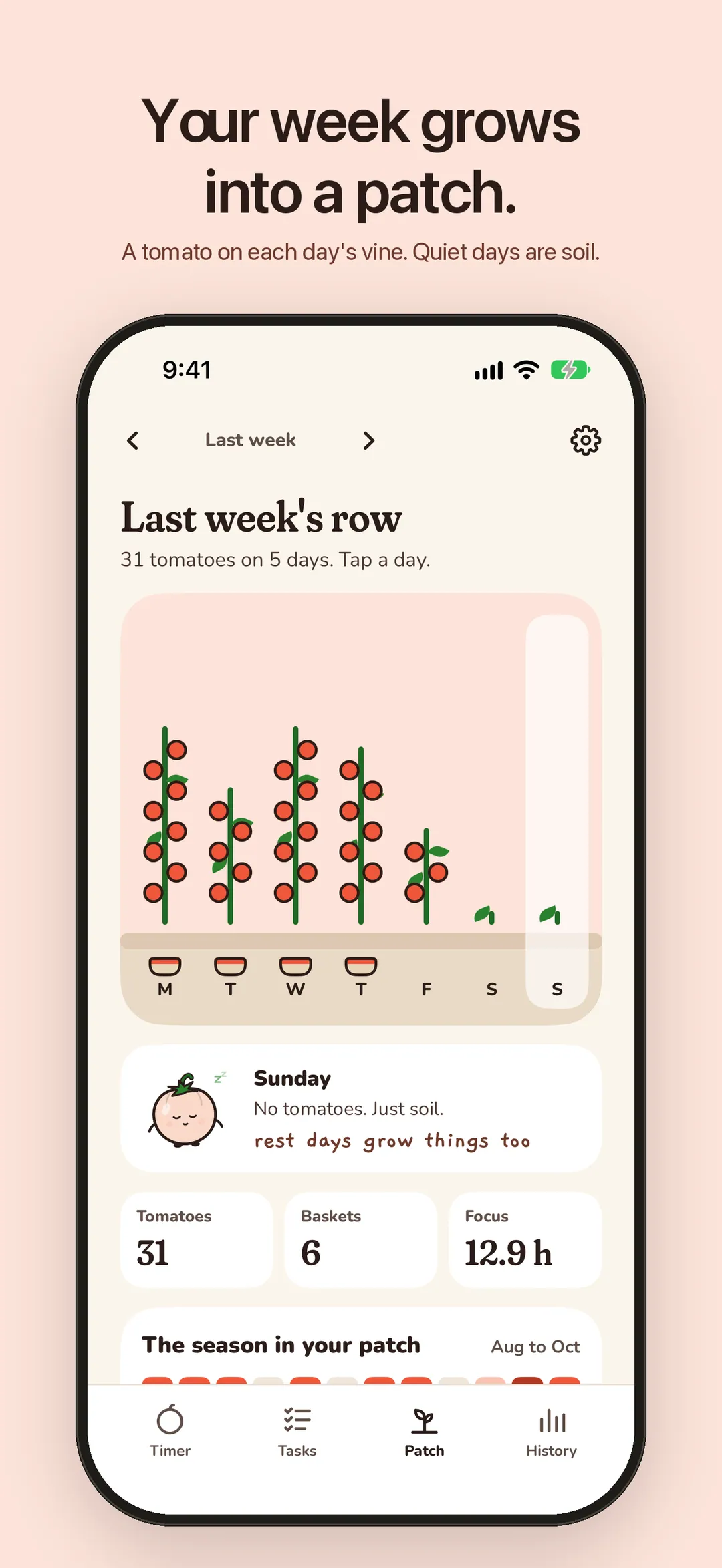
Your patch
Each week a row of vines, the season a whole tomato patch. Ribbons for your first row and for 100 tomatoes.
- 06
Right every time
The countdown comes from when the session ends, so it stays right through locks, restarts and clock changes.
- 07
Alerts on time
Alerts with Chime, Bell or Singing bowl, even with the app closed (a Focus may hold them until it ends). Breaks and focus can start on their own, one basket at a time.
- 08
Focus filter
Add Tomkin to your Work Focus and a tomato starts when the Focus does.
- 09
Live Activity
Tomkin ripens on the Lock Screen and in the Dynamic Island, with Pause and Skip right there.
- 10
Widgets and StandBy
Home and Lock Screen widgets, a patch widget, StandBy on your desk and a Control Center button.
- 11
Apple Watch
The timer on your wrist: start, pause, reset and skip, with today’s tomatoes a scroll away.
- 12
Coming from Pomo Easy?
Bring your history over in one tap: Tomkin reads it straight from Pomo Easy on the same iPhone, and every session comes across as a tomato. The old app keeps working.
Private by design.
No account. No analytics. No ads. No tracking. Your sessions and tasks stay on your iPhone and Apple Watch, and Tomkin makes no network requests.
Read the privacy policyFree, with a tip jar.
Light, Dark or System, three app icons, three chimes and six focus sounds.
Everything is free. If Tomkin helps, Settings has four optional one-time tips. They unlock nothing.
Grow something today.
Free, coming to the App Store soon. No account required.
More apps

A quiet launcher: your few essential apps, one tap each.

Track habits without the hassle. Add one in a sentence, keep your streaks, check off from widgets, and share your progress.

A Pomodoro timer whose screen takes the color of the session, with a Live Activity, widgets and an Apple Watch app.