POMODORO TIMER
Focus, then rest.
A calm Pomodoro timer that tells you where you are in plain words: “18 minutes of focus left”, “Break”. It keeps time on your Lock Screen, your Home Screen and your Apple Watch. No sign-up, no subscriptions, no tracking.

See it in action.
-
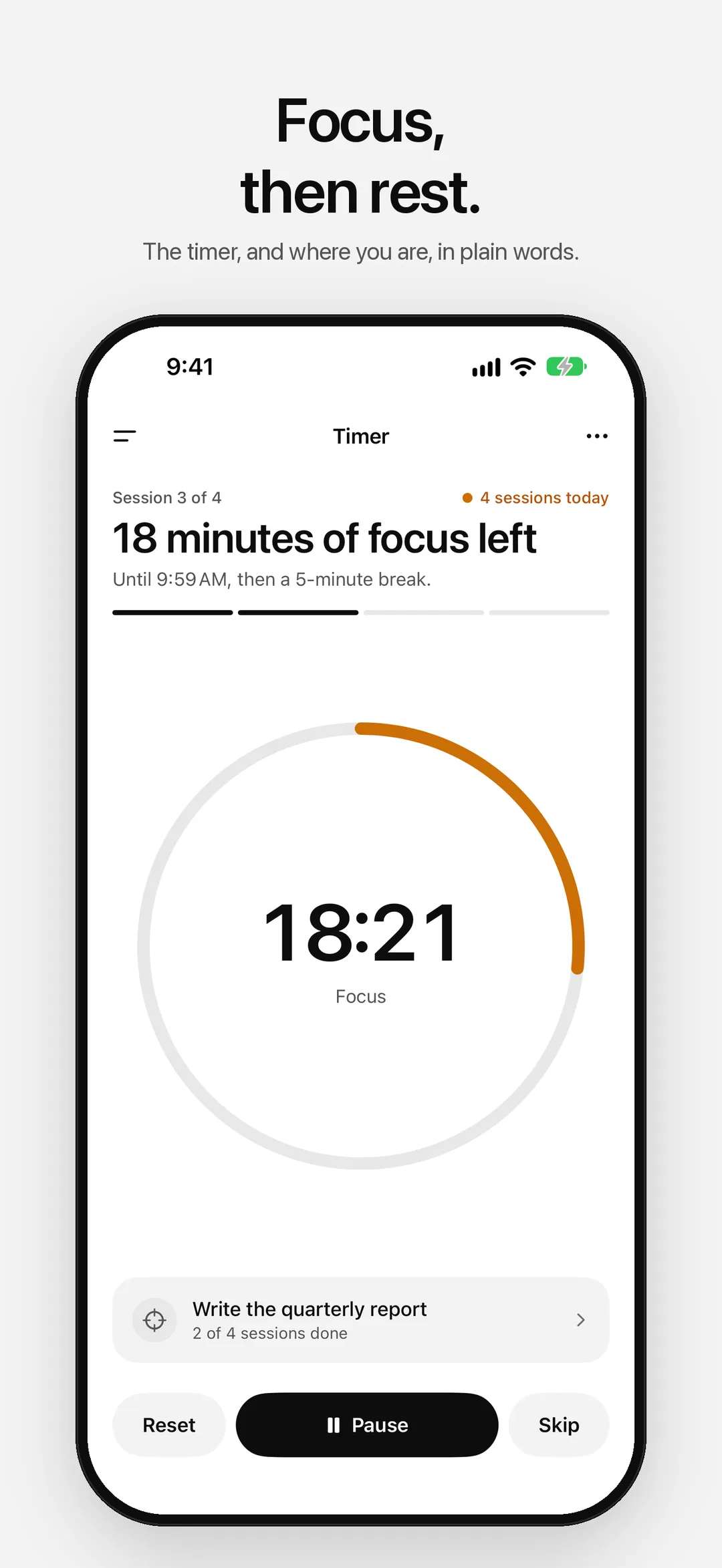
01 — Timer -
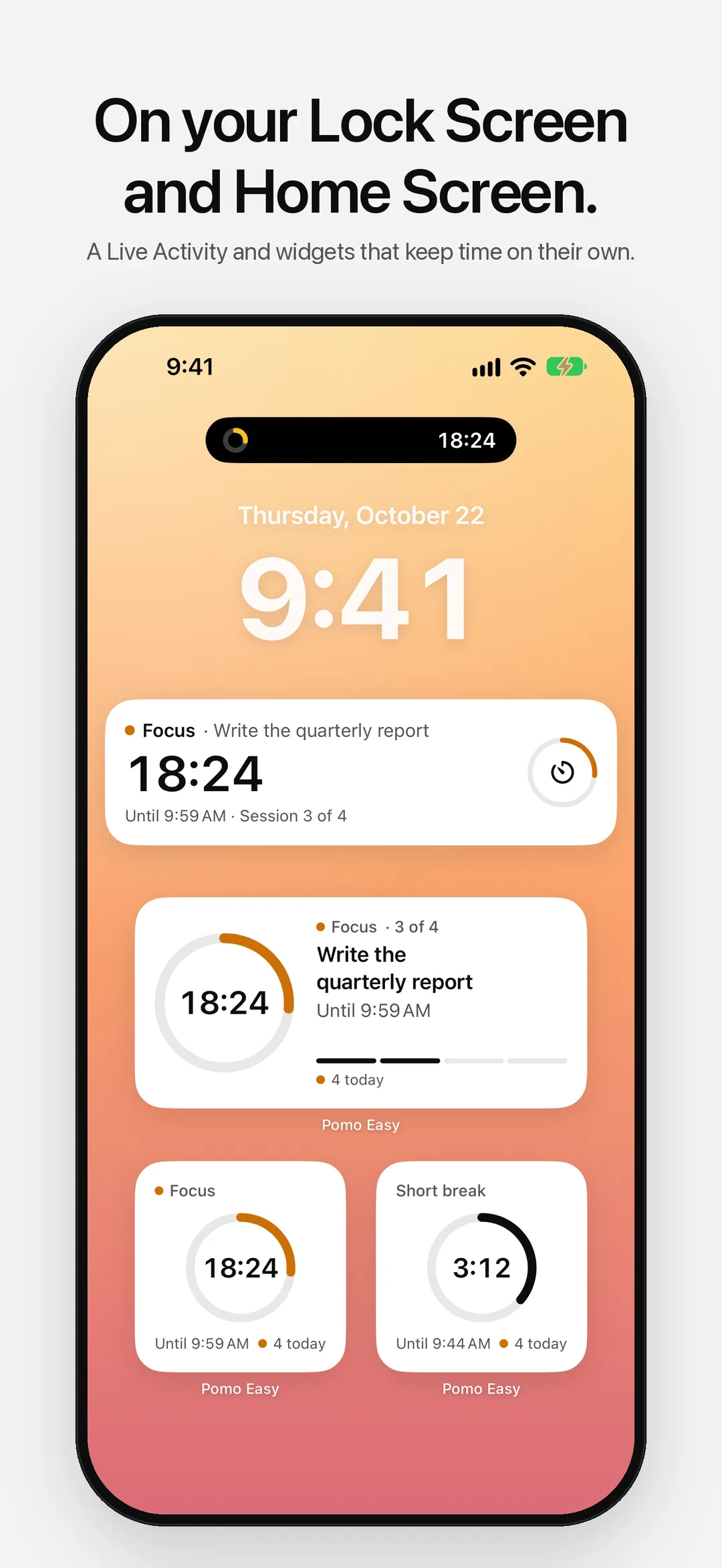
02 — Live Activity and widgets -
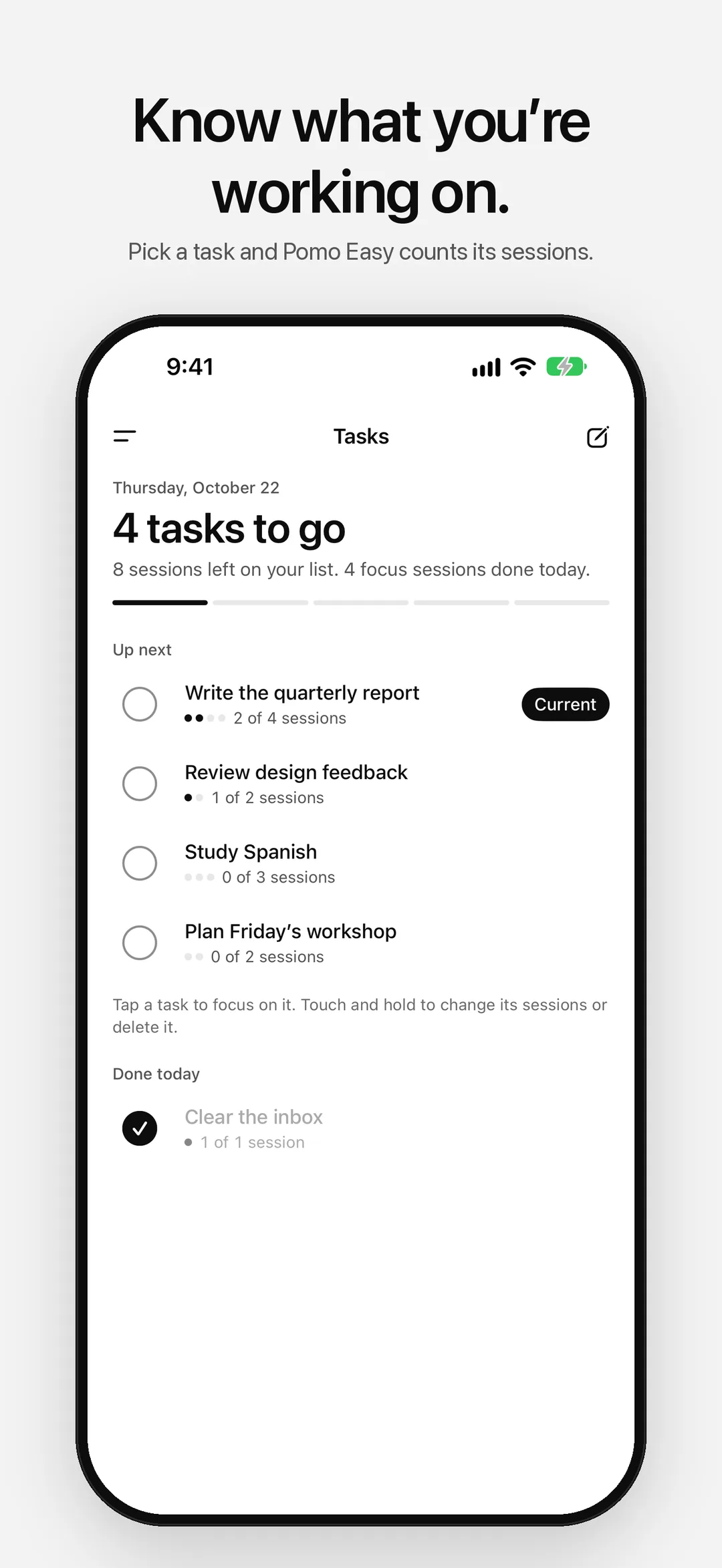
03 — Tasks -
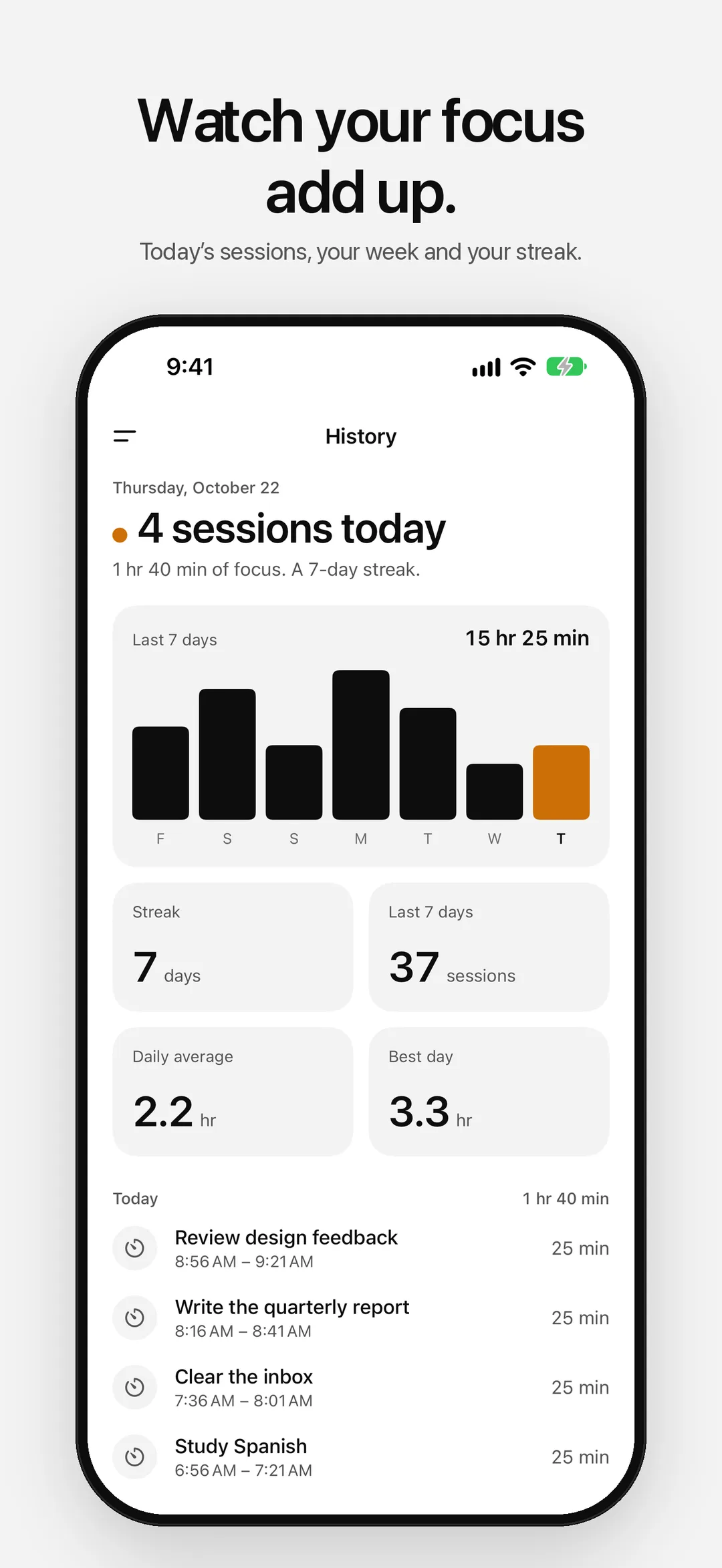
04 — History -
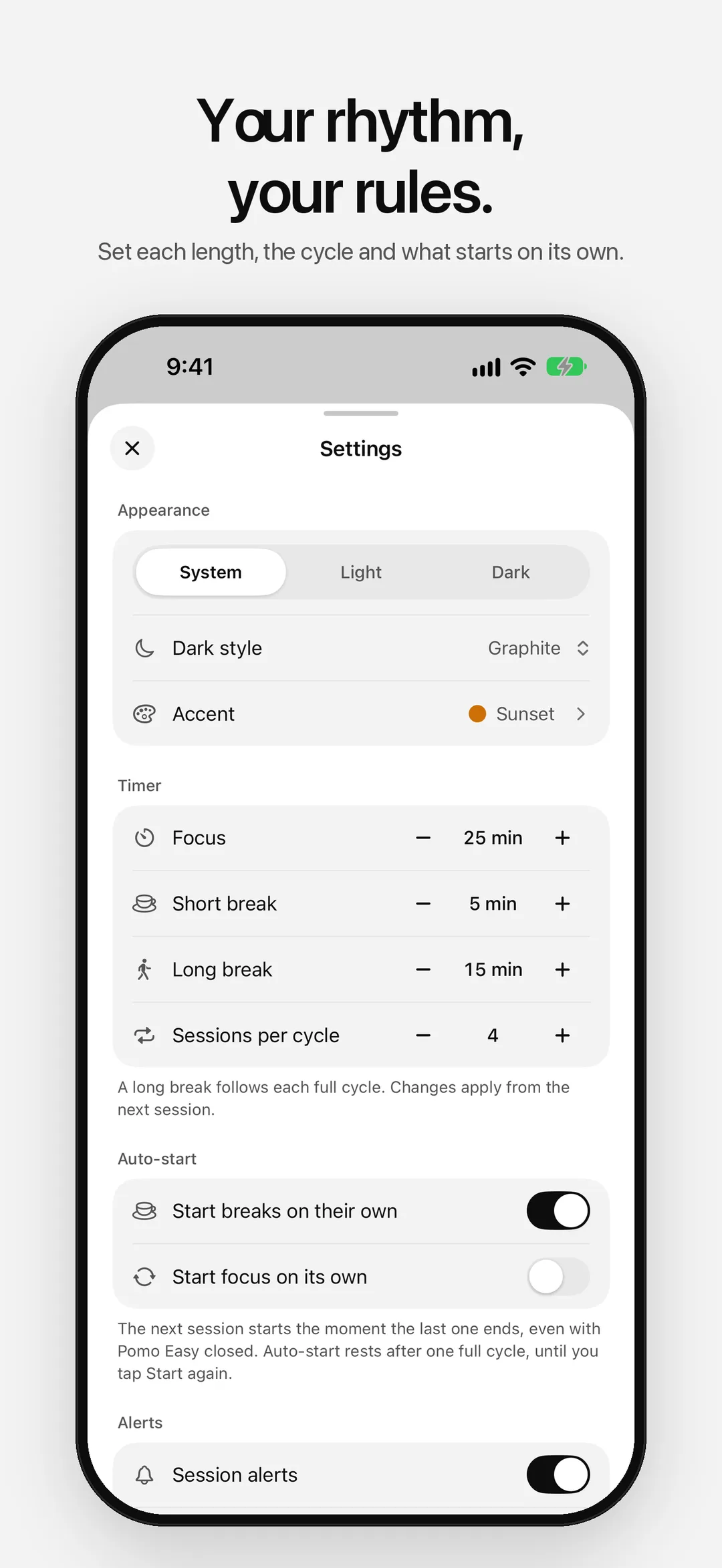
05 — Settings -
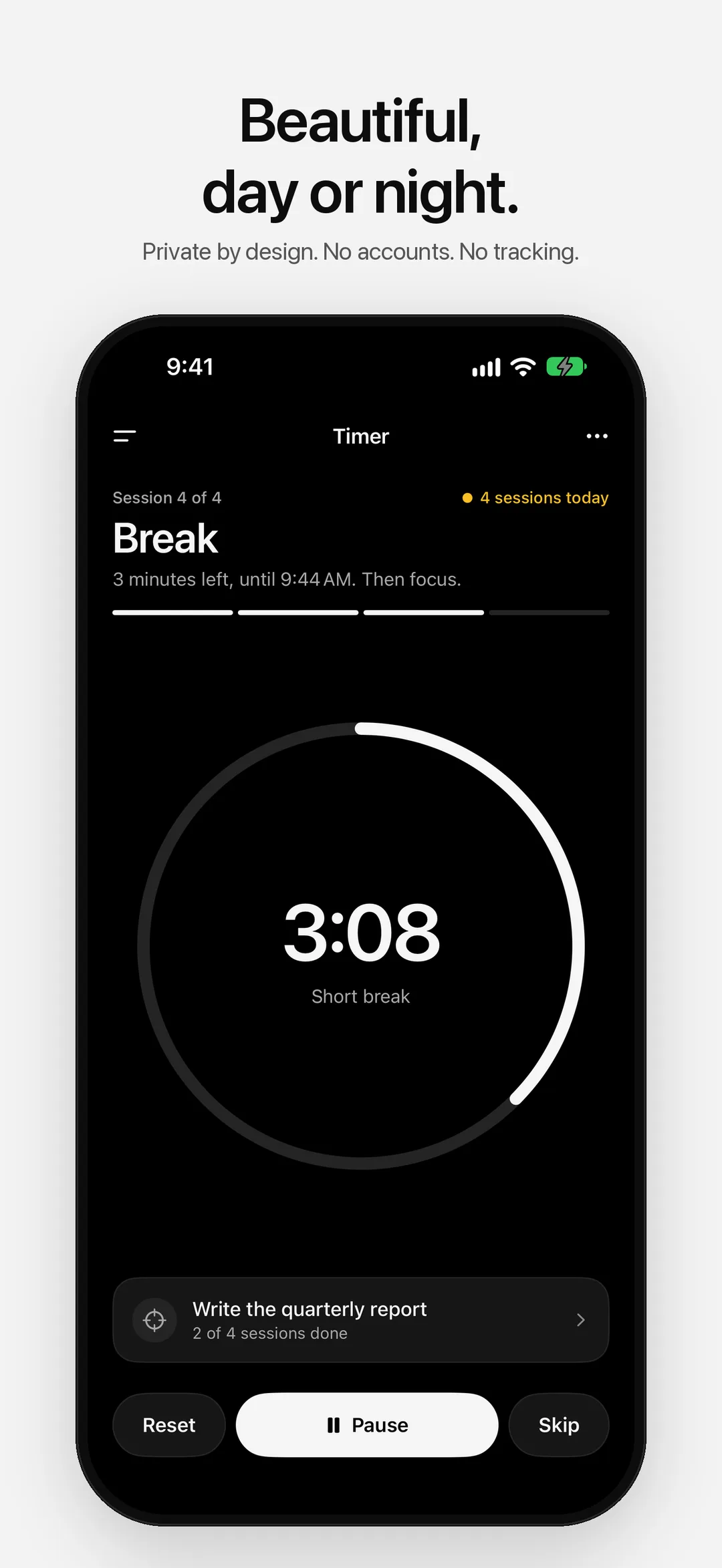
06 — Dark
Built for deep work.
- 01
The timer, in plain words
The home screen says where you are, “18 minutes of focus left” or “Break”, with one button to move forward. 25 minutes of focus, 5 of rest, and a longer break after every four.
- 02
Right every time
The countdown comes from when the session ends, so it stays right when you lock your iPhone, switch apps, restart or change the clock.
- 03
Alerts on time
Time Sensitive notifications with gentle chimes, even with the app closed. Breaks and focus sessions can start on their own, one cycle at a time.
- 04
Live Activity and widgets
See the countdown on the Lock Screen, in the Dynamic Island and in small, medium and Lock Screen widgets that roll into your next break on their own.
- 05
Apple Watch
The timer on your wrist: the session you’re on, today’s sessions, and Start, Pause, Reset and Skip.
- 06
Tasks and history
Pick what you’re working on and count the sessions it takes. See today, your last seven days and your streak.
Your focus stays yours.
No ads. No tracking. No accounts. Your sessions and tasks stay on your iPhone, and your Apple Watch only shows the timer. Anonymous diagnostics (crash reports and which screens you use, never your sessions or tasks) help fix problems, and you can turn them off in Settings.
Read the full privacy policyStart focusing.
Free on the App Store. No account required.

More apps

Log water in one tap, see what's left today, and keep your streak, on iPhone and Apple Watch.

The days until your next big moment, and the days since the ones that changed things.

A private period tracker. Your cycle day and next period, with everything kept on your iPhone.