WATER TRACKER
Drink enough water, one tap at a time.
Hydrate tells you what's left today in plain words and logs a glass, can or bottle in one tap. Ink on paper, with color only on your goal. No sign-up, no subscriptions, no tracking.

See it in action.
-
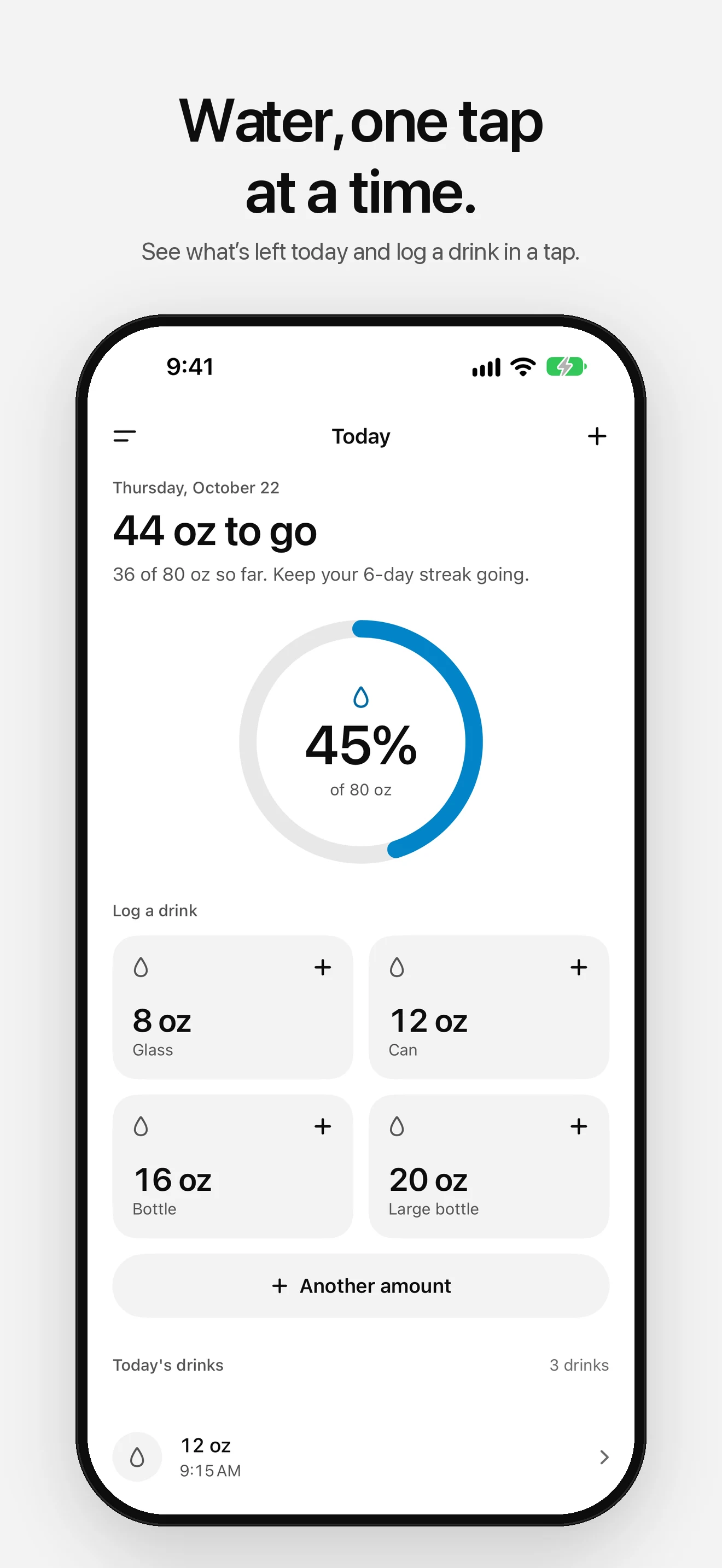
01 — Today -
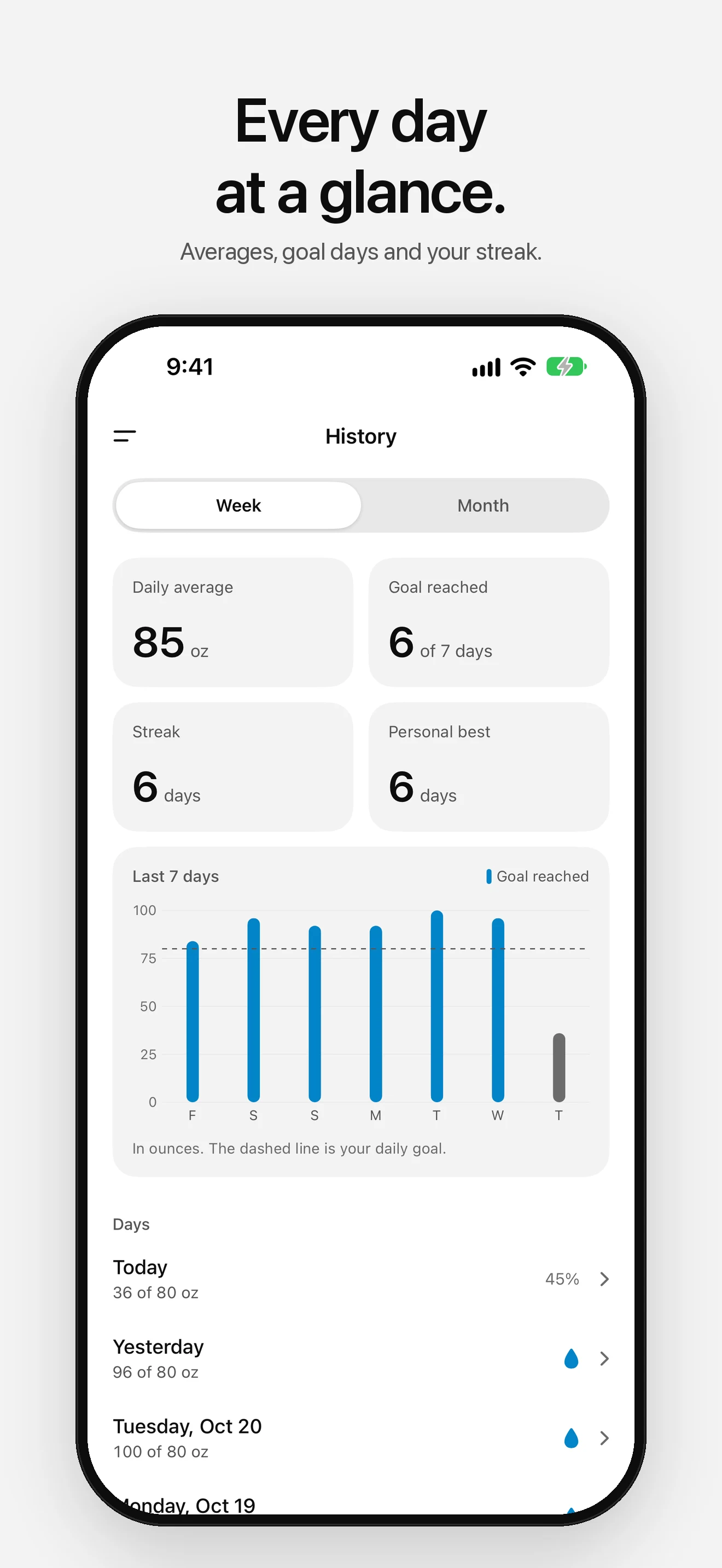
02 — History -
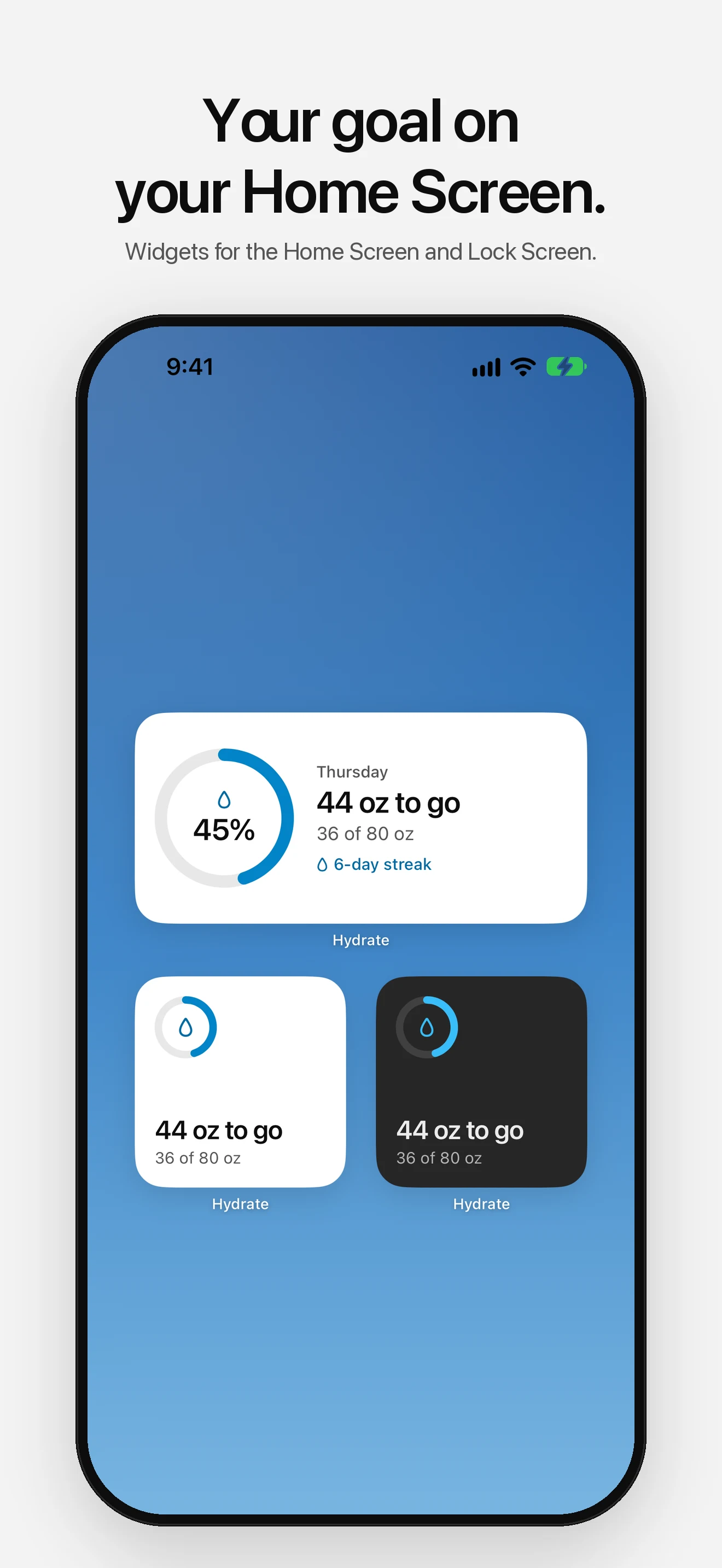
03 — Widgets -
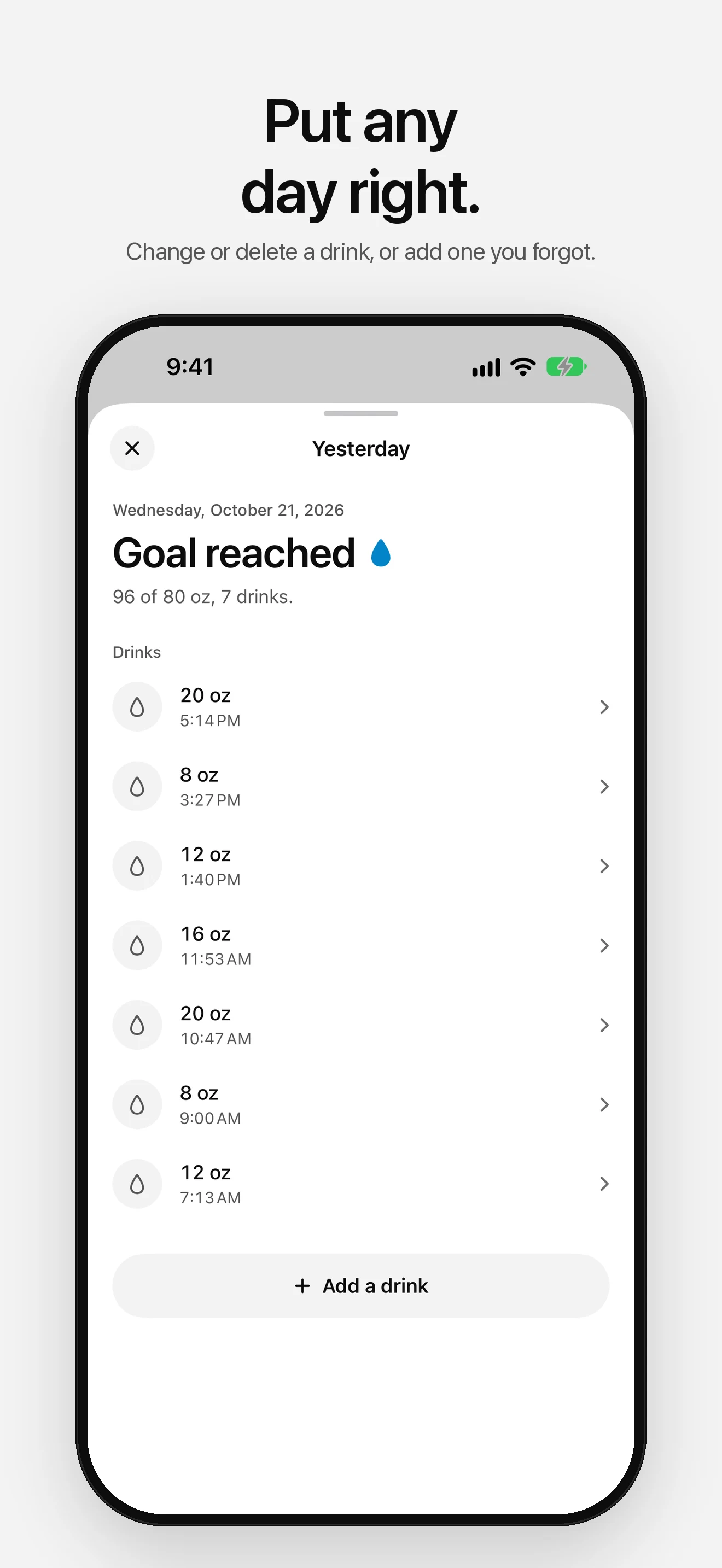
04 — Day Details -
05 — Apple Health -
06 — Accents -
07 — Dark Mode
Simple by design.
- 01
One-Tap Logging
Tap Glass, Can, Bottle or Large bottle, in ounces or milliliters. Any other amount, at any time, is one sheet away, for the drink you forgot to log.
- 02
What's Left, in Words
Today leads with "24 oz to go", then "Goal reached", with a ring that fills as you drink. Change or delete any drink, on any day.
- 03
Streaks and History
Your daily average, goal days, streak and personal best for the last week or month, with every day's drinks to look back on or put right.
- 04
Apple Watch
Log a drink from your wrist, see what's left, and add a complication to your watch face. Drinks reach your iPhone even if it was out of reach for a while.
- 05
Widgets
Home Screen and Lock Screen widgets show what's left today at a glance, in your unit and your accent.
- 06
Apple Health
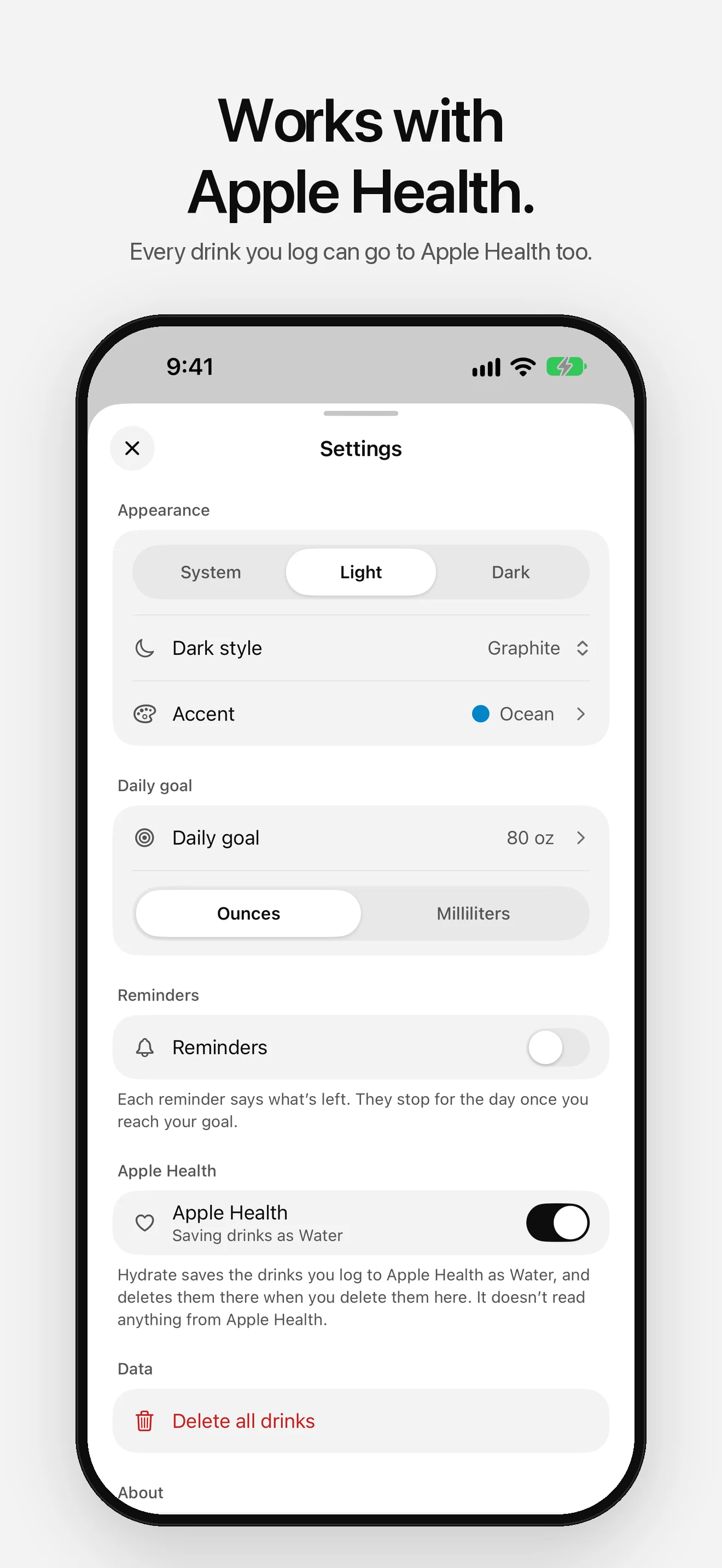
Connect Apple Health and every drink you log is saved there as Water, and deleted there when you delete it. Hydrate never reads your Health data.
Set it up your way.
- 01
Your Accent
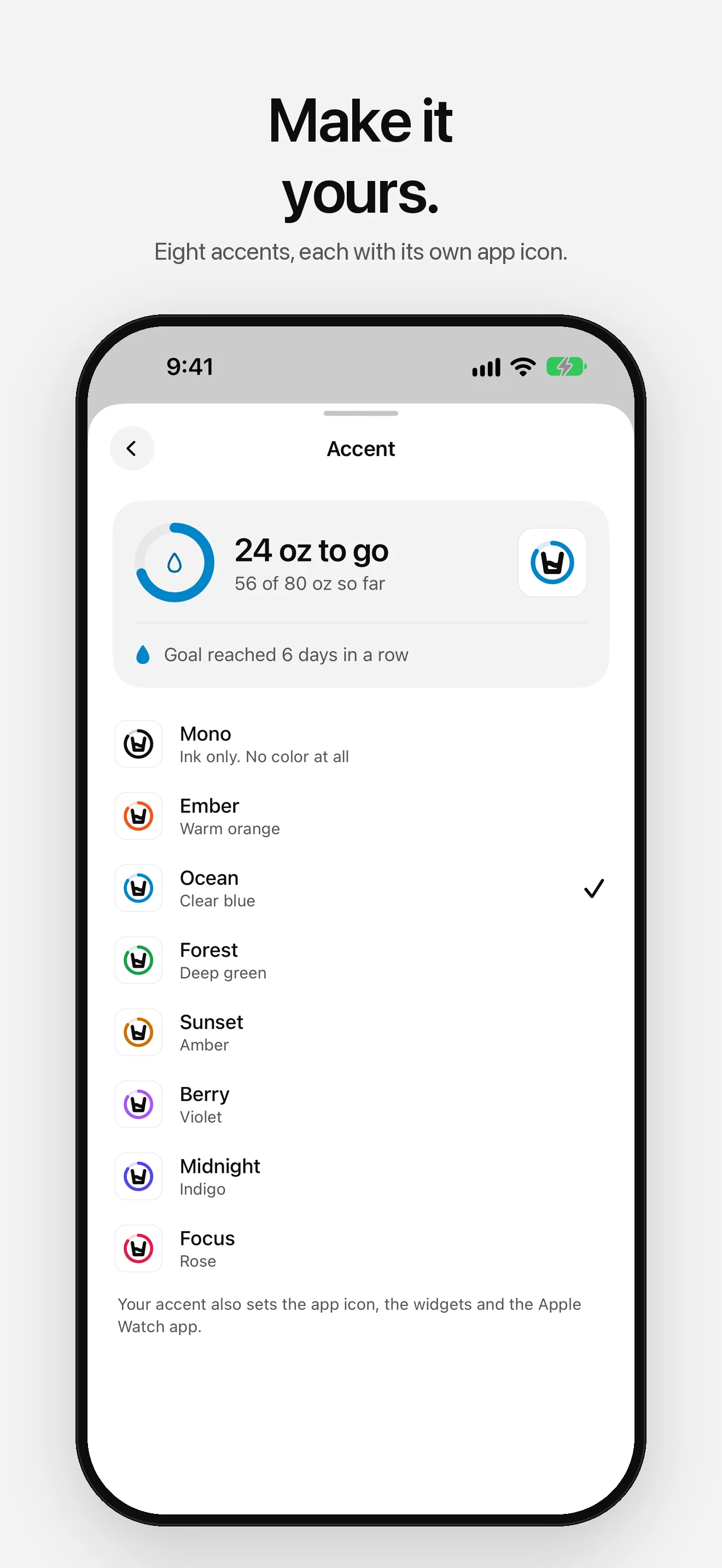
Pick one of eight accents to mark your goal. It sets the app icon too, with dark and tinted versions, and the widgets.
- 02
Day or Night
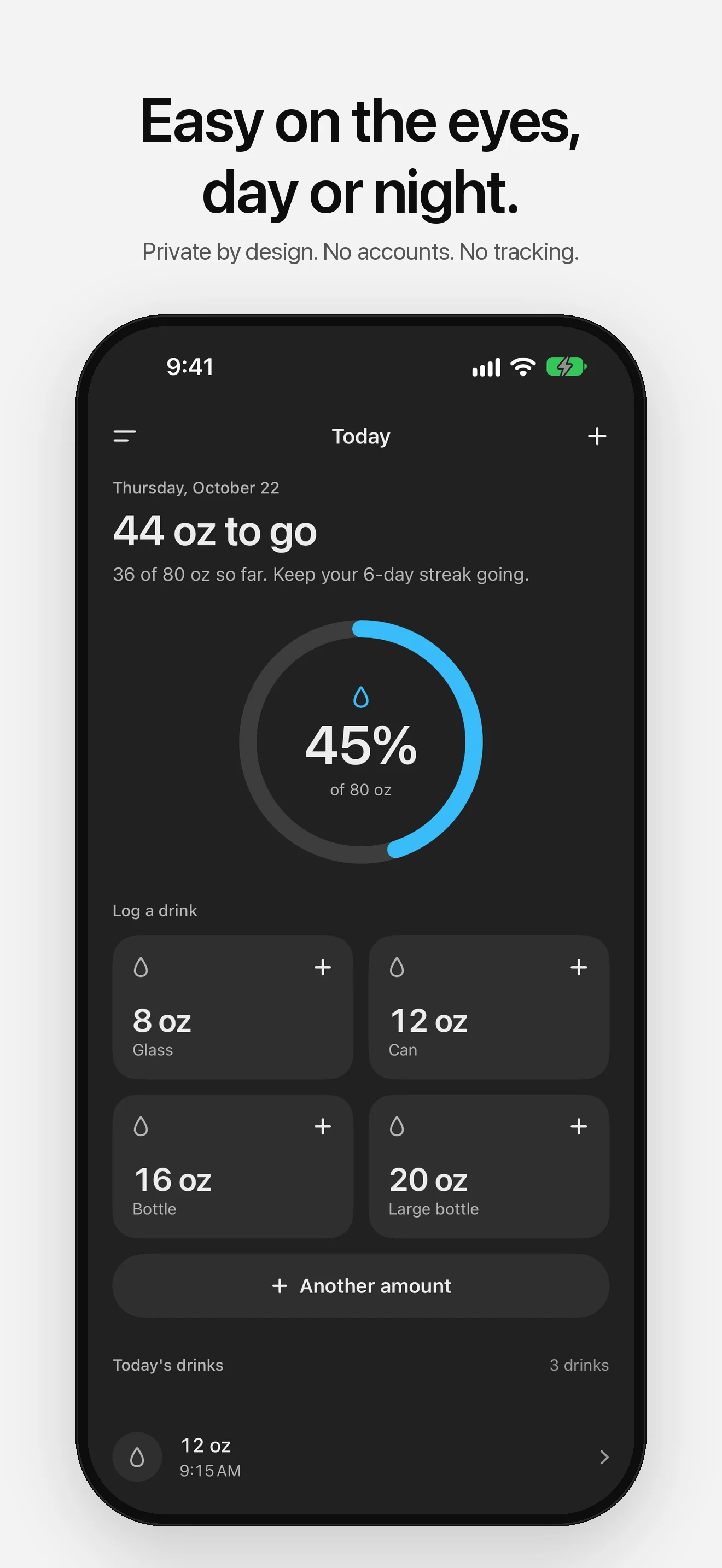
Follow your iPhone or pick Light or Dark. After dark, choose soft Graphite or true OLED Black.
- 03
Gentle Reminders
Reminders every one to four hours, between the hours you choose. Each says what's left, they stop once you reach your goal, and you can log a glass right from one.
Your data stays yours.
No ads. No tracking. No cloud sync. Your drinks stay on your device and your Apple Watch, and go to Apple Health only if you connect it. Anonymous diagnostics (crash reports and which screens you use, never your drinks) help fix problems, and you can turn them off in Settings.
Read the full privacy policyStart hydrating.
Free on the App Store. No account required.