VOICE RECORDER
Talk now. Read it later.
Tap once to record. Voice Easy writes out what you said right on your iPhone, so you can read it back, search it and keep it private. No account, no cloud.

See it in action.
-
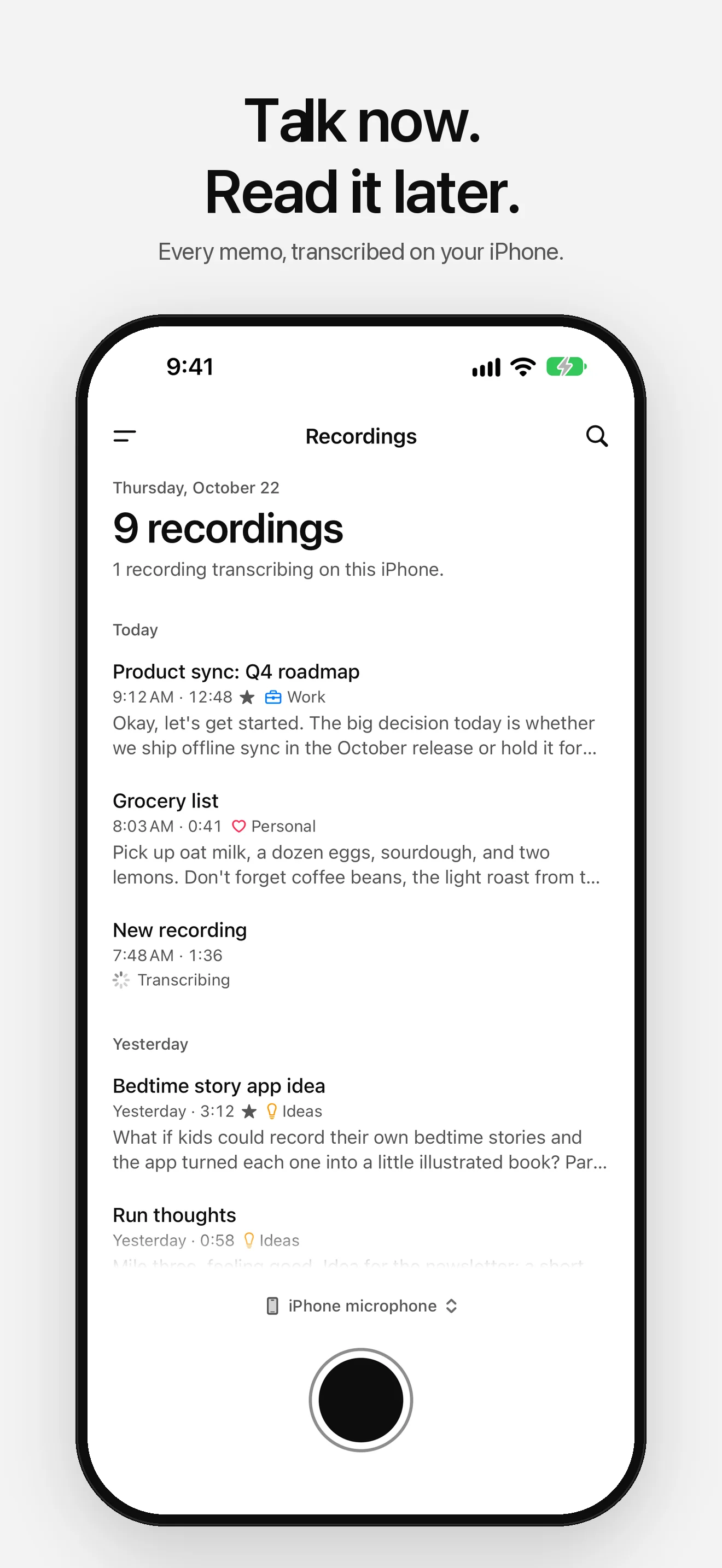
01 — Recordings -
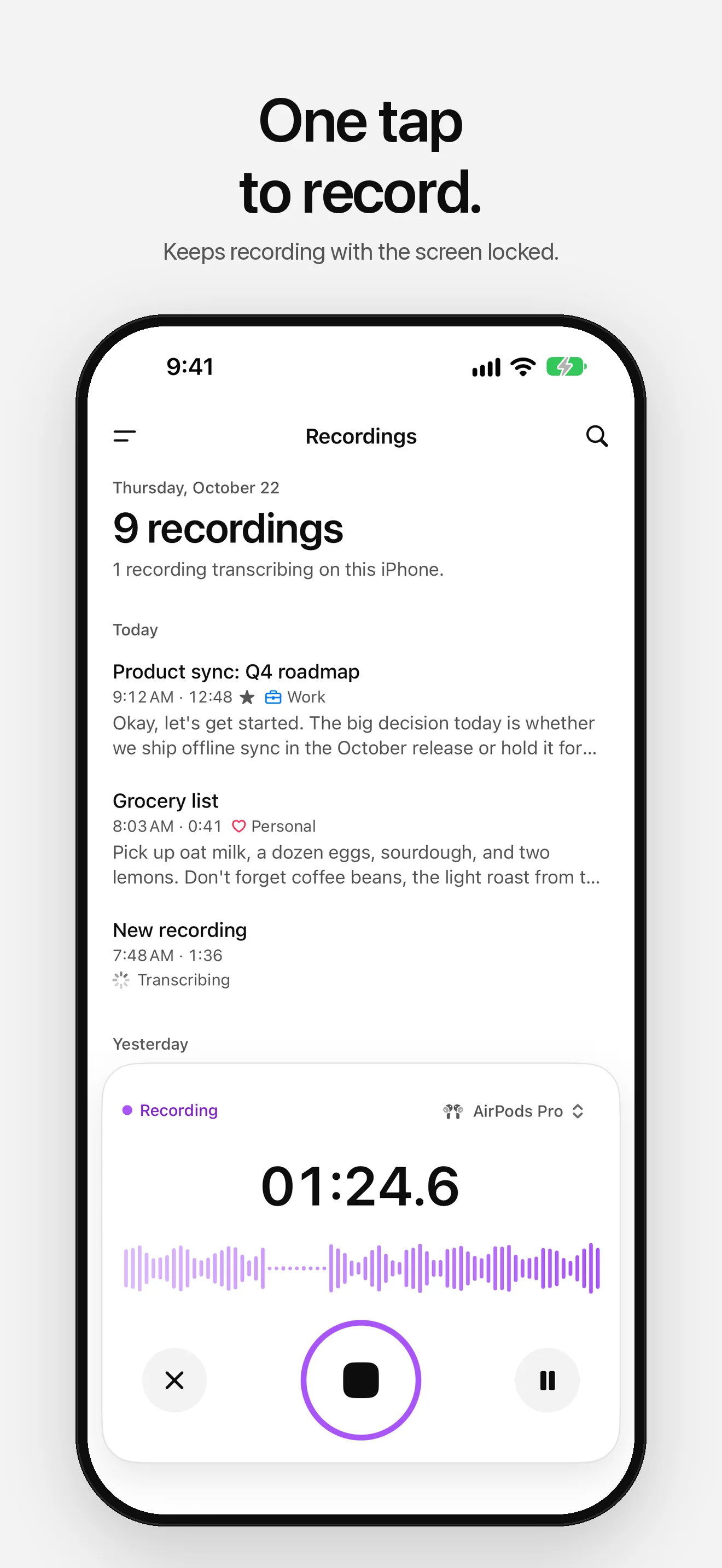
02 — Recording -
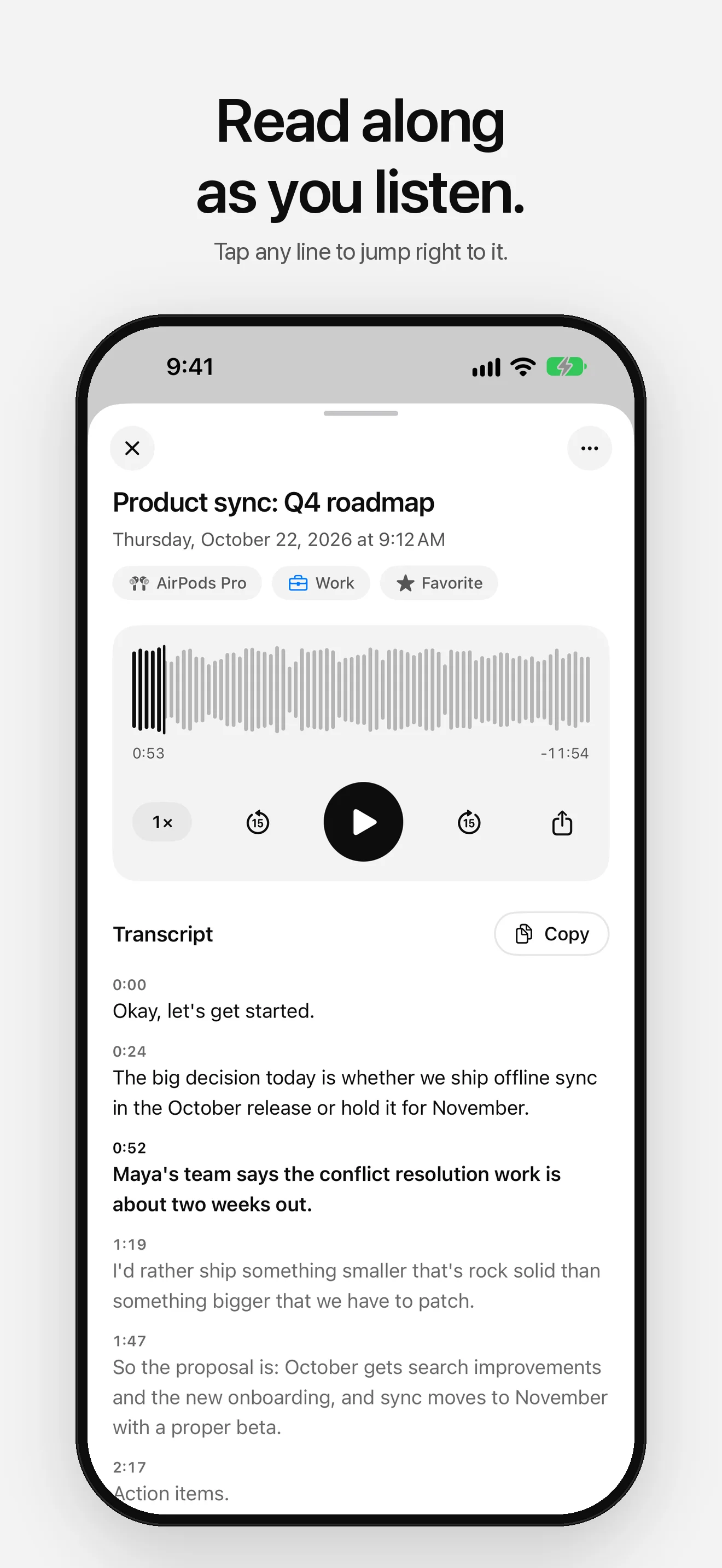
03 — Transcript -
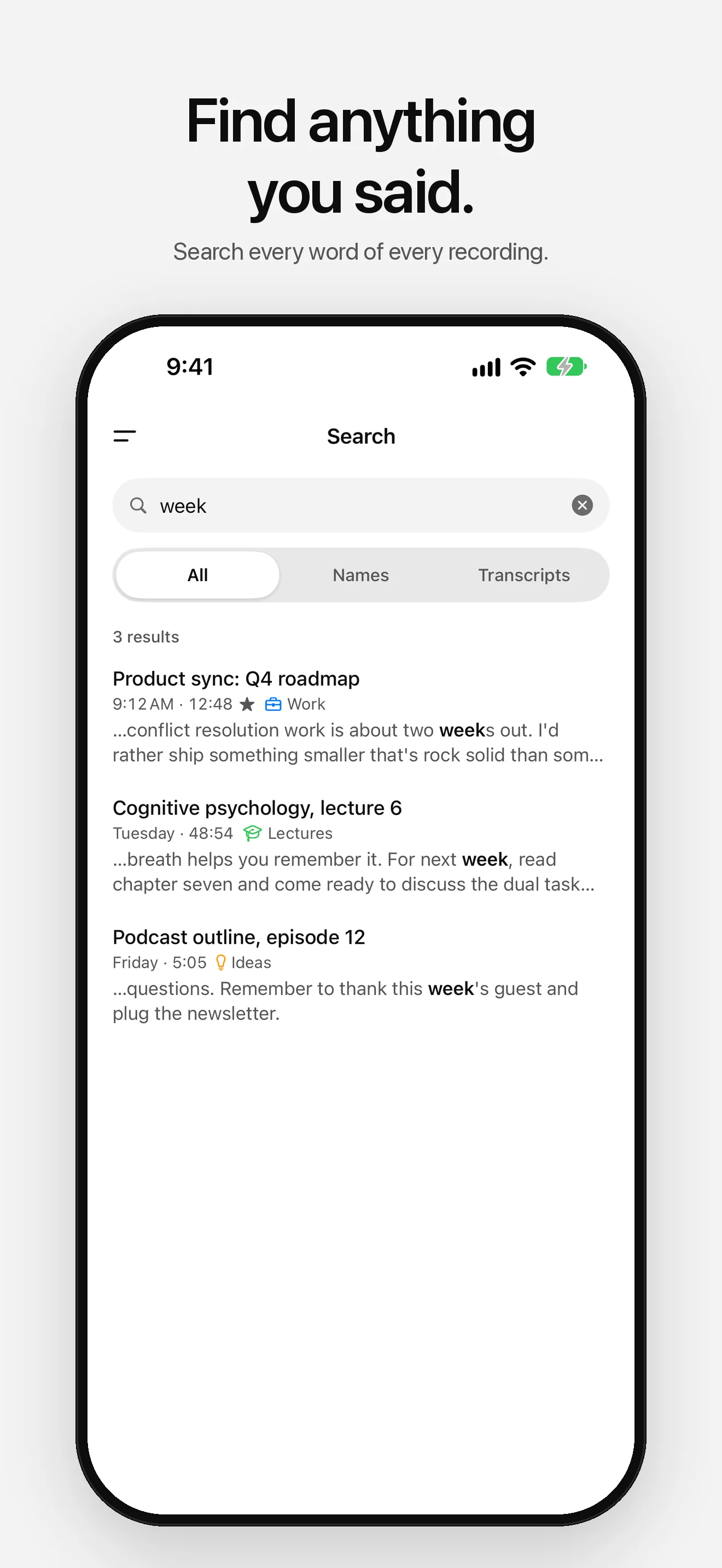
04 — Search -
05 — Folders -
06 — Widgets -
07 — Dark -
08 — Accents
Everything you need, nothing you don’t.
- 01
One tap to record
The record button sits at the bottom of every screen. Recording keeps going with your iPhone locked, and a call pauses it instead of ending it.
- 02
Transcribed on your iPhone
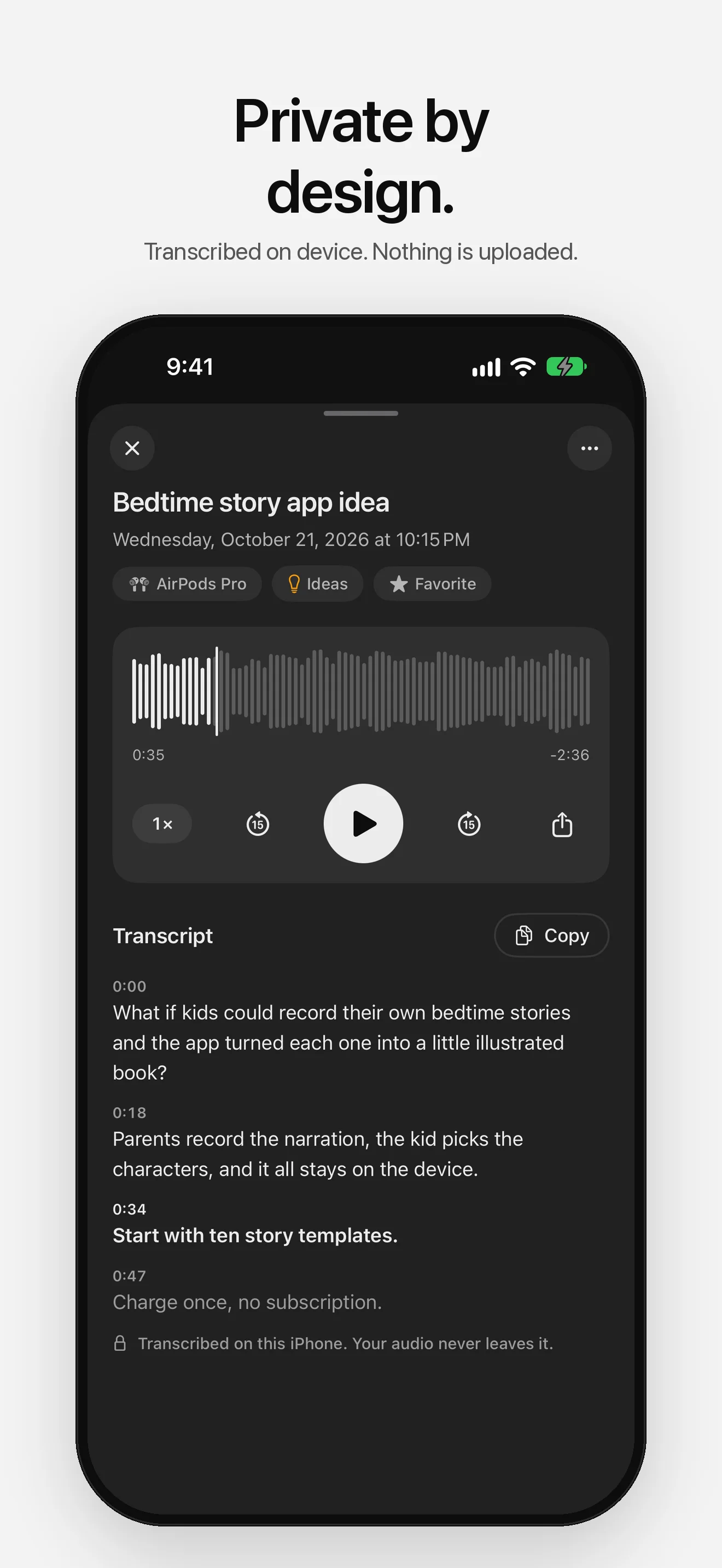
Apple’s on-device speech recognition writes out every recording. Your voice is never uploaded, and recordings you don’t name are named from what you said.
- 03
Read along
The transcript follows playback. Tap any line to jump there, change the speed, or scrub the waveform.
- 04
Search every word
Find any recording by its name or by something you said in it.
- 05
Folders, your way
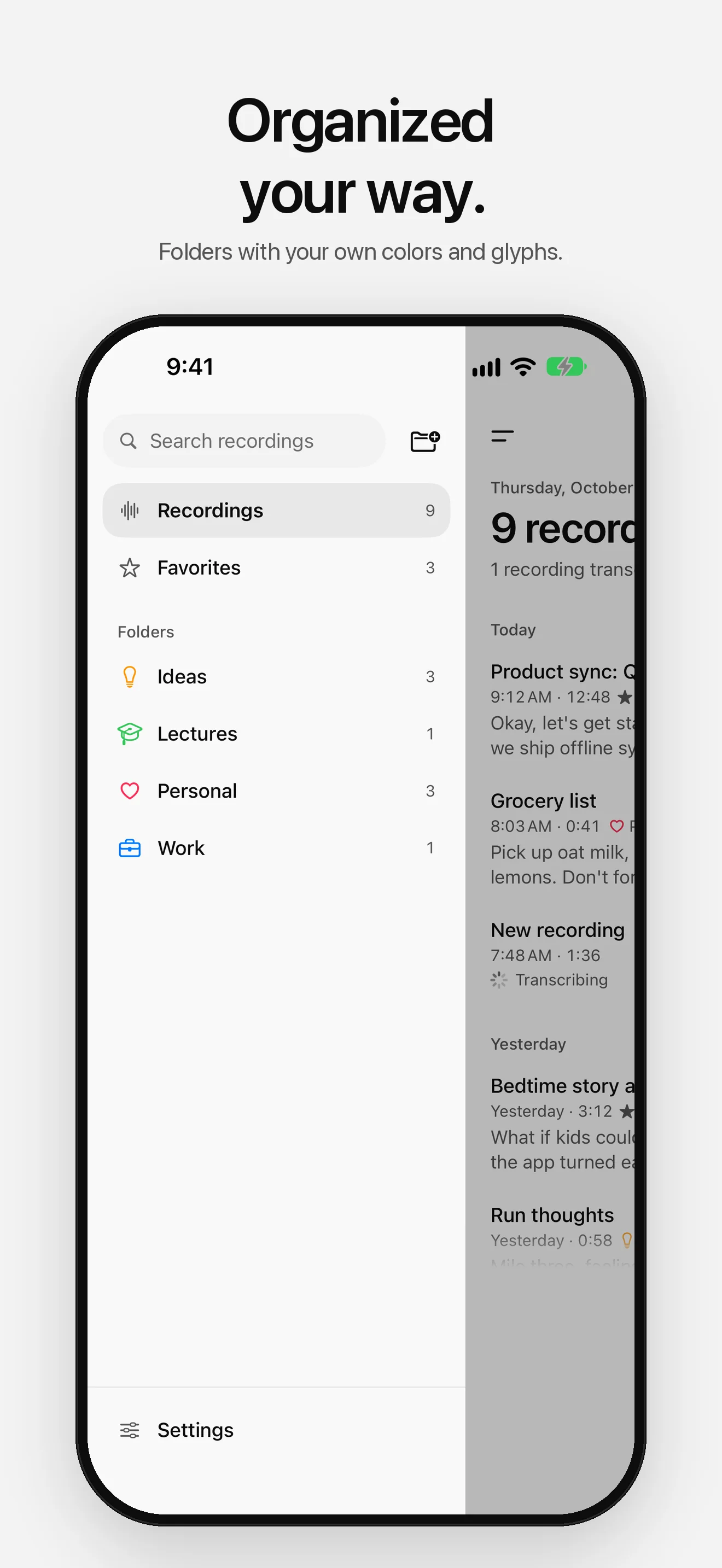
Keep recordings in folders with your own colors and glyphs, and mark your favorites.
- 06
Apple Watch
Record a memo from your wrist. It goes straight to your iPhone to be transcribed.
Your voice stays with you.
Recording, transcription and search all happen on your iPhone. Audio and transcripts stay on your devices: no account, no cloud, no tracking. The only download is Apple’s speech model for your language, which iOS may fetch once. Anonymous diagnostics (crash reports and which screens you use, never your recordings or transcripts) help fix problems, and you can turn them off in Settings.
Read the full privacy policyStart recording.
Free on the App Store. No account required.

More apps

Track your weight privately: the trend in plain words, goals, and progress photos that stay on your iPhone.

Track blood pressure privately: AHA categories in plain words, averages and a PDF for your doctor.

Know what's left to spend. Type expenses in a few words, set a budget, no bank login.